Random World Events V2.3
Random World Events V2.3
FS25 Random World Events
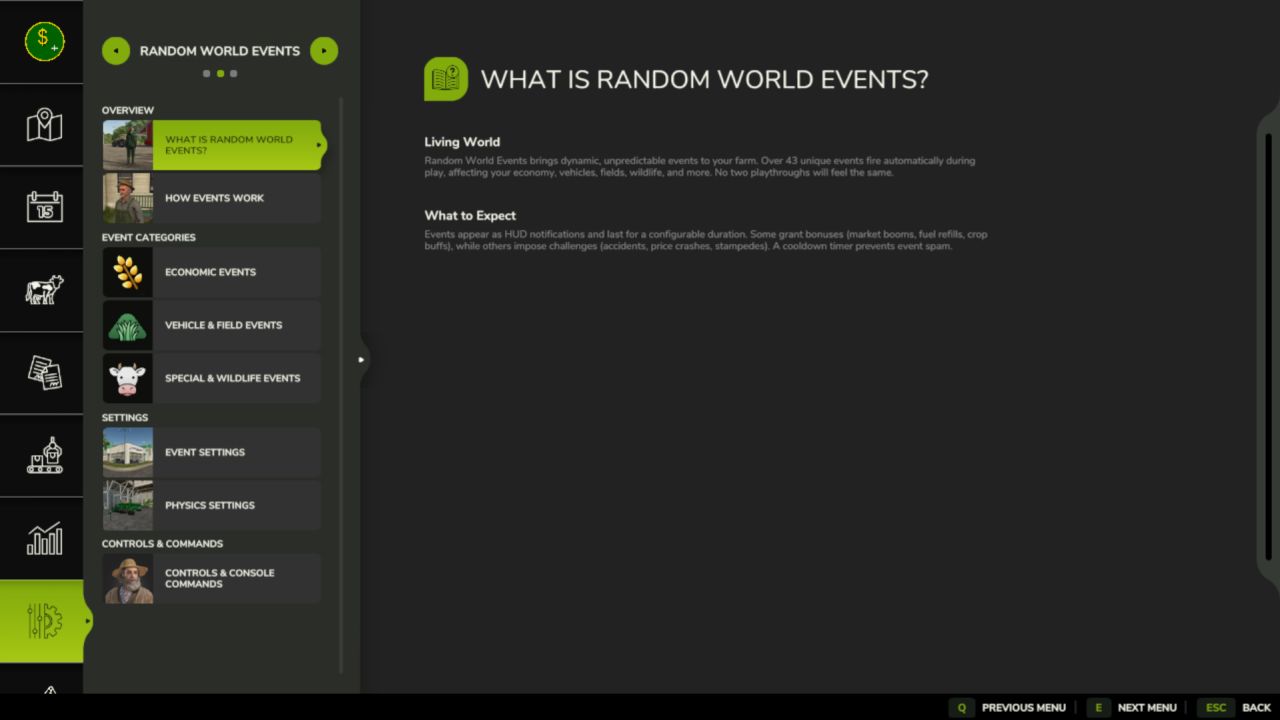
The full FS25 rewrite of the FS22 original. A probabilistic event engine fires timed world events as you play, hitting your economy, vehicles, fields and more. Every event has its own intensity, duration and cooldown, only one runs at a time, and the cooldown keeps things from spamming. A separate physics layer also tunes terrain-aware wheel grip and suspension on the vehicle you’re driving, every frame. All settings save per savegame, so every farm runs its own way.
Features
Probabilistic Event Engine
43+ Events Across 5 Categories
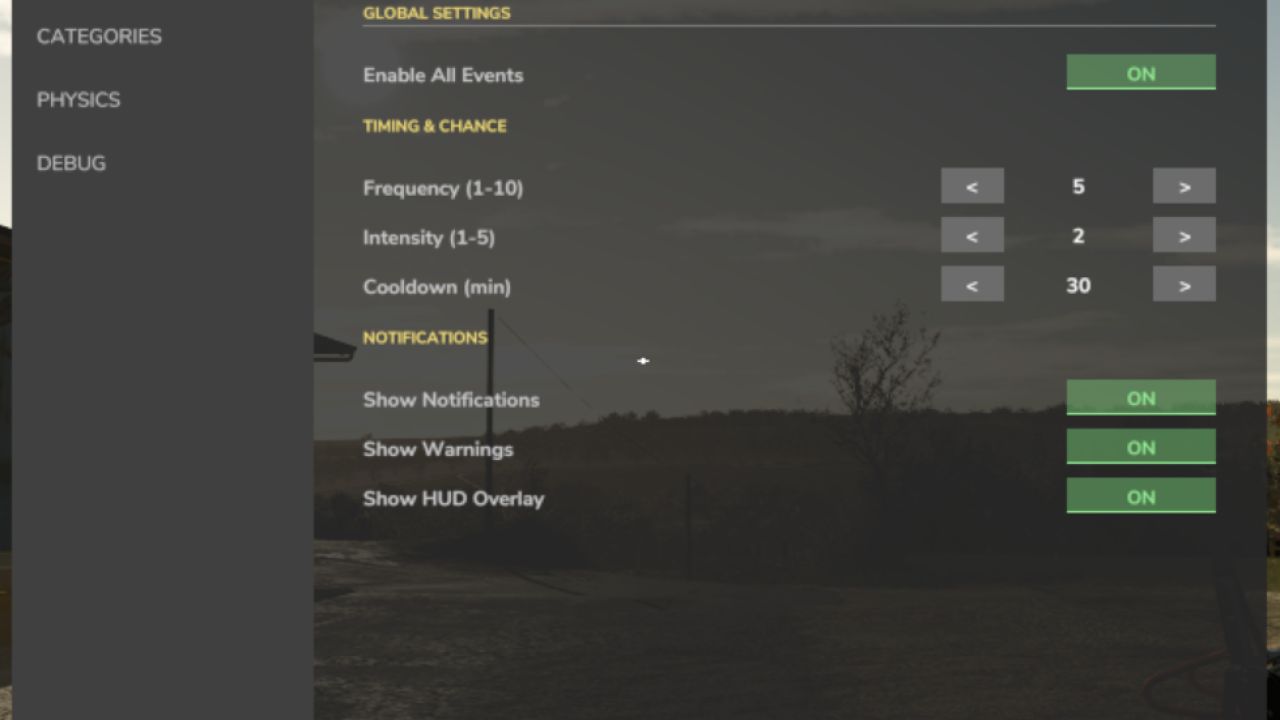
Configurable Frequency, Intensity & Cooldown
Per-Category Toggles
Manual Event Trigger
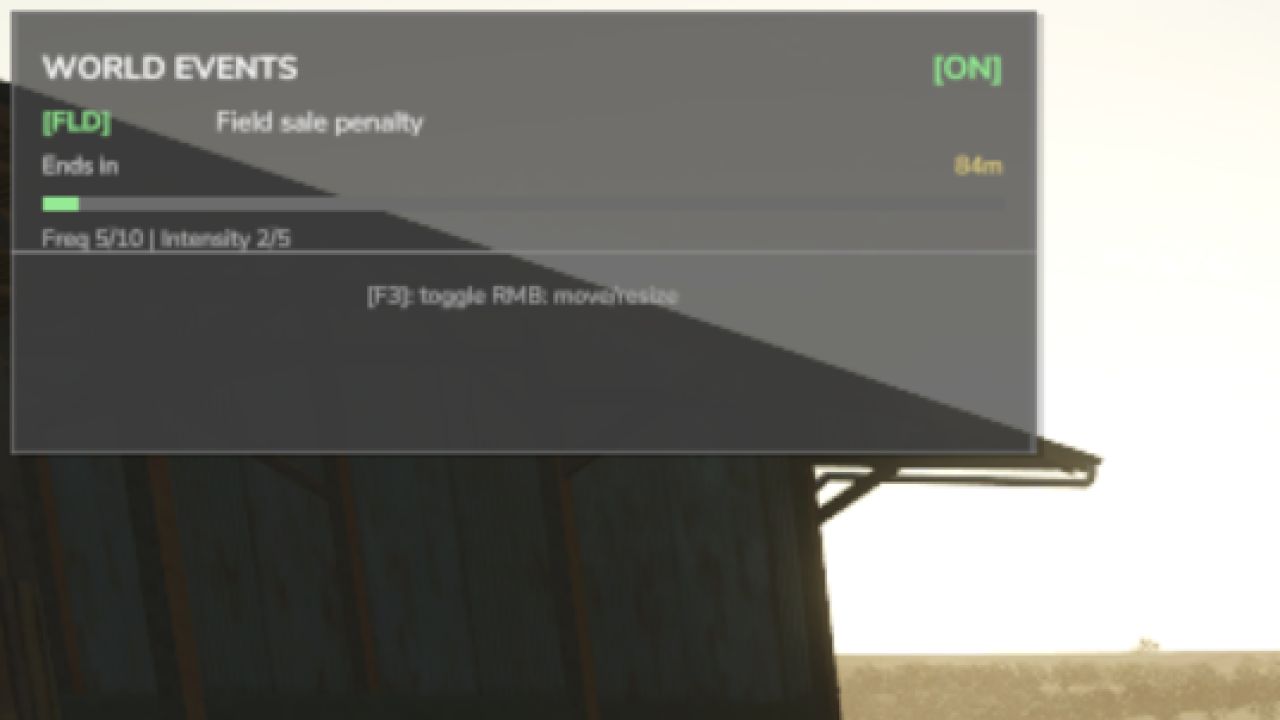
HUD Notifications & Warnings
Terrain-Aware Vehicle Physics
Per-Savegame Config
Controls
Toggle the Event HUD: F3
Open the Settings panel: Shift + O
Fire a test event (console): rweTest
Note that only one event runs at a time and a cooldown sits between them, so each one actually lands instead of drowning you in chaos! Heads up: Weather events are still in the works, and in multiplayer the economy and physics effects currently apply per player (full network sync is on the way).
V2.3.0.0
Changed
Balance change: money events now pay, in single player too. Before, most money events (subsidies, donations, insurance, windfalls, bills) never reached any farm. Every eligible farm now gets its money as a line on its finance statement, so you will notice them.
Event price changes go through Market Dynamics instead of patching the game’s prices directly.
Wear events scale wear on every vehicle actually in use (driven by any player or run by a hired worker), decided by the server; parked vehicles are untouched. Low Wear and High Wear scale the usage damage they were meant to.
Added
Multiplayer: every event announcement now reaches every player. Before, only a listen host saw events fire, and on a dedicated server nobody did.
An event HUD show/hide toggle in the Control Center, Control Center actions, and an event HUD that follows the base game’s theme and can be resized in width.
With Tax Mod installed, money from random events shows in Tax Mod’s companion ledger.
Fixed
The settings panel keeps the mouse cursor and holds the camera while it is open.
Keyboard defaults are bound and no longer collide with other suite mods, and the settings screen no longer shows a stale key.
Key presses are registered only where they belong (on foot or in a vehicle).
Multiplayer: a settings change made through Settings Hub is saved only by the host.
Author: tisonK