Strands Monitum Pack (Prefab) V1.0
Strands Monitum Pack (Prefab) V1.0
NLM Strands Monitum Pack – Prefab
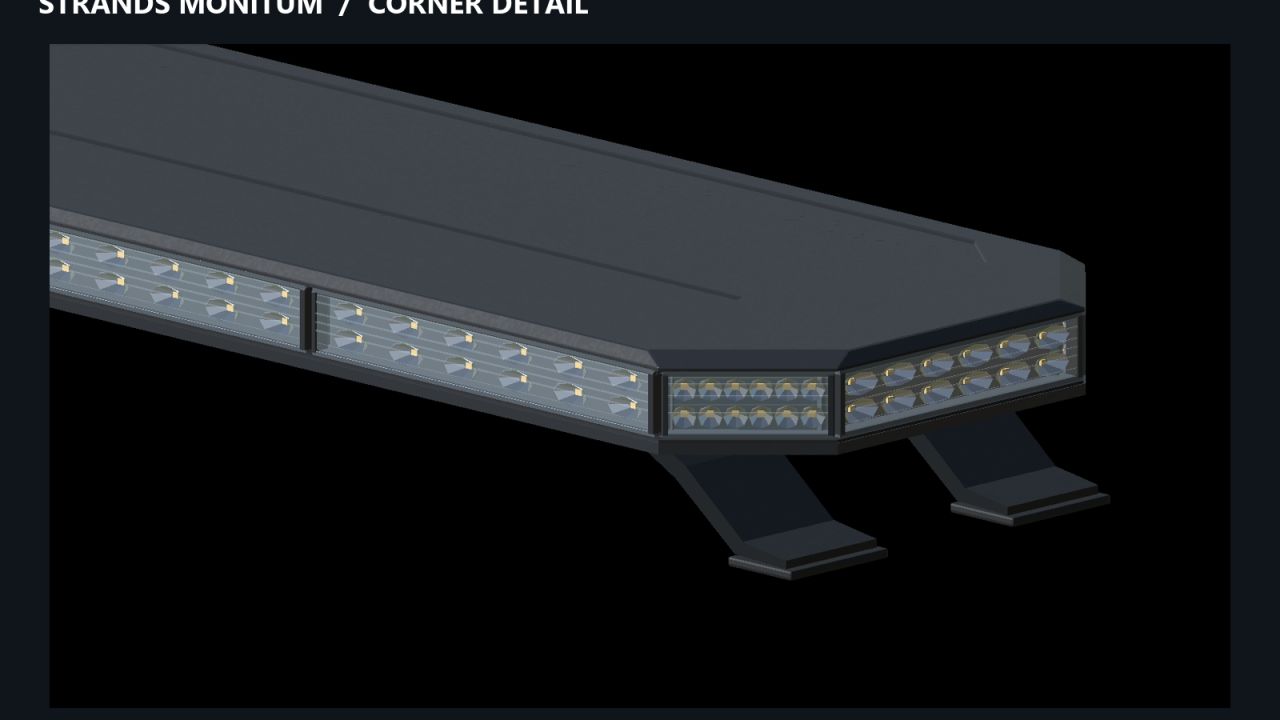
Equip your Farming Simulator 25 vehicles with Strands Monitum amber warning lightbars. This pack includes seven lengths for fitting to tractors, trucks and construction machinery.
Features:
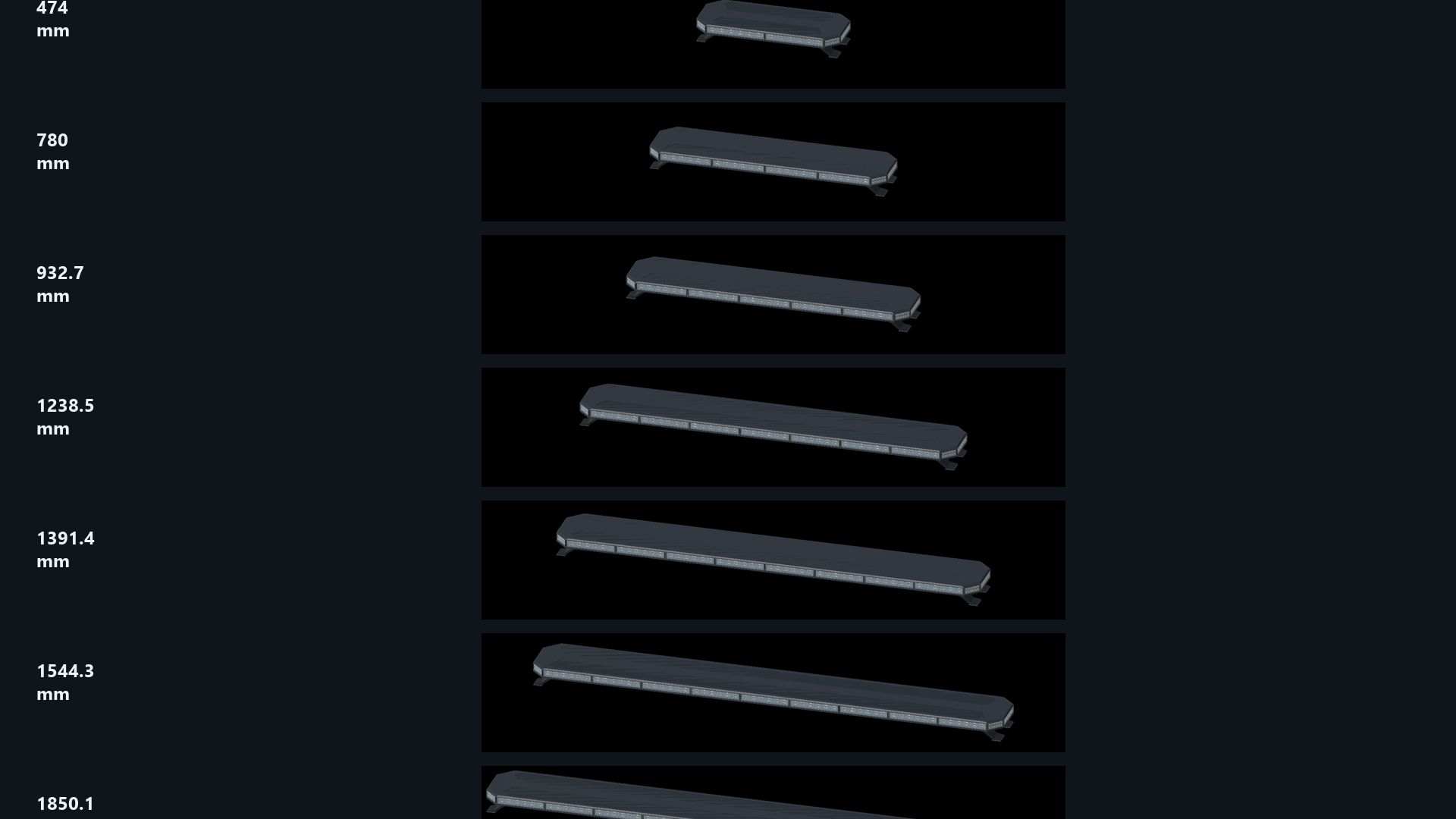
Seven lengths: 474, 780, 932.7, 1,238.5, 1,391.4, 1,544.3 and 1,850.1 mm.
Six fixed flash patterns: single, double and quadruple flashes, either synchronized or alternating between the left and right sides.
Optional random mode that automatically switches between the six patterns.
Independently adjustable mounting feet for positioning in GIANTS Editor.
Operated using the vehicle’s standard beacon controls.
XML files and connection examples for every size.
Included XML helper that runs locally in your browser.
Installation guides in English, Swedish and Norwegian.
The six fixed patterns require no additional Lua script. Random mode uses the included script for PC/Mac. Flash patterns are adapted for FS25.
Installation:
This is a prefab pack for modding. It must be installed on a vehicle using GIANTS Editor and connected through the vehicle’s XML. Placing the archive directly in your mods folder will not add a purchasable item. Follow the included installation guide.
Enable Realistic Beacon Lights in the game settings to illuminate the ground and surrounding surfaces.
Created by NorthernLight Modding
You are welcome to use and modify this prefab in your own projects. Retain credit to NorthernLight Modding for the original work and identify your own changes separately.
Author: NorthernLightModding