Field creation V1.2

Field creation V1.2
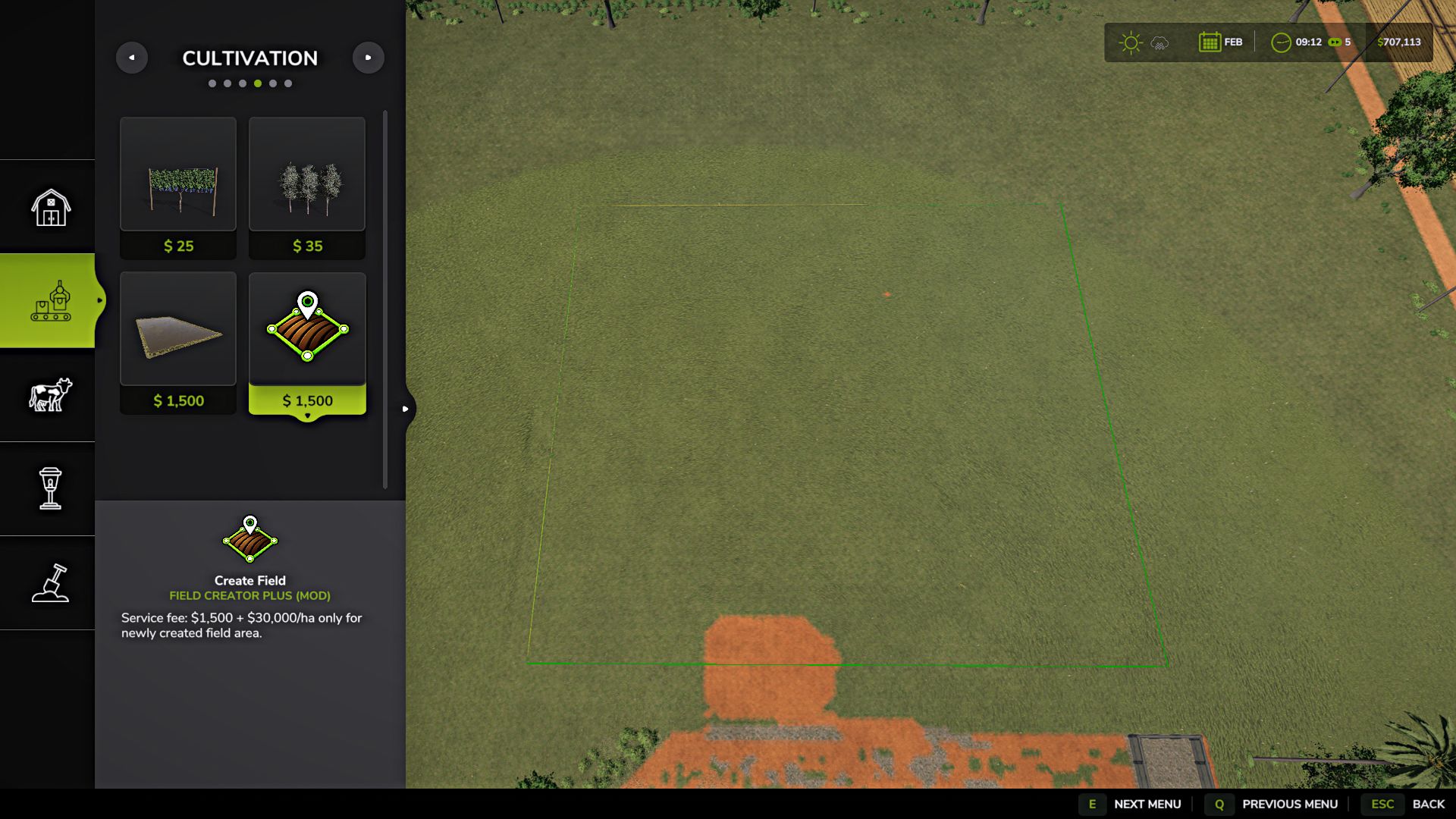
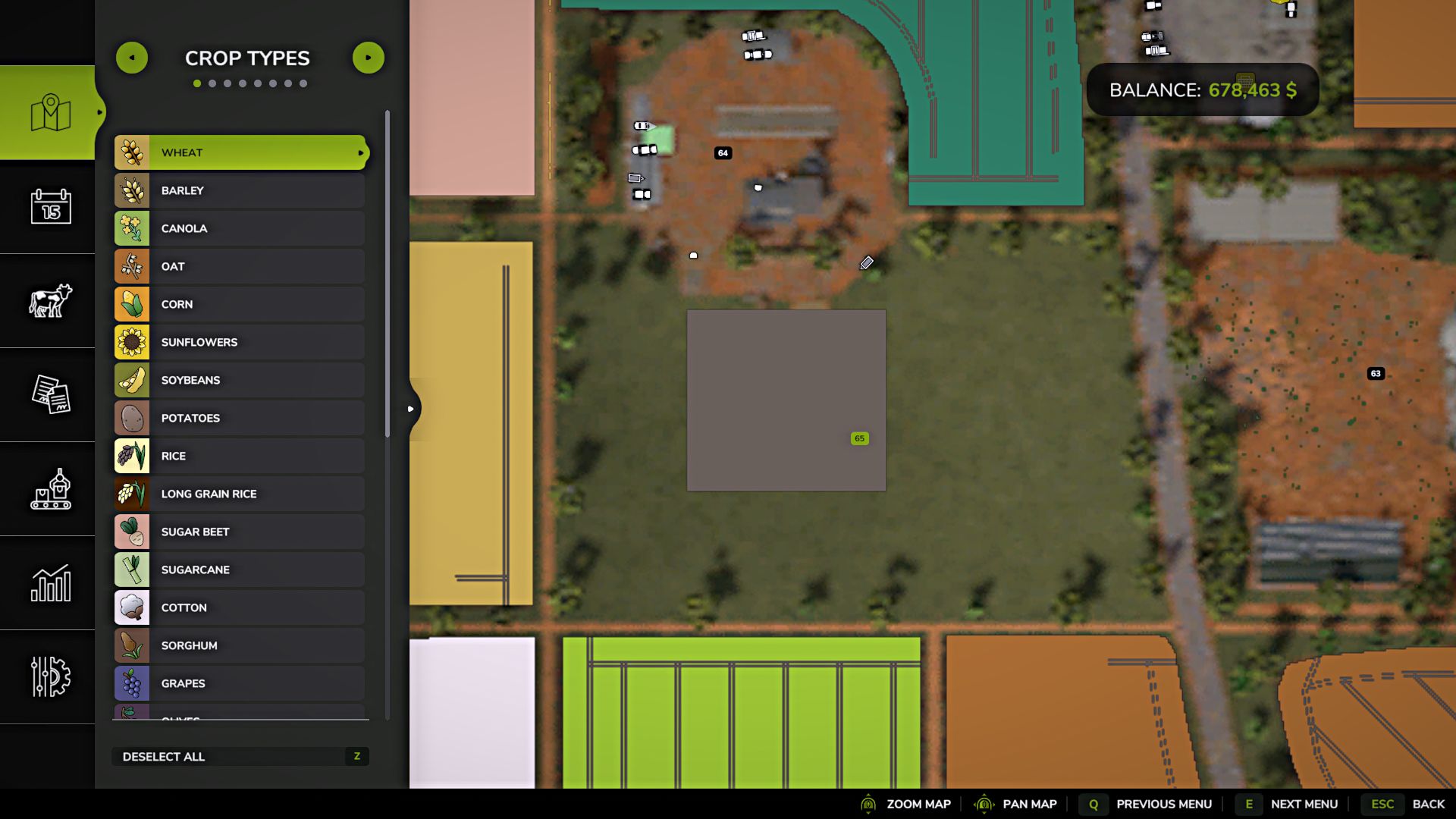
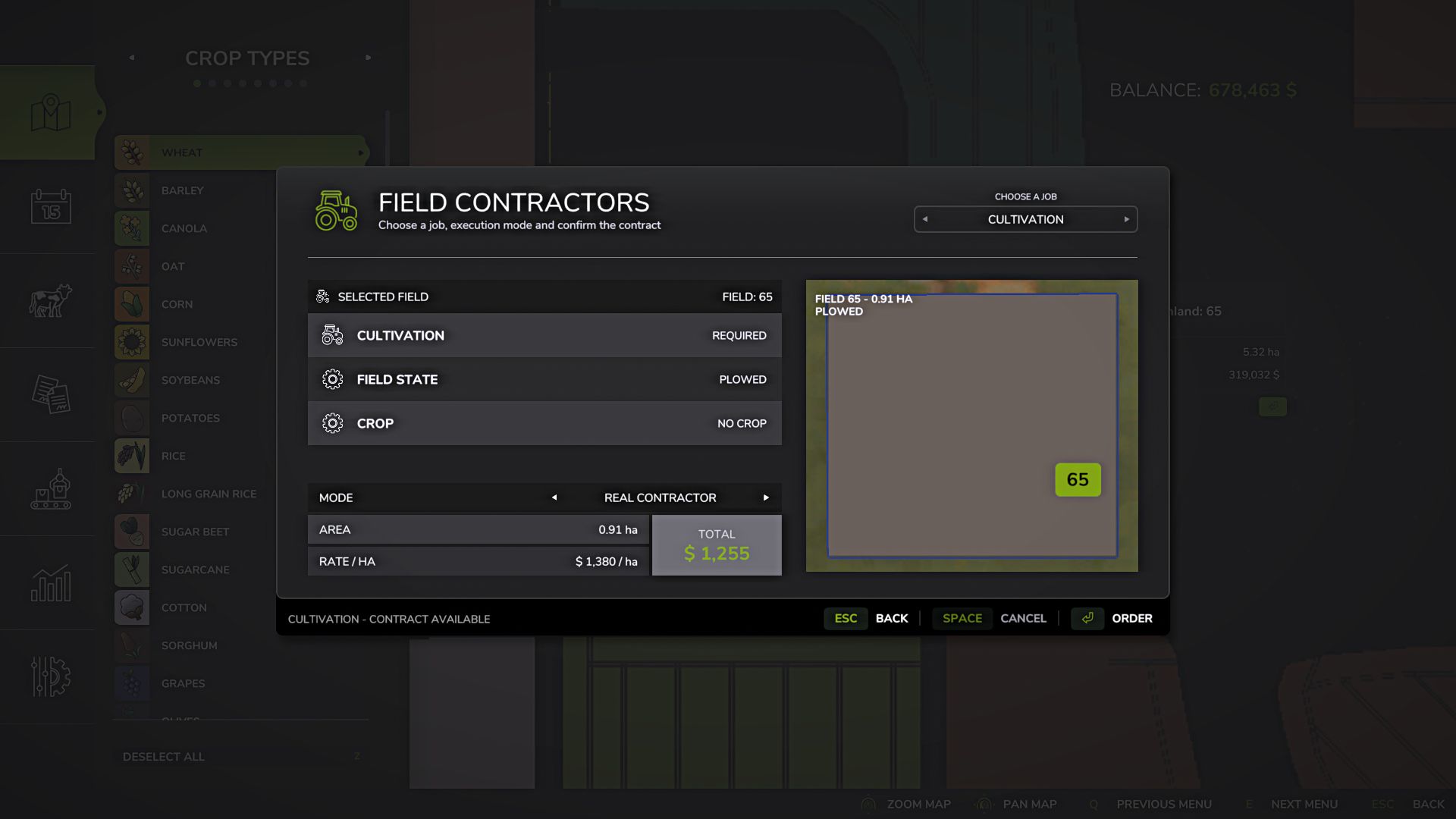
Field Creator Plus allows you to create new fields, merge several fields and expand existing ones directly through the construction menu.
Draw the outline of the future field using points and confirm its creation. You can use free-form construction or the game’s standard snapping for straighter edges.
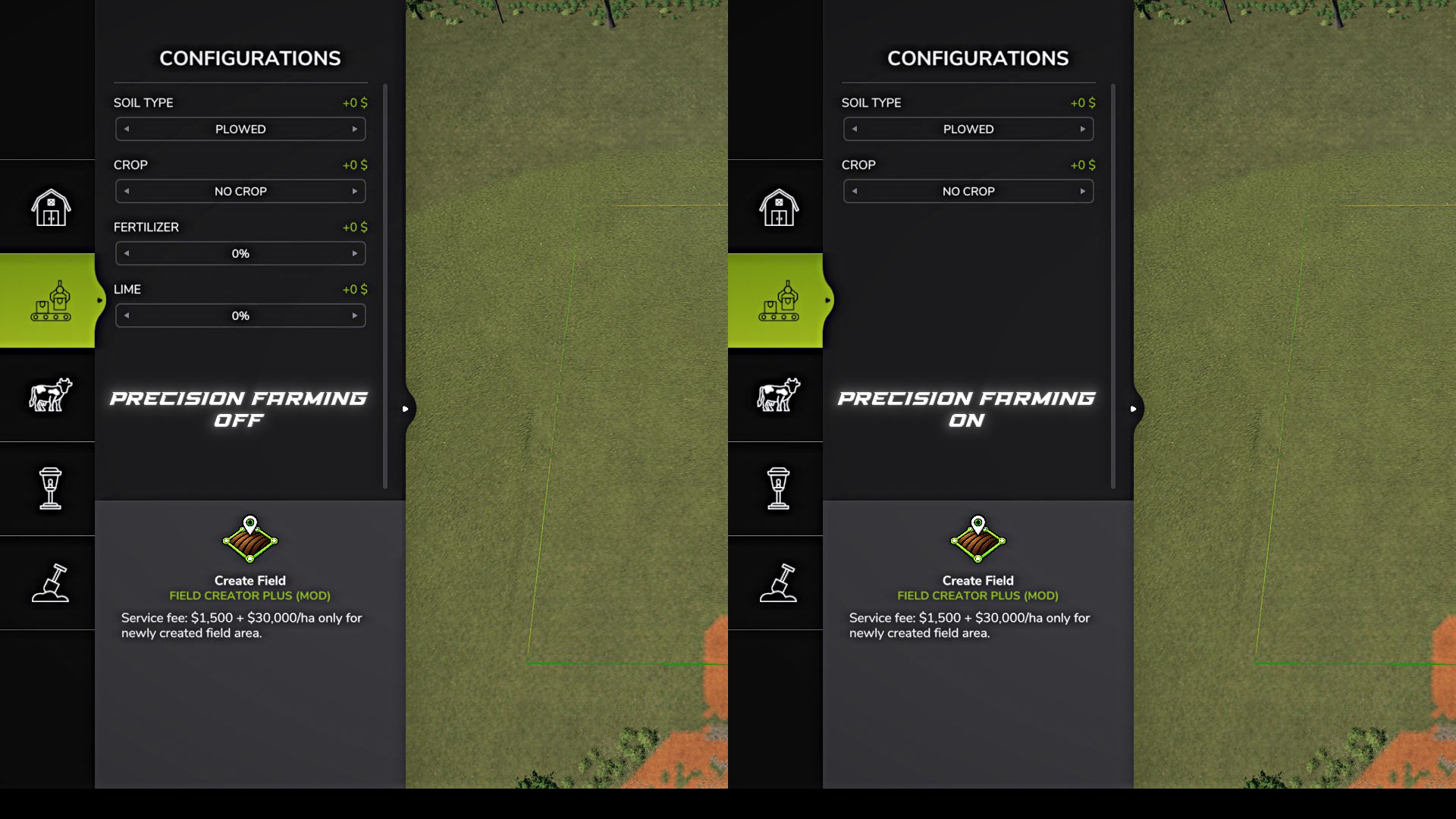
Before creating a field, open “Configurations” using the F key.
Without Precision Farming, the following are available:
soil type: “Plowed” or “Cultivated”
crop: “No crop” or any crop available for sowing on the current map.
fertilizer level.
lime level.
With Precision Farming, only the soil type and crop are available. Nitrogen and pH levels remain under the control of Precision Farming and are not changed by the mod.
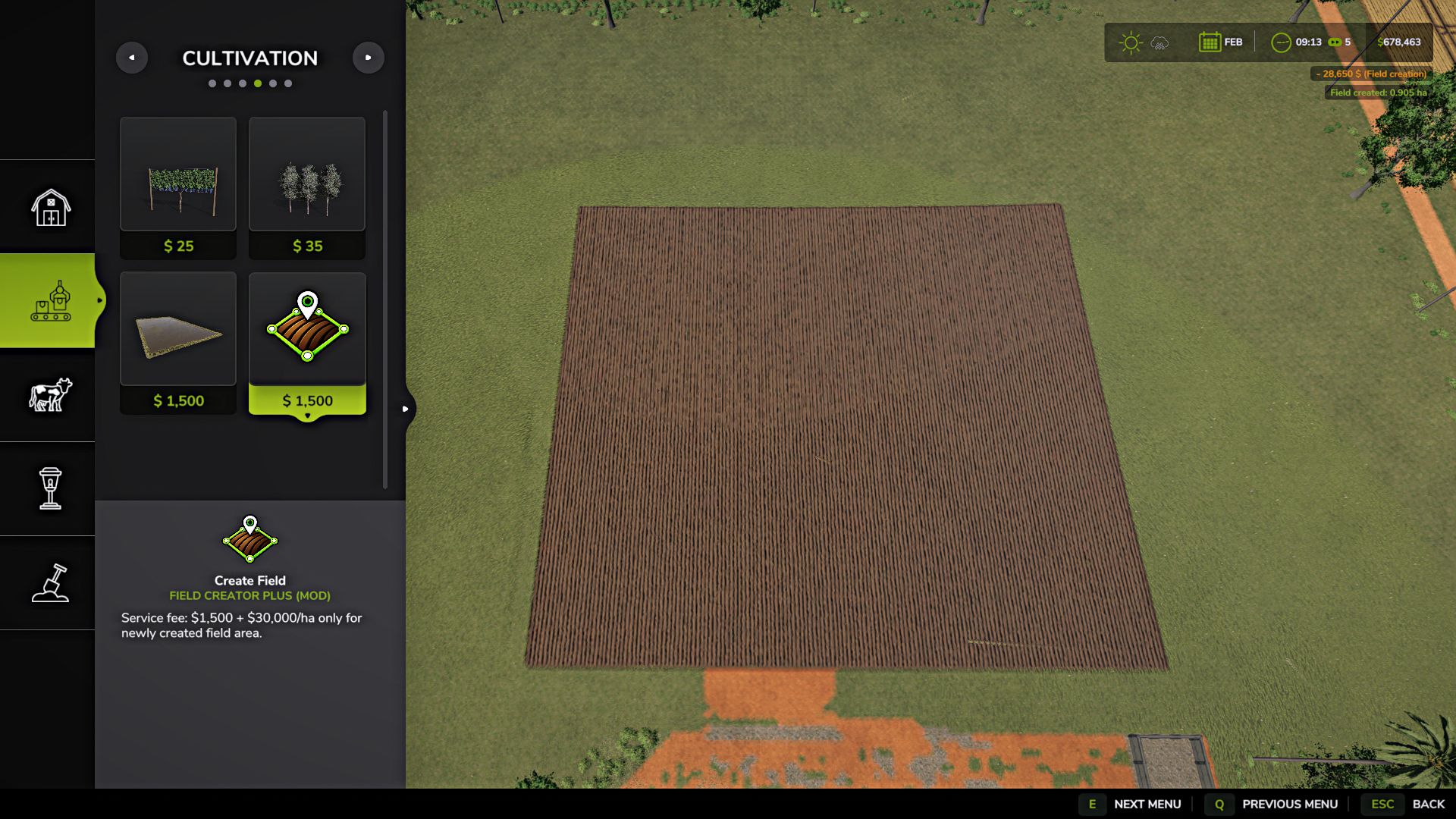
Each new area is considered fully plowed. If the soil type “Cultivated” is selected, the field will look cultivated, but the need for plowing will already be cleared.
If a crop is selected, it is created at the first growth stage, and the new area is immediately considered rolled.
Existing fields inside the outline are not changed. Their crop, soil condition and already cultivated area are preserved. If several existing fields are enclosed with a single outline, the mod will create a field only in the sections between them where there was no field before.
This allows you to merge several existing fields into one large field without destroying growing crops or changing the condition of the original sections.
Creation cost:
$1,500 per service + $30,000/ha of new area.
If part of the outline passes over an existing field, that area is not created again and no fee is charged for it.
The mod supports large and complex outlines, works on uneven terrain and preserves the standard behavior of fields.
Supported in single-player, multiplayer and on dedicated servers.
Maximum area of a single outline: 10,000 ha.
Note for dedicated servers:
Sometimes, after creating a field or selecting the tool repeatedly, the standard game message “Item not sold / Failed to sell” may appear.
The same behavior can be observed with the standard rice field tool. This message does not affect the created field—just close it and continue playing.
V1.2.0.0
Added a new Expand Field tool.
Expansion starts from an existing field and applies only to the newly added area.
The new part inherits the crop, growth stage and cultivation state of the original field, while the existing part of the field remains unchanged.
When expanding, you cannot cross other unrelated fields. A minimum distance of 3 m is maintained between them.
Added a mode for removing standing trees when creating and expanding a field. Toggle it with the B key.
Added the ability to undo the last placed point with the Backspace key.
Improved the standard contour creation for the field creation and expansion tools.
Fixed the behavior of lines on uneven terrain, as well as snapping and automatic contour closure.
Removed the limitations of the standard rice field editor that should not apply to regular field creation.
Removed the artificial limitation on the number of contour points.
The 10,000 ha limit is now calculated only from the actually newly created area.
Improved obstacle detection when drawing the field boundary.
Processing very large and complex contours may take a little longer when creating or expanding a field.
Note:
The main features of version 1.2.0.0 were tested in single-player, multiplayer and on a dedicated server without any errors being detected. If you encounter a problem, please report it and, if possible, indicate the tool and the conditions under which it occurs. Until the problem is fixed, you can temporarily revert to version 1.1.0.0 if necessary.
Author: B L D W D