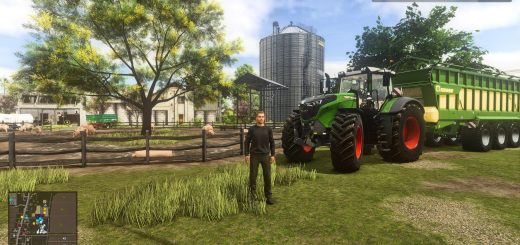
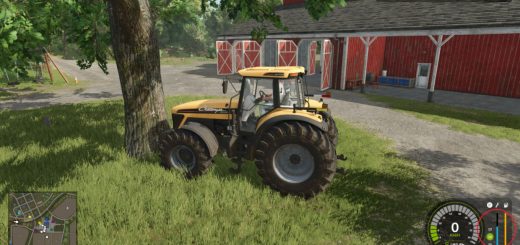
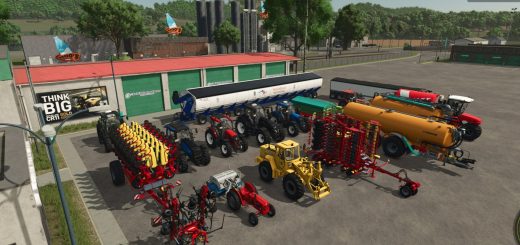
Apex Guidance v1.0
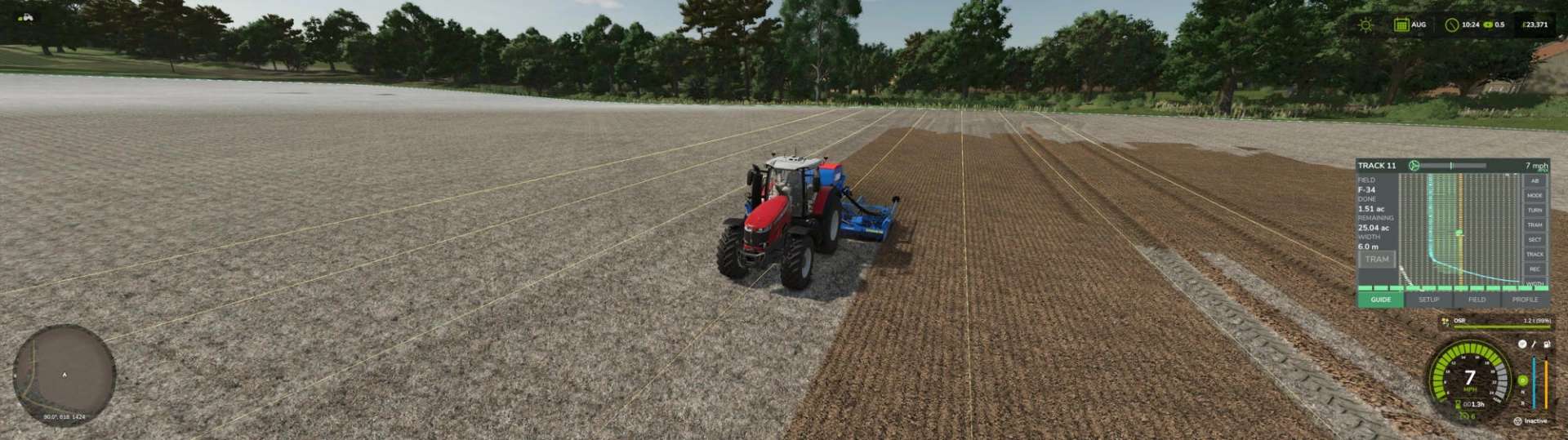
Apex Guidance v1.0
Precision guidance, section control and field records for Farming Simulator 25.
A single in-cab terminal that does the jobs a real guidance system does — straight lines, headland management, section shutoff, tramlines, and a record of what went on every field.
Guidance
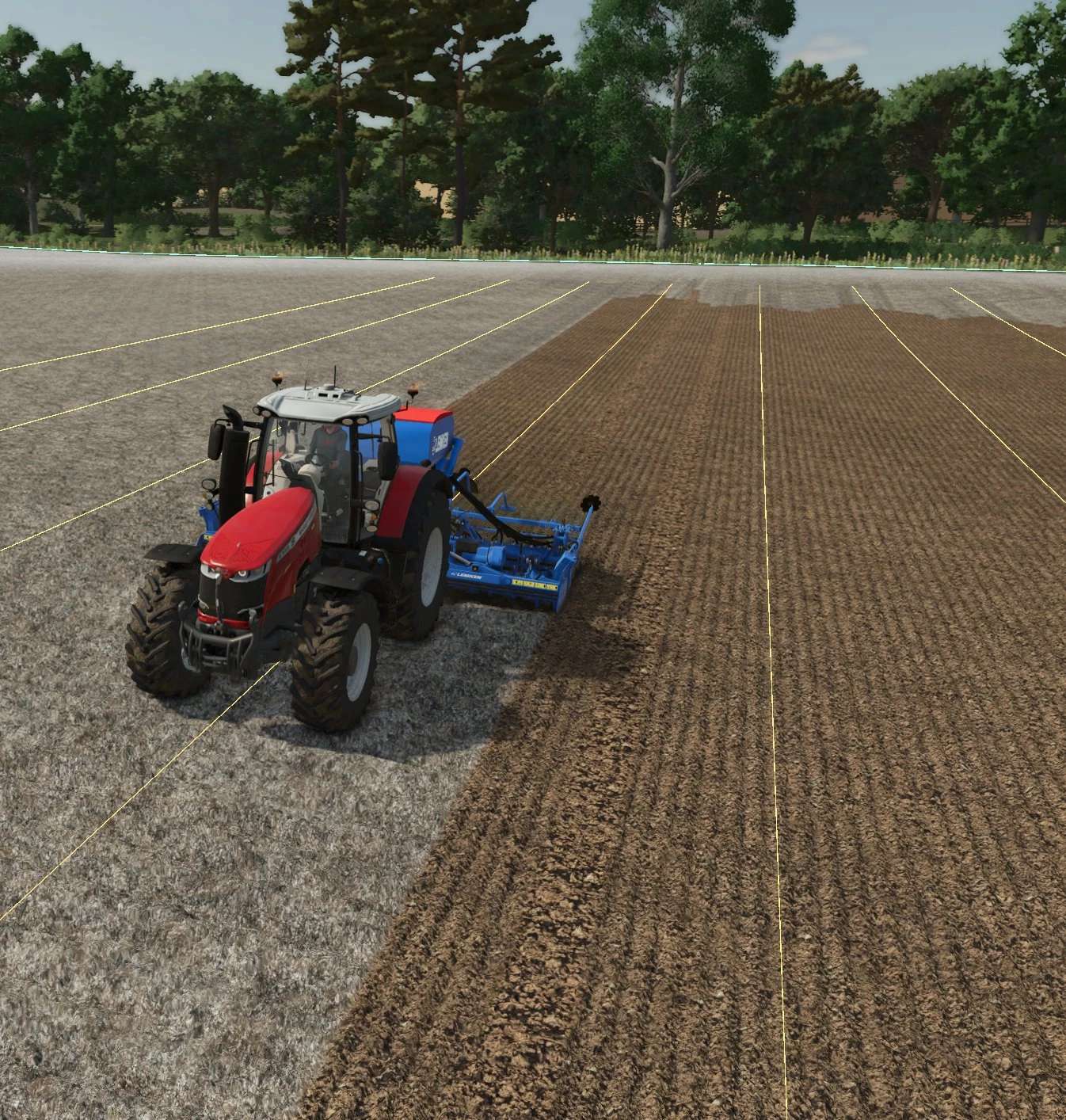
Set an AB line by driving it, or let ApexGuidance read one straight off a recorded field edge and offset it into the crop by however much you choose. Tracks are numbered, snap to the nearest automatically, and can be nudged sideways in tenths of a metre without losing the grid.
Boundaries and obstacles
Drive the field edge once and it’s recorded, saved and reused.
Record ponds, pylons and tree islands the same way. Each gets its own headland ring at your headland width, the implement lifts and lowers around them exactly as it does at the field edge, and in guidance mode there are proper passes to follow round them.
Headlands
Three modes:
Warn — flags the approach, nothing automatic
Auto — lifts and lowers the implement for you
Guidance — generates headland passes and steers them, round the field and round every obstacle, picking the nearest pass as you drive onto it
Lift and lower are set in metres from the line — before it, after it, or exactly on it — with a headland overlap setting that moves the whole joint with one number instead of four.
Section control
Both ends of the working width are measured to the boundary every frame, so the end that reaches it first shuts off first. Progressive, stepped, and it follows curves and corners where an angle-based system can’t.
Manual left and right shutoff from the outside in. A section strip across the bottom of the terminal shows what’s working and what isn’t — and hides itself on machines that have no sections.
Tramlines
Automatic lane counting from the AB line, with a manual mode for headland passes where lane counting means nothing. Adjustable spacing, width, and distance behind the machine.
Auto turn
Headland turns generated from your machine’s own geometry, with skips up to five rows. Every generated path is checked for landing on the target track before it’s used.
Turns you’ve driven yourself can be recorded, and are chosen automatically when they fit the row spacing better than a generated one.
Records
Per field, per commodity: seed, fertiliser, lime and spray by weight and volume, yield in tonnes, and input cost. Accumulates across sessions and survives reloads.
Coverage
Worked ground painted live and area counted — and the paint respects the sections, so ground you shut off over isn’t counted as done.
Machine profiles
Width, offsets, headland settings, tramline figures and turn preferences saved per implement and restored when you hitch up. A geometry lock for machines whose automatic measurement can’t be trusted.
Author: Following The Furrow