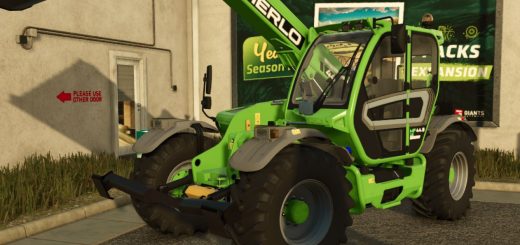
JCB 536-95 Edit V1.0
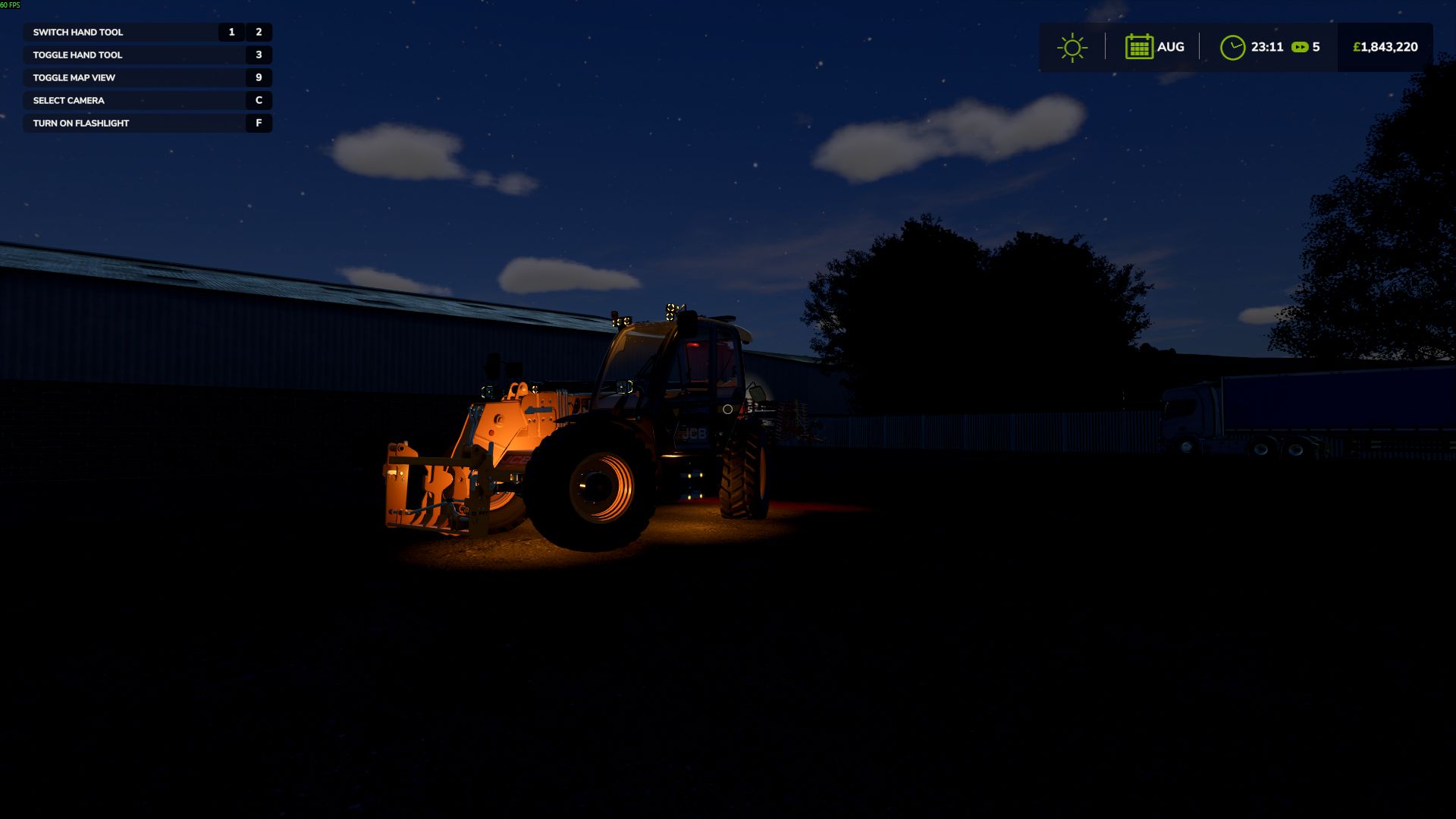
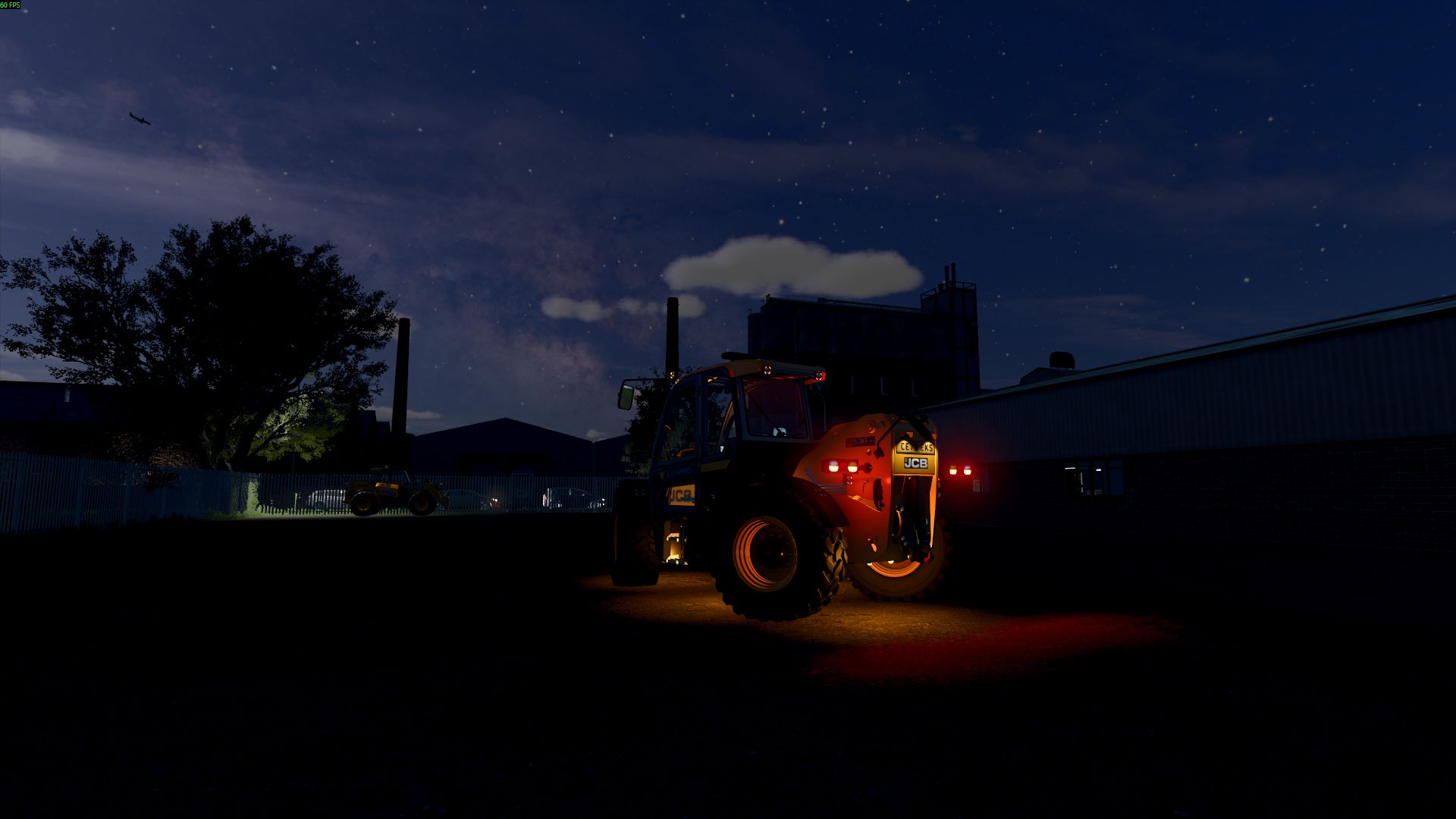
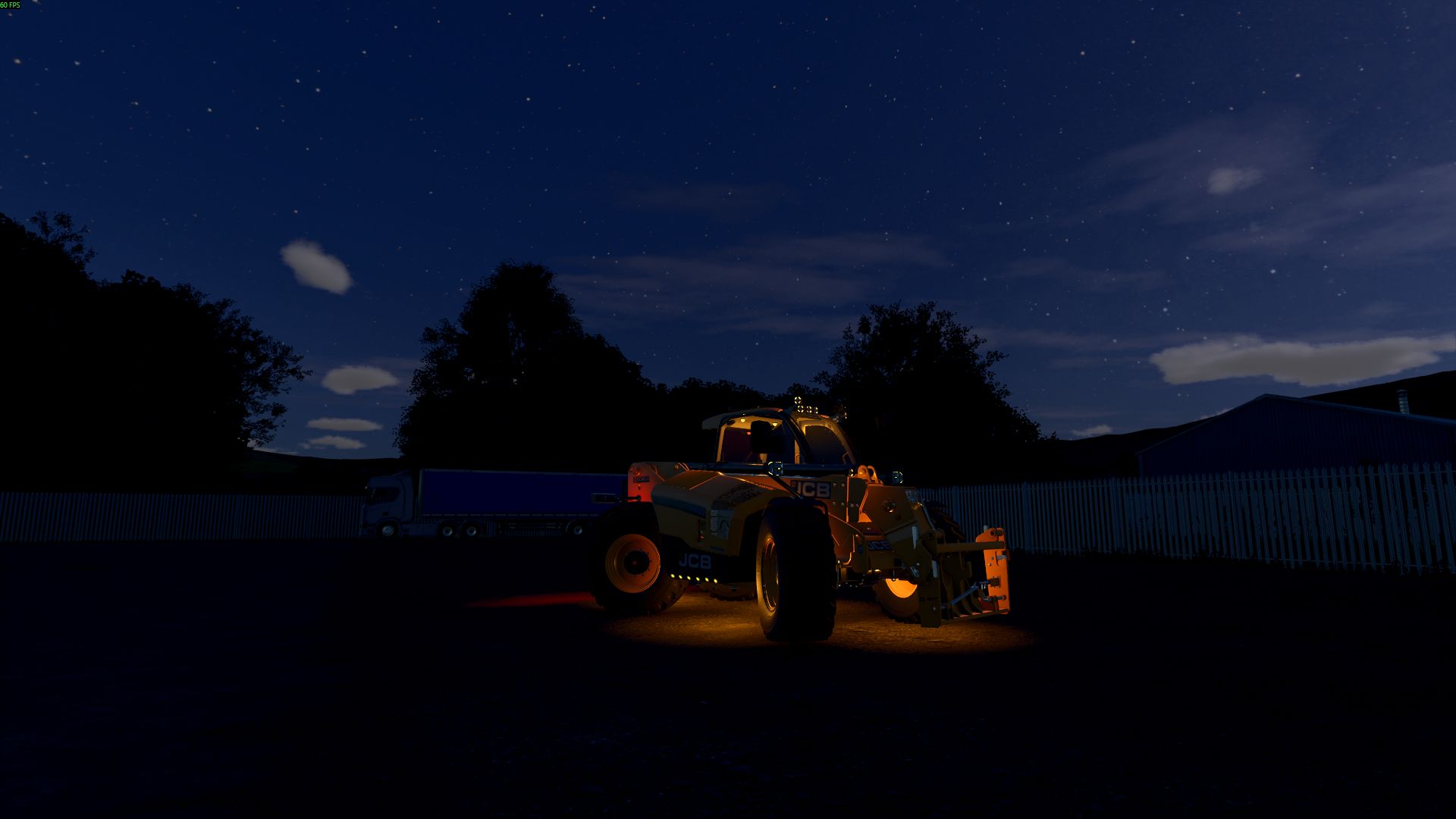
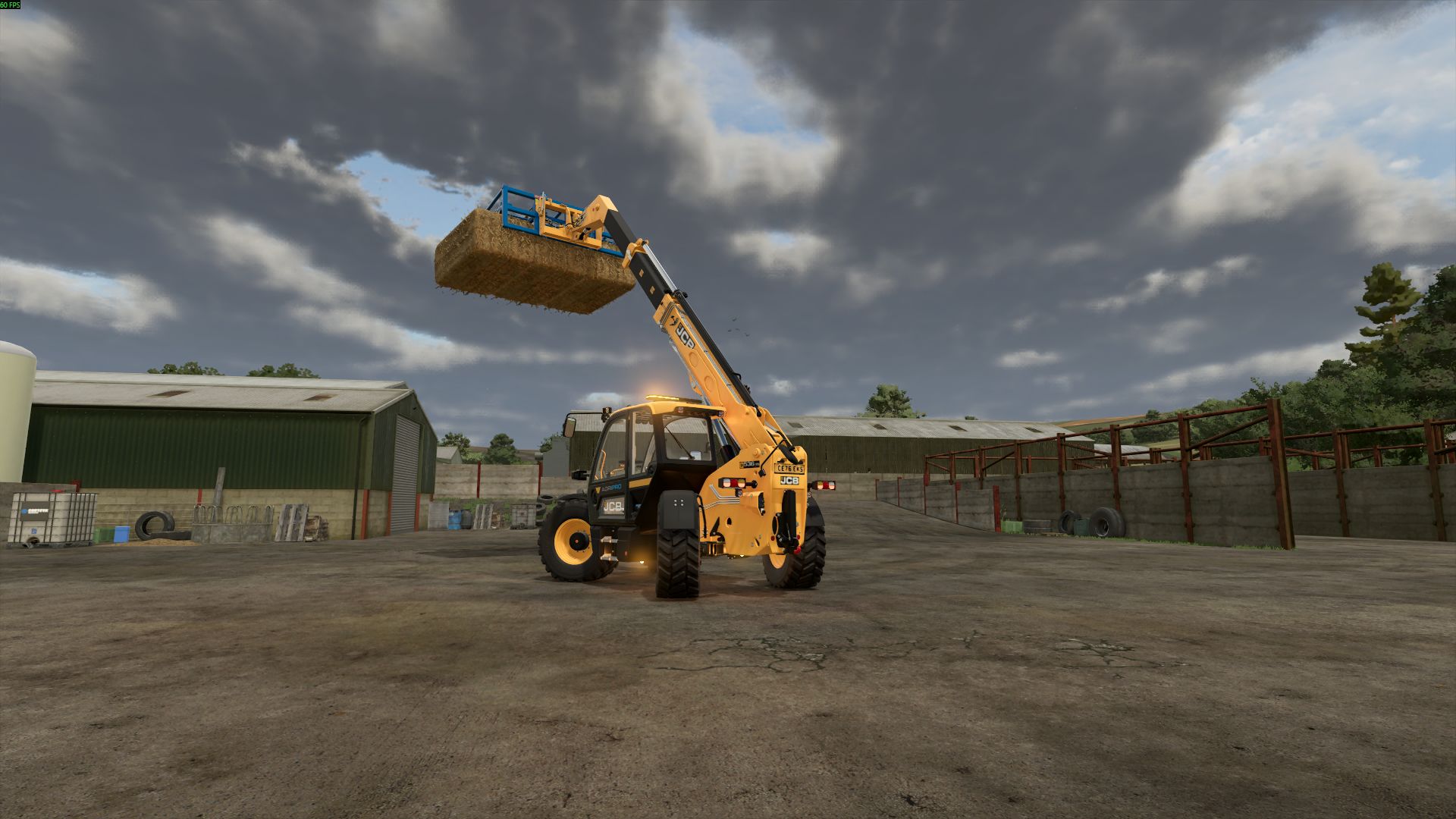
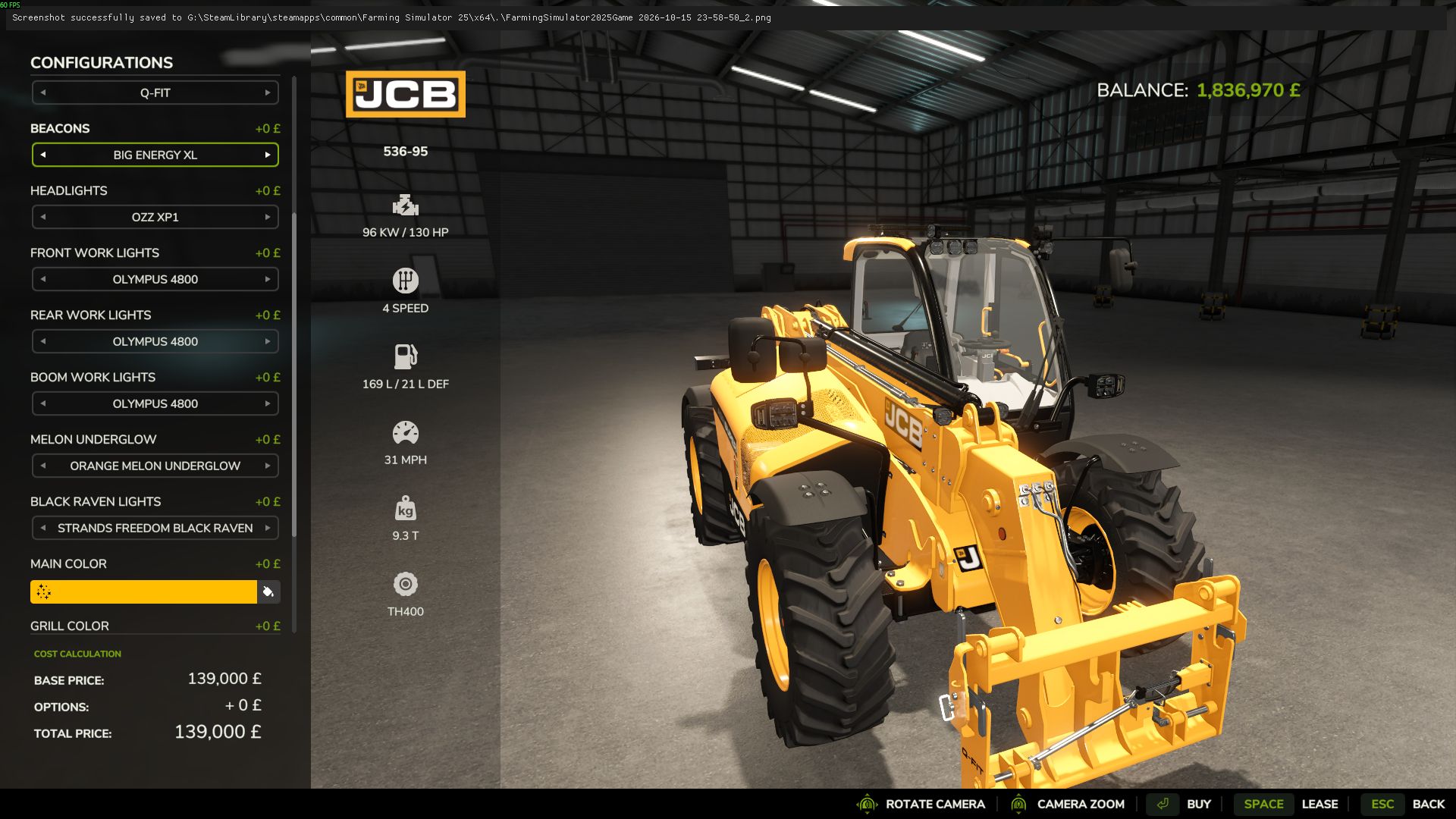
JCB 536-95 Edit V1.0
NEW LIGHTING OPTIONS & CUSTOMISATION
Added
All lighting upgrades are optional. Keep the original Standard setup or customise the tractor with additional lighting packs.
Shop Options
– Headlights: Standard or OZZ XP1
– Front Work Lights: Standard or Olympus 4800
– Rear Work Lights: Standard or Olympus 4800
– Boom Work Lights: Standard or Olympus 4800
– NLM Melon Underglow: None or Orange Melon Pack
– Strands Freedom Black Raven: None or amber indicator side lights
Beacon Options
– Low Beacon
– High Beacon
– Strobe Beacon
– Big Energy XL
Lighting Controls
– F: Cycle lighting stages
– Numpad 5: Front and boom work lights
– Numpad 6: Rear work lights
– Ctrl + F: High beam
– J: Toggle cab Melons
– K: Change cab Melon colour
Light Stages
Stage 1: Side Lights
Activates marker lights, rear lights, number plate lights, optional Black Raven side lights, OZZ XP1 and Olympus 4800 position lights, and Melon underglow.
Stage 2: Main Headlights
Activates standard headlights or OZZ XP1 low beam.
Stage 3: Rear Work Lights
Activates standard or Olympus 4800 rear work lights.
Stage 4: Front and Boom Work Lights
Activates standard or Olympus 4800 front and boom work lights.
Lighting Behaviour
NLM Melon Underglow
Amber underglow linked to the side lights. Beacons can flash the Melons with a soft ground wash effect.
Strands Freedom Black Raven
Amber side lights follow the corresponding left or right indicators.
OZZ XP1
DRL and position lights work with the side lights. Low beam activates at Stage 2 and high beam is controlled separately.
Olympus 4800
DRL and position lights work with the side lights. Work lights follow the relevant front, rear and boom controls.
Permission to release this edit was given by RossN Modding.
The additional lighting options, custom configurations and lighting controls were added as part of this edit.
Multiplayer supported.
All extra lighting packs are optional. Leave configurations on Standard or None to keep the original tractor appearance.
Author: LM Modding Store, RossN Mods