John Deere 6r 2019 v1.0
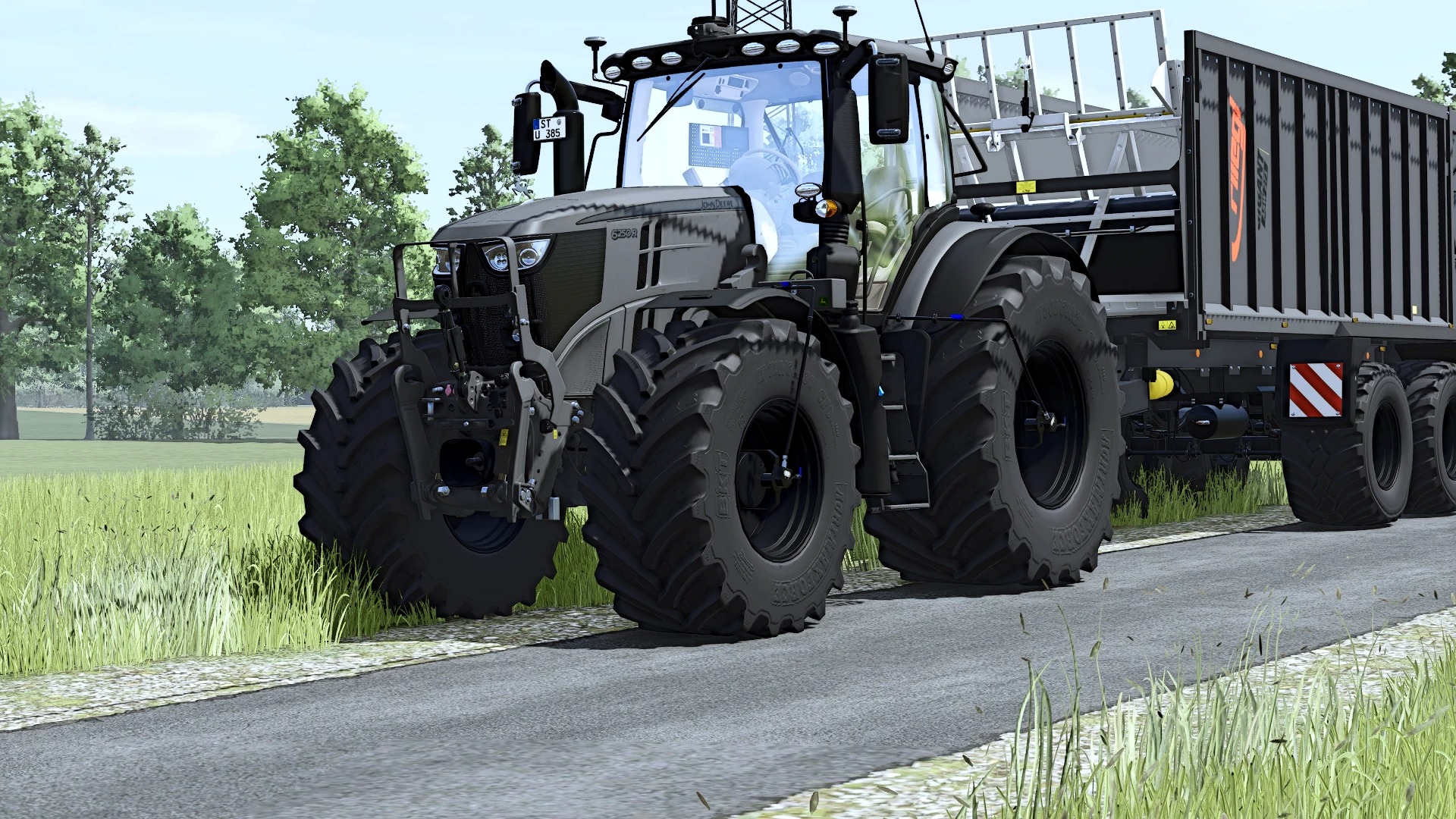
John Deere 6r 2019 v1.0
John Deere 6R 2019 – converted from FS22 to FS25 with time, dedication, and attention to detail!
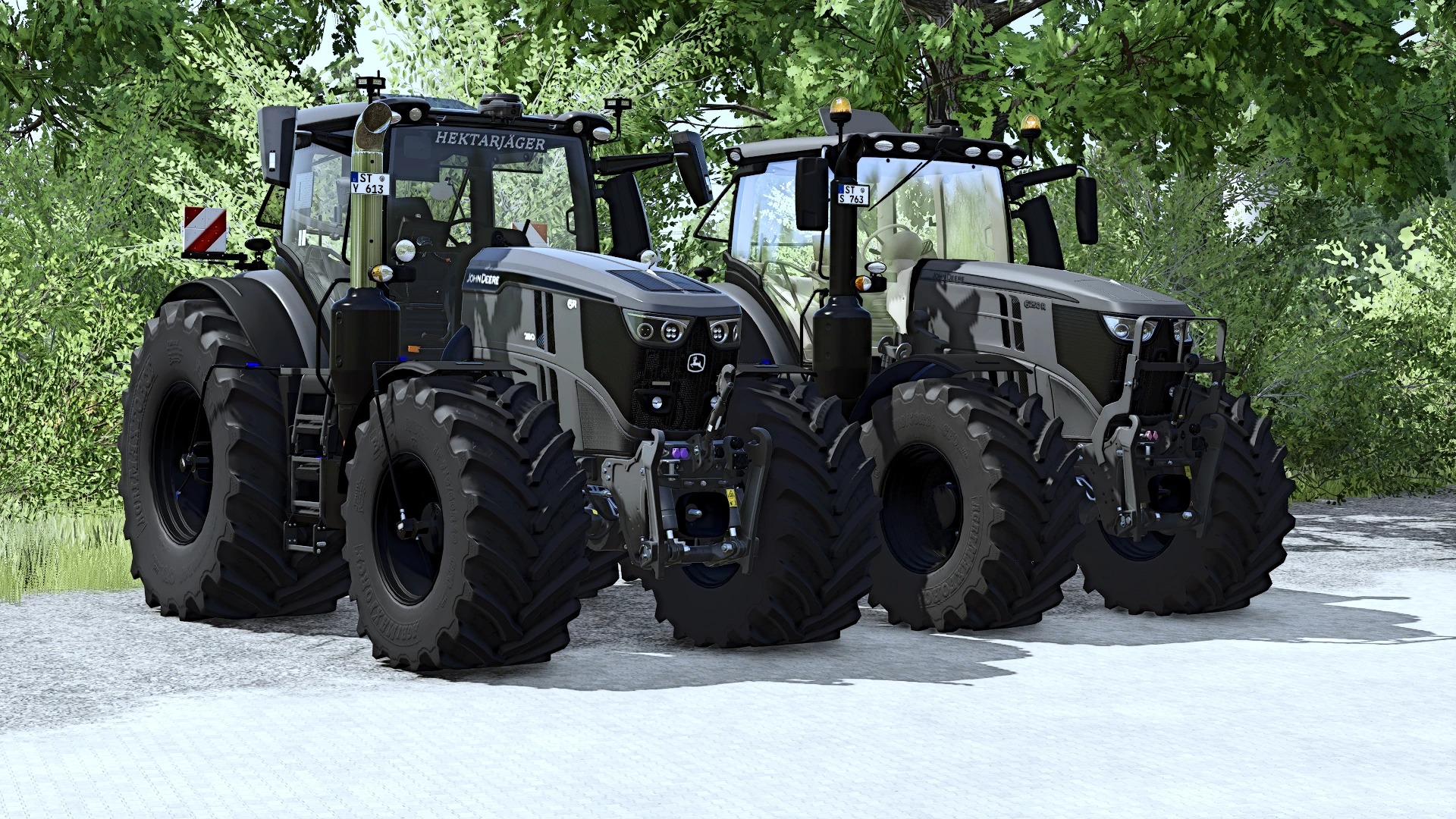
This John Deere 6R 2019 has been converted from FS22 to FS25 and expanded by me with plenty of features and details. Countless hours have gone into this project. I’ve spent a very long time making adjustments, adding functions, testing, and refining everything along the way.
The conversion was only the beginning. I wanted to give this 6R a personal touch and include details that make it special. Even the little things you might only notice at a second glance took time and patience to get right.
After all that work, I’m excited to finally share the result with you!
Here’s what you can expect:
40 IC interaction points offering plenty of interactive functions – there’s a lot to operate and explore!
Animated door, rear window, roof, and hood, all operated via IC.
A first for my Pöttinger terminal: This is the first time I’ve installed it in a tractor myself! A personal milestone that I’m really proud of.
CCI 800 as a camera display: Use IC to switch between front, rear, and implement cameras – provided the corresponding cameras are available
A cabin carpet, LED lighting, and a starlight headliner create the right atmosphere inside the cab, even during those late nights in the field!
Tire pressure control system: Currently available with the wide tires.
Various beacon lights from Northernlights let you customize the 6R to your liking.
Cab blinds complete the interior setup.
A huge selection of tires: There are so many options that scrolling through them is practically part of the customization process!
Slightly reworked windows round off the look.
StarFire 7000 RTK is also included.
Routed cables for the terminals: The small details matter too, and I wanted them to have their place in this build!
Clean in-game log
Alongside the visible changes, I spent a lot of time testing and fixing issues. The in-game log is clean, something I paid close attention to throughout the conversion and further modifications.
More updates to come
This release isn’t the end of the project. I’ll continue working on the 6R, improving details and adding further features. Keep an eye out for future updates!
A lot of time, patience, and passion went into this project. I hope you enjoy driving it and discovering its features as much as I enjoyed bringing my ideas to life.
Have fun with my John Deere 6R 2019 in FS25!
Author: DirtDevil99