Aspöck Agricultural Lighting Pack (Prefab) V1.1.1
Aspöck Agricultural Lighting Pack (Prefab) V1.1.1
Aspöck Agricultural Lighting Pack — Prefab
Bring matching front and rear lighting to your Farming Simulator 25 vehicle projects with three Aspöck-inspired agricultural lamp designs by NorthernLight Modding.
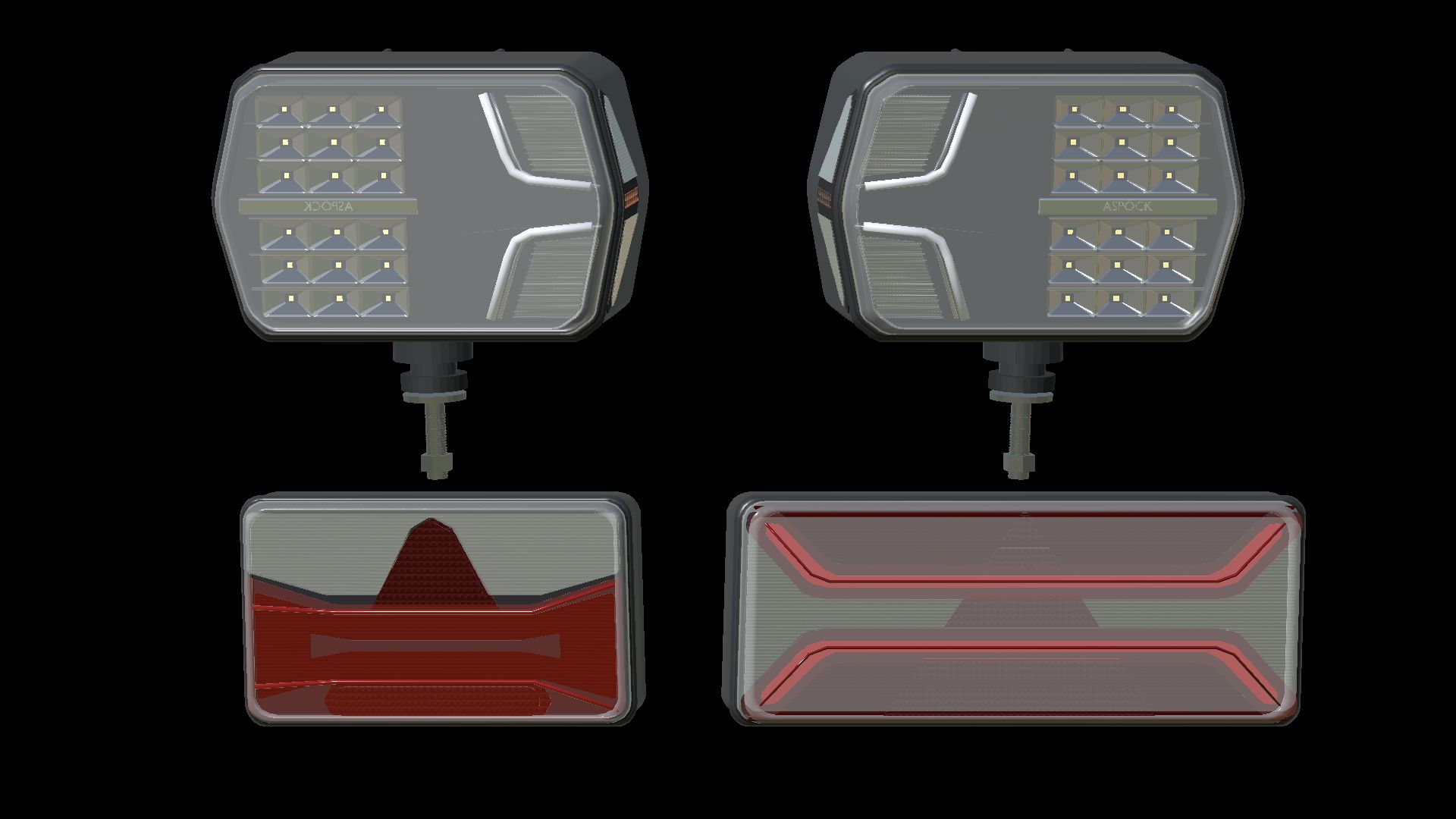
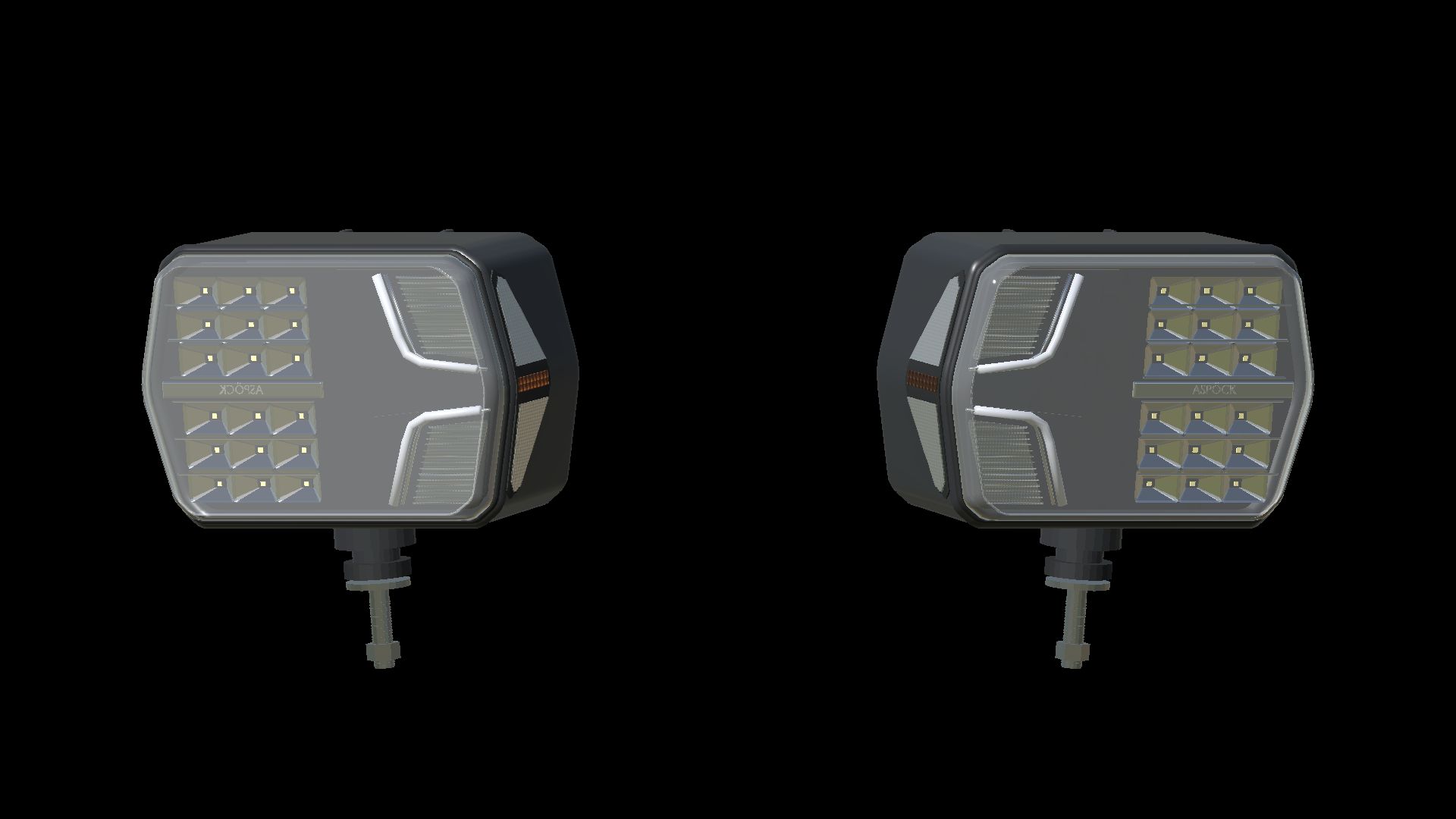
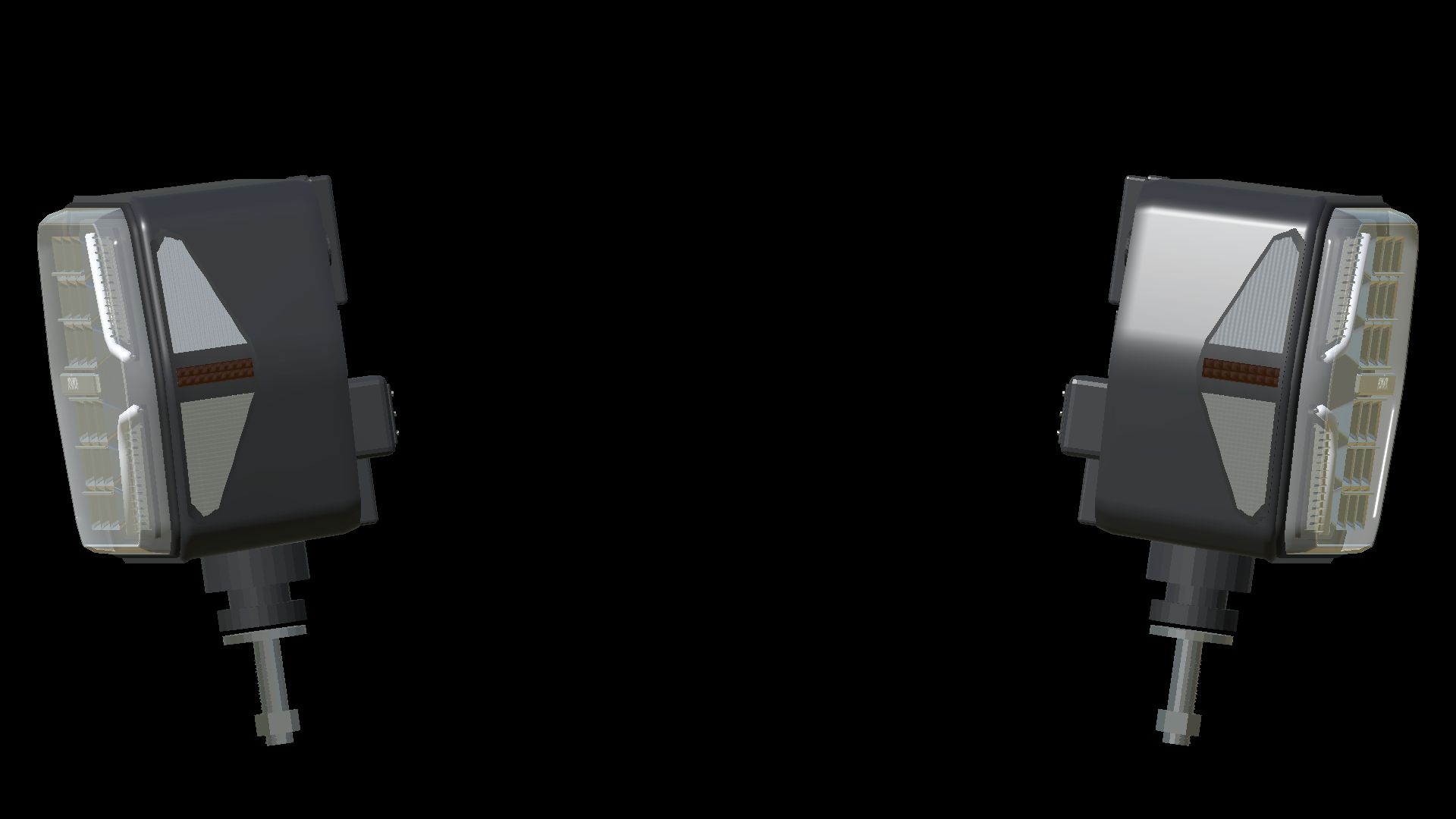
LuxLED II
Left and right combination headlights with separate low and high beams, white position lights, front and side indicators, and amber side markers. The housing and light beams can be aimed together while the mounting stud remains fixed. High beam has a stronger visible reflector glow.
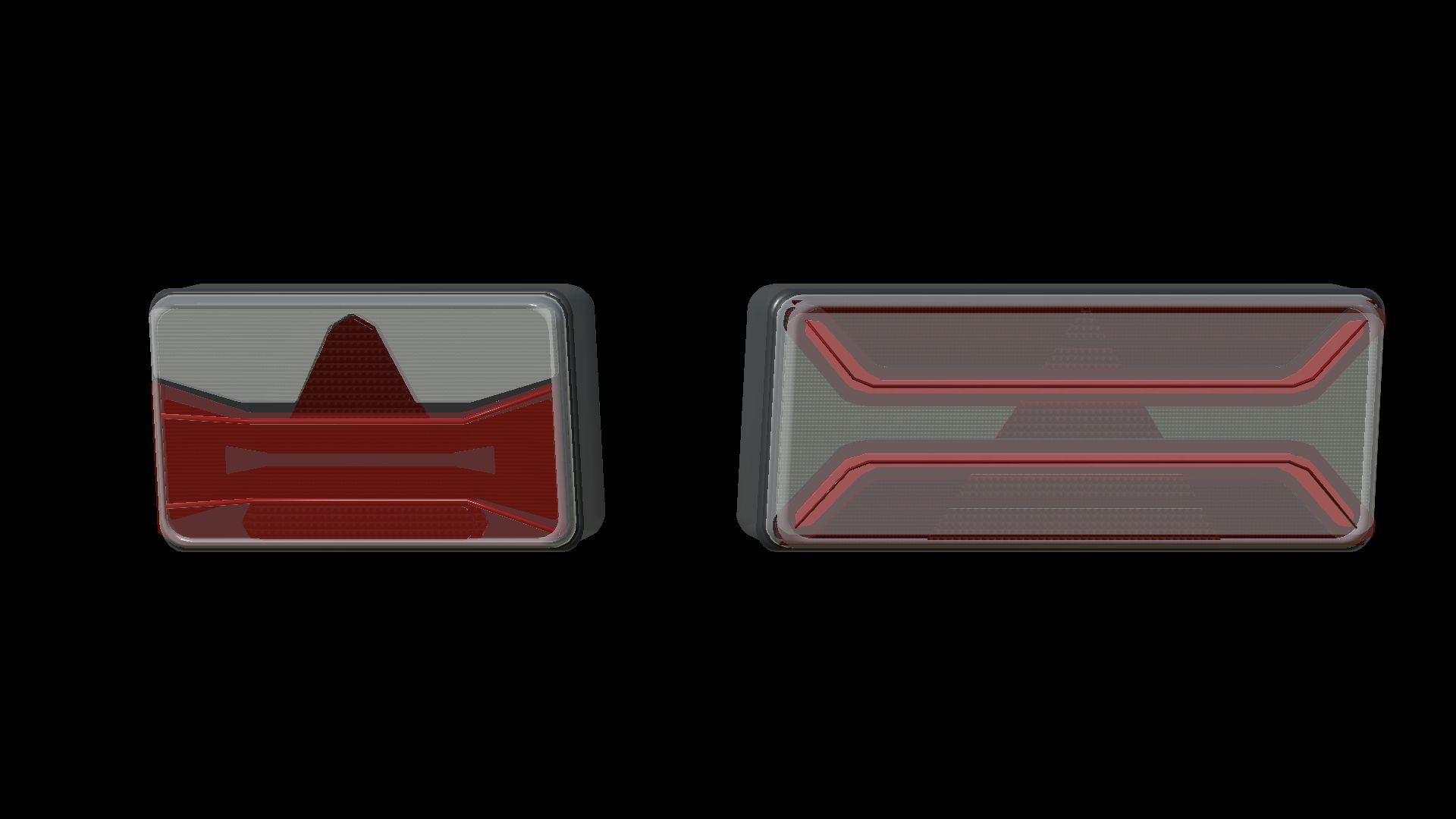
AGRILED I
Compact rear lamps with red tail and brake lighting, amber indicators and a triangular reflector design. Tail and brake functions use different brightness levels.
AGRILED II
Wide rear lamps with distinctive upper and lower red light guides, separate brake lights and amber indicators. Switching on the position lights starts a 1.2-second sequence: the upper guide fills from the centre towards both ends, followed by the lower guide from the ends towards the centre. Both then remain steadily lit.
Included
– All three lamp designs, with separate left/right LuxLED II models.
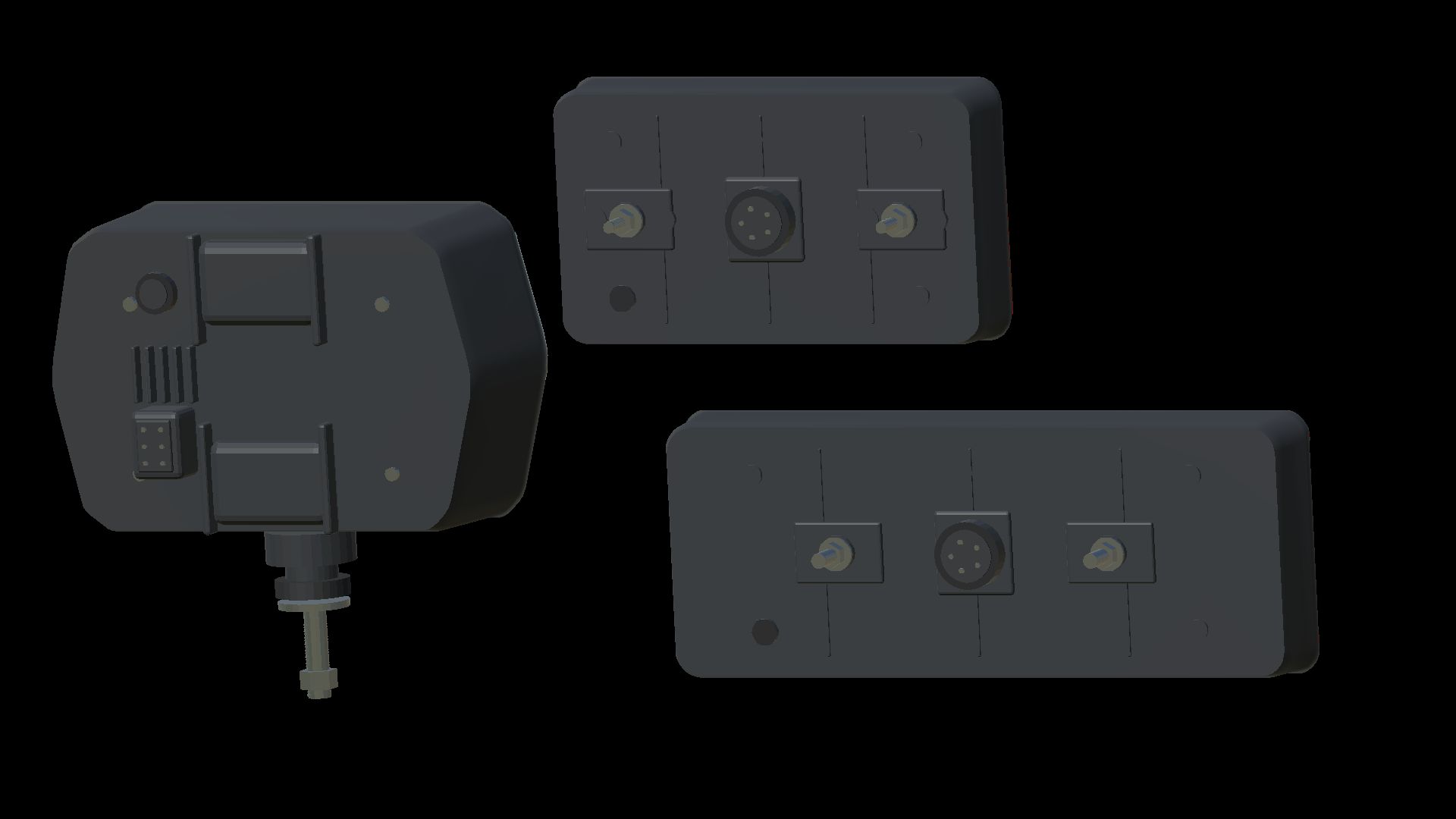
– Two detail levels, shaped covers, optical chambers, mounting hardware and rear connectors.
– Complete left/right connection XML for every lamp.
– Offline XML helper with English, Norwegian and Swedish interfaces.
– Full installation guides in English, Norwegian and Swedish.
– AGRILED II startup script and its registration example.
– Editable Blender source and original texture sources.
This is a prefab pack for vehicle creators. Import and connect the lamps to a vehicle using GIANTS Editor and the supplied guides; it is not a standalone vehicle or a shop item. Position lights follow the normal vehicle light switch.
Version: 1.1.1.0
Product designs and trademarks: Aspöck Systems. Independent game recreation.
Author: NorthernLightModding