Aspöck Europoint III (Prefab) V1.0.2
Aspöck Europoint III (Prefab) V1.0.2
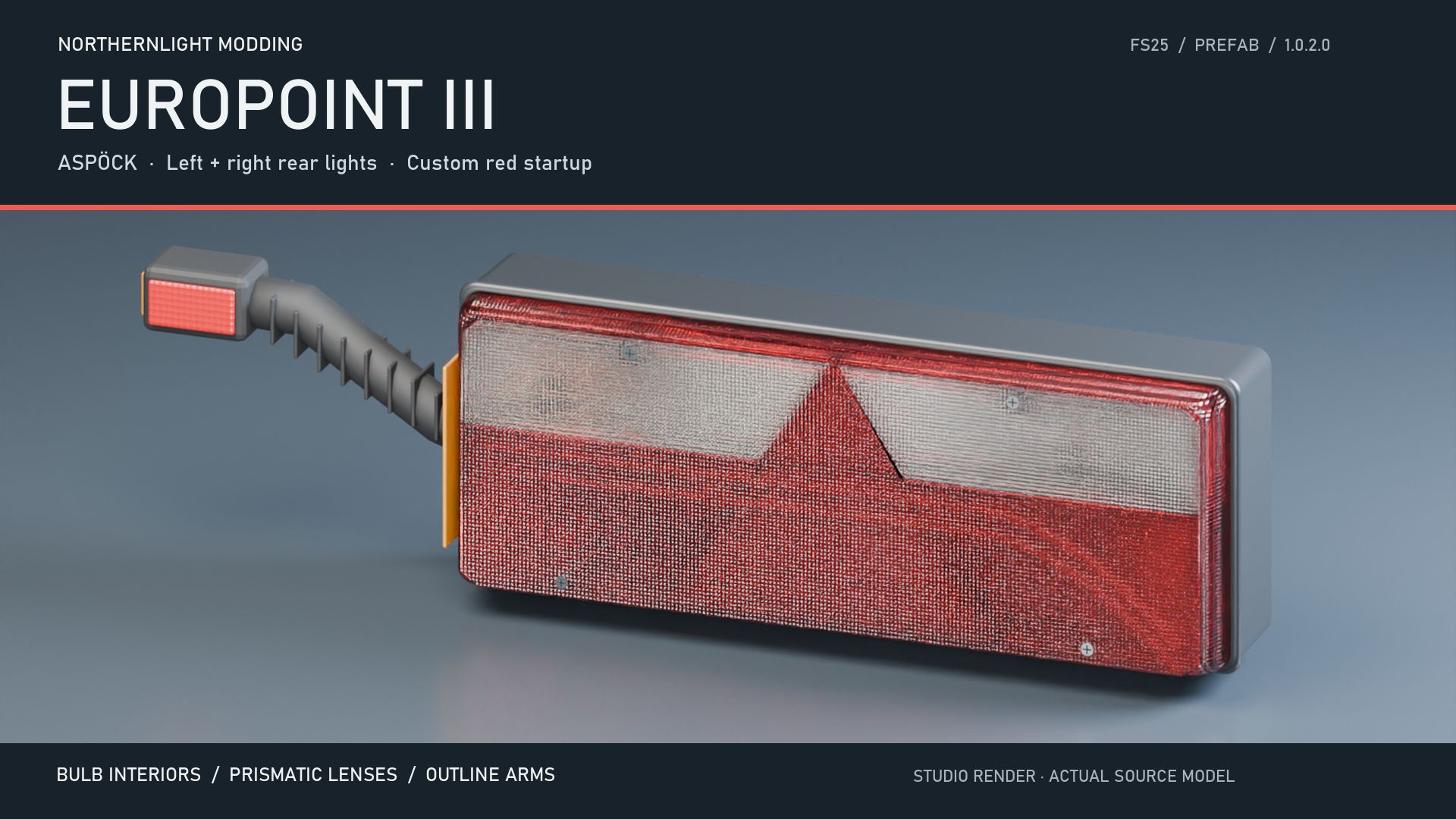
Bring the distinctive Europoint III rear-light design to your Farming Simulator 25 vehicles and trailers.
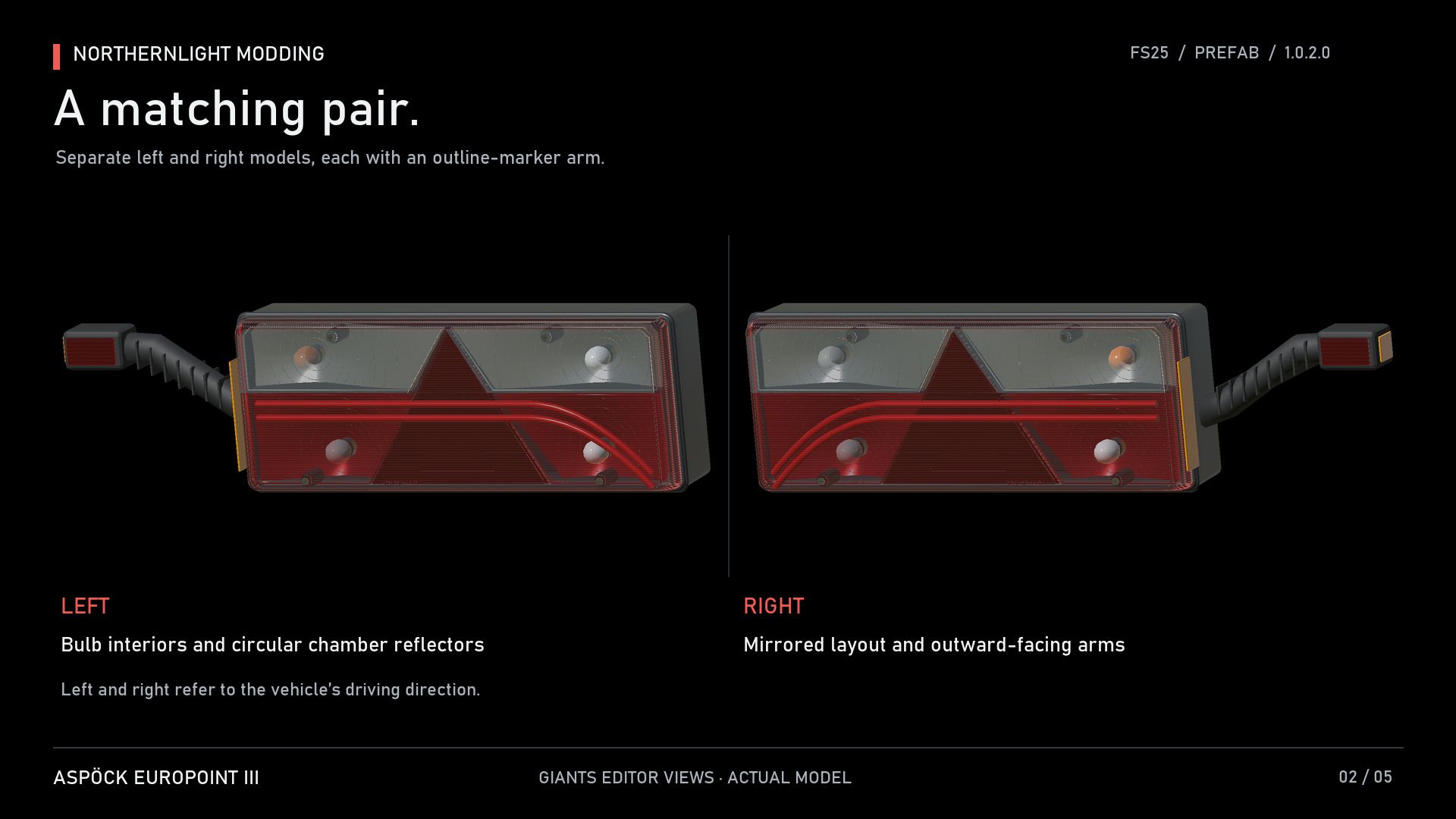
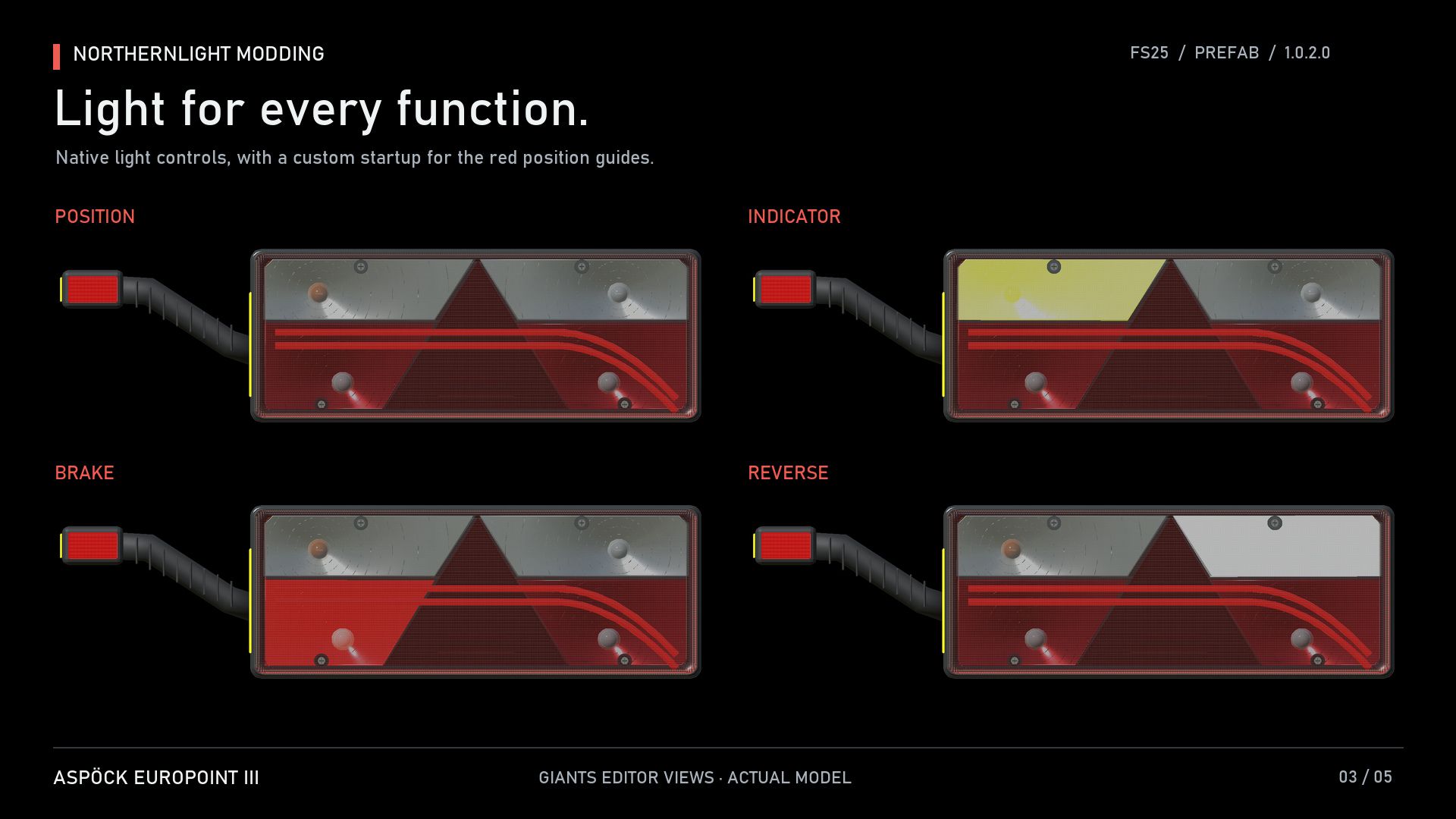
This prefab includes separate left and right lamps with detailed bulb interiors, prismatic lenses and outline-marker arms. The twin red light guides fill smoothly when the position lights are switched on, then remain steadily illuminated.
Features:
Left and right rear-light models with outline-marker arms.
Custom 1.1-second red position-light startup animation.
Conventional bulb indicators with normal turn and hazard operation.
Separate brake, reverse and rear fog-light functions.
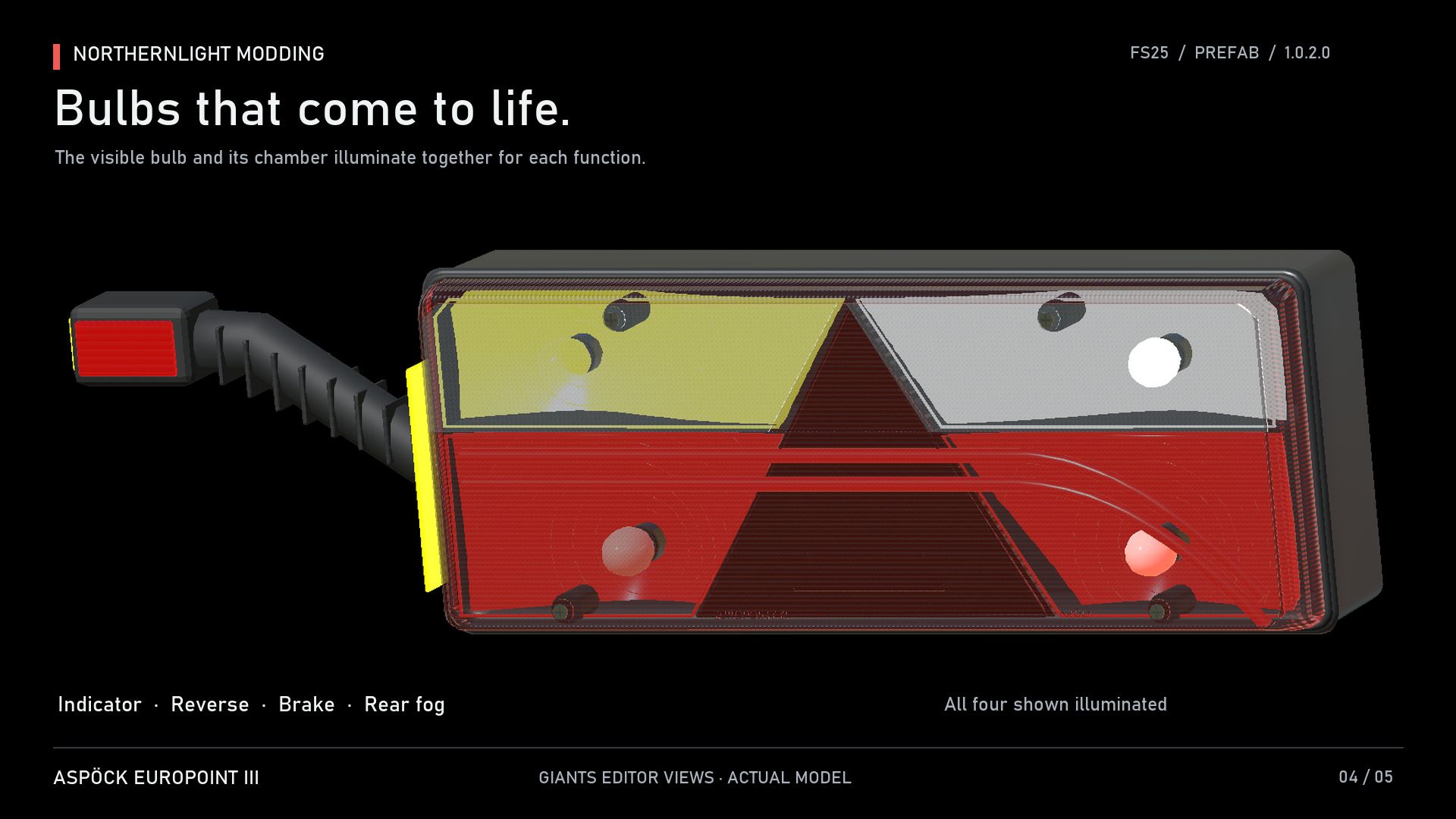
Visible bulbs that illuminate with their respective functions.
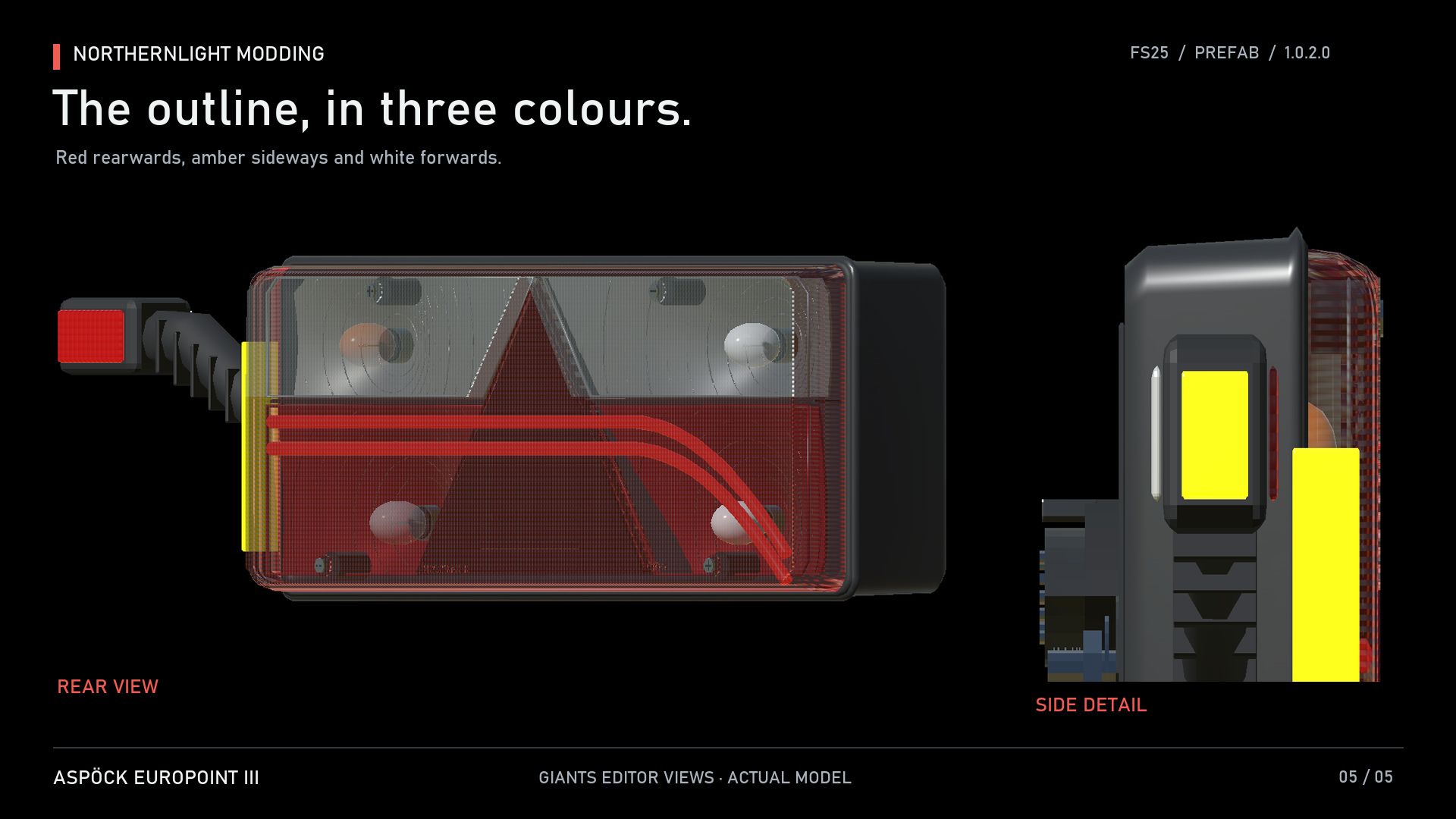
Red rearward, amber side-facing and white forward-facing outline lights.
Reverse ground illumination and two levels of model detail.
Editable Blender source and original textures.
Complete English, Norwegian and Swedish installation guides.
Offline XML helper and separate XML examples for each side.
This is a prefab for modders, designed for installation into an existing vehicle or trailer using GIANTS Editor and XML. It is not a standalone shop vehicle. The startup animation uses the included Lua specialization.
Model, textures and integration by NorthernLight Modding.
Product design reference: Aspöck Europoint III. The red startup animation is a custom feature of this prefab. This project is not affiliated with or endorsed by the manufacturer.
CHANGELOG 1.0.2.0
Added synchronized illumination to the visible indicator, brake, reverse and fog bulbs.
Corrected the spacing of the amber outline lenses to prevent overlapping surfaces.
Refined the prismatic covers and bulb-version reflectors.
Added conventional bulb indicators and red rearward outline markers.
Author: NorthernLightModding