John Deere 1210G v1.0.0.1
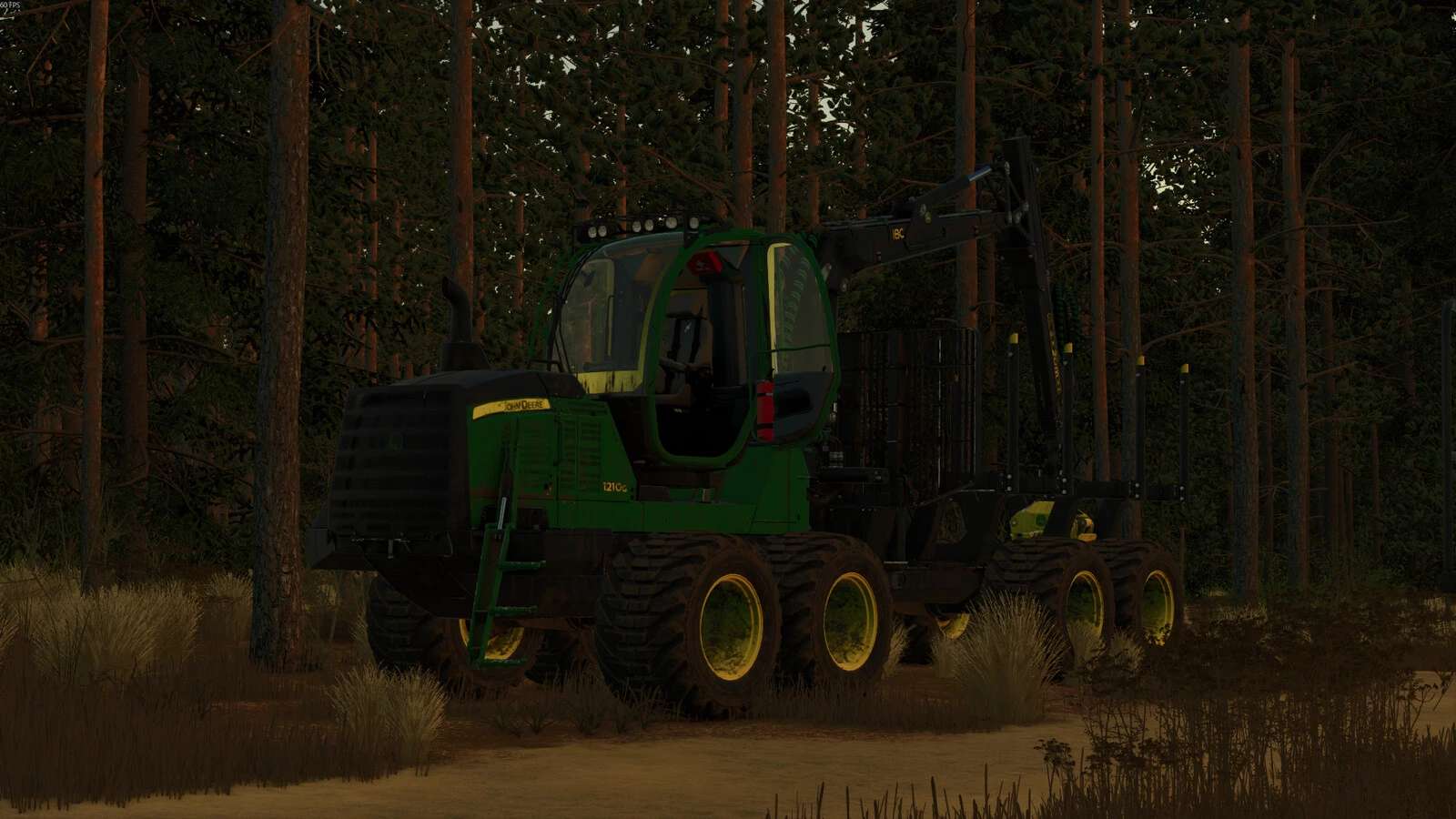
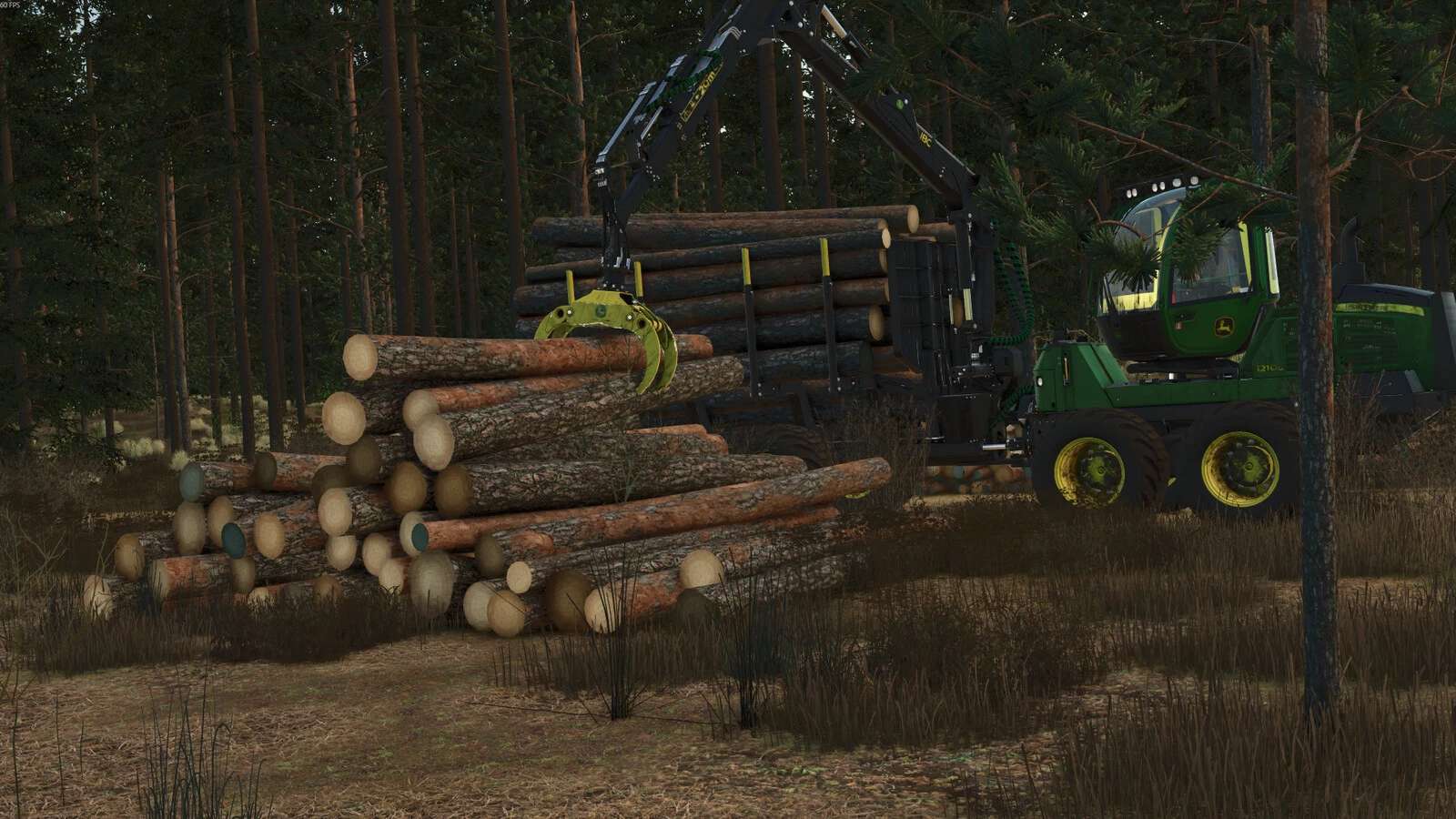
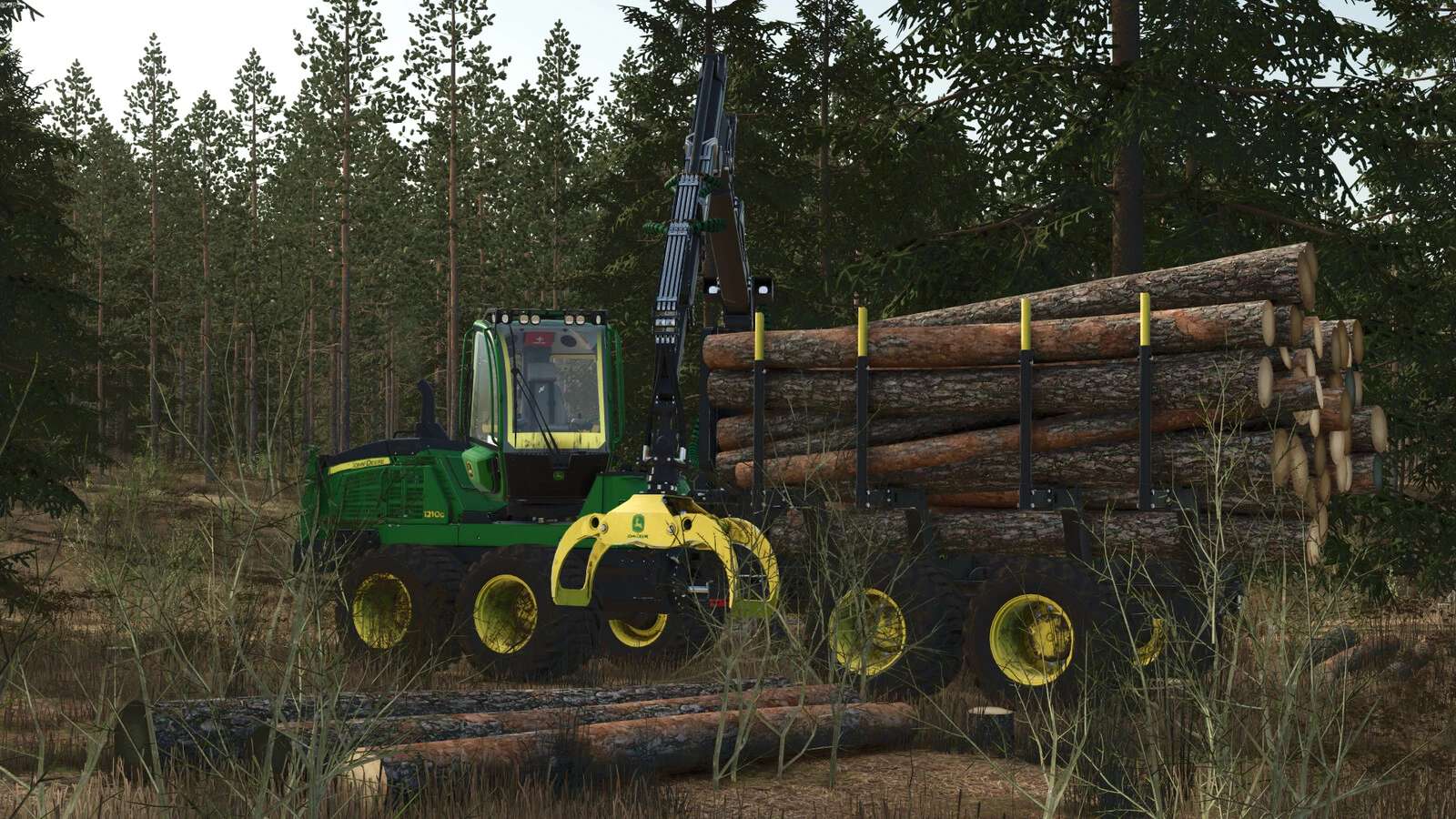
John Deere 1210G v1.0.0.1
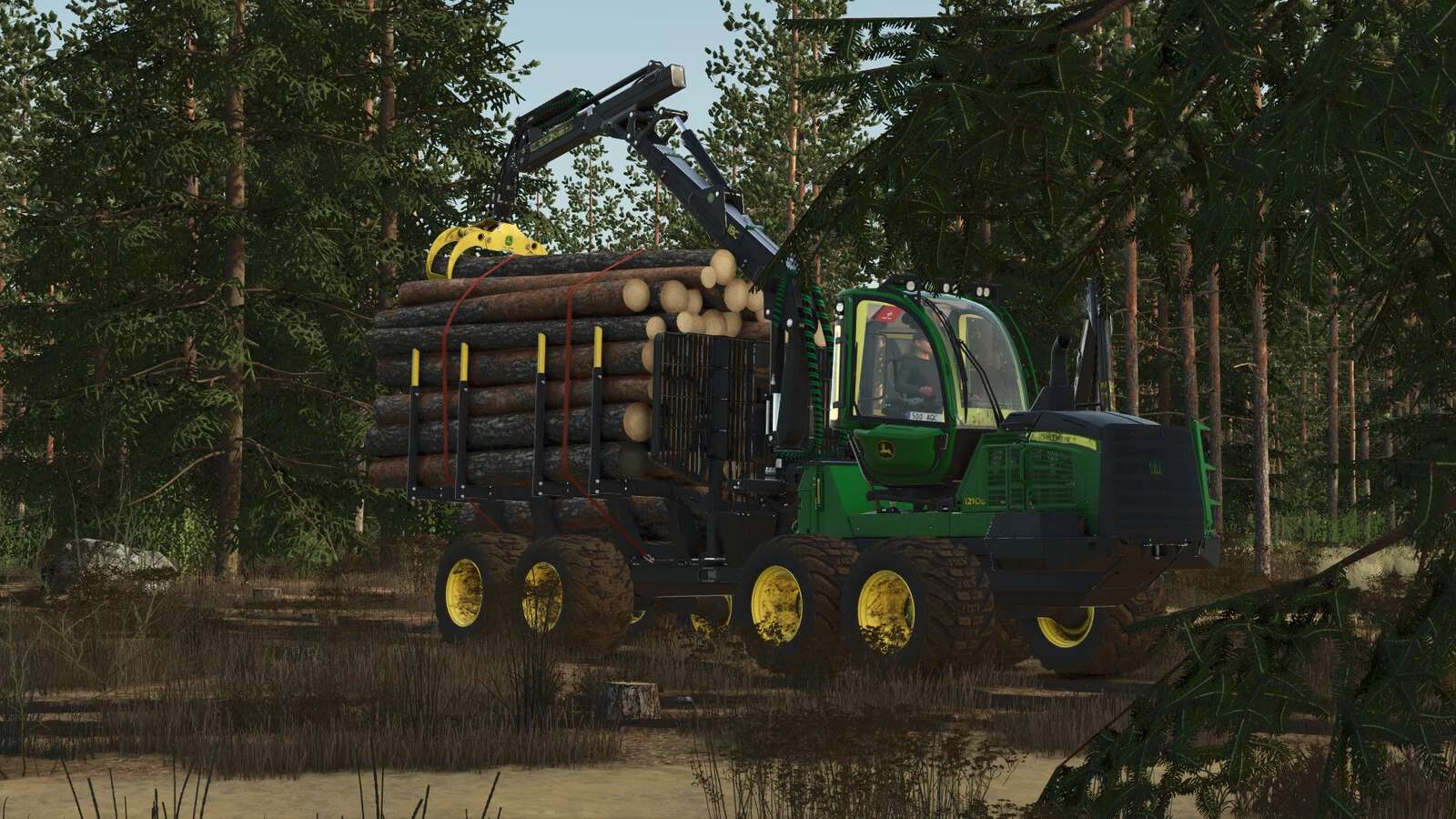
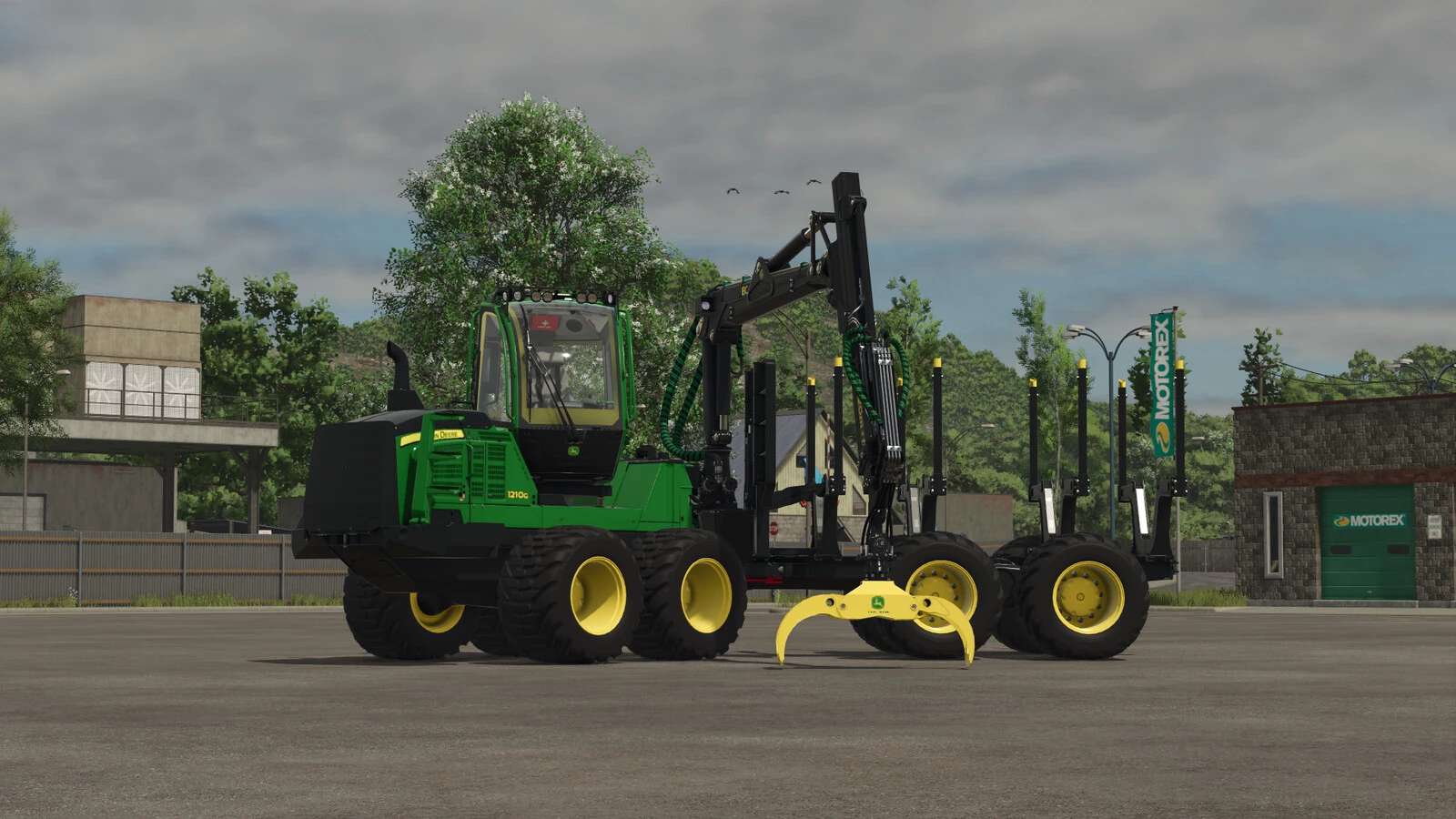
This is the top-of-the-line John Deere 1210G log loader, designed for the most demanding forestry challenges. This model is equipped with IBC (Intelligent Boom Control) and a CF7 boom. Together with the professional Hultdins SuperGrip II 360S grapple, this combination ensures maximum loading speed and allows you to load logs with perfect precision.
Changelog 1.0.0.1:
Added: major parts of the frame material (steel step plate on the front steps and anti-slip strips on the back of the hood near the cab).
Added: beacon, (blinker when you buy new forwarder beacon be in door pocket ,when you want change blinker location you need push IC button above cab (outside)).
Added IC: seat armrest contols now can left armrest up and down ,also left and right move to sides.
Added IC: radio controls.
Added IC: Light control.
Added IC: gate extension point ,now hee need pull up and down manualy.
Added IC: now can last gate pushing forward and backwards.
Fixed: Cabin ,now cabin folowing crane propely.
Fixed: load space now trees not sliping out of load space.
Fixed: graple now he grabing trees better.
Changed crane light control button.
Added: Nokian Tir2 tires
Added: BKT Tr678 tires
Added: Inside Work following camera
Added: front window grill
Shop Category: Forwarders
Price: 350.000 $
Engine power: 209 HP
Max Speed: 23 km/h or 15 myles
Shop Configurations:
Tyres: Nokian,BKT,TRELLEBORG and OLOFSFORS tracks.
Front guard
Windows
Interior deco
Functions with mouse and keyboard:
Loadspace: expansion and contraction,raising and lowering.
Cabin can rotate manualy.
Can raising and lowering crane light.
Crane
The “Z” key can be used to enable or disable cab tilting, as well as to activate the cab tracking function when the cab is facing rearward.
Interactive controls:
open/close doors
up/down stairs
start/stop engine
from outside you can change gate location
Recommended mods:
Interactive Control
Mercedes benz DLC
I would like to thank HR Forst und Fahrzeugbau for the parts, some of which I can install in my forwarder
Author: Rimvis