John Deere 6230-6250R 2019 V1.3
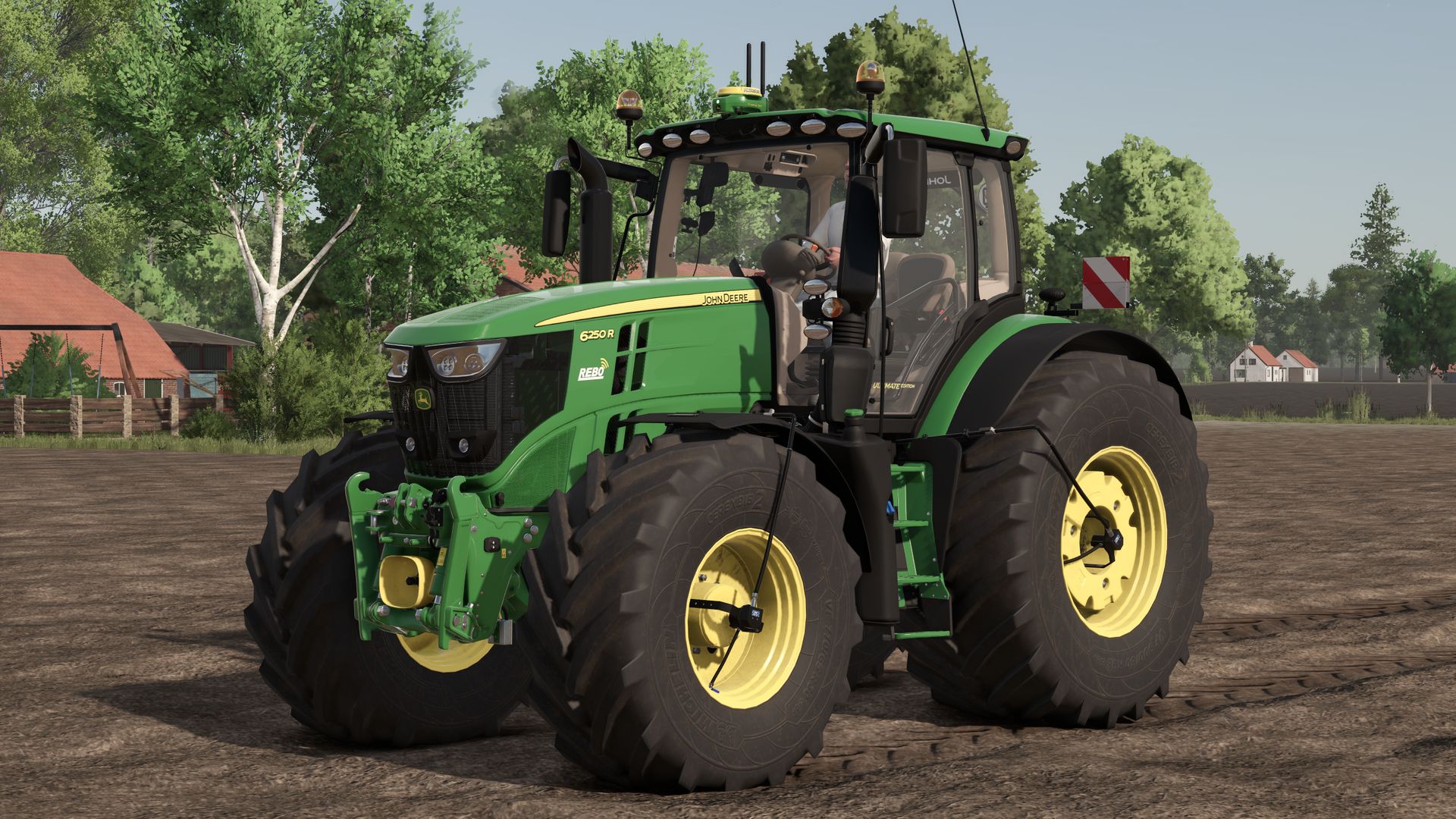
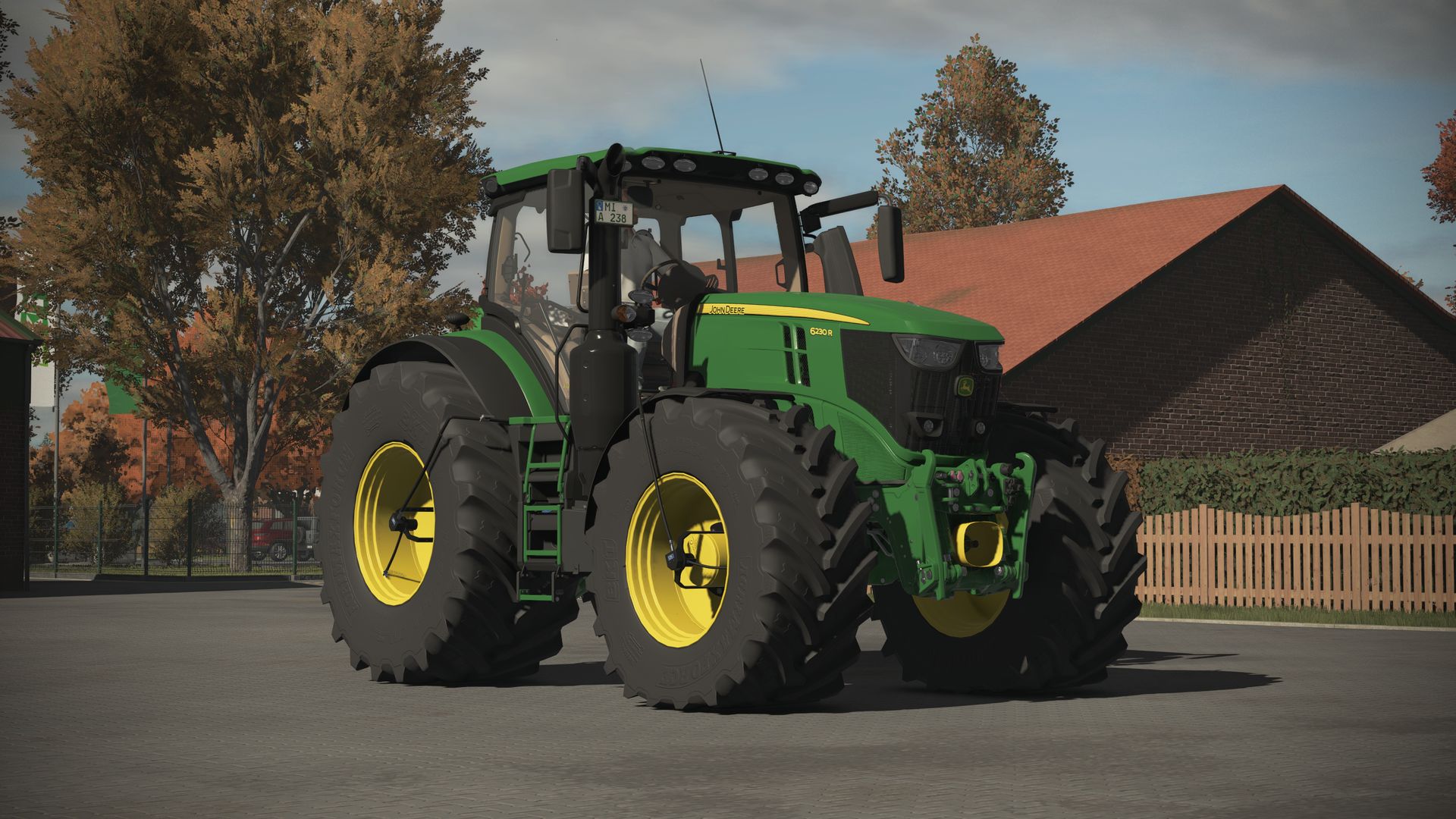
John Deere 6230-6250R 2019 V1.3
The time has finally come; here is the 2019 John Deere 6230-6250R.
I don’t think there is much more to say; the modDesc actually says it all. I hope you have lots of fun with it
Important: You must set the light quality to Ultra in the graphics settings, otherwise you will have no lights.
Thanks to SL Modding for the complete conversion.
Thanks to _M4Rm.3 for permission to use the base model.
Thanks to BayernGamers for the PTG terminal and the base model of the RDA.
Price: €233,500
Power: 230 HP
Maximum speed: 40–50 km/h
Configurations:
– Tire type
– Rim color
– Front attachment
– PTG tire pressure control system
– Additional work lights
– Beacon lights
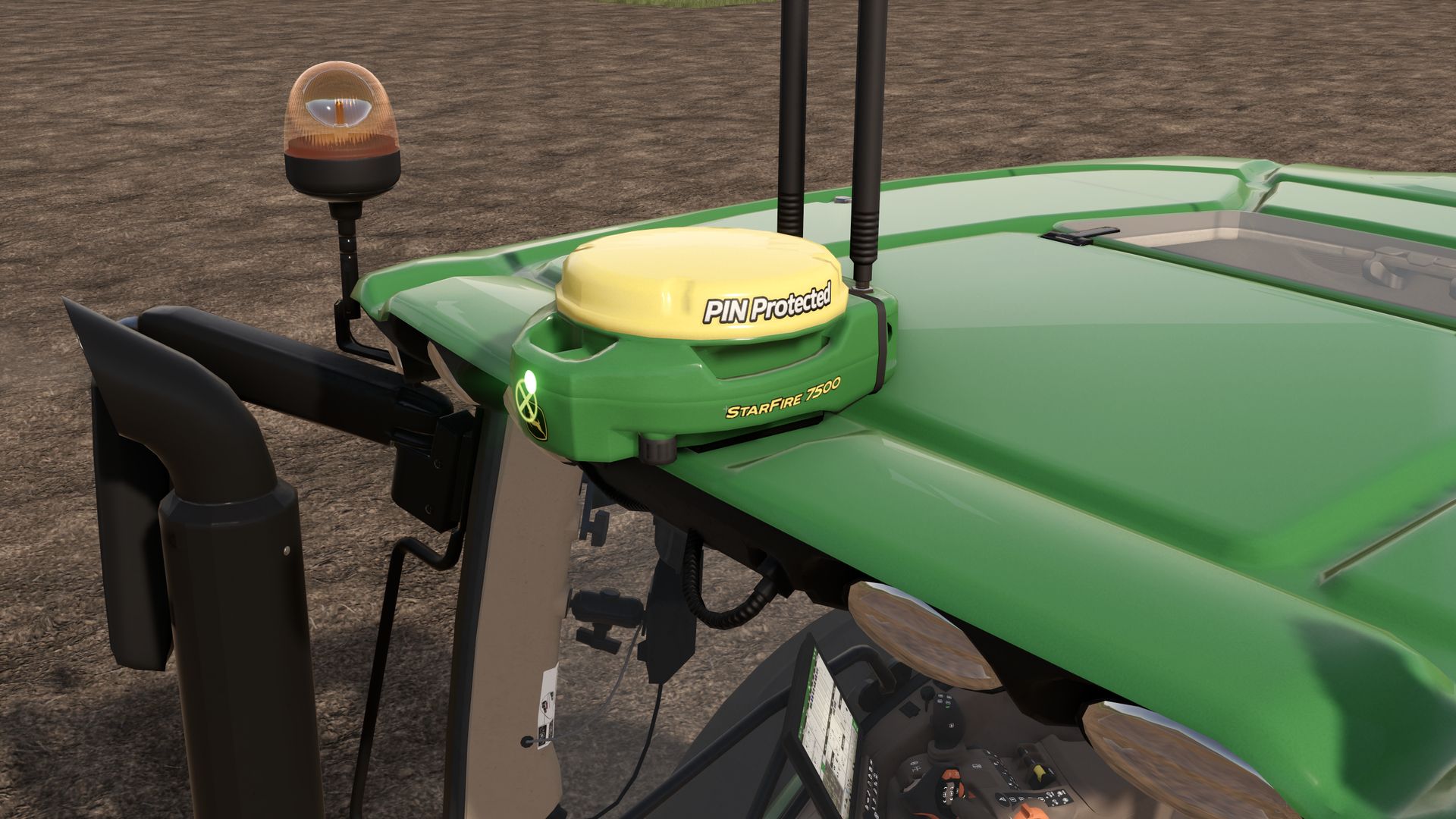
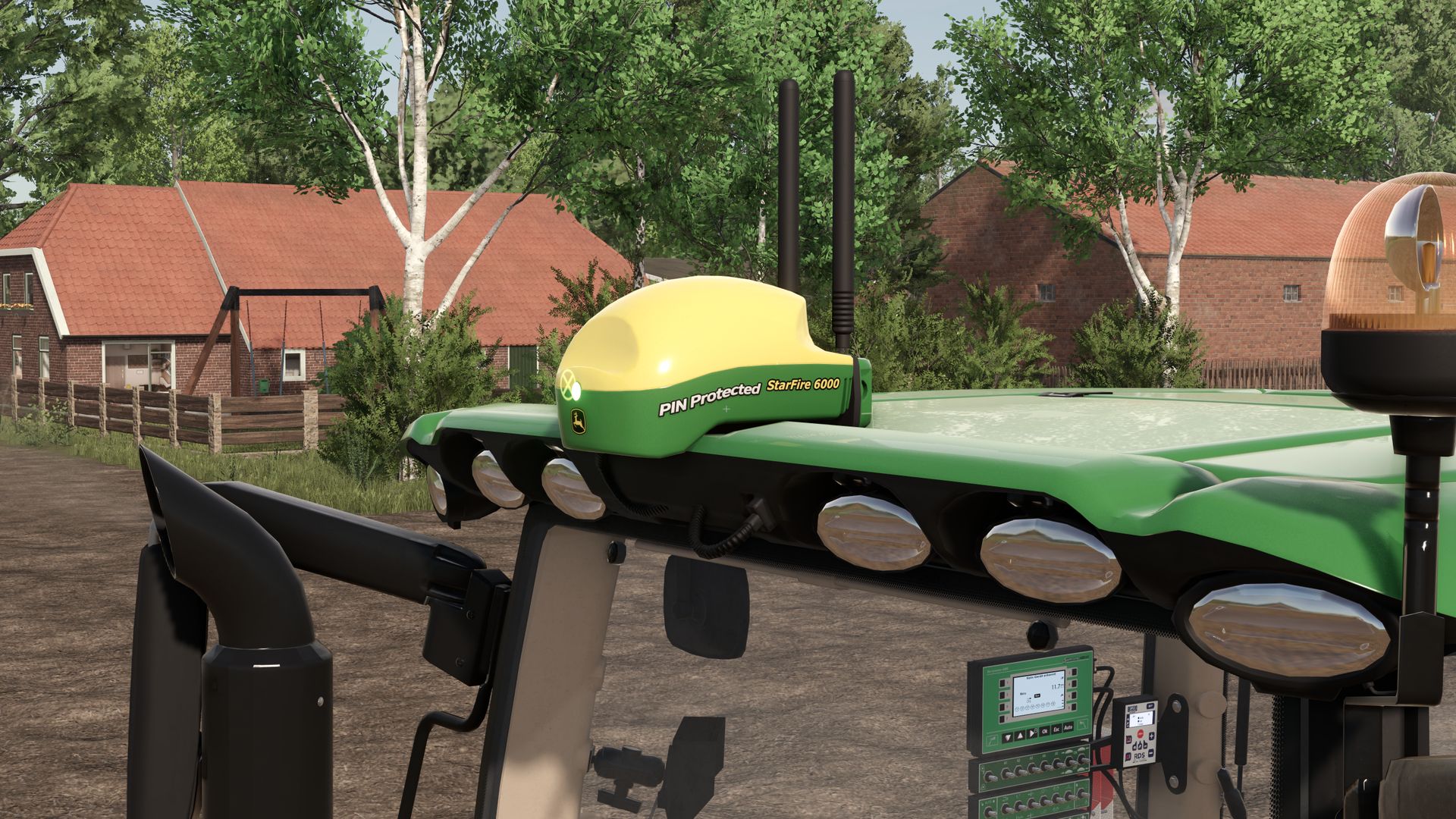
– StarFire 6000RTK and 7500RTK
– Warning boards
– Front fenders
– Roof hatch
– Operating concept
– Joystick
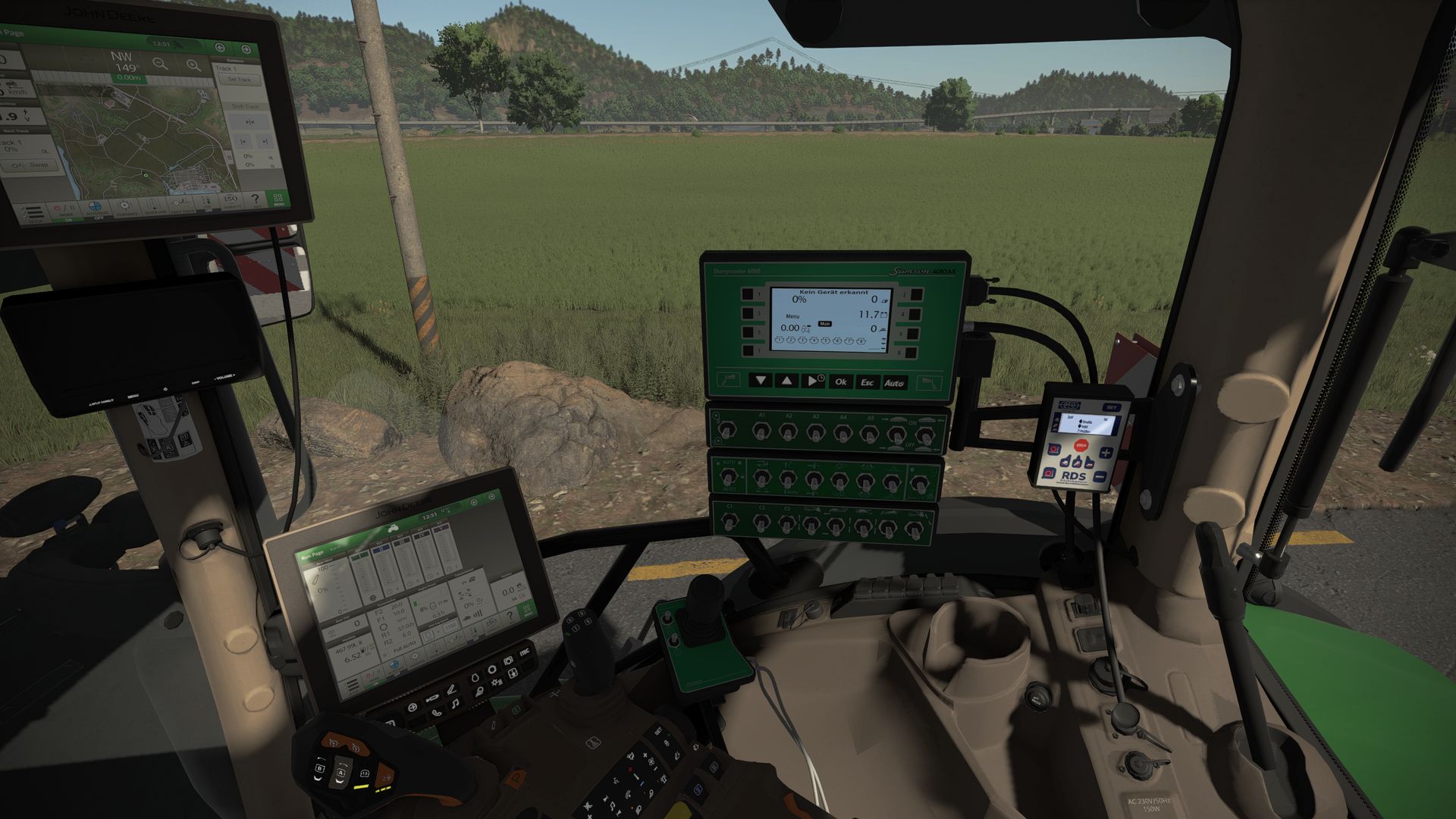
– Samson slurrymaster 6000 and 8000
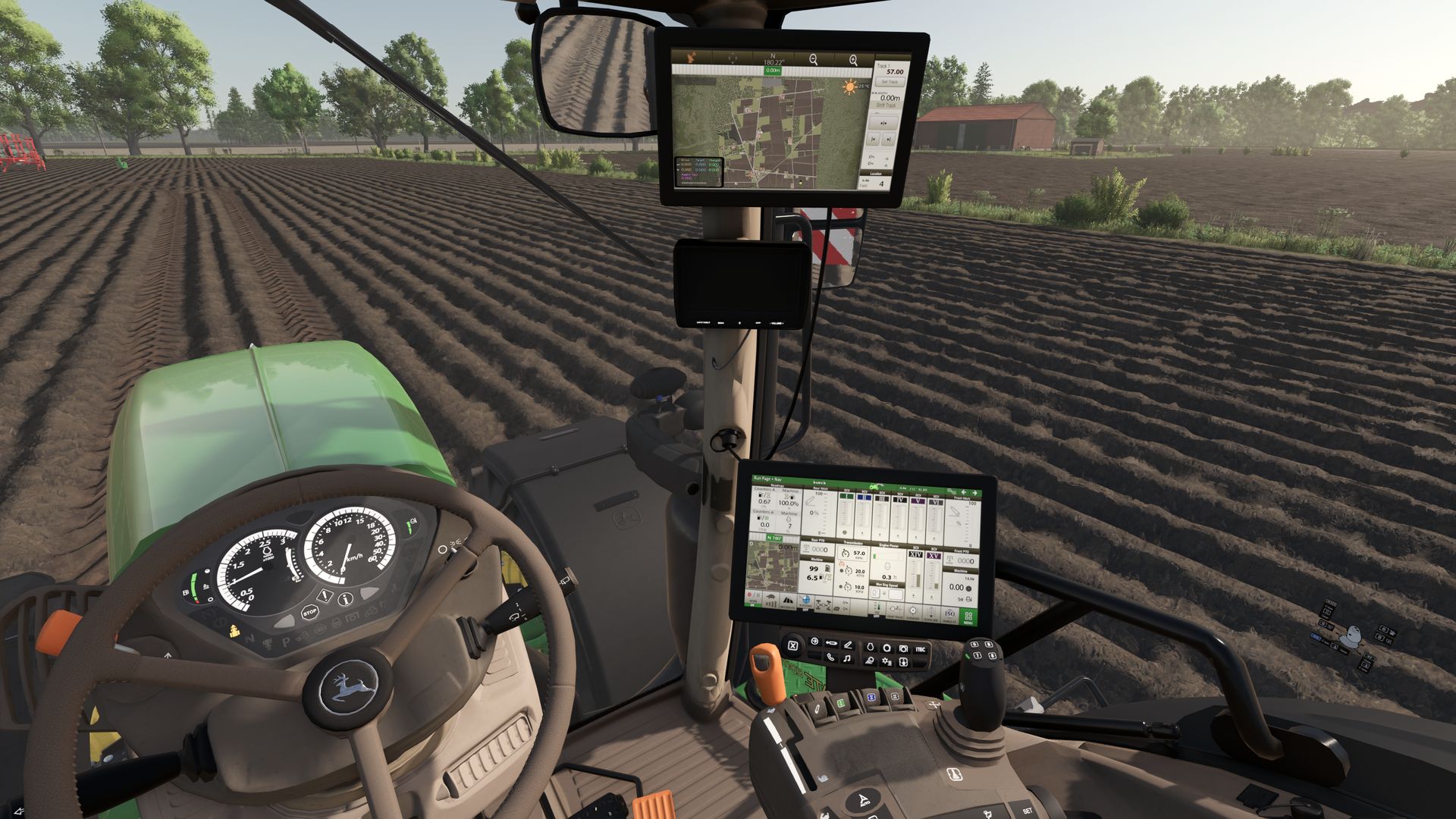
– G4 and G5 displays
– Premium and Ultimate editions
– Decoration (cooler, hood ornament, carpet)
– REBO dealer stickers (more dealers will follow in the next update)
– Hood color
– Rim color
– Isaria PRO Compact (Precision Farming DLC)
Extra:
– Camera display with 5 work cameras (the MB DLC is required if you want to use the cameras)
Engine configurations:
– 6230R 40 km/h (230 HP + 50 HP IPM)
– 6250R 40 km/h (250 HP + 50 HP IPM)
– 6230R 50 km/h (230 HP + 50 HP IPM)
– 6250R 50 km/h (250 HP + 50 HP IPM)
Animations:
– Steering column (folding in/extending)
– Left door
– Right door
– Rear window
– Sunroof
– Driver’s seat
– Passenger seat
– Installing and removing the StarFire
– Installing and removing the Samson terminal
– Switching between the G4 and G5 displays
V1.3.0.0
– Fixed tire glitches
Recommended mods:
Interactive Control
Precision Farming
RealGPS Mod
Author: michelkueck, SL_Modding, M4Rm3, BayernGamers