John Deere 6r 2019 V1.0
John Deere 6r 2019 V1.0
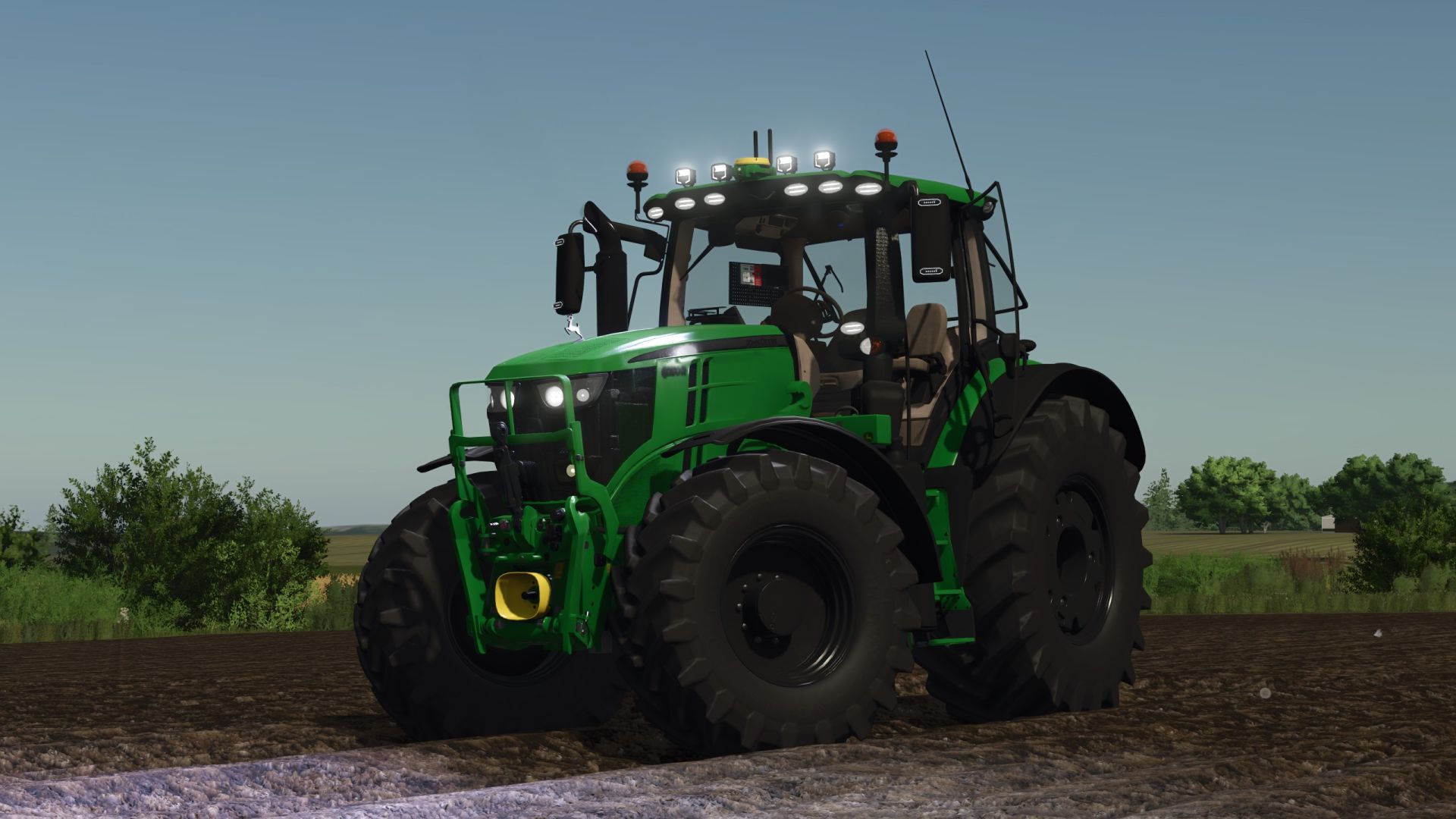
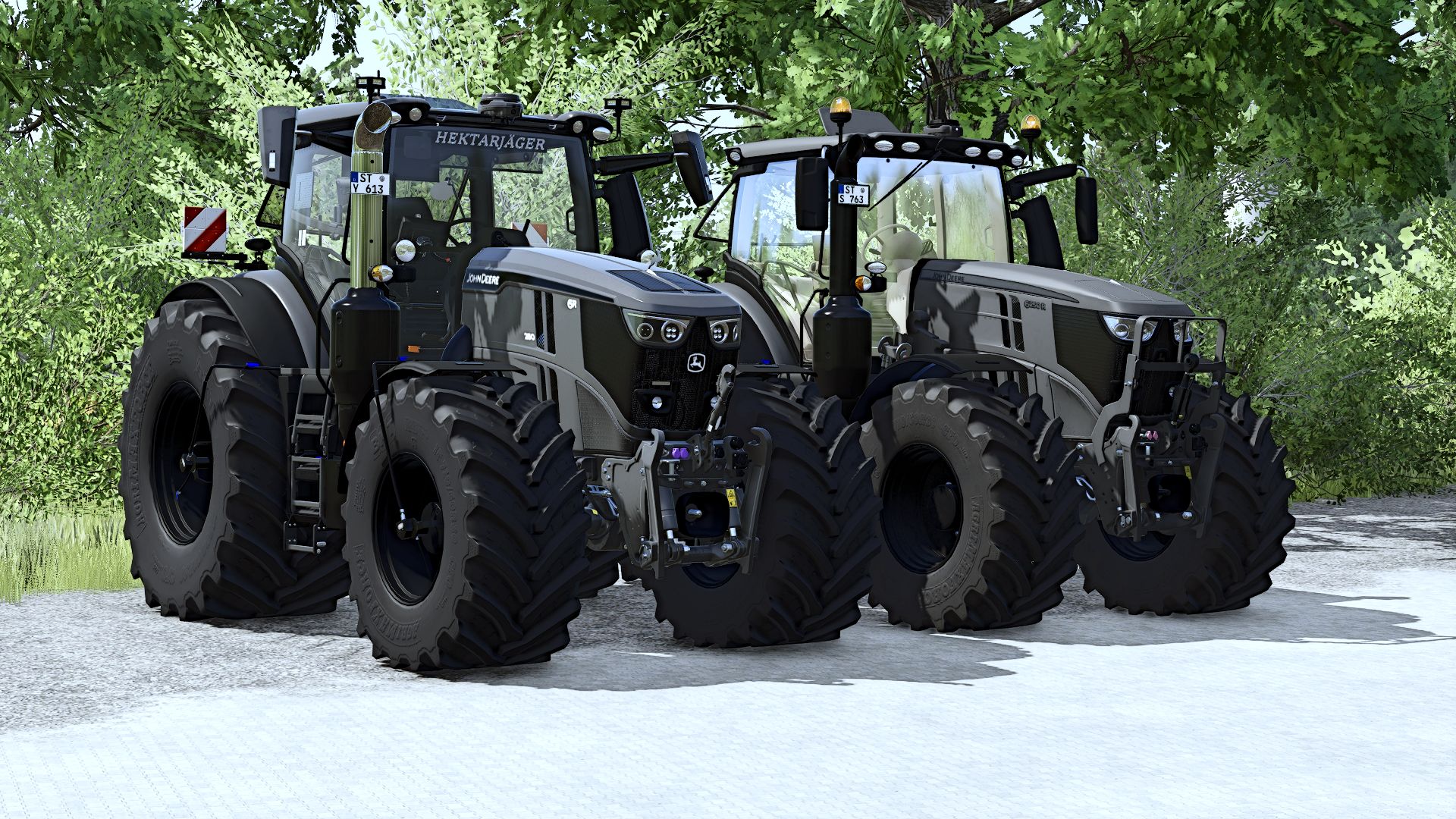
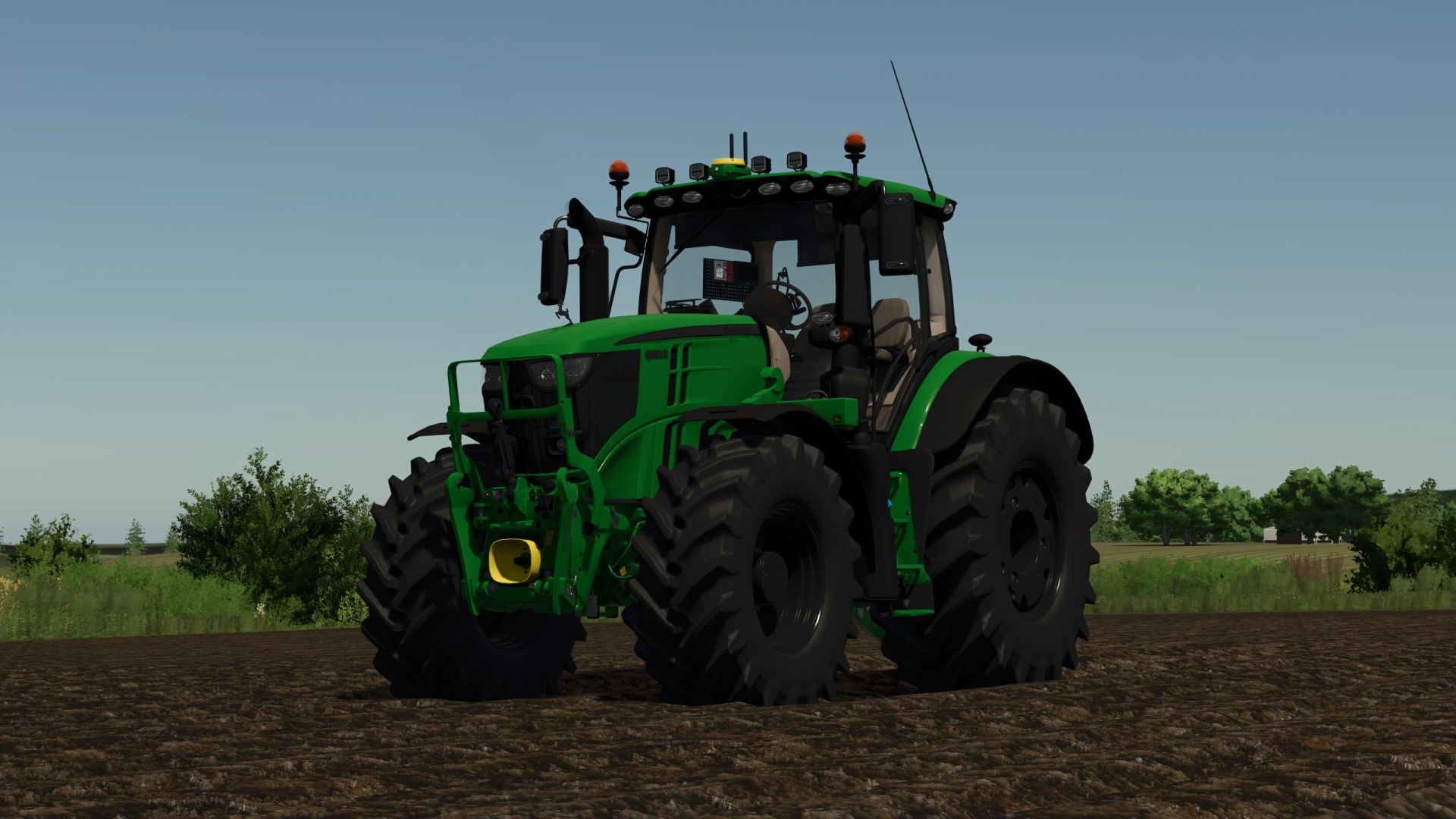
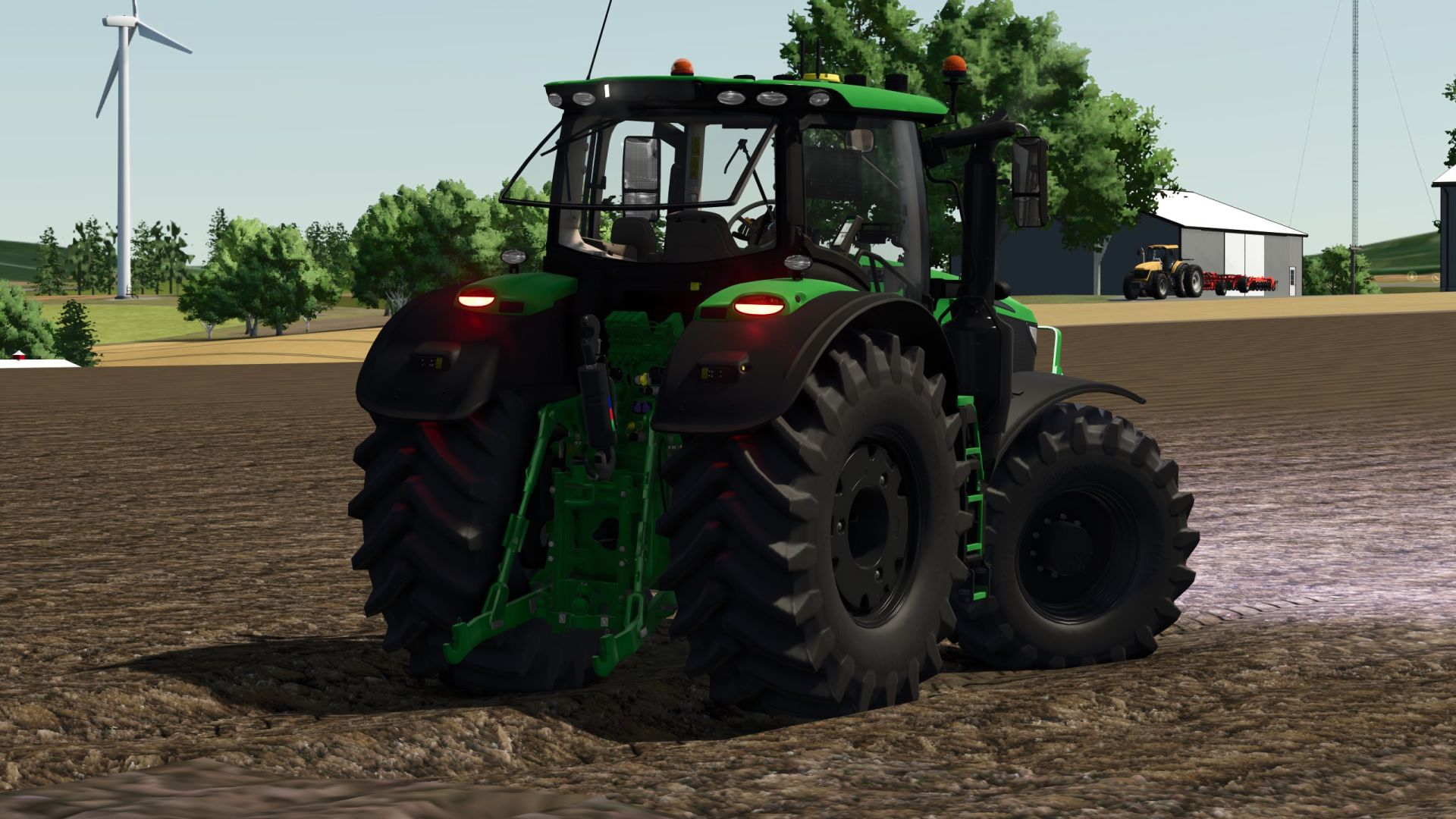
John Deere 6R 2019 – from FS22 to FS25, with plenty of time and attention to detail!
A huge number of hours of work went into this project. I spent a long time working on it, adjusting things, adding features, and constantly testing and improving.
The conversion was just the beginning. It was important to me to give the 6R a personal touch and implement many details that make the tractor special. Even the small things, which might only be noticeable on second glance, took a lot of time and patience. I’m all the more delighted to finally show you the result after all this hard work!
Here’s what you can expect:
40 IC points for tons of interactive features – there’s plenty to use and discover!
Animated doors, rear windows, roof and hood bring movement to the 6R and can be operated via IC.
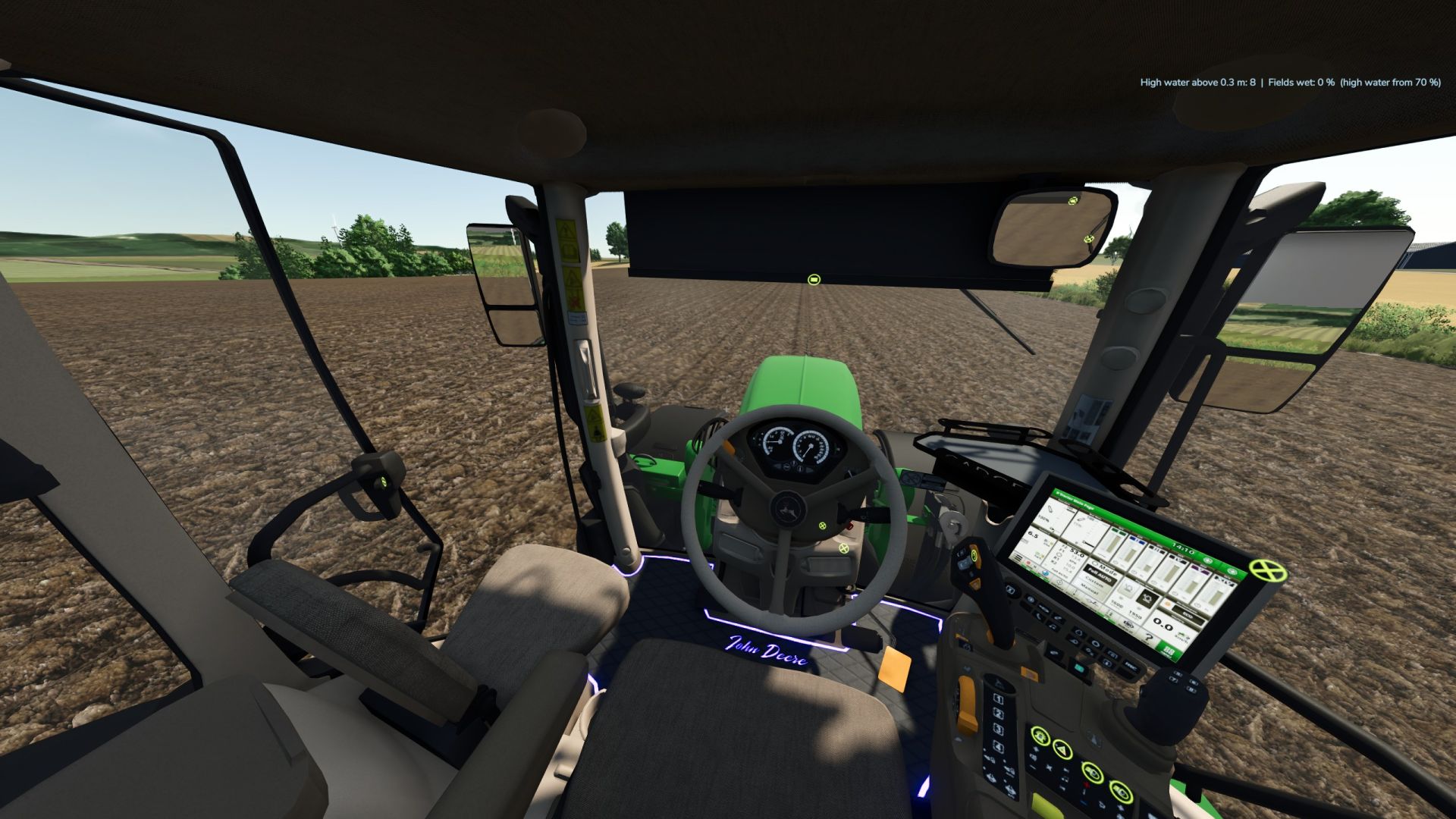
Premiere for my Pöttinger terminal: I installed it in a tractor myself for the first time! A special step for me, and I’m really proud of it.
CCI 800 as a camera display: You can switch between the cameras at the front, rear and on the attachments via IC – provided that corresponding cameras are available.
Carpet, LED lighting, and a starry sky create the perfect atmosphere in the cabin. Even late hours in the fields are enjoyable!
Tire pressure control system: Currently available on wide tires.
A variety of rotating beacons from Northernlights are available so you can customize your 6R to your liking.
Roller blinds for the cabin complement the interior fittings.
A huge selection of tires: Scrolling is almost part of the rebuild process here!
Slightly revised windows complete the look.
StarFire 7000 RTK is also on board.
Cables laid for the terminals: Even the small details count and should be included in the renovation!
Clean In-Game Log
Besides the visible changes, I’ve invested a lot of time in testing and fine-tuning. The in-game log is clean – I placed great emphasis on this during the conversion and further redesign.
More updates to come!
This project isn’t finished for me yet. I’ll continue working on the 6R, improving details, and implementing additional features and enhancements. So stay tuned for more updates!
Required mods:
Interactive Control
Author: Dirtdevil99