BGA fill level warning V1.1
BGA fill level warning V1.1
Attention, initially only for single-player mode:
Multiplayer is planned for a later version, but since I’m a single-player gamer, I lack the opportunity to test it:
If anyone wants to/can test multiplayer and servers in the future, feel free to leave me a message!
BGA level warning
The mod was originally intended for me so that I could better monitor the fill levels in my BGA in case something runs out!
With this mod, you can always keep an eye on the raw material levels of your own biogas plants.
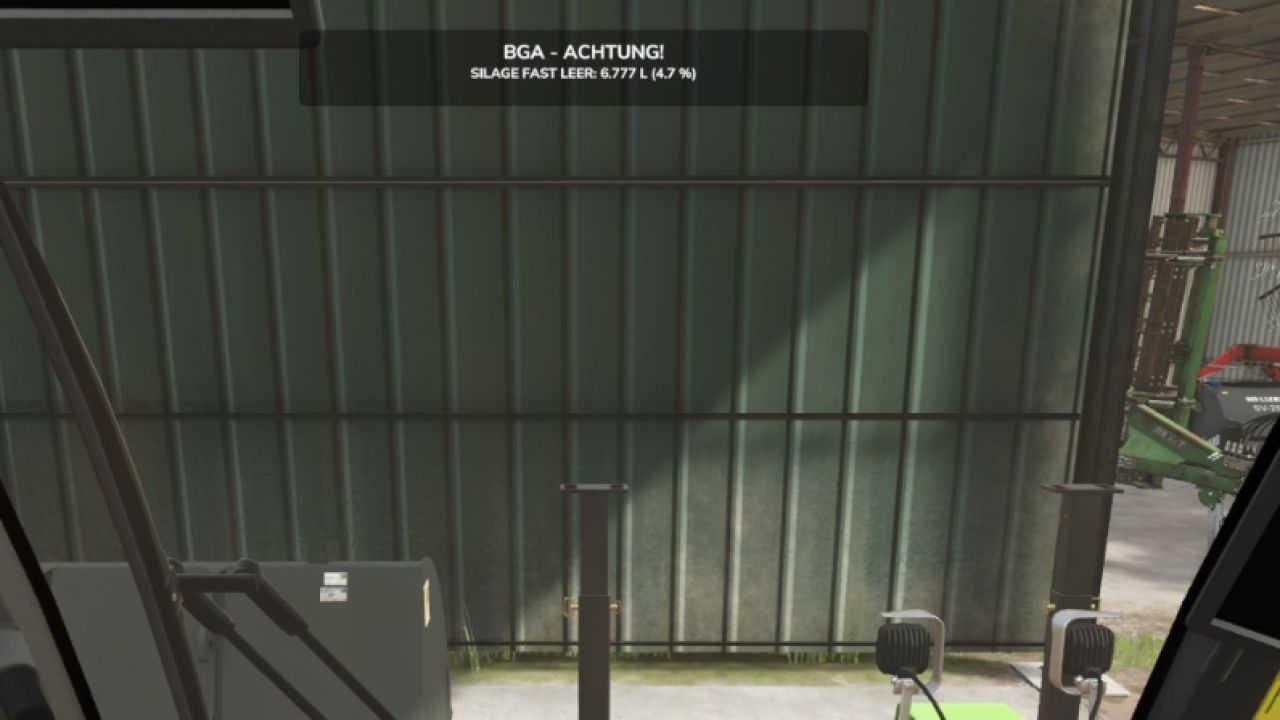
If the fill level of a required raw material falls below the set warning threshold, a notification appears at the top of the screen for 10 seconds .
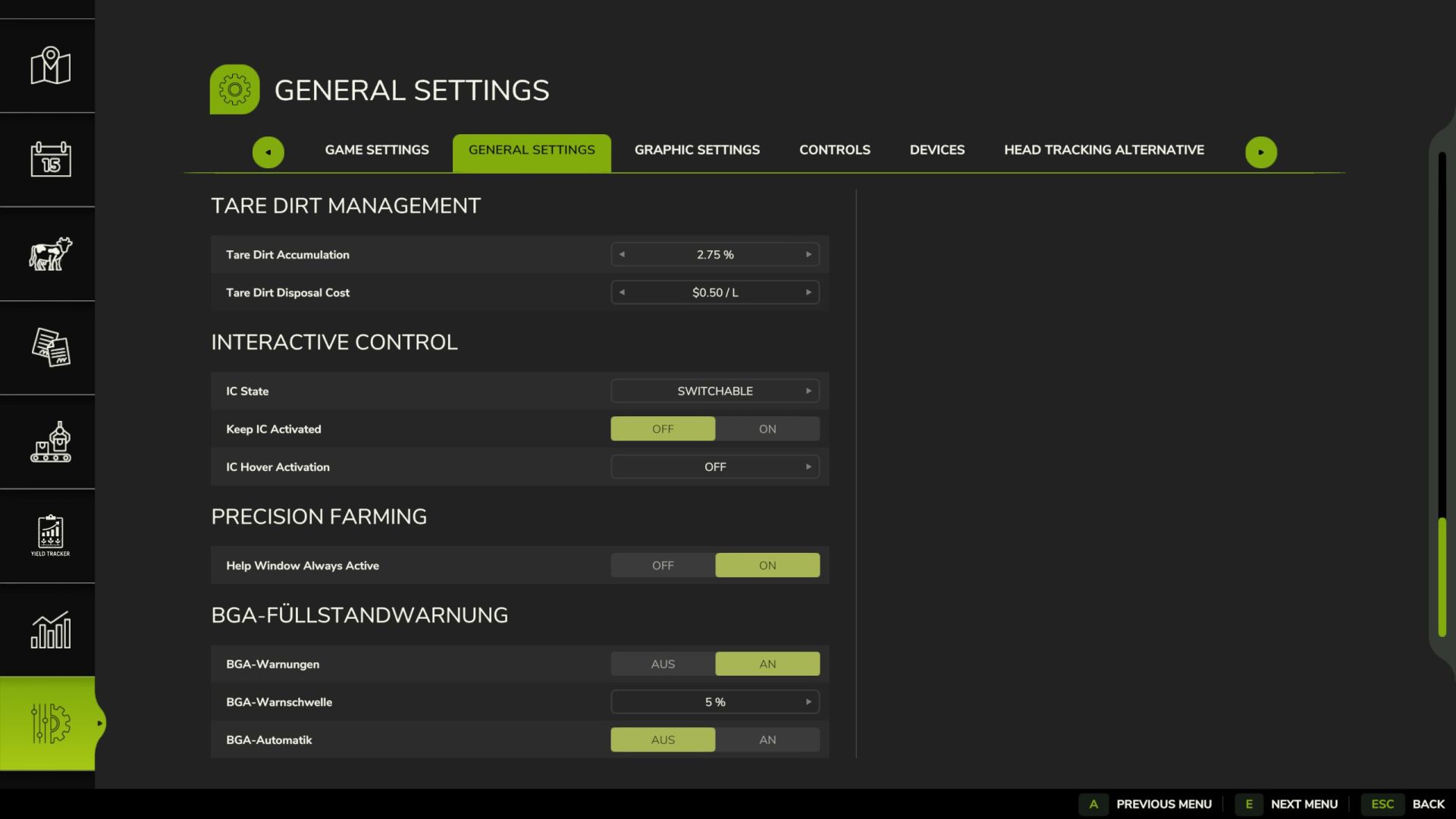
The warning threshold can be set to 5%, 10%, 15%, or 20% in the ESC menu under Settings → General . The settings are saved permanently.
The BGA automatic function and fill level warnings can also be switched on and off in ESC –> General.
Repeated warnings are only issued after the level has been replenished and the warning threshold has been breached again.
New in this version:
Automatic BGA control for independently stopping and restarting production lines.
Automatic shutdown when the raw material level is 1 liter or less.
Automatic restart after sufficient refilling.
On-screen messages when production is stopped and restarted.
Fill level warnings with percentage display, without duplicate messages.
Manually deactivated production lines remain switched off.
Automatic BGA control can be switched on and off via the ESC settings menu.
Author: Willi Raster, ChatGPT