Soil Deformation Save v1.0
Soil Deformation Save v1.0
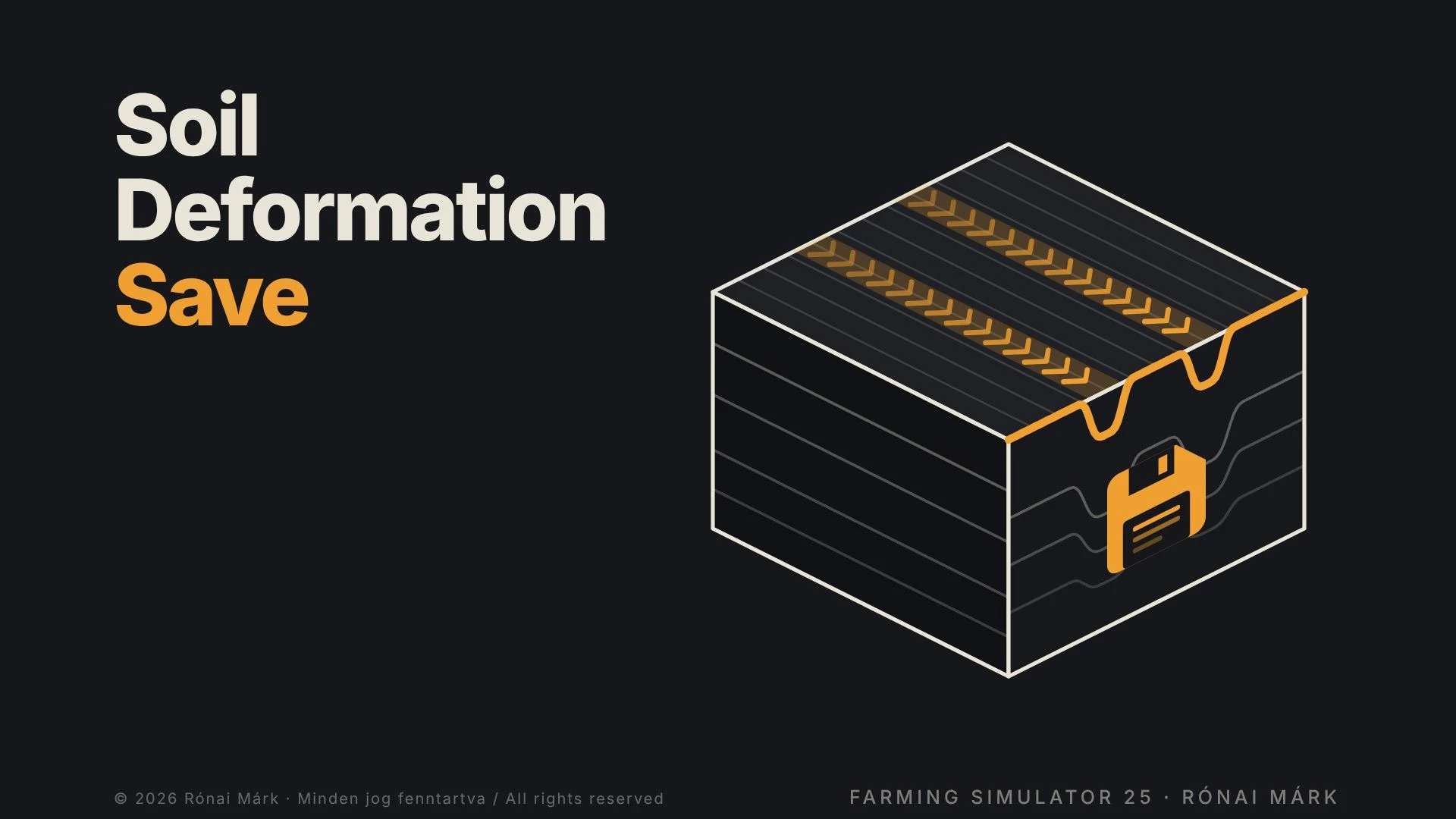
Wheel ruts, tyre tread marks and plow furrows no longer vanish when you save and reload: they stay on your fields until the soil is worked again.
Normally every save and reload wipes your wheel ruts, tyre tread marks and plow furrows. Soil Deformation Save keeps them: the marks stay on your fields exactly where you left them.
WHAT IT DOES
Remembers the marks of every wheel on the ground: tractors, implements (disc harrows, rollers, …), trailers, harvesters base game and modded vehicles alike.
Saves how far the wheels sank in as real terrain deformation and rebuilds it into the soil when you load.
The tyre tread marks and the furrows dug by the plow are saved and restored too.
No time limit: the marks stay until the soil is worked again.
HOW MARKS DISAPPEAR (like in reality)
Plow, cultivator, disc harrow, subsoiler, packer, roller, ridge former and seed drills level the ground where they work.
A plow buries the furrows of earlier passes.
Direct drills do not work the soil, so they do not level the ruts (they only remove old furrows).
INSTALLATION AND USE
Copy the zip file, without unpacking it, into the game’s mods folder and activate it in your savegame.
No settings, no menus, no on-screen messages it works in the background.
You can add it to an existing savegame, but it does not know marks made before it was installed: it records from the moment you enable it.
When you load, the marks start to rebuild a few seconds after the map starts, gradually, beginning with the ones closest to the camera.
The data is stored in the file soilDeformationSave.xml in your savegame folder.
GOOD TO KNOW
Marks are recorded on farmland only, not on roads. Furrows are not restored where crops have been sown since.
Restored dents can be subtler and shallower than the game’s own fresh ruts especially on maps with a coarse terrain grid (e.g. 1 m).
Works in single player and on the server / host. Players who join a multiplayer game as clients do not see the restored marks. For multiplayer the mod must be used as a zip file.
With an extreme number of marks, the oldest ones are smoothed out first (memory limit).
Author: Rónai Márk