Realistic 4×4 Traction System V2.0.0.1
Realistic 4×4 Traction System V2.0.0.1
Multiplayer in development, playable but may contain bugs
Take real control of your tractor’s traction — engage 4×4, lock the differential and let the system react to actual wheel slip, not just to an assigned key.
This mod adds a fully switchable 4×4 traction system to compatible vehicles (tractors, trucks, harvesters, cars): engage/disengage the front axle when needed and toggle a differential lock that trades turning radius for maximum grip in mud, snow or during heavy work.
Features
Real rear-wheel slip detection — automatic modes react to actual wheel-slip physics, not just speed
Four driving modes, assigned to each vehicle by default:
Manual — always in control
Semi-automatic — engages with actual wheel slip, while manual control is always available
Automatic — the same logic, adjusted for vehicles with factory-fitted automatic 4WD (CVT/IVT transmissions)
Intelligent — continuous, proportional engagement in the Fendt style (without abrupt switching on/off)
Native tyre-pressure simulation during engagement — no dependency on any other mod
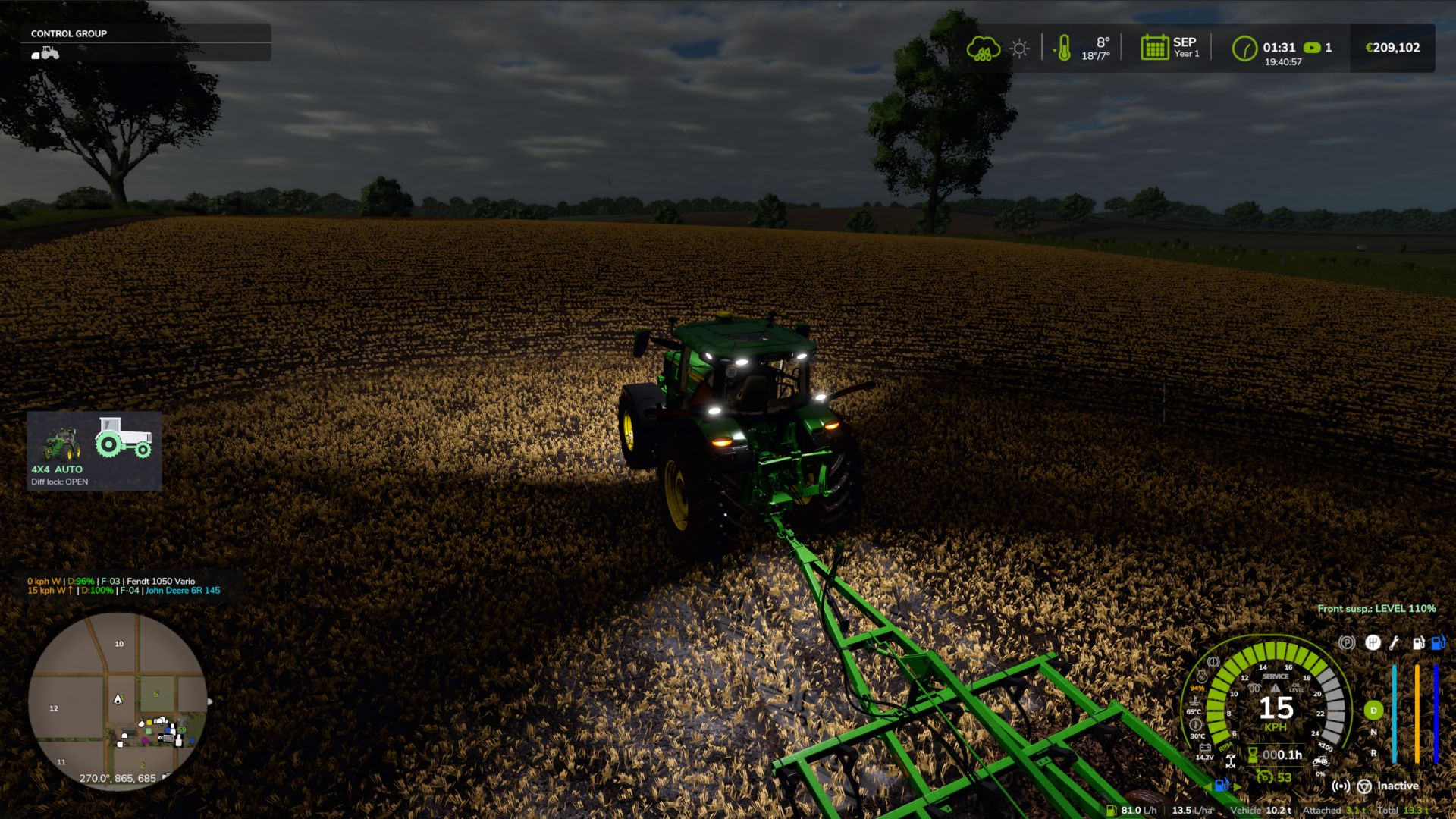
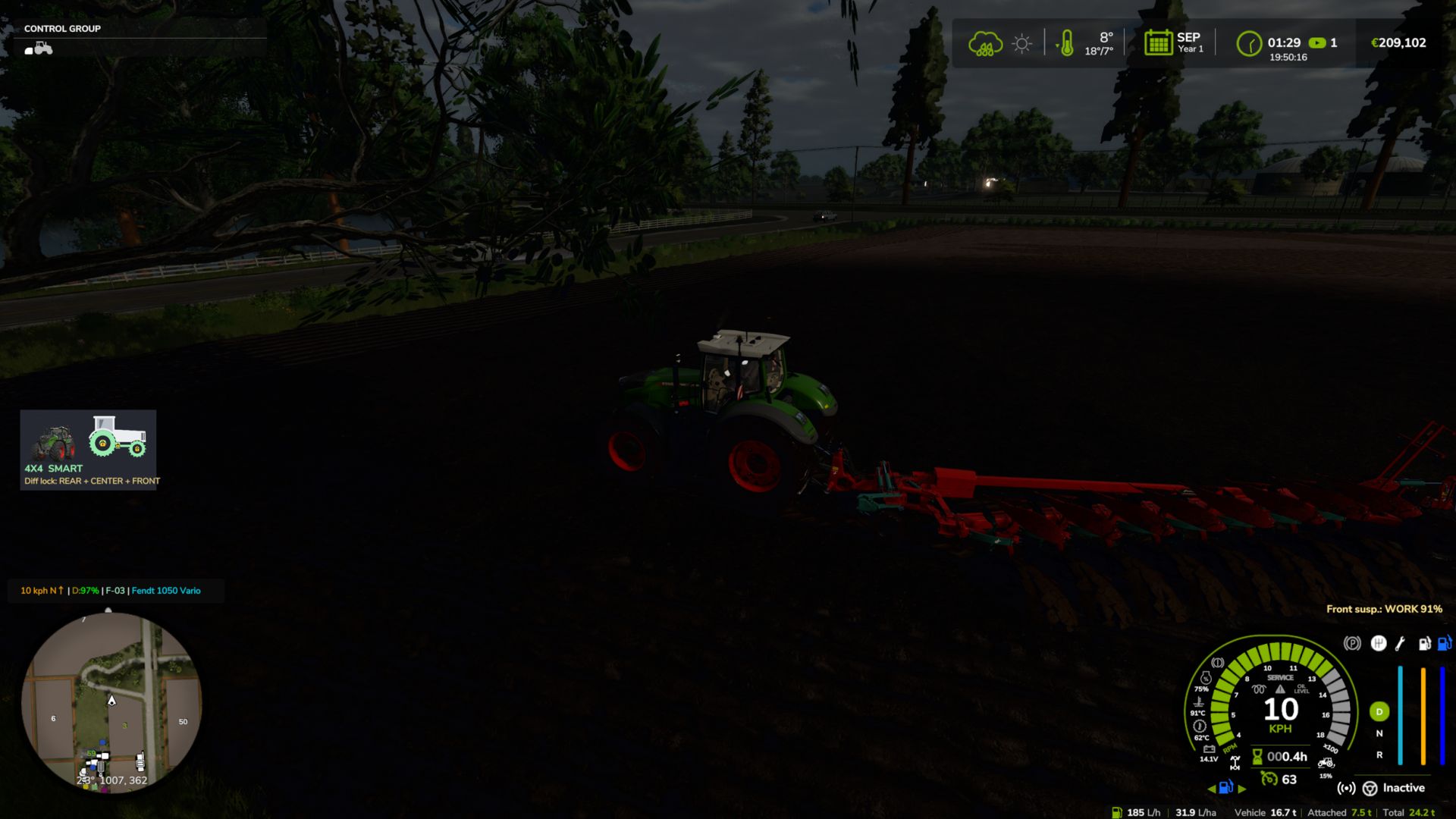
On-screen HUD with real-time status and adjustable position in the game Settings menu
Zero XML changes to any vehicle — the system integrates automatically into all compatible vehicles
V2.0.0.1
Fix: Lua error repeating in the log (“FourWDTractionSystem.lua:2518: invalid argument #3 to ‘format'”) on vehicles with permanent 4×4 or without a 4×4 speed limit (6×4 trucks, wheel loaders, articulated tractors…). Thanks to Patrik Vendelberger for the report.
Author: zasty chalk, Patrik Vendelberger, Cris669