Agra Monitor V1.1
Agra Monitor V1.1
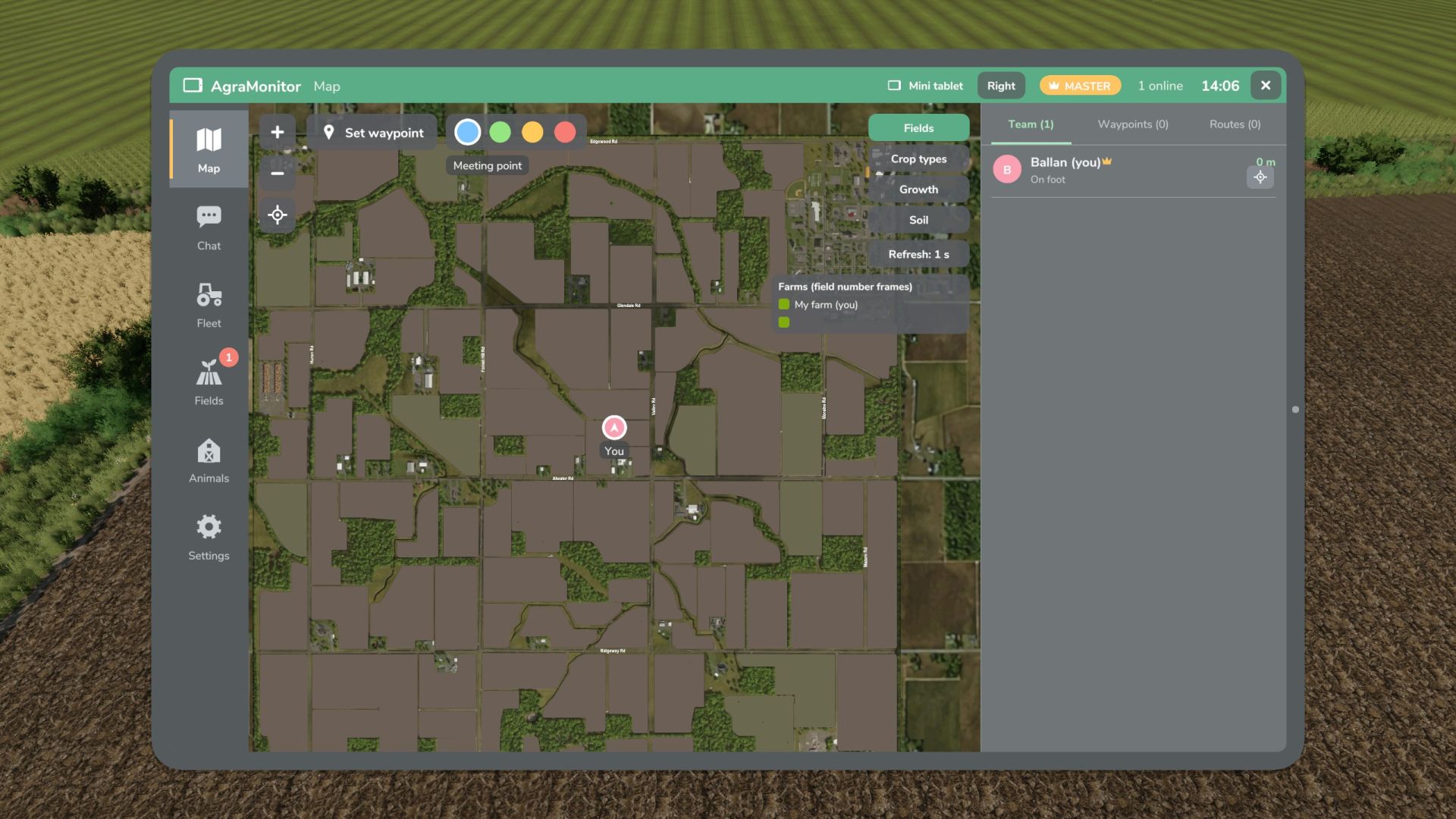
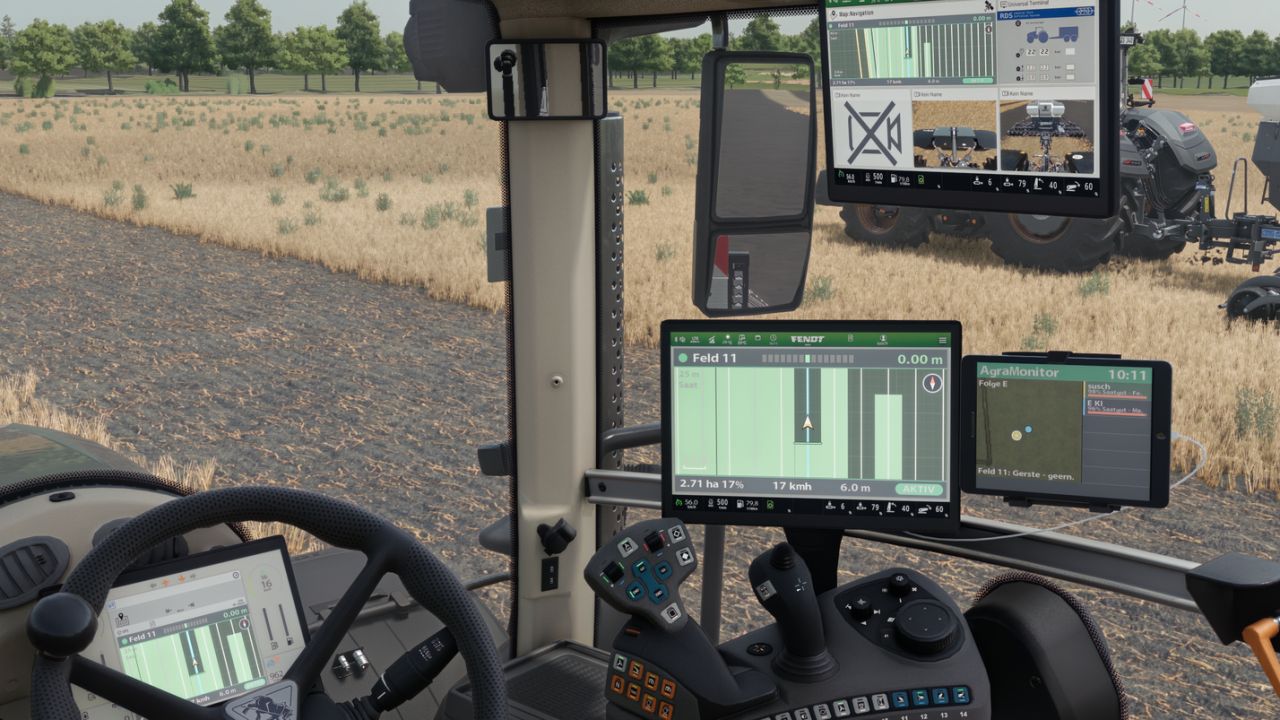
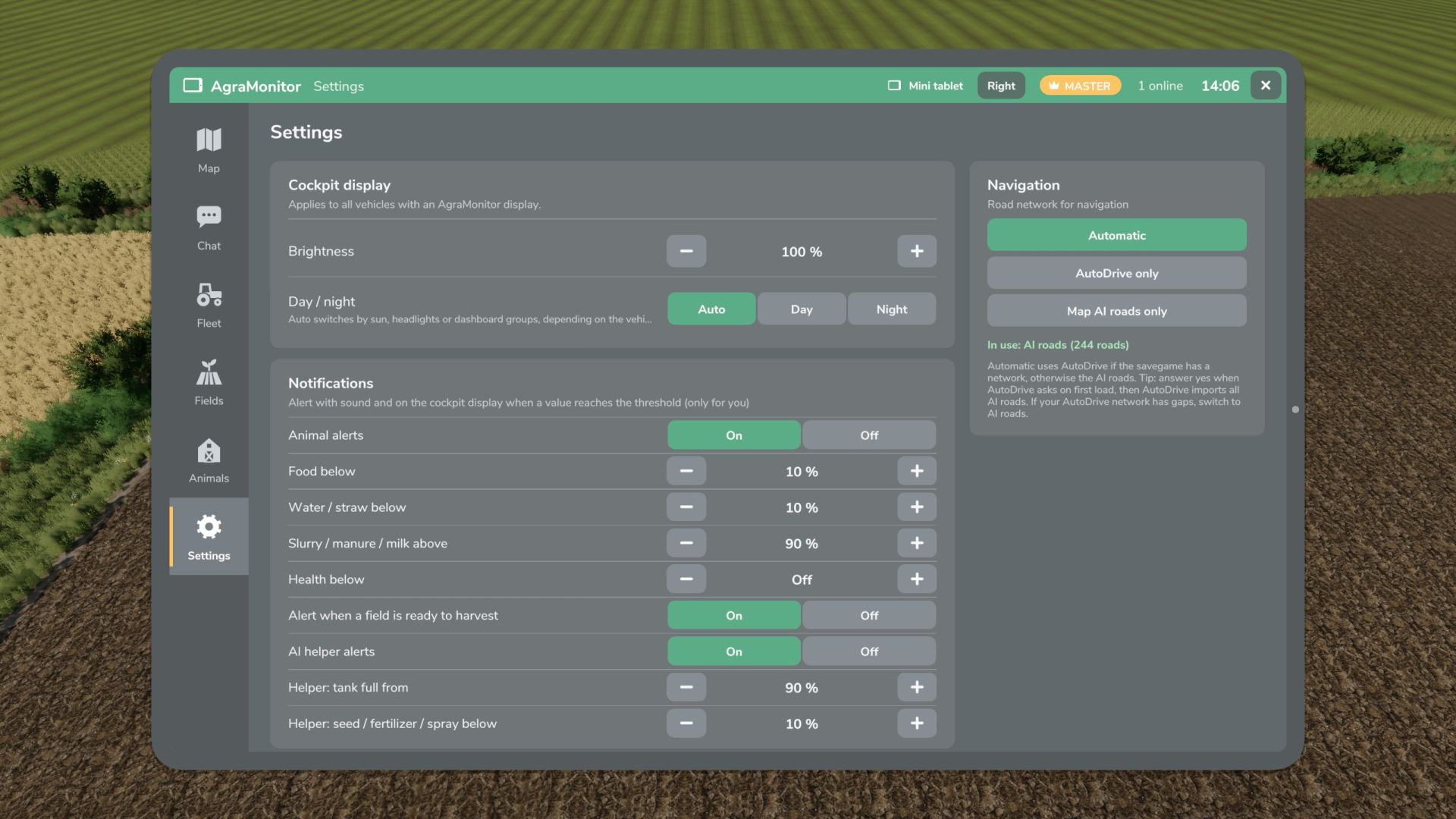
This mod allows you to manage various modules on your farm, such as animals, fields, AI helpers, multiplayer players, etc. An optional display can be installed in vehicles.
Fleet tool for multiplayer and singleplayer games.
Live map showing all players, AI helpers, vehicles, fuel levels, and brief information.
Waypoints with navigation across the map’s roads (AutoDrive network or AI roads).
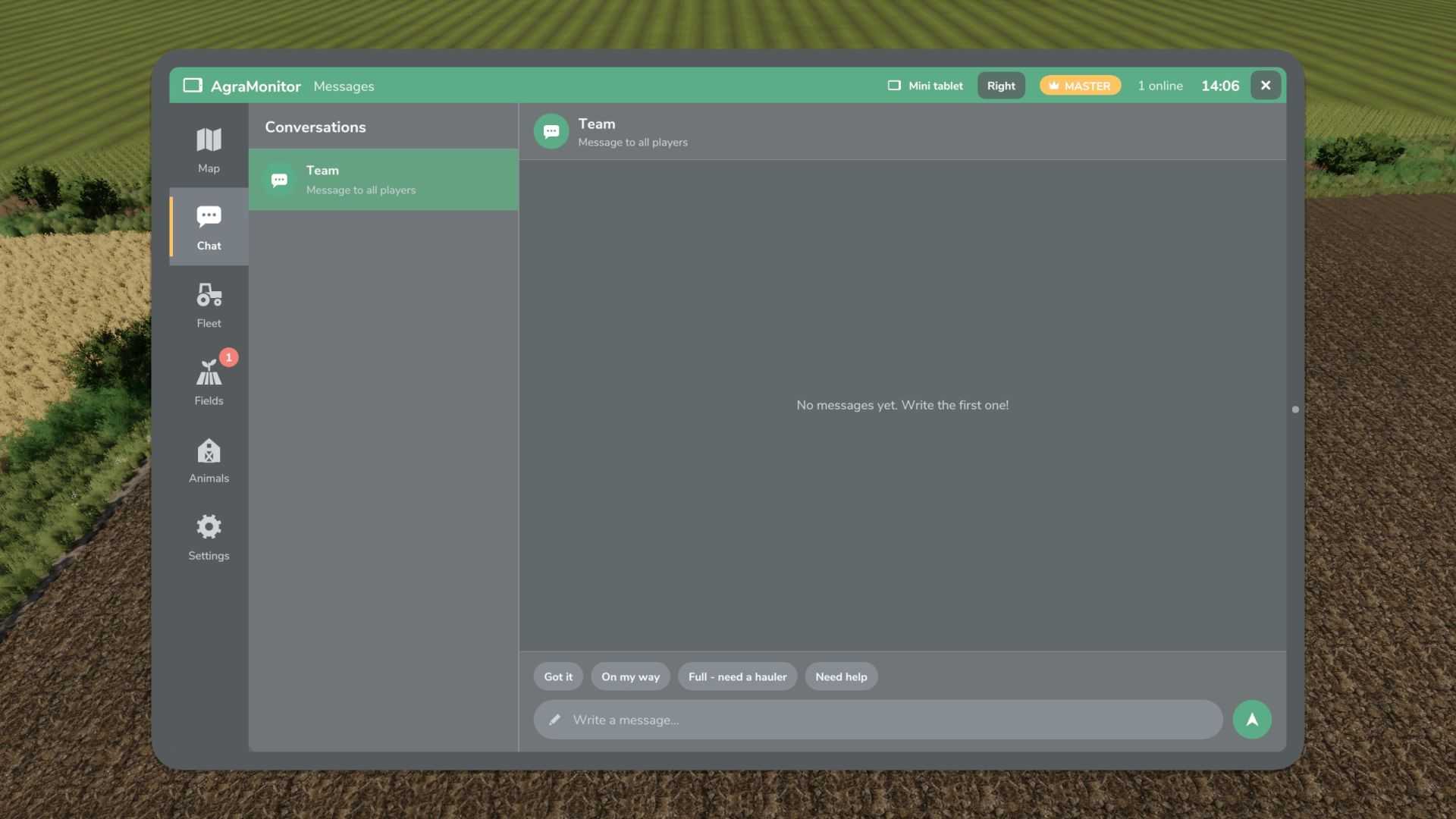
Team chat and direct messages.
Fleet overview, vehicle inventory with damage, operating hours, age, fuel level, etc.
“Mini-tablet” function at the edge of the HUD.
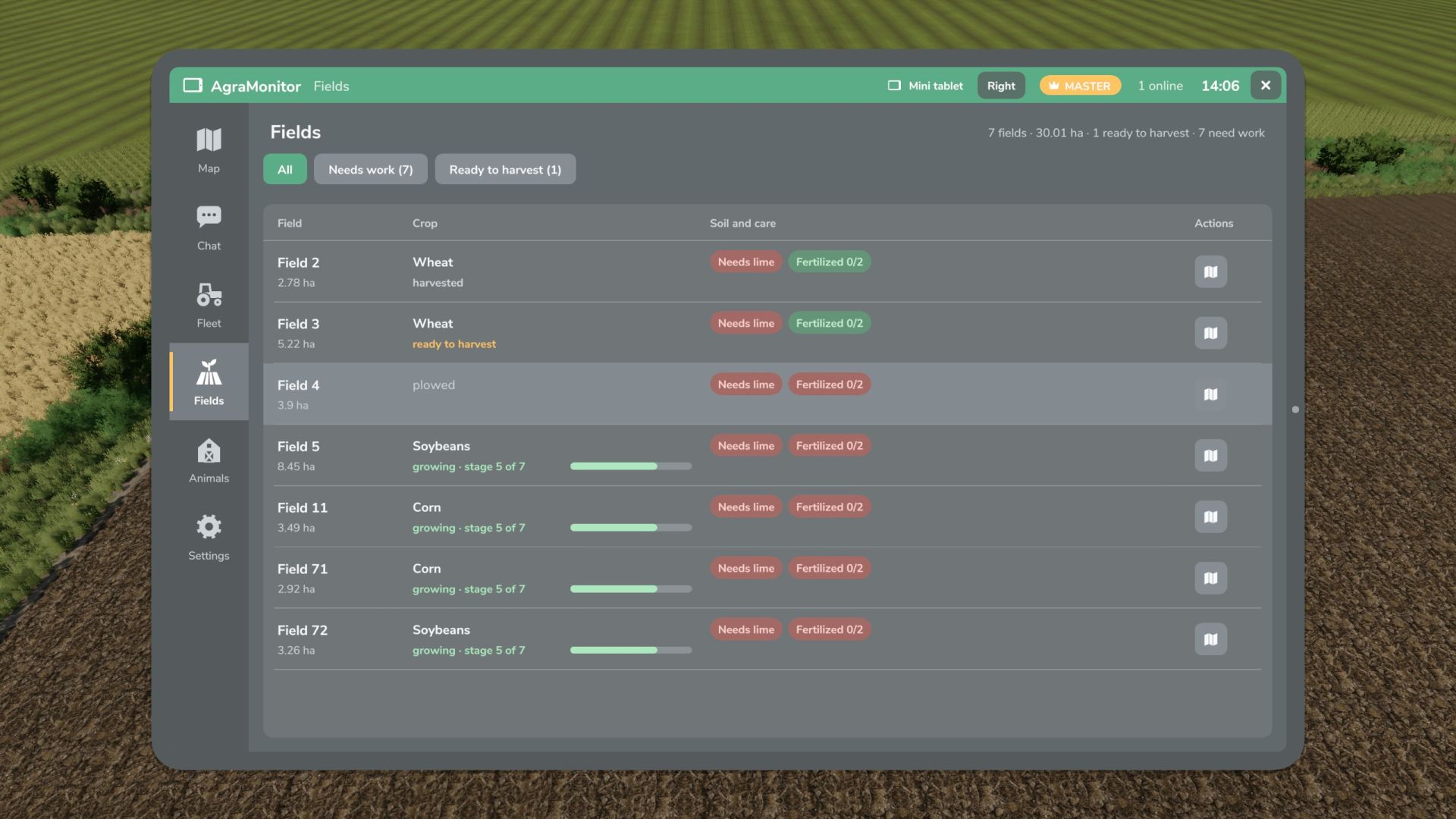
Field management: fields with crop, growth, and soil condition.
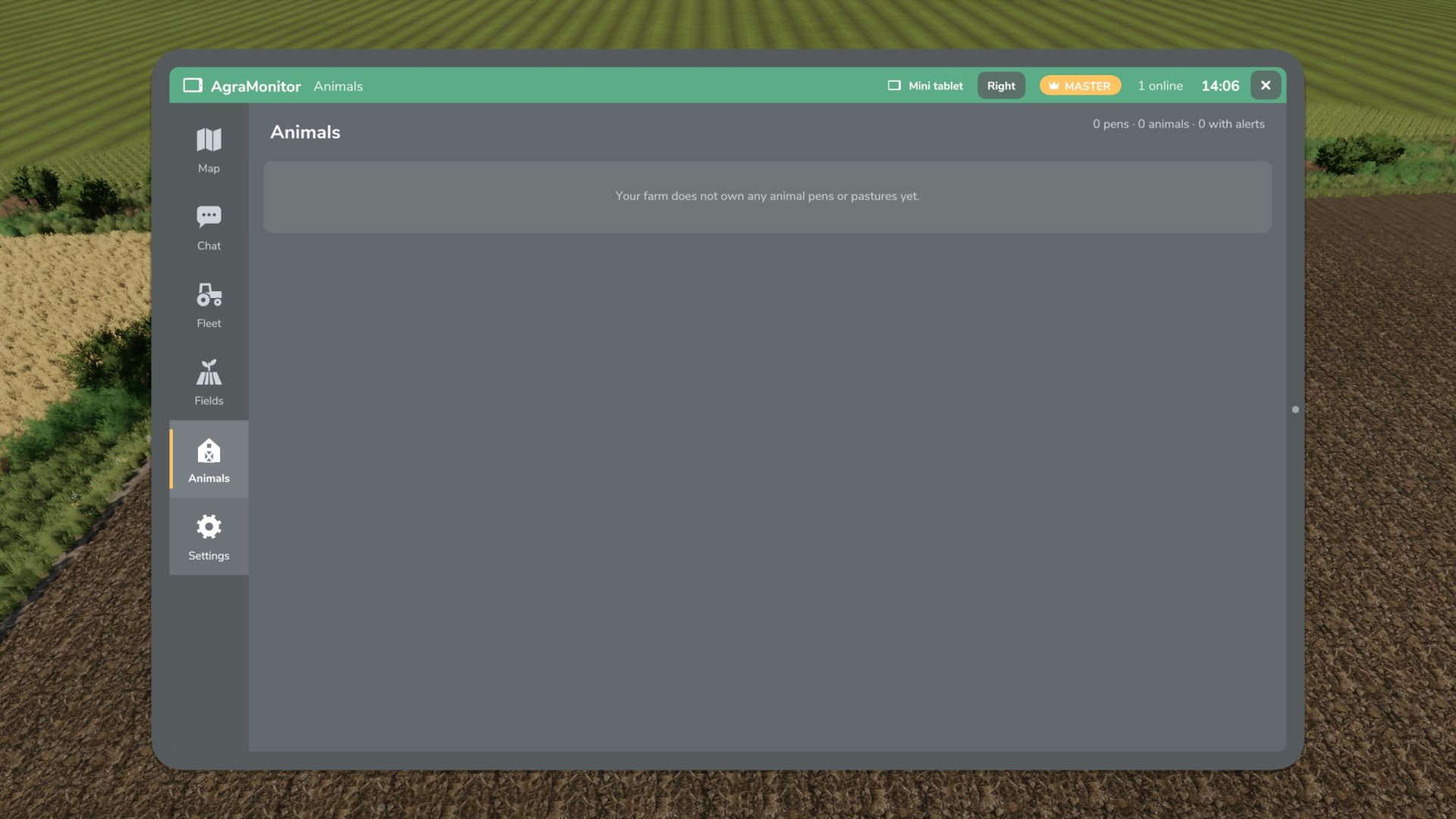
Animals: stables with animals and their parameters. Notifications with adjustable thresholds.
Notifications for AI helpers, animals, fields, and messages.
Display for prepared vehicles with map, player/AI helper information, and brief messages.
Tablet: Left Alt + A, Mini-tablet: Left Alt + S (changeable in the control menu)
V1.1.0.0
New:
Field view on the cockpit display
Field view can be switched on and off in the field view section of the app
Field view added to the app.
The field view controls the map on the tablet, mini-tablet, and cockpit display.
Changes:
The control of the field view in the Map area has been removed.
DEBUG:
Feedback needed, as the field view on the cockpit display is still in testing!
Please report: FPS drops, stuttering, or lag with the field view active on the cockpit display.
Helpful: Compare field view ON/OFF and indicate what hardware you are using (CPU/GPU).
Feedback is welcome via the comments, even if it is working well.
The reason for this is that I am not entirely satisfied with the resolution, but my skills limit me from improving it. If it is satisfactory as is, I will leave it. If not, I need help from someone with shader experience.
Author: Guner348, Guner348