Orchard AI Driver V1.0


Orchard AI Driver V1.0
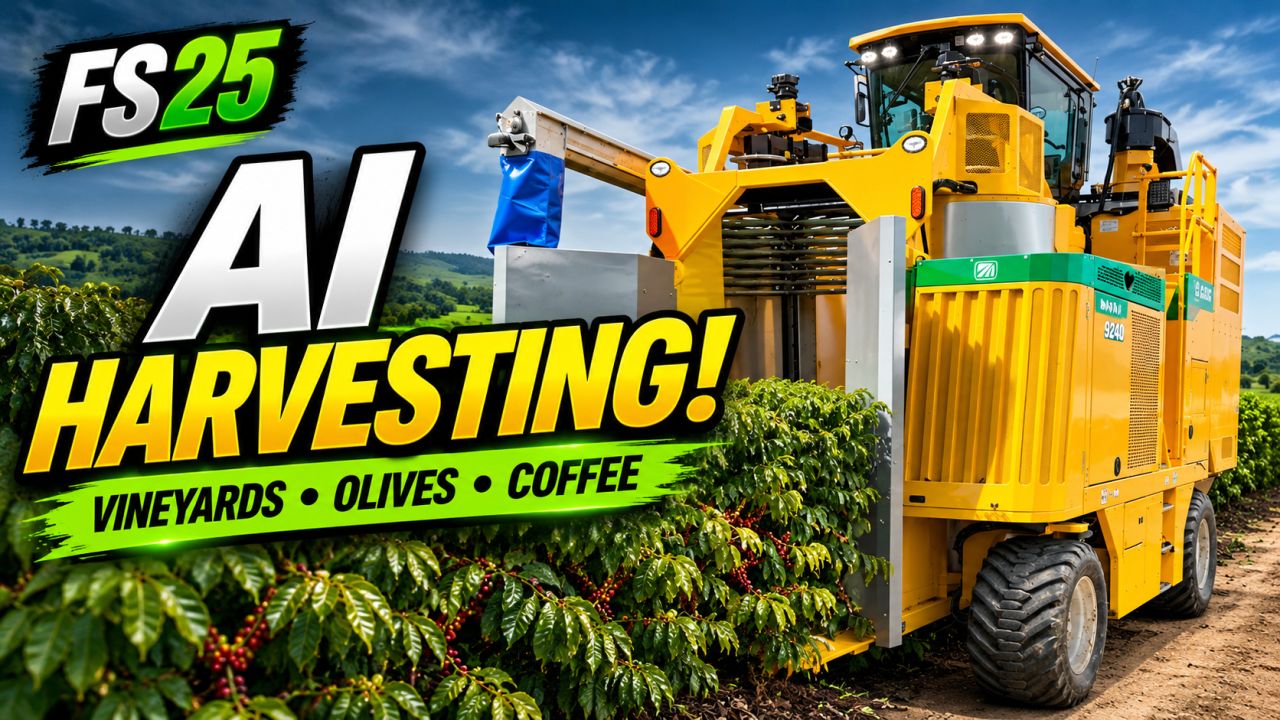
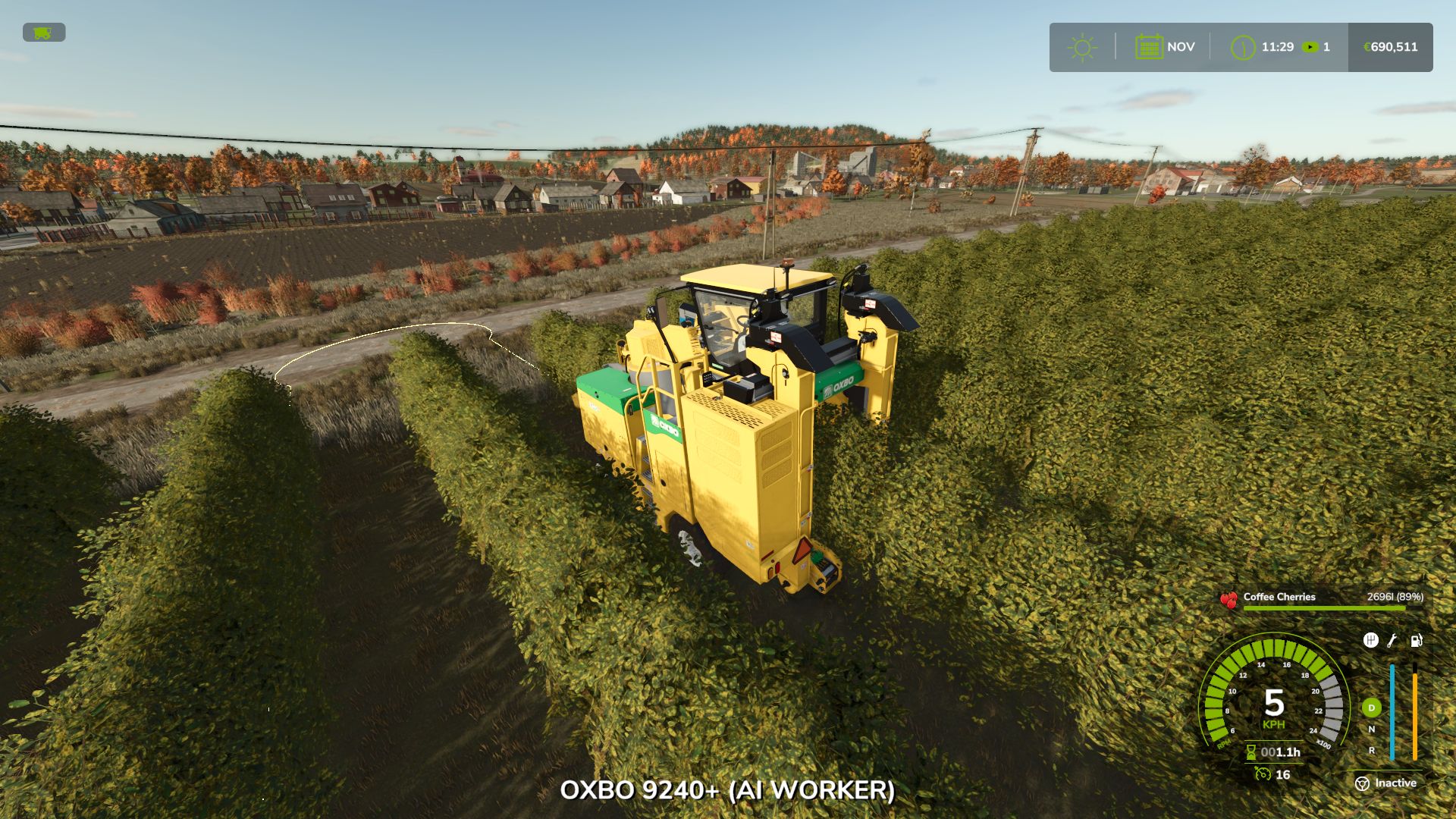
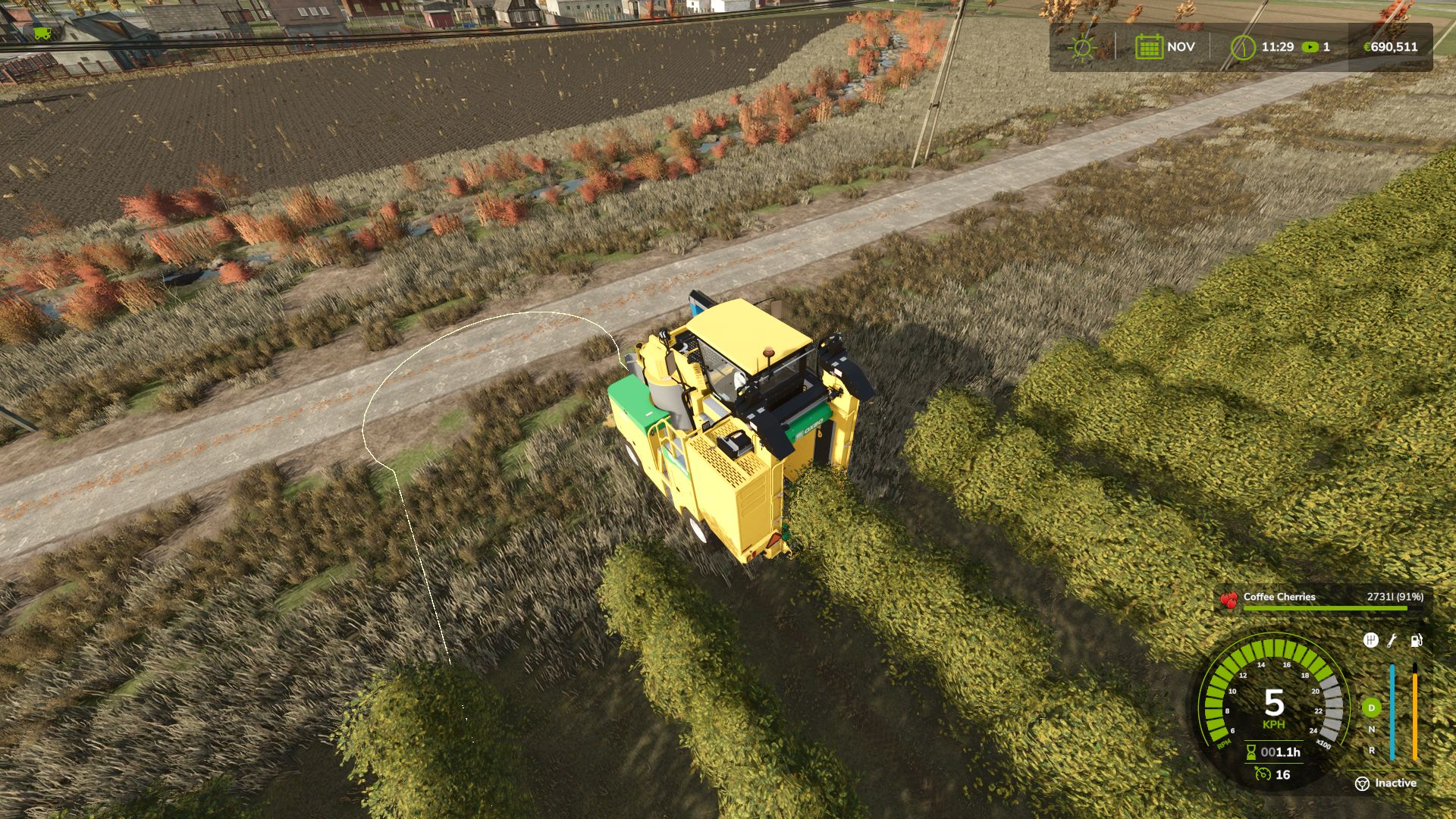
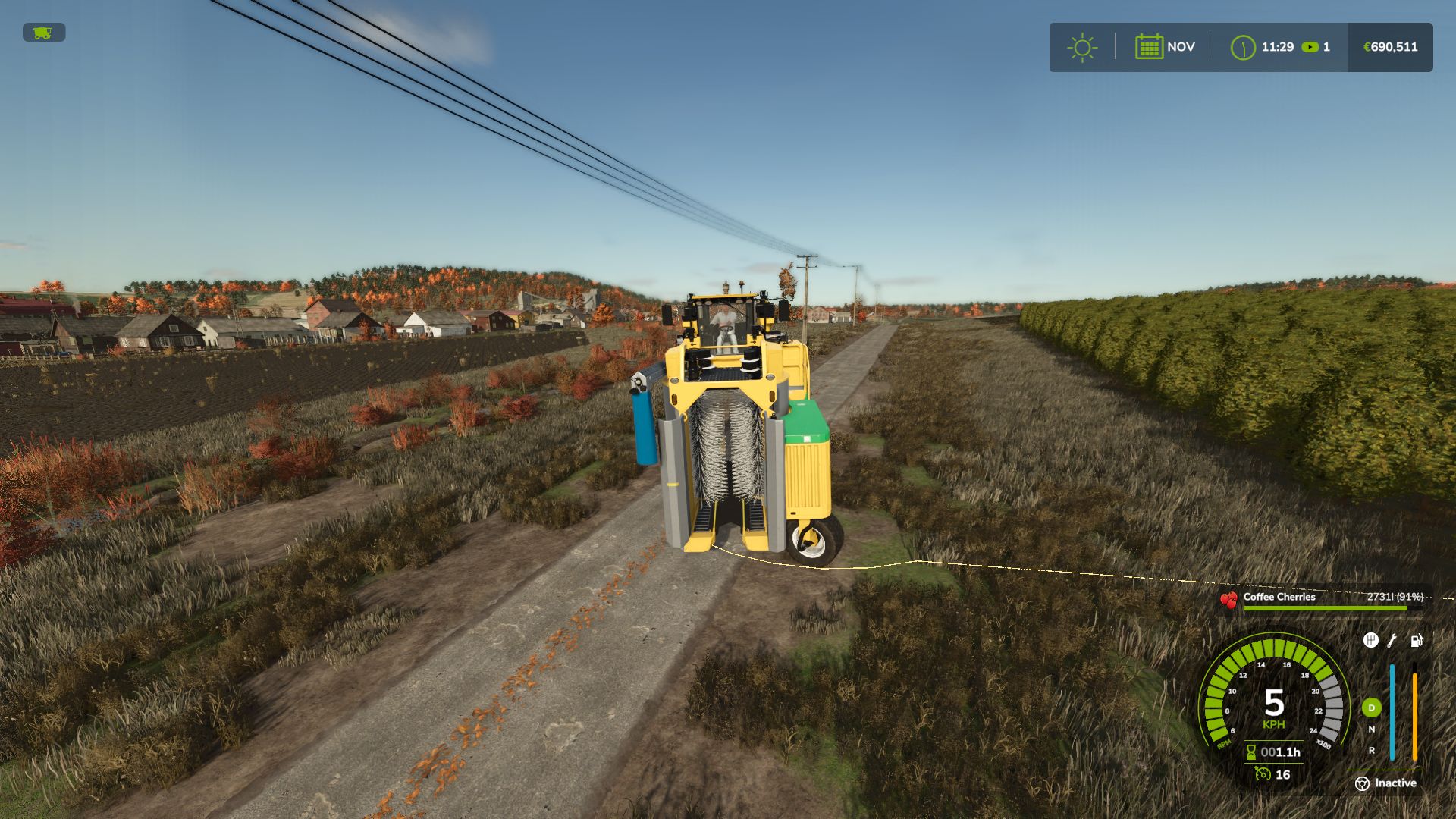
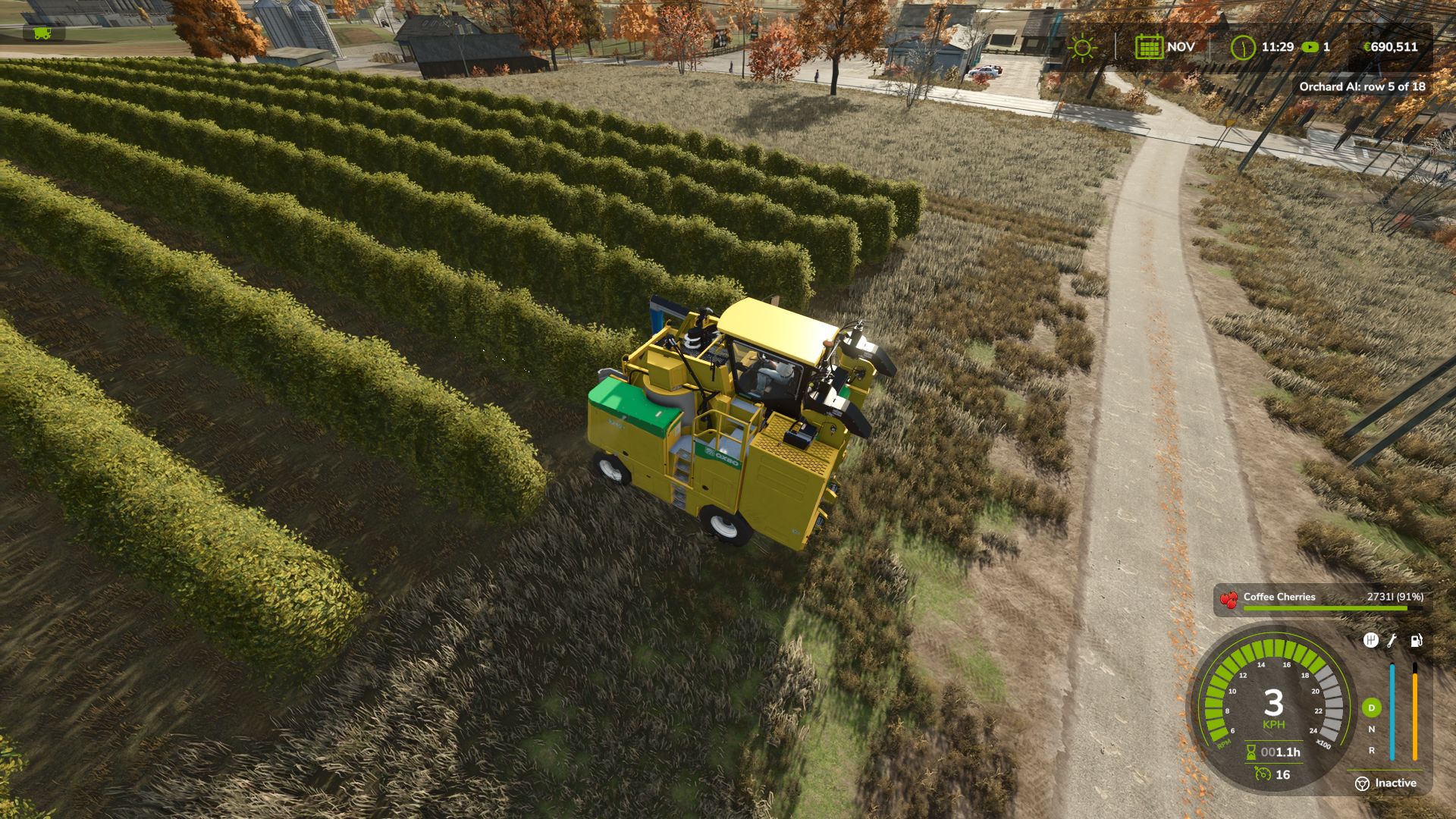
The base game helper cannot work in vineyards, olive groves or coffee rows. Orchard AI Driver can. Press H in your grape, olive or coffee harvester and the machine works the whole plantation by itself.

FEATURES
Finds the plantation by itself: first and last row, the length of every row and the distance between rows
Right crop only: a grape harvester works only vineyards, an olive harvester only olives, a coffee harvester only coffee
Drives from the farm: press H far away from your plantation and the helper drives there on its own, lines up with the first row and starts working
Smart row order: every second row on the way out, the rows in between on the way back
Clean headland turns with a straight run to line up with the next row
Lowered and turned on in the rows, lifted on the headland
If a turn is blocked it backs up and tries another way, and it waits for vehicles in the way
Leave the cab: a farmer takes your seat and the machine keeps working
Stops by itself when the tank is full or all rows are done
Route shown on the ground: green = work, orange = turn

CONTROLS
H: start / stop (only on vine, olive and coffee machines)
Alt + V: same as H

CONSOLE
vaSpeed 10 7: work and turn speed (km/h)
vaRadius 4: turning radius (m)
vaSteerSign: flip the steering direction

INFO
Multiplayer supported
Languages: English, German, French
Do not unzip the file, put FS25_OrchardAI.zip directly in your mods folder


Author: EpicPryda

Report bugs in the comments and help modders improve this mod. Always check the comments, you can find a solution.


Helpful Information: How to install FS25 mods | FS25 System Requiremnts | FS25 Modding Tutorial | Giants Editor for FS25 | How to Convert mods | FS25 Cheats

More Misc mods


About Farming Simulator 25 mods
Farming Simulator 25 supports game modding for PC, Xbox, or PS5. FS25 Mod may change your game from small to complete changes. You can create a Farming Simulator 25 mod file and share it with our community. When is a good time to try Farming Simulator 25 mods? We recommend playing a game with these FS25 mods after you finish the Farming Simulator 25 starting pack and are bored with the game basics. So it's time to try new machines, such as harvesters or tractors, which are not included in the basic game version.
As you already know, Farming Simulator 25 developers support mods installation, which will add more vehicles or lands to your game. Check our Best FS25 mods lists for PC, Mac, PS5 or Xbox Series. Just follow these simple steps: choose the LS25 mods category, download the mod for the Farming Simulator 2025 version, and install it into the mod folder. Remember, all Farming Simulator 25 Mods are free, and download as many as you want with no limits. We want to create one of the biggest Farming Simulator 25 Community and invite you to share FS25 mods with everyone.

Leave a Reply

Do you need help or to say thanks to the mod author? Just leave a comment below!