Smart Pallet Autoload v1.0
Smart Pallet Autoload v1.0
Mod for Farming Simulator 25 (PC only, script mod). Multiplayer supported.
BETA VERSION Please report any bugs you find! Multiplayer and dedicated server feedback is especially welcome.
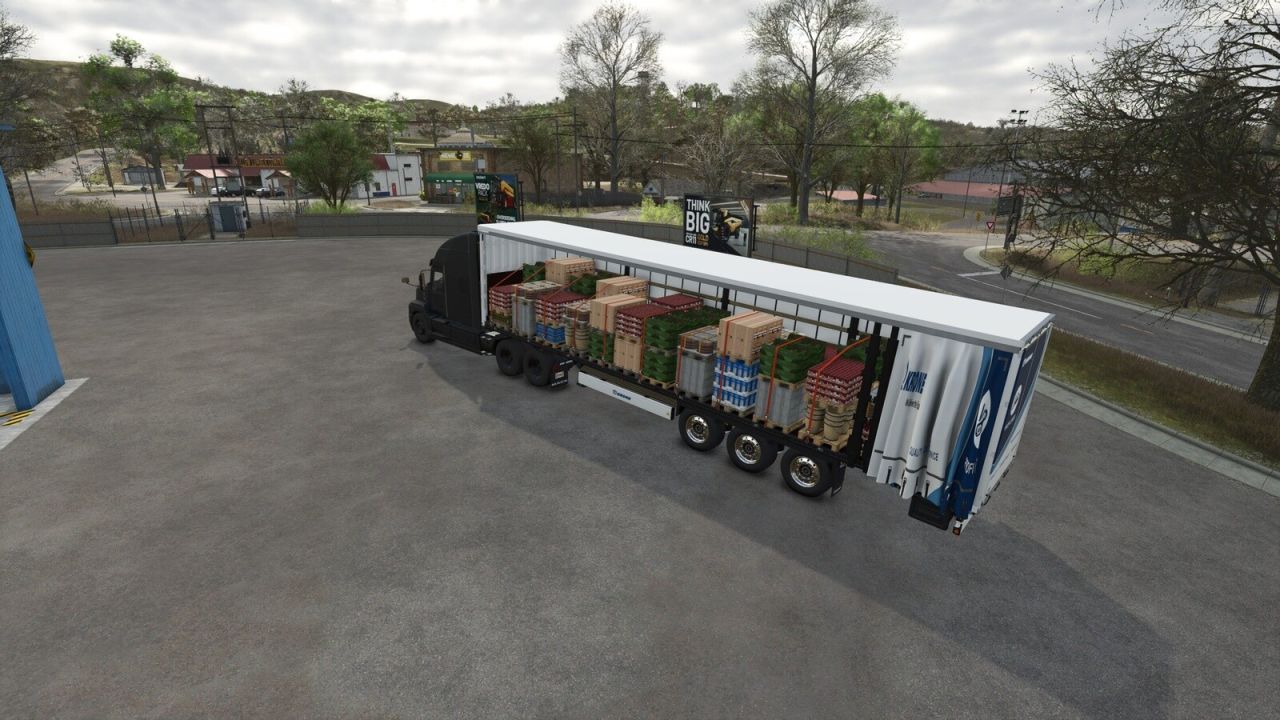
Smart Pallet Autoload automatically loads pallets, big bags and pallet tanks onto flatbed trailers and truck bodies, placing every object neatly on the deck.
Features:
Smart layout: several patterns are compared (lengthwise, crosswise, tail row) and the one that carries the most with a tidy look is used. Rows are centred and line up with the trailer’s tension belts.
Real stacking: the second layer is measured in the game, so taller or shorter pallets rest exactly on the ones below.
Pallets from different productions with the same footprint can share one load.
Tension belts are fastened automatically when loading ends, only where there is cargo.
Cargo stays in place while driving; selling points and productions take it straight from the trailer.
Large pallets (barrels, vegetable crates, stone, saplings, planks, wood beams, prefab walls and more) load too.
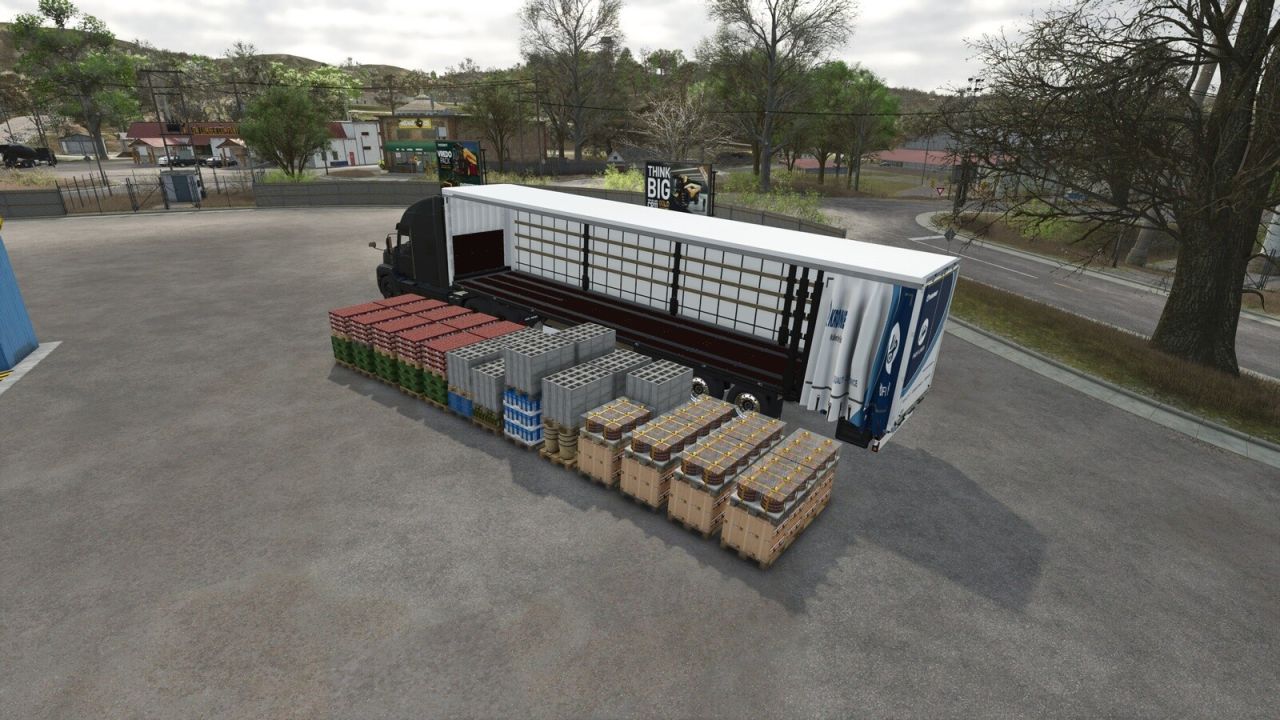
Unload left, right, rear or in place, with a ground preview. The unload point can be moved sideways, forward/back and up/down (docks and platforms).
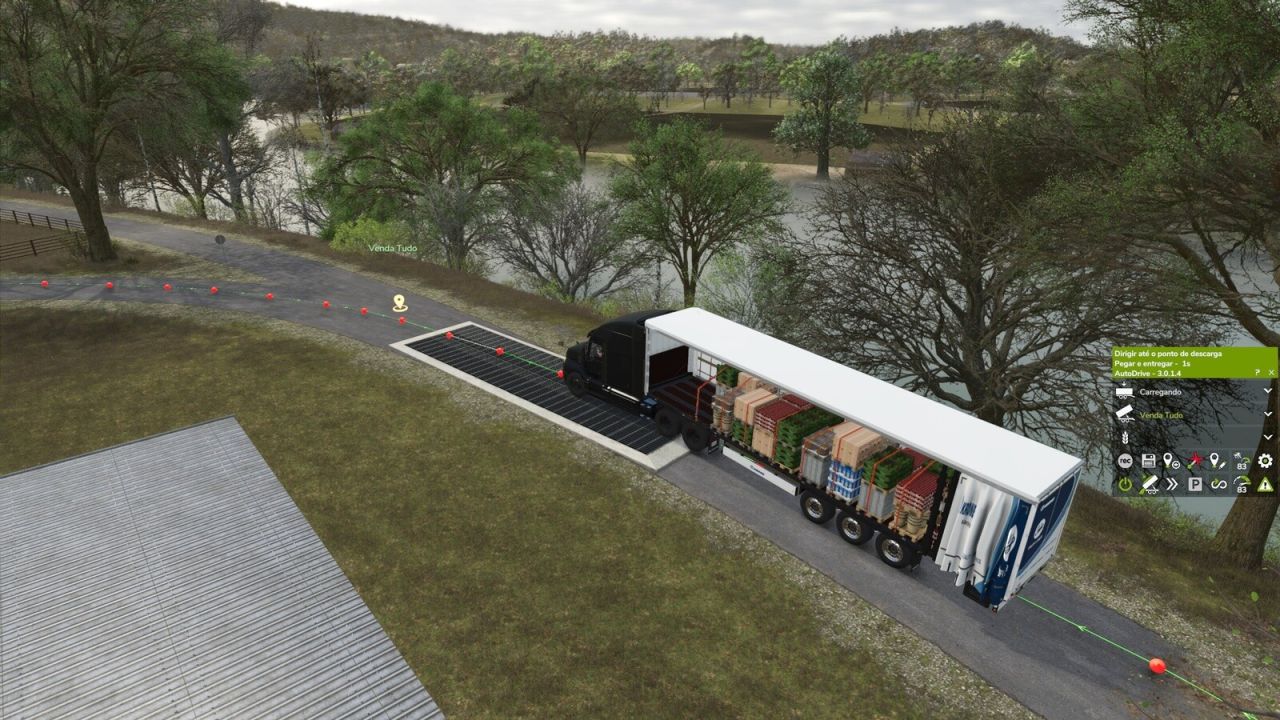
AutoDrive support: loads at the pick-up point, reports when full and unloads at the destination.
Supported vehicles:
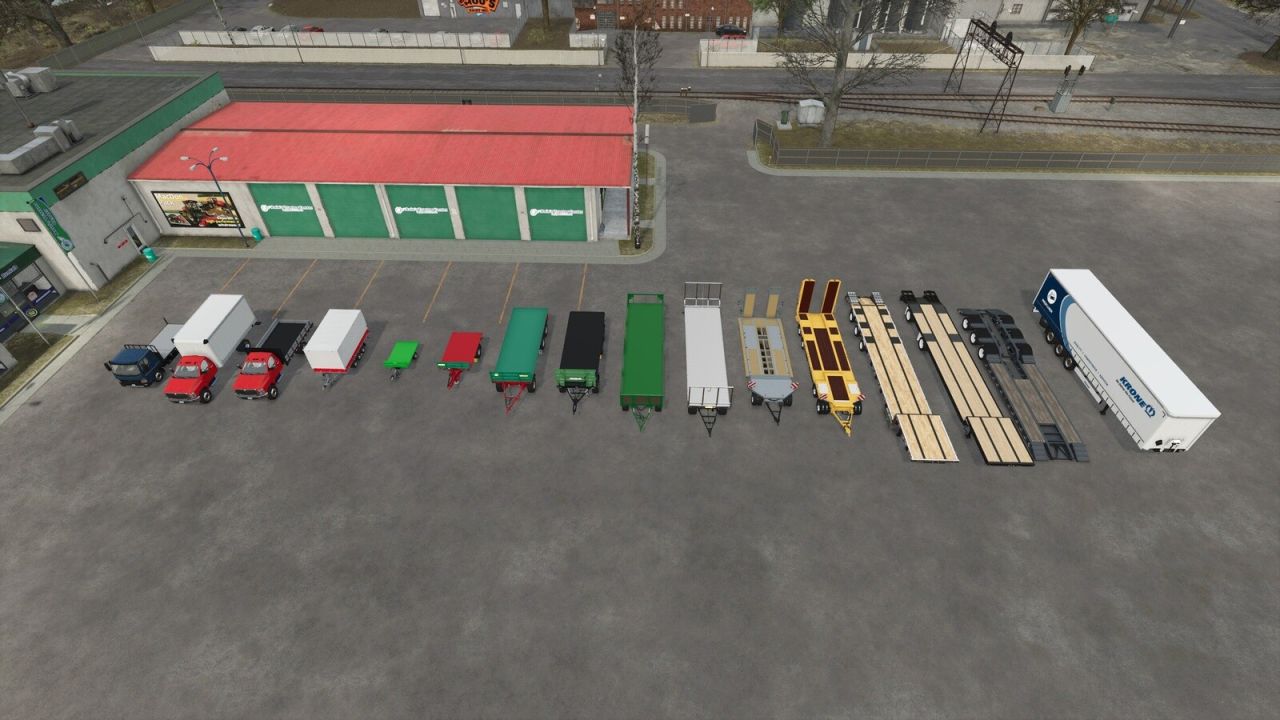
KRONE Trailer Profi Liner (52 Euro pallets)
Farmtech DPW 1800, Kröger PWO 24, Fliegl DTS 5.9, Schwarzmüller Low Loader 4A
Brandt H550 Beavertail, Demco Steel Drop Deck, LODE KING Renown Drop Deck
International CV Series (flatbed and box van)
Bale trailer bodies: Brantner DD 24073/2 XXL, Farmtech DDK 2400, Farmtech EDK 650, Salek ANS-1900, Stema Trius, Lizard Dragon
Any other trailer with tension belts across a flat deck (base game, DLC or mods) gets an automatic setup.
Hotkeys:
Left Alt + B: enable / disable the autoload on this vehicle
B: start / stop loading
Left Alt + O: change cargo type
O: unload preview / change unload side
Right Ctrl + W/A/S/D: move the unload point
Right Ctrl + E/Q: raise / lower the unload point
Right Ctrl + R: reset the unload point
I: unload
U: show load areas
Coming soon: bale support (round and square bales) in a future update!
Found a bug? Please leave a comment with a description and your log.txt file (Documents/My Games/FarmingSimulator2025/log.txt).
This mod is free and will always be free. If you’d like to support my work, donations are completely optional.
Author: Sheiko