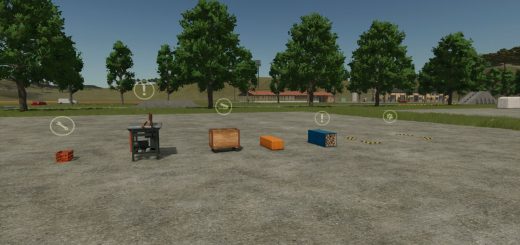
User Scripts by Smudlik v1.0
User Scripts by Smudlik v1.0
BETA TEST RELEASE
A collection of independent quality-of-life, farming, animal management, AI helper, and information-display scripts for Farming Simulator 25. The goal is to keep everyday farm management more informative and practical while retaining the underlying game systems wherever possible.
Important: This is a public beta, not a fully verified stable release. If you found problem, report it to me.
Included features
Animal husbandry and horse management
Alphabetically sorted animal husbandries — easier navigation in the animal menu.
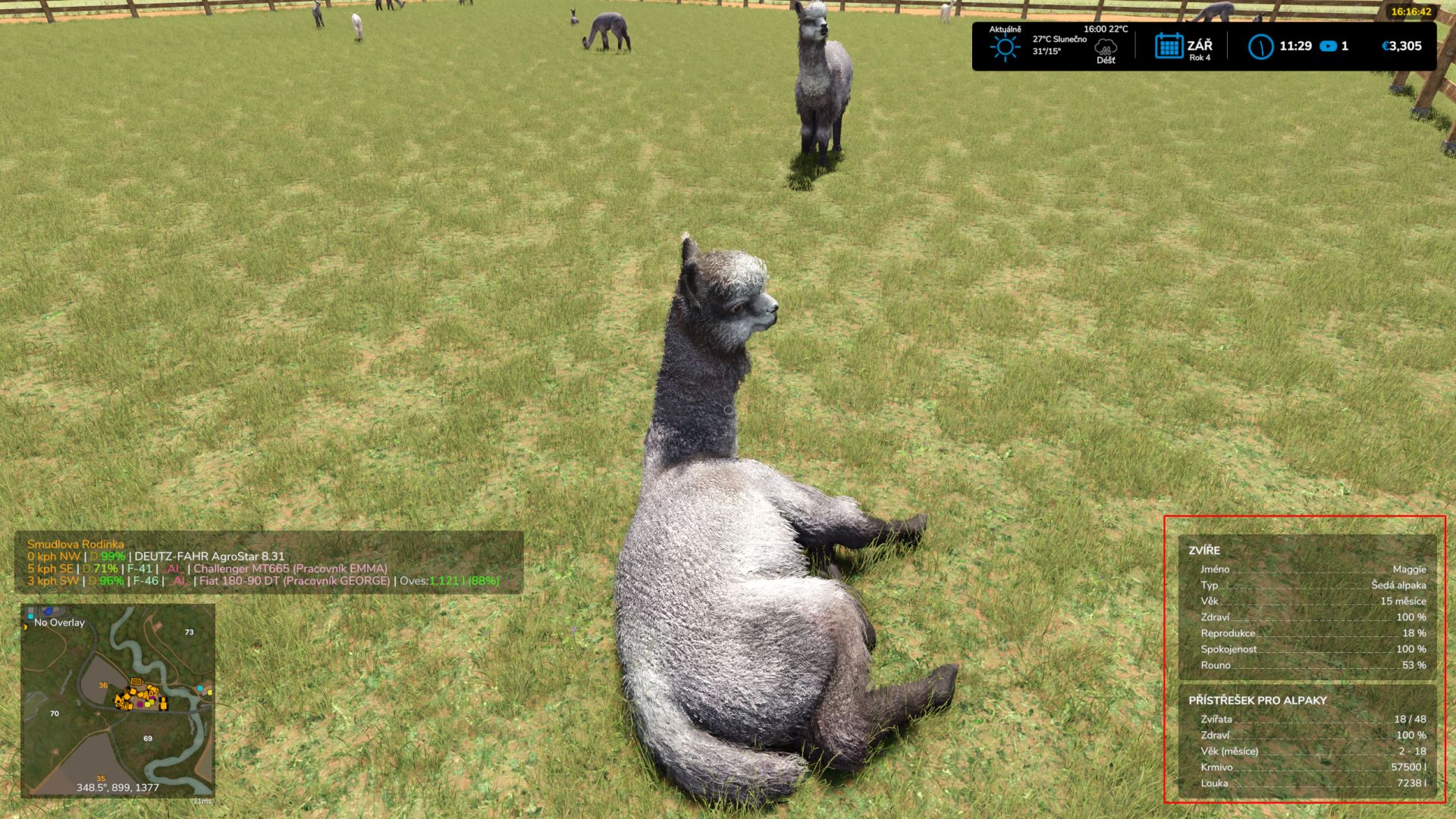
Expanded animal capacities — horses ×2 and alpacas ×3 in compatible husbandries.
Automatic horse care — daily at 06:00: riding 100%, fitness 100%, dirt 0%.
Alpaca happiness maintenance — daily at 06:00.
Age-based horse sale values — modifies the game’s sale.
Animal overflow management — native monthly reproduction is processed first; when needed, the minimum number of oldest existing animals is sold afterward. Sale proceeds use the native price minus a 20% transport fee.
Larger husbandry storage buffers — ×5 for supported input materials and ×10 for internal output storage in base-game and official-DLC husbandries. Independent add-on storage and pallet spawn spaces are not expanded.
AI helpers and vehicles
Up to 15 active AI helpers — including a rotating pool of 90 distinct English names without simultaneous name reuse.
Adjusted AI operating costs — price is close to 180 per hour.
AI tire tracks and terrain deformation — including relevant attached equipment during active AI work; refresh every 150 ms.
Automatic vehicle licence plates — generated using map-supported patterns with duplicate checks.
Enter the nearest suitable vehicle — keyboard shortcut Left Alt + E.
Darker engine exhaust — motor-powered vehicles with compatible exhaust effects.
Longer vehicle light range — high beams 60 m; work lights 45 m where supported.
Field, terrain, and environment adjustments
Crop destruction on non-owned fields — additional wheel-contact crop damage, respecting care wheels where detected.
Additional ground-painting textures — exposes eligible texture layers supplied by the active map.
Reduced rolling requirements — disables the “needs rolling” crop flag for maize, sunflower, sugar beet, cotton, sorghum, poplar, grass, oilseed radish, and meadow.
Wind visual adjustment — applies the configured wind debug settings (3, 3, 30) on map initialization when supported.
Production, shop, and notifications
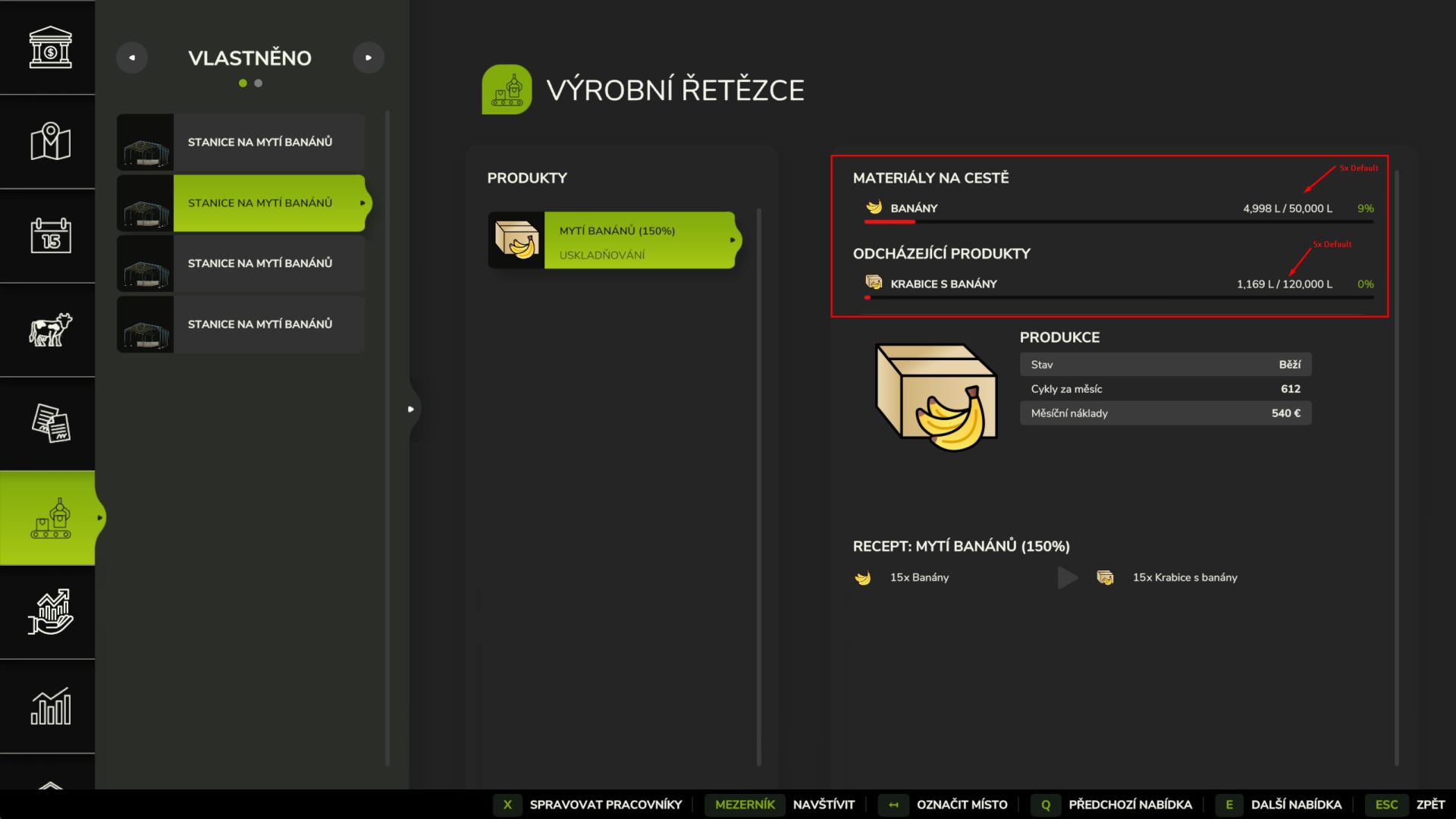
Larger production storage buffers — ×5 input and ×10 internal output capacity for supported base-game and official-DLC production facilities, including compatible plantation production buildings.
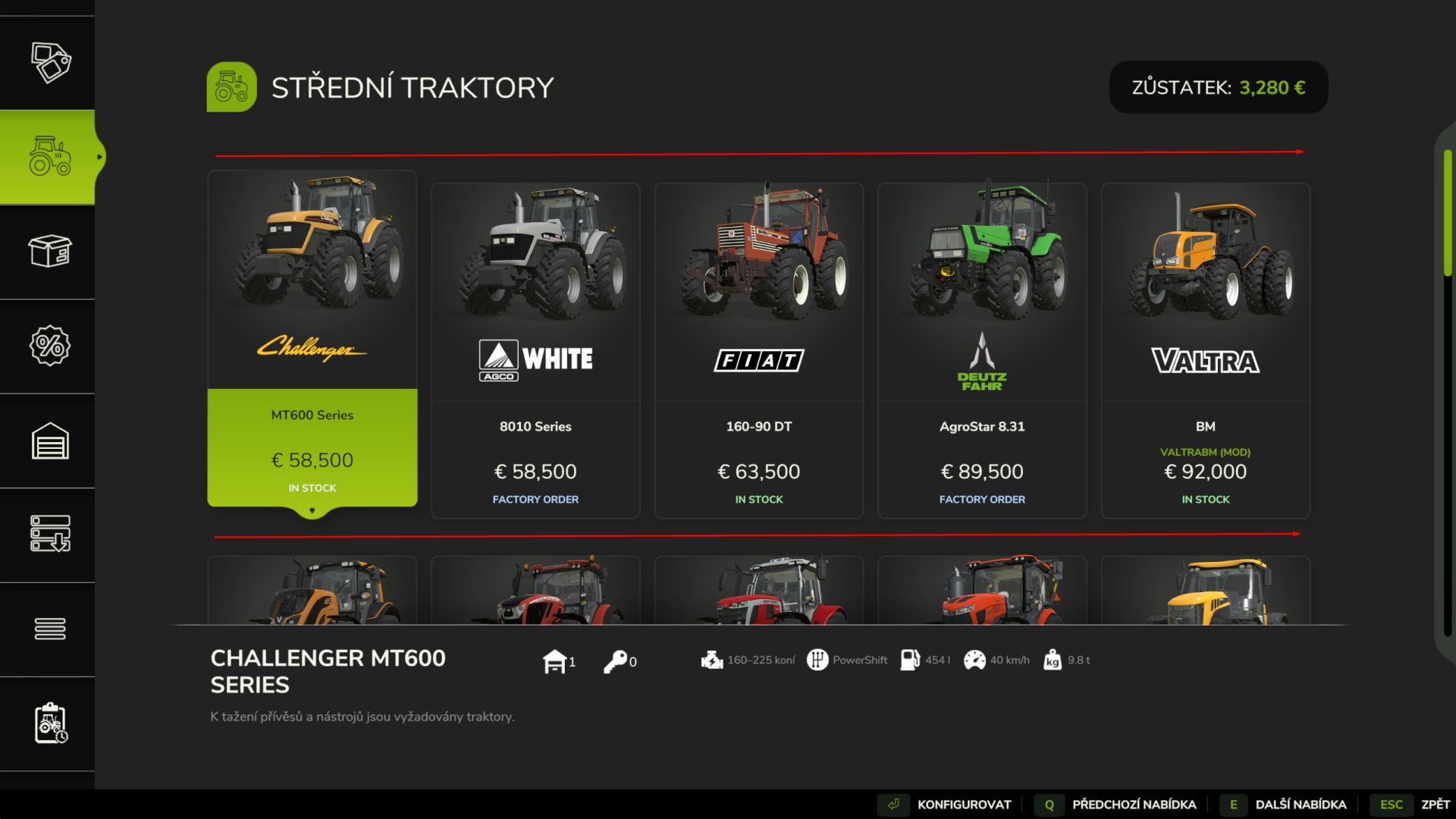
Price sorting within shop categories — store items sorted by ascending base price when the game uses the modified store list.
Silo material information — accepted fill types shown in eligible construction-shop entries.
Great demand notifications — display the requested commodity, buying location, price per 1,000 litres, and remaining duration
Expanded HUD and context information
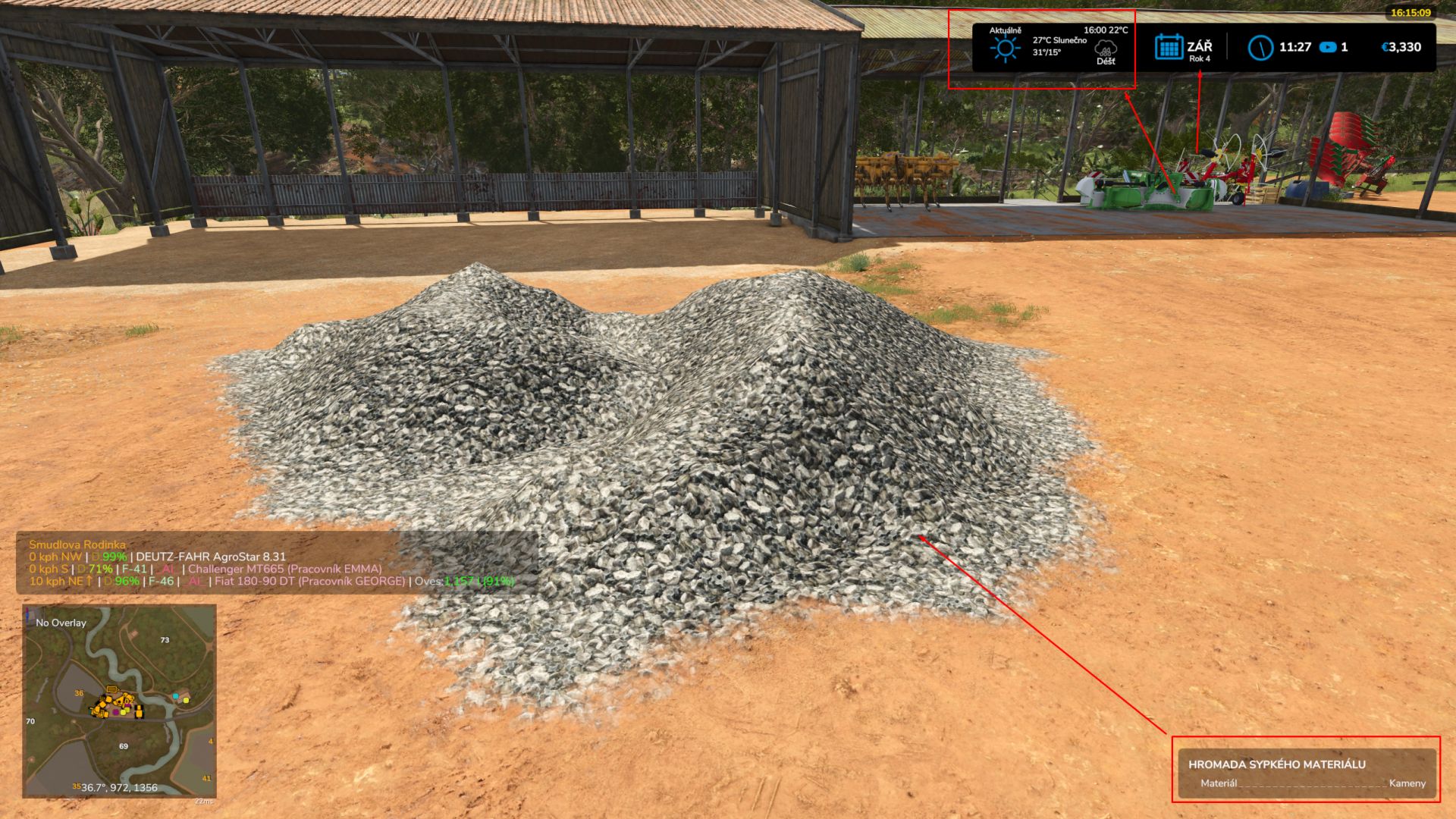
Top information bar — game year, current temperature and weather, daily temperature range, and the next forecast weather change with its time, temperature, and condition.
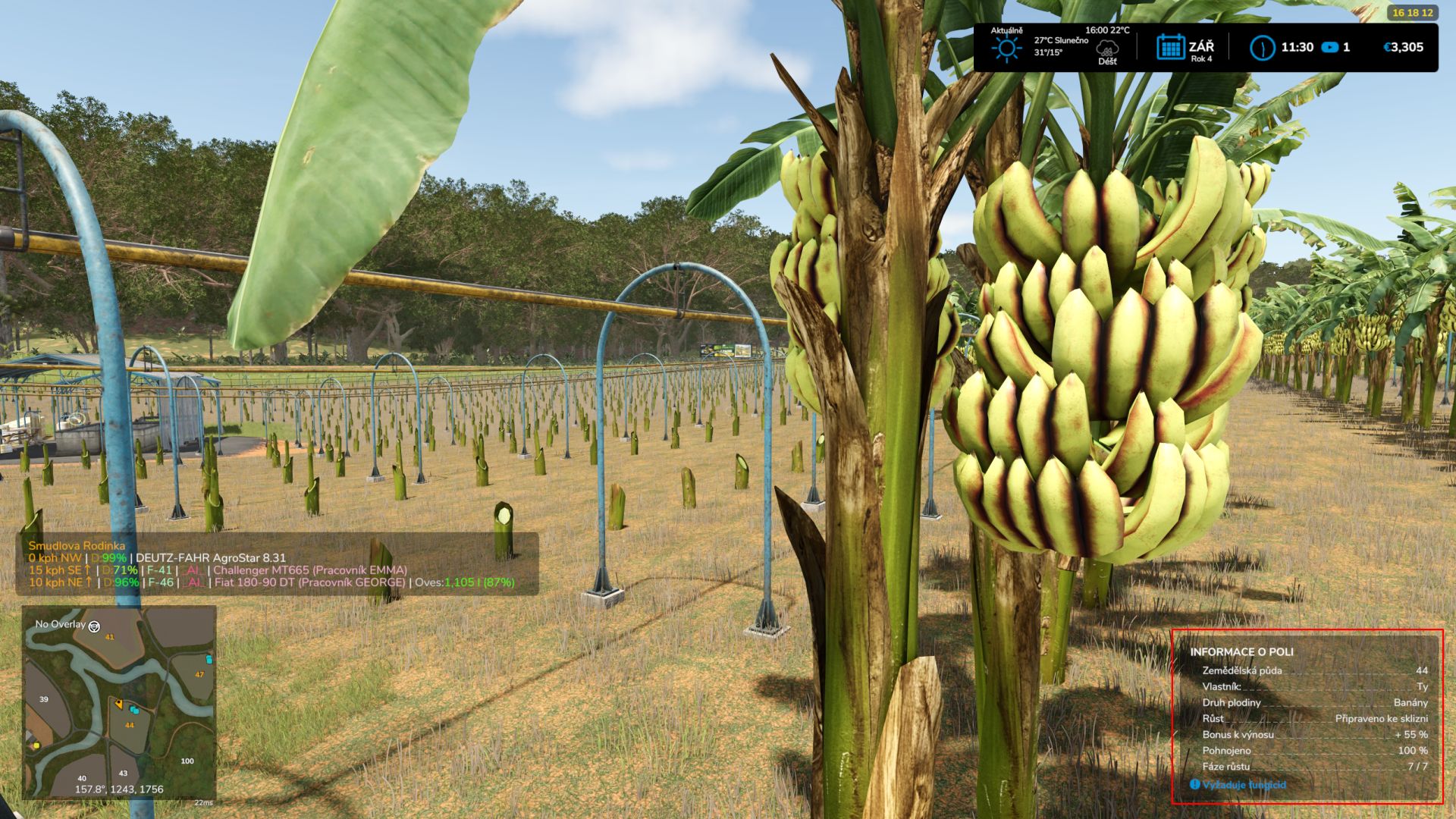
Field and farmland details — farmland area, field area, land price per hectare where applicable, crop growth stage, crop condition, and a basic potential-harvest estimate.
Coffee and banana growth information — special handling for coffee-cherry growth states.
Animal details — population, capacity, health, age, horse riding/fitness/dirt where available.
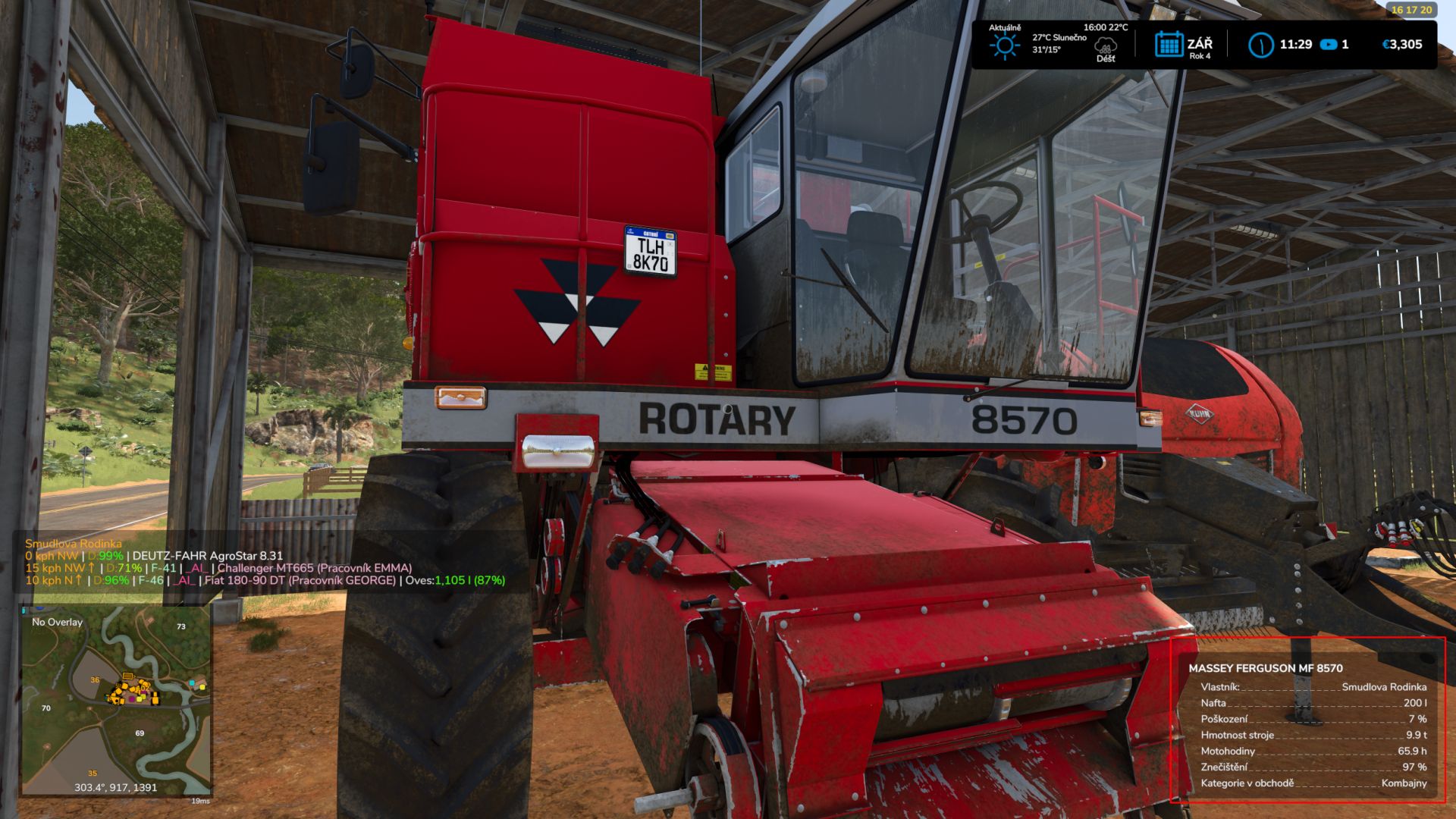
Vehicle details — weight, operating hours for motorised vehicles, dirt, and relevant machine categories.
Storage and production details — stored materials, quantities, and available capacity when data access and farm ownership allow.
Loose material and timber information — ground-heap material identification; supported timber type and measured volume information.
Compatibility and beta limitations
Base game and official DLCs — features are activated only when their corresponding game and DLC systems are present; map-specific and modded assets may behave differently.
Multiplayer — the mod declares multiplayer support, actually tested on dedicated one.
Language – Czech/Elnglish/German supported
Development roadmap
Coffee cherry soil-rule correction — suppresses the fruit-type low-soil-density requirement and renewed plowing demand.
Banana plantation soil-rule correction — disables fruit-type lime consumption and the lime requirement for growth.
Yield estimates — the included field HUD uses a basic estimation method.
Author: Smudlik