Used Vehicle Compability V1.0


Used Vehicle Compability V1.0
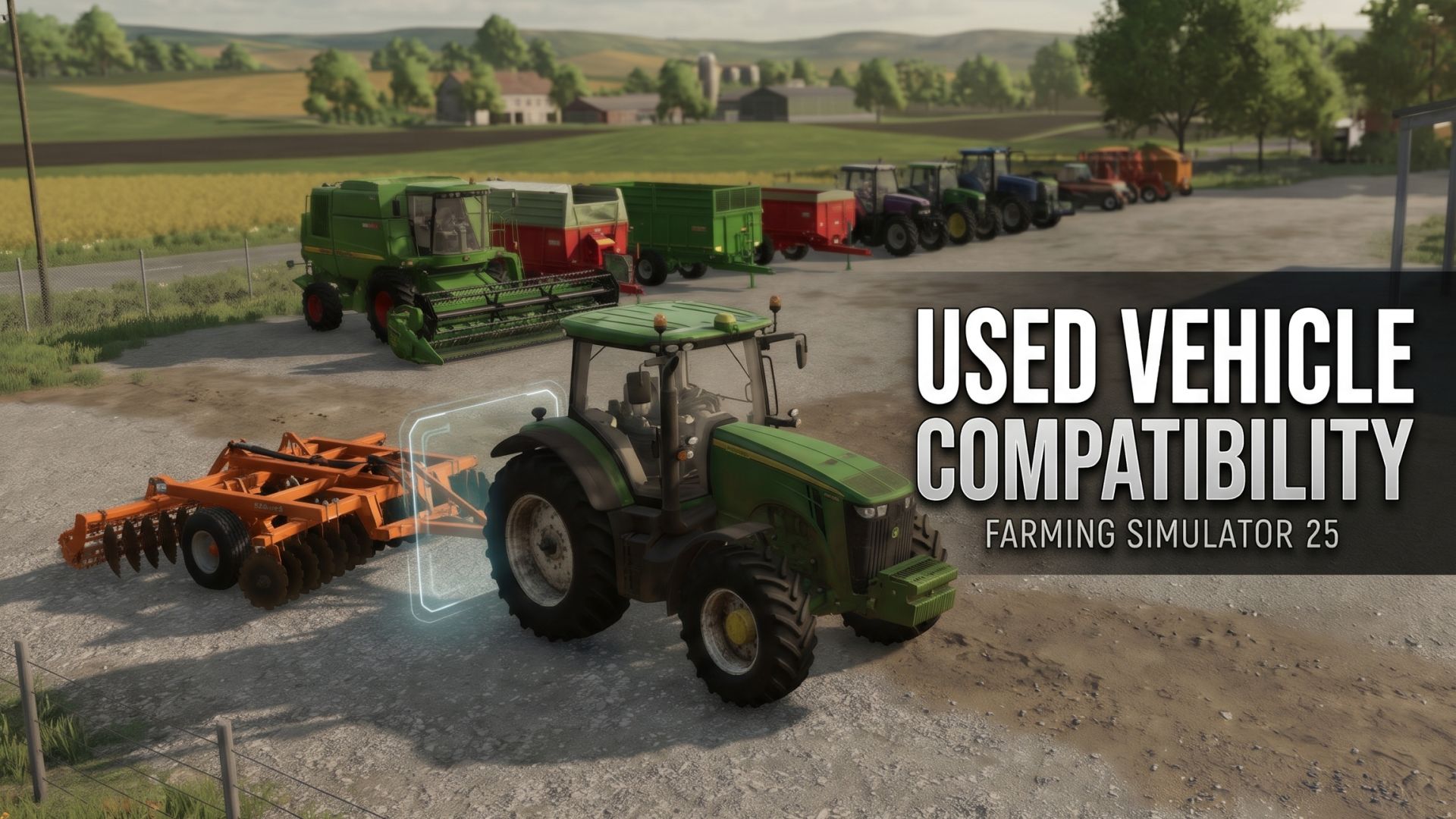
Ever found a great deal in the Used Vehicle Sale, but couldn’t check which equipment was compatible with it?
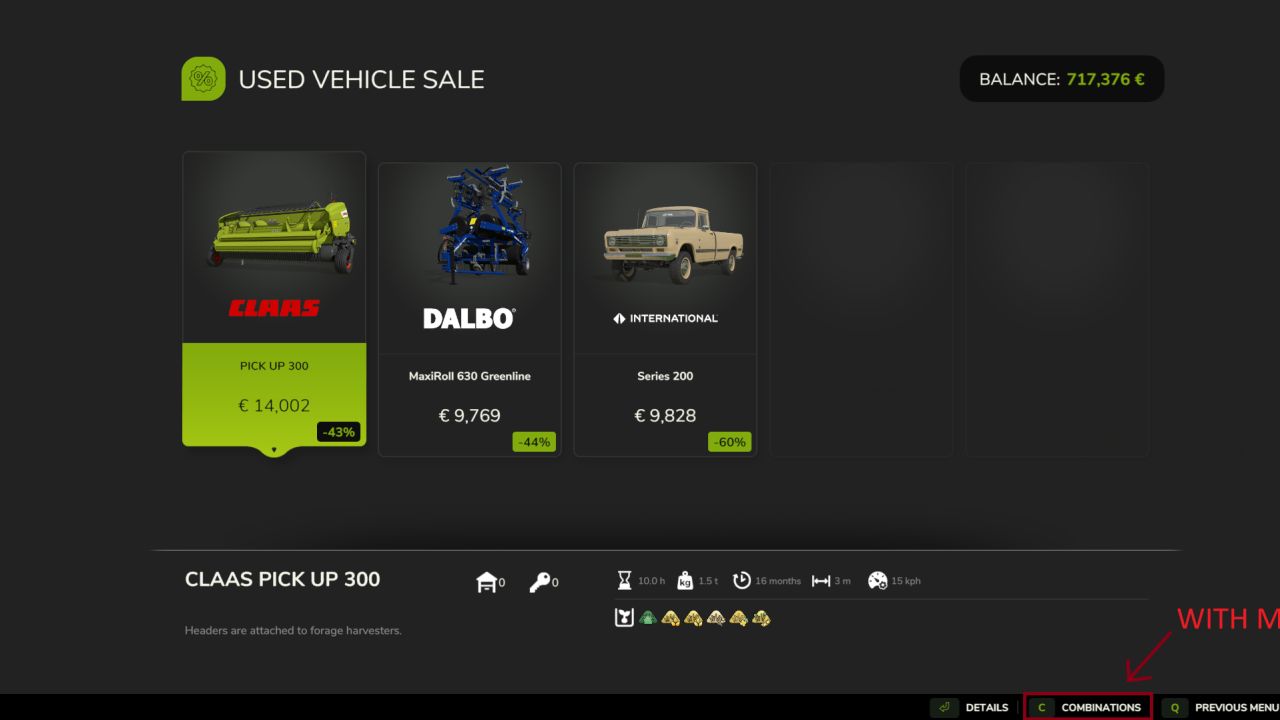
This mod brings the vanilla combinations feature to the Used Vehicle Sale.
Browse used vehicles and implements, check their compatible equipment, and make more informed purchasing decisions without having to search for the same item in the regular shop.

Features
– Vanilla Combinations: Access the familiar Combinations screen directly from the Used Vehicle Sale.
– XML-Based Compatibility: Uses the existing compatibility definitions from each vehicle or implement.
– Context-Aware Button: The Combinations option only appears when the selected item has compatibility information defined.
– Vanilla Functionality: Reuses the game’s existing compatibility lookup and display system.

How It Works
Select a used vehicle or implement with combination information defined in its XML file. The Combinations button will appear in the shop’s action bar.
Press the corresponding button to view compatible equipment, just like in the regular shop.
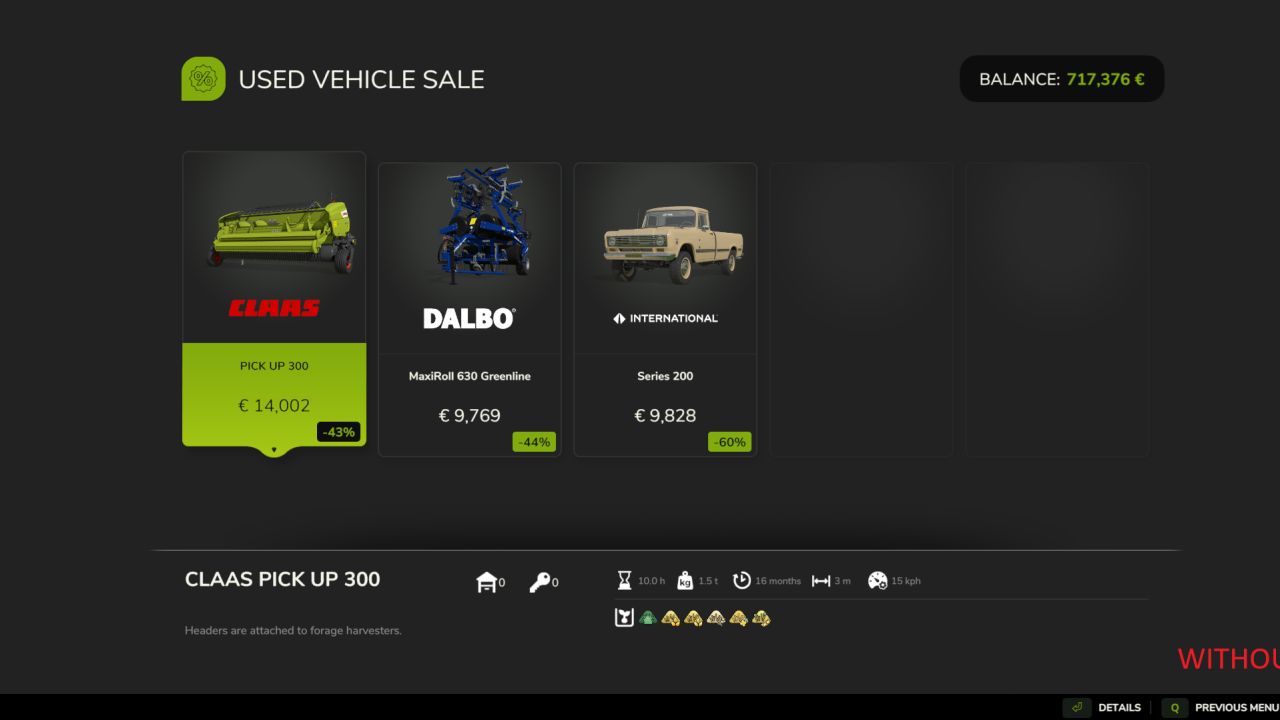
Items without combination definitions will not display the option. The mod does not invent compatibility data or add unsupported combinations.

Compatibility
Works with base-game and modded vehicles and implements that provide compatible XML combination definitions.


Author: WhichWickedWitch

Report bugs in the comments and help modders improve this mod. Always check the comments, you can find a solution.


Helpful Information: How to install FS25 mods | FS25 System Requiremnts | FS25 Modding Tutorial | Giants Editor for FS25 | How to Convert mods | FS25 Cheats

More Misc mods


About Farming Simulator 25 mods
Farming Simulator 25 supports game modding for PC, Xbox, or PS5. FS25 Mod may change your game from small to complete changes. You can create a Farming Simulator 25 mod file and share it with our community. When is a good time to try Farming Simulator 25 mods? We recommend playing a game with these FS25 mods after you finish the Farming Simulator 25 starting pack and are bored with the game basics. So it's time to try new machines, such as harvesters or tractors, which are not included in the basic game version.
As you already know, Farming Simulator 25 developers support mods installation, which will add more vehicles or lands to your game. Check our Best FS25 mods lists for PC, Mac, PS5 or Xbox Series. Just follow these simple steps: choose the LS25 mods category, download the mod for the Farming Simulator 2025 version, and install it into the mod folder. Remember, all Farming Simulator 25 Mods are free, and download as many as you want with no limits. We want to create one of the biggest Farming Simulator 25 Community and invite you to share FS25 mods with everyone.

Leave a Reply

Do you need help or to say thanks to the mod author? Just leave a comment below!