
CLAAS Xerion 4500/5000 Trac/Trac VC V1.0
CLAAS Xerion 4500/5000 Trac/Trac VC V1.0
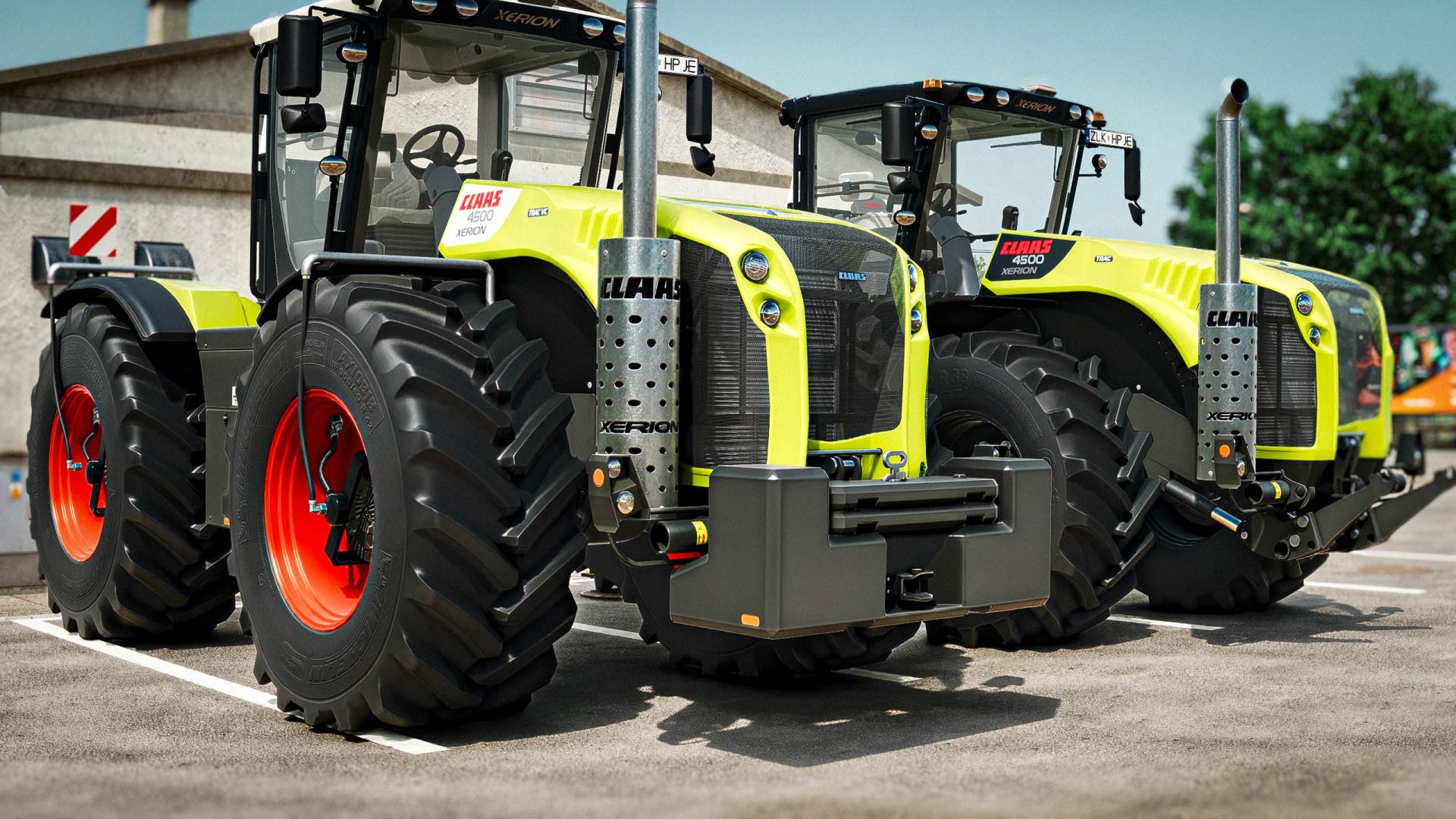
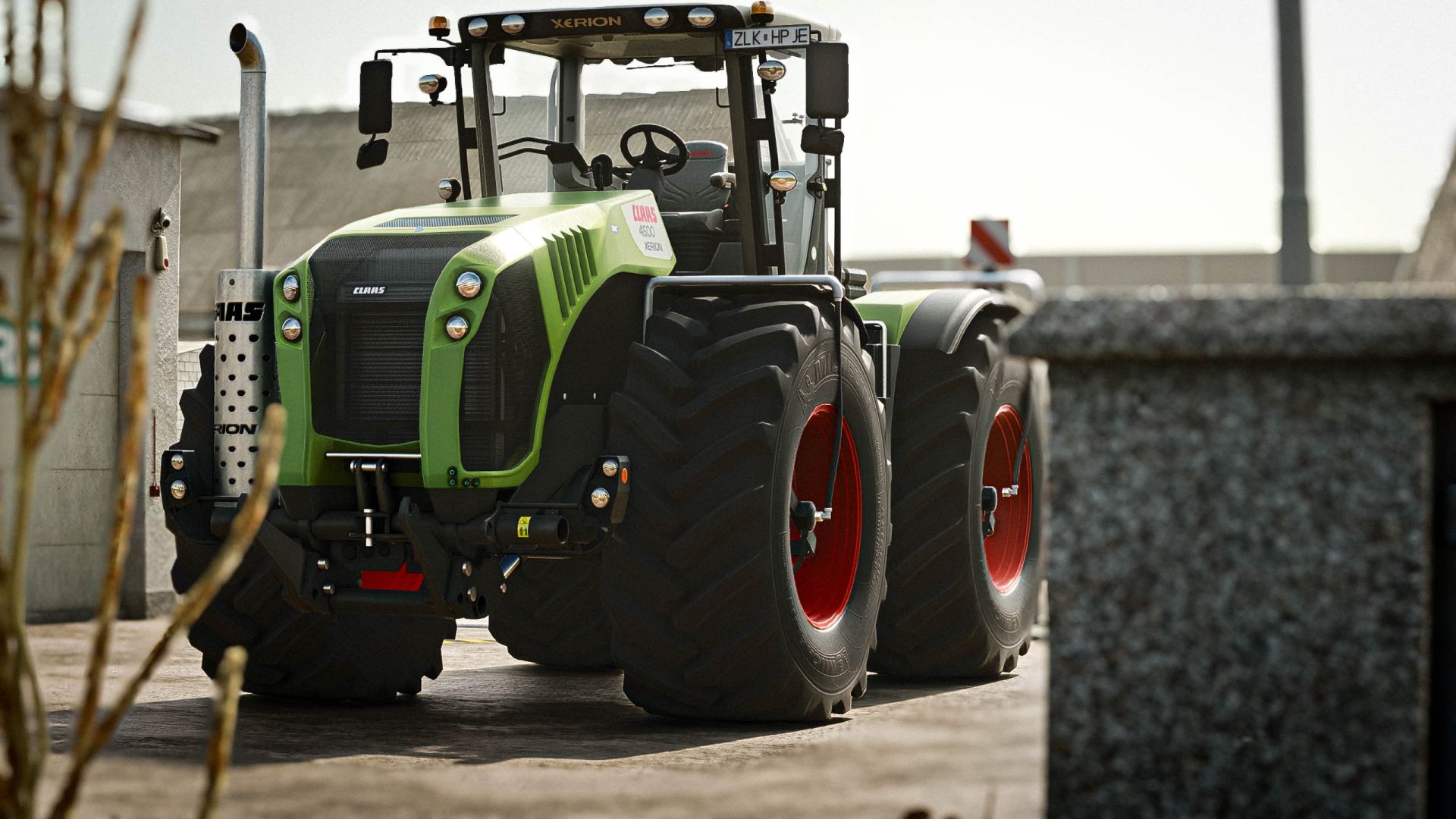
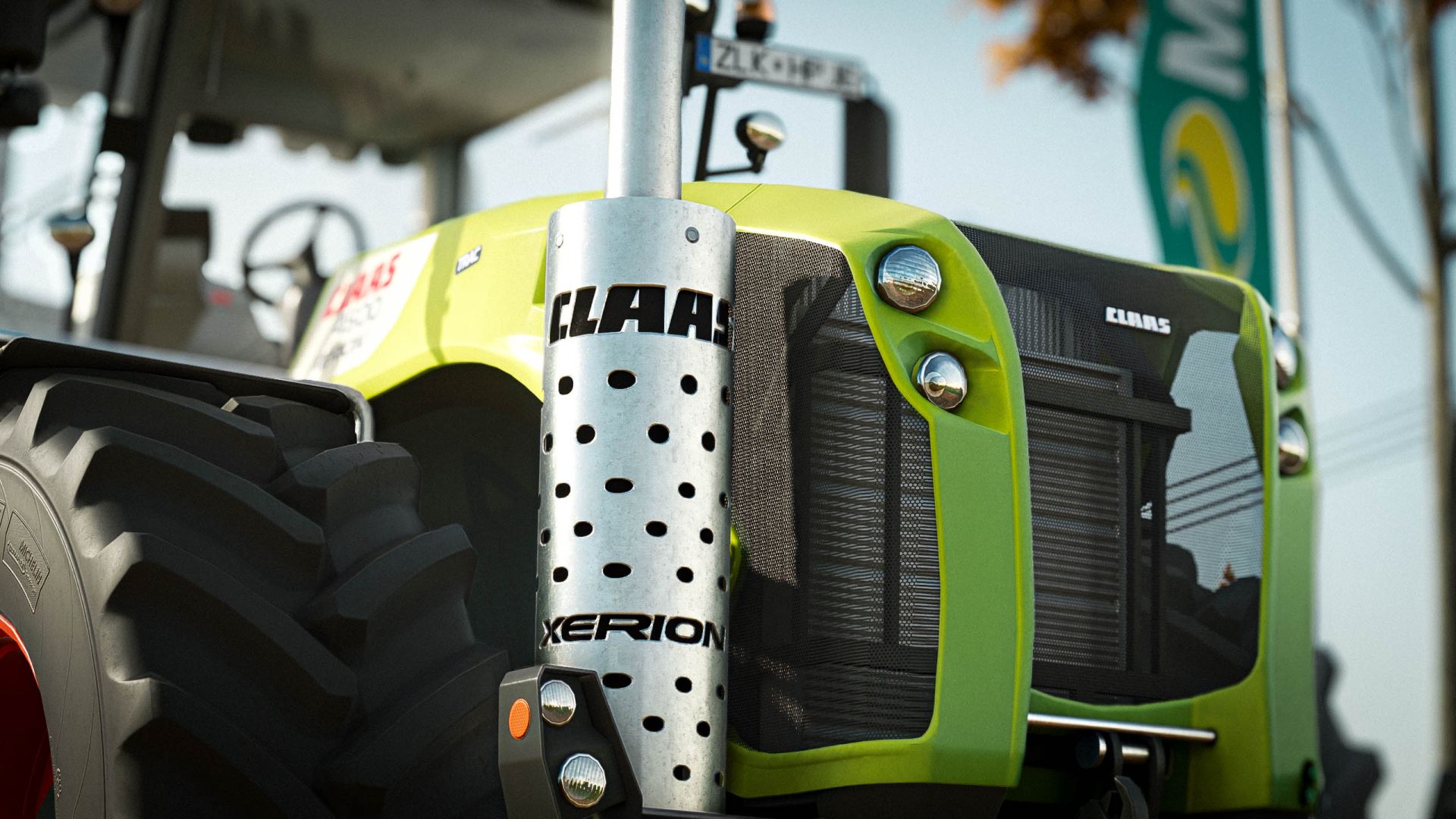
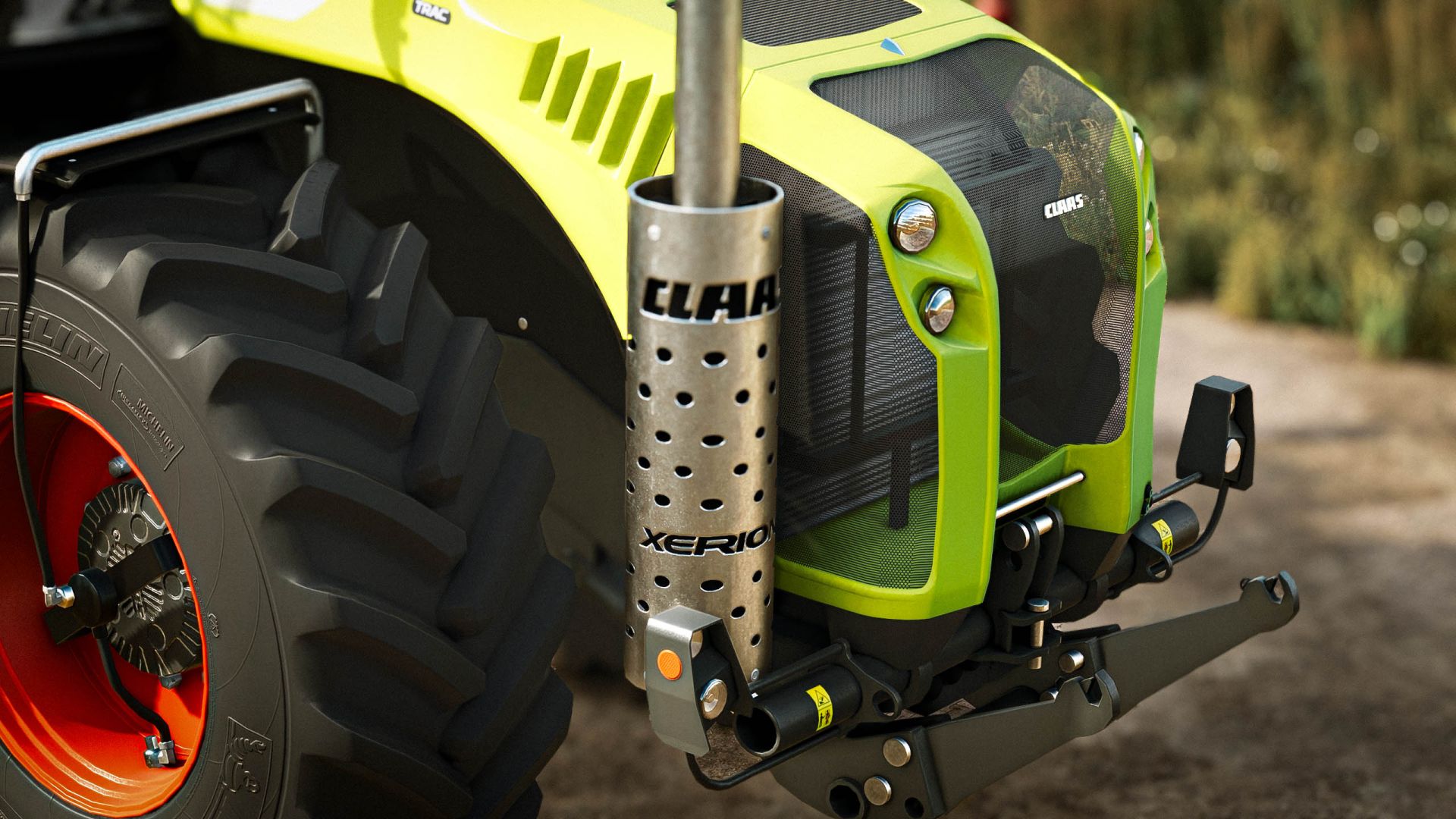
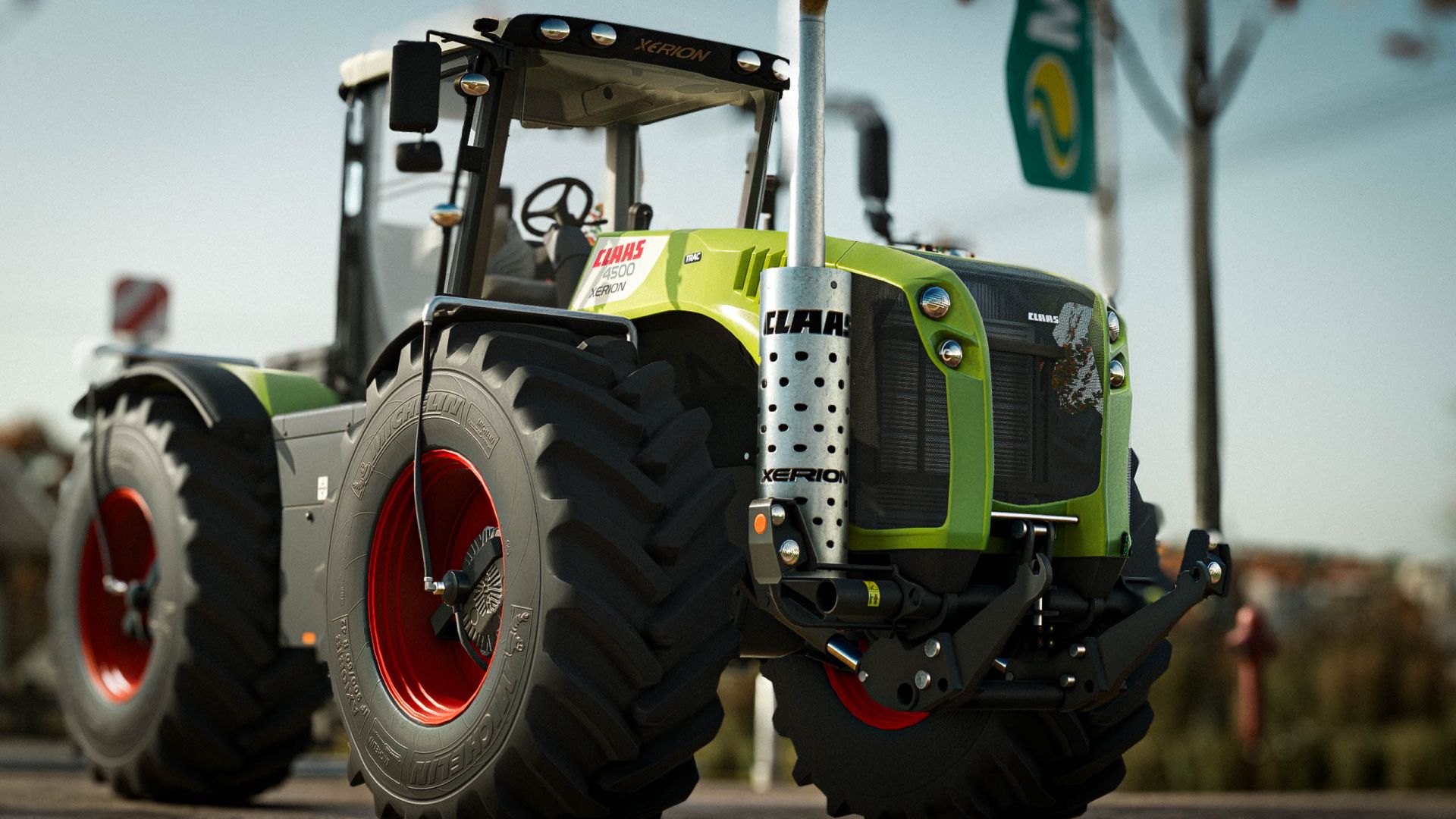
CLAAS Xerion 4500 / 5000 (2009 2017) the big CLAAS system tractor with the mid-mounted cab, now in Farming Simulator 25.
Technical data:
Engine: Caterpillar C13, 12.5 l
Power: 483 hp (Xerion 4500) / 524 hp (Xerion 5000)
Transmission: ZF Eccom 4.5 CVT
Max. speed: 50 km/h
Price: 395 000 EUR
Configurations:
Engine: Xerion 4500 / Xerion 5000
Edition: Standard (CLAAS green, white roof, red rims) / Night Edition (black stickers; body green / white / black, roof black / white, rims onyx / aluminium / white / red)
Cab: Trac (fixed cab) / Trac VC (rotating cab with reverse driving)
Wheels: 710/75 R42, 800/70 R38, 900/60 R42, 480/80 R50, twin wheels 710/75 R42 and 480/80 R50
Tire pressure control system for single tyres (works with the Variable Tire Pressure mod)
Front: none, weights 1800 / 2200 / 2600 kg or front linkage
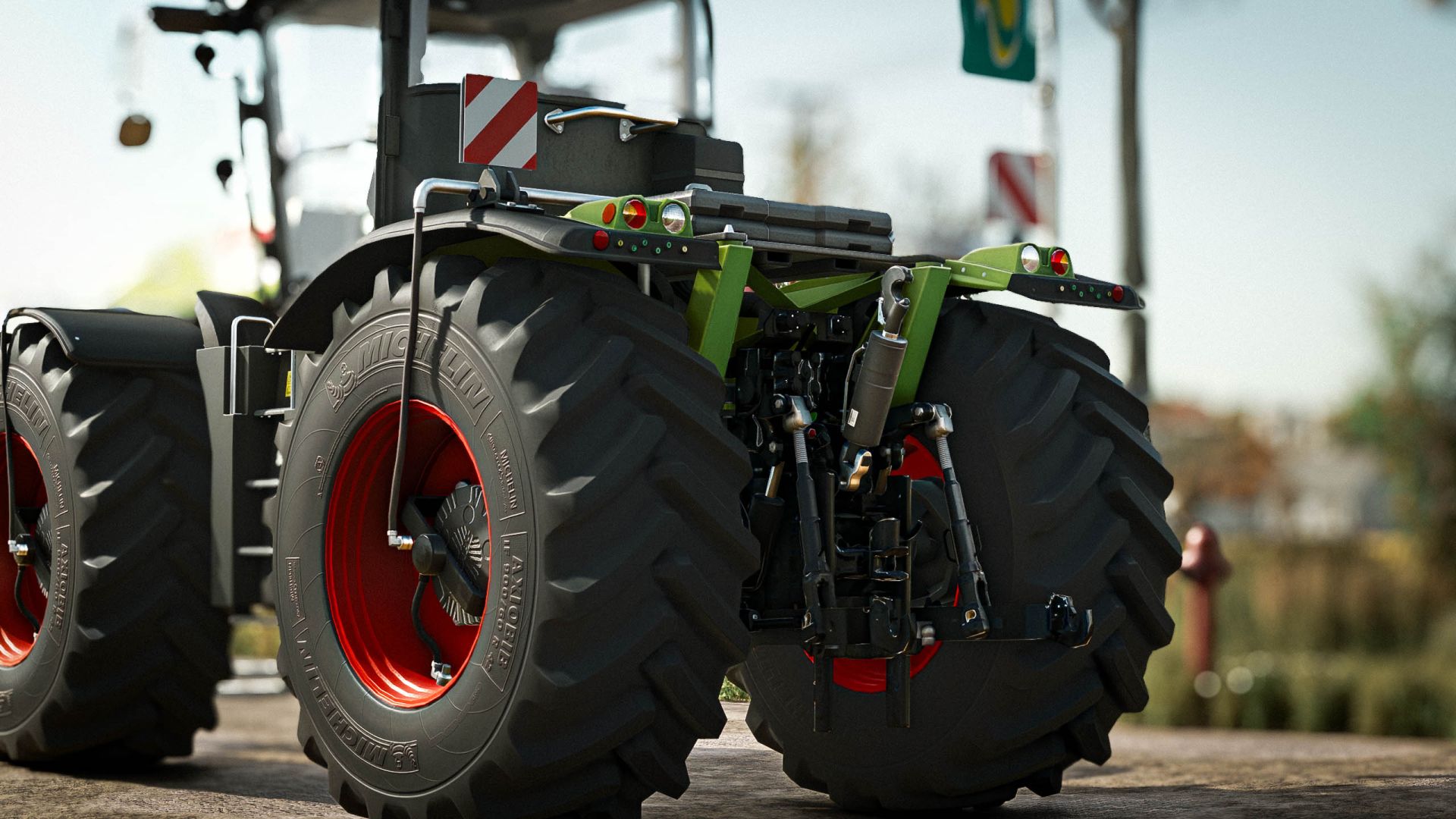
Rear weight
Side warning signs
GPS terminal: Cebis / S3 / S10
Features:
All materials on the FS25 vehicle shader with base-game material templates
CEBIS display with live data (speed, engine speed, load, fuel, cruise control)
Static lights with orange turn indicators and red tail lights
Crab steering and all-wheel steering modes
Interactive Control support: doors, ignition key, rear linkage knob, PTO switch, rear and front fender buttons
Cab gets louder with an open door
License plates
Refuelling at fuel stations
Translations: EN, DE, PL, FR, IT, ES, CZ, RU
Multiplayer ready
Original FS22 model: z7Cola
Sound, exhaust and license plate setup: Smety (CLAAS Xerion 3000 Series)
FS25 conversion: Siemanek
Author: Siemanek, z7Cola, Smety


