
Truss Trailers V1.0
Truss Trailers V1.0
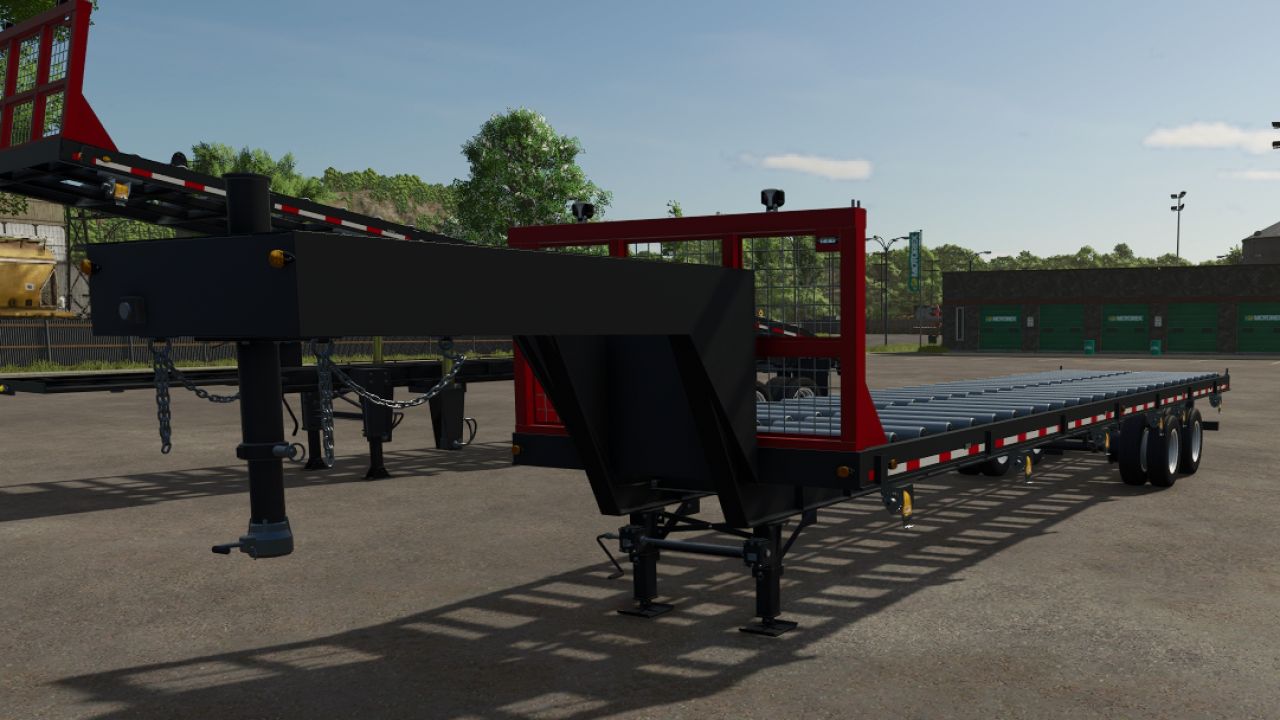
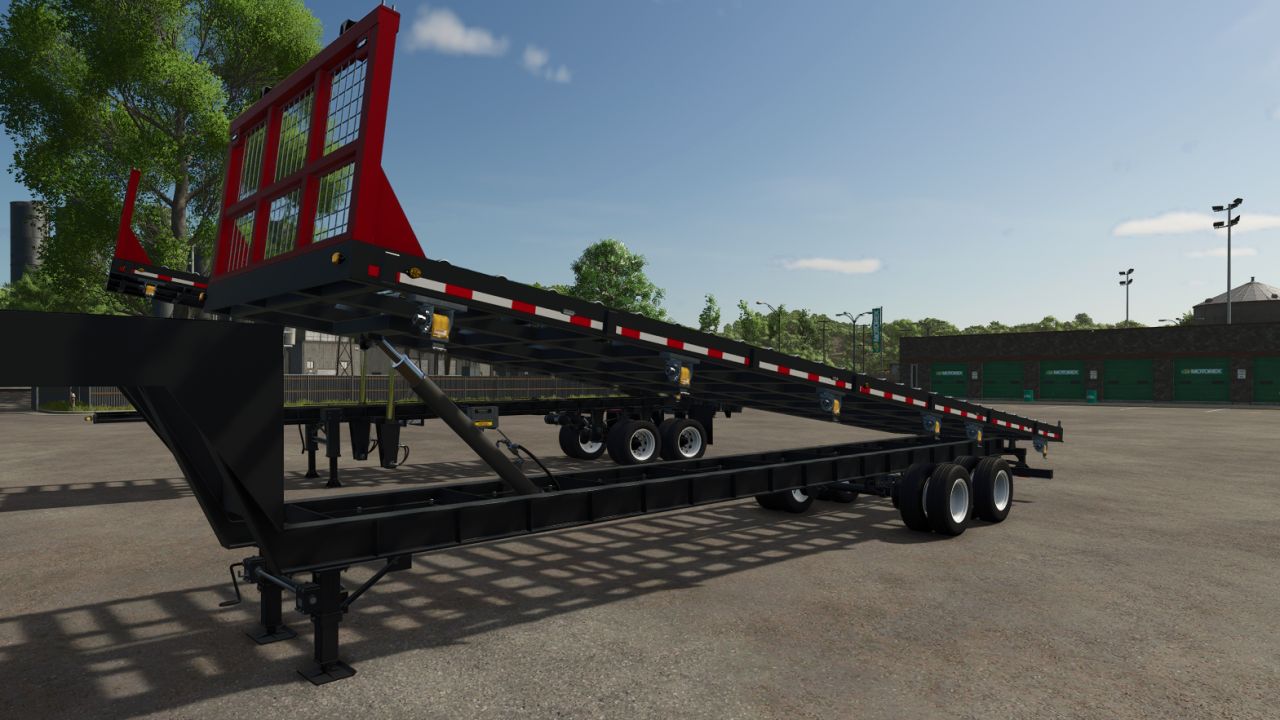
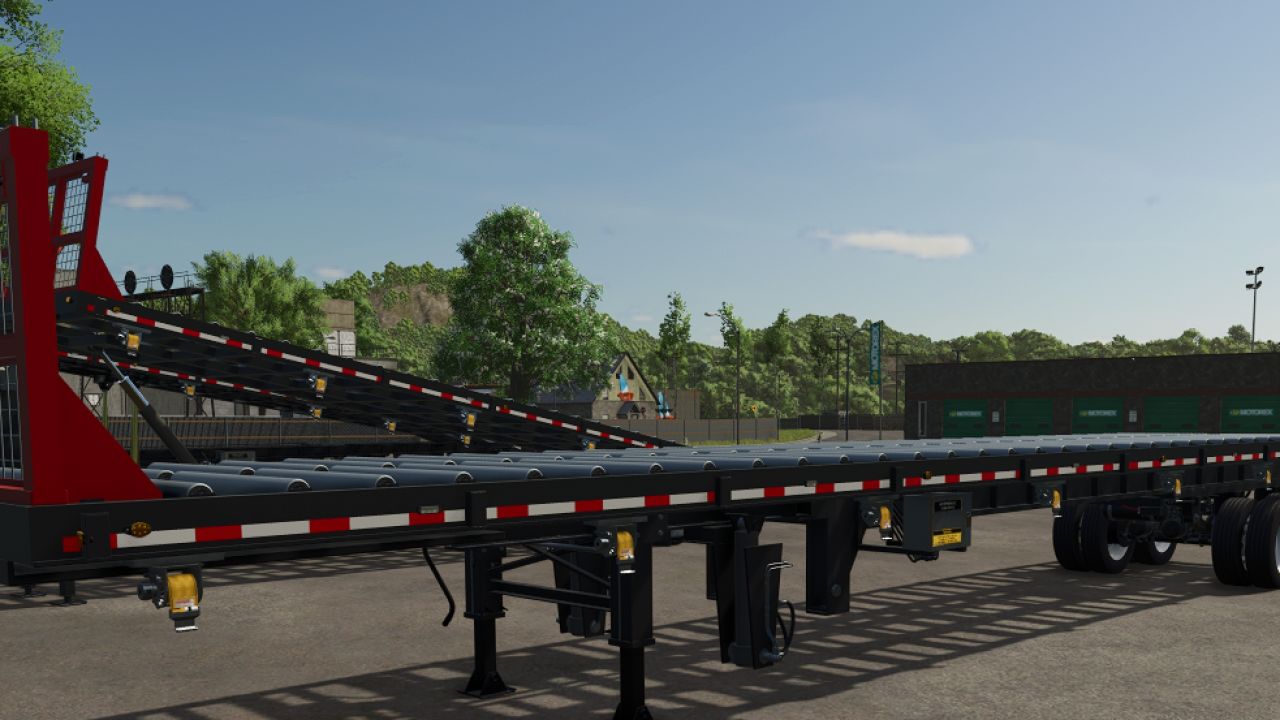
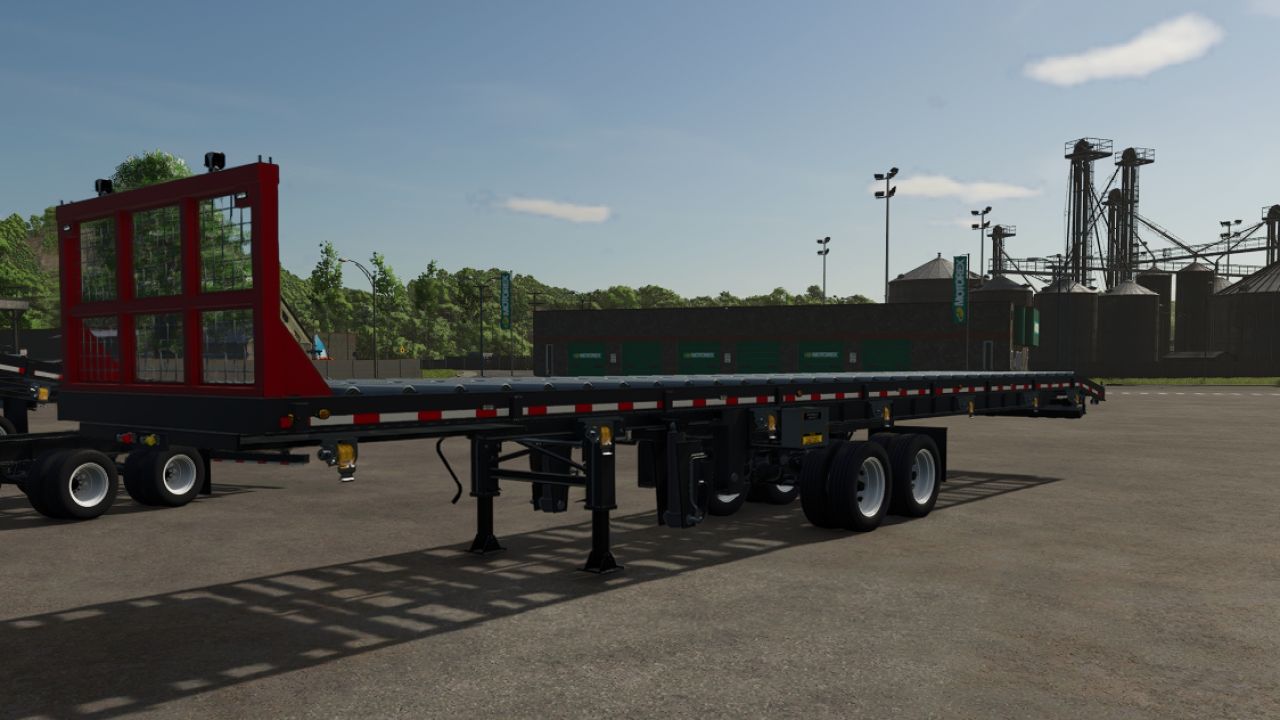
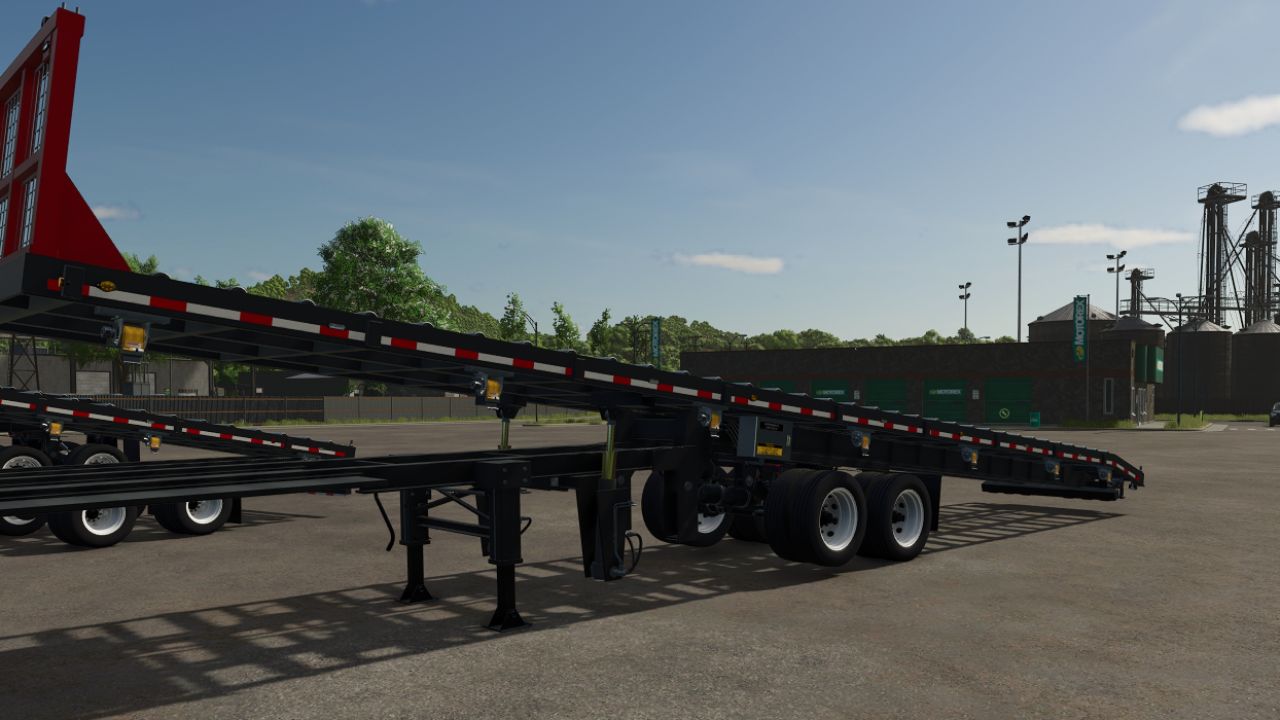
Three roller-deck trailers built for hauling and unloading roof and floor trusses. Each one has a hydraulic tilting bed, so loads roll off at the job site.
The trailers
Extendable Truss Trailer: a 5th-wheel trailer that telescopes from 38 ft out to 53 ft, locking every 2′ 6″. It has a fold-up rear bumper.
Sliding Axle Truss Trailer: a 5th-wheel trailer on an air-ride tandem that slides along the frame. It also has a fold-up rear bumper.
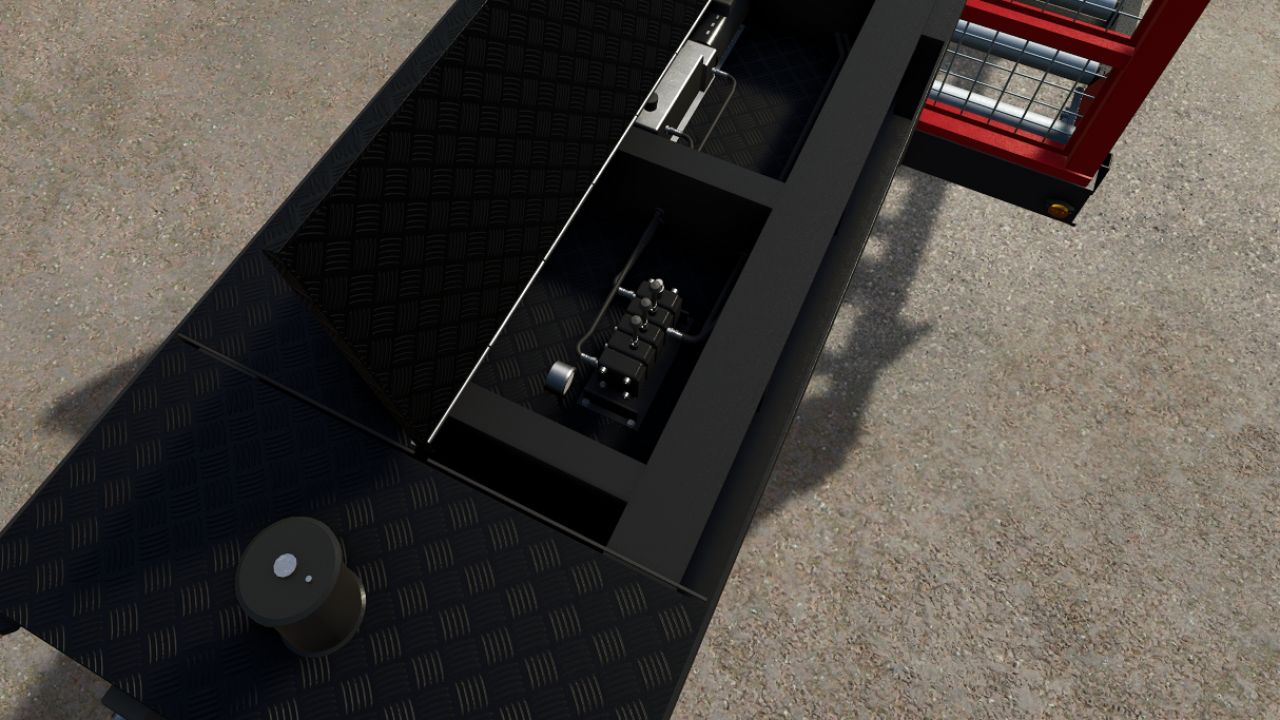
Gooseneck Truss Trailer (36 ft): a step-up gooseneck for pickups. The coupler height adjusts in ½” steps, and a tool box sits in the neck with a valve bank and a 12 V hydraulic power unit.
Features
Tilt and unload: the bed tilts on hydraulic rams, with real hydraulic sounds. The roller brakes release so the load rolls off on its own.
Ground control box: walk up to the box and use the same keys as from the cab. The box opens as you approach, and its levers move as each function runs. On the gooseneck, the box is in the neck tool box. It works on any map.
Safety flags: oversize flags are fitted or removed at the rear holders, by key or by clicking them with Interactive Control .
Detailed build: landing gear, plumbed hydraulics, wiring and air lines, DOT conspicuity tape (7″ red / 11″ white), LED lights and strobes. The headache rack colour can be chosen in the shop.
Controls (defaults)
All trailers
Raise bed: Left Alt + Page Up
Lower bed: Left Alt + Page Down
Roller brakes on / off: Left Alt + End
Fit / remove safety flags: Left Alt + Insert
Fasten / release tension straps: L
Extendable and Sliding Axle
Extend / retract the trailer (Extendable) or slide the axles (Sliding Axle): X
Raise / lower rear bumper: Left Alt + Home
Gooseneck
Raise the trailer on the coupler: Left Alt + Home, or Left Alt + mouse wheel up
Lower the trailer on the coupler: Left Alt + Delete, or Left Alt + mouse wheel down
Fine coupler adjustment: hold left mouse button and drag up / down
All keys can be changed under Controls in the game settings.
Required mods:
Interactive Control
Author: FarmerJohn850


