
Mower Plus V1.0
Mower Plus V1.0
Automatic detection of the number of drums with corresponding adjustment of spare parts consumption. If no detection takes place, the default values are used.
Wear, overload damage, blockages and purchasable spare parts for mowers in FS25.
Mower Plus
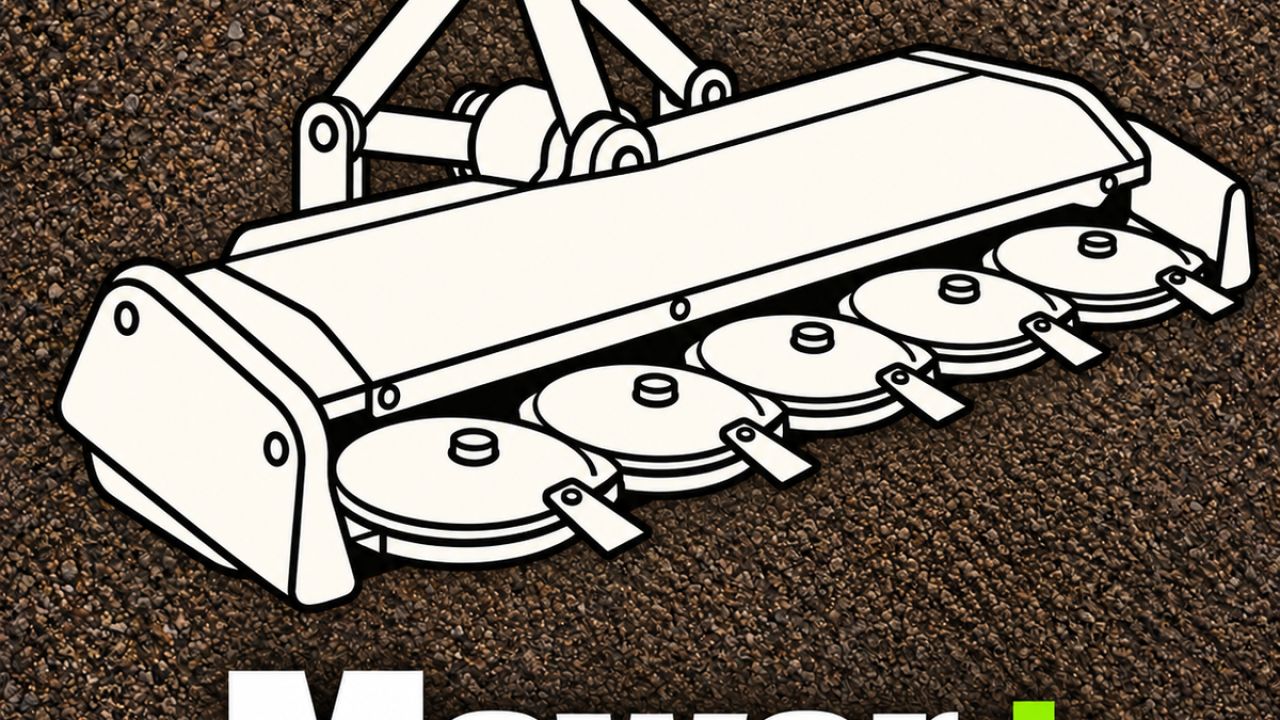
Mowing causes wear to blades, drums and skids. High workloads cause additional damage. On supported mowers, the mod detects the number of drums and adjusts the required spare parts accordingly. If detection is not correct, the saved default values apply.
Menu and simple mode
Open General Settings → Mower Plus in the pause menu and select the operating mode.
When switched off, the mod’s functions are paused. The machine then operates with the normal FS25 functions.
Simple mode disables blockages for players and helpers and clears existing blockages. Load, load limit, wear and spare parts maintenance remain active.
This activates all mod functions. If a blockage occurs, the field worker ends their task and reports the reason. Restart them after clearing the blockage.
The operating mode is saved in the savegame. In multiplayer, it is set by the host or server administrator.
Spare parts and partial maintenance
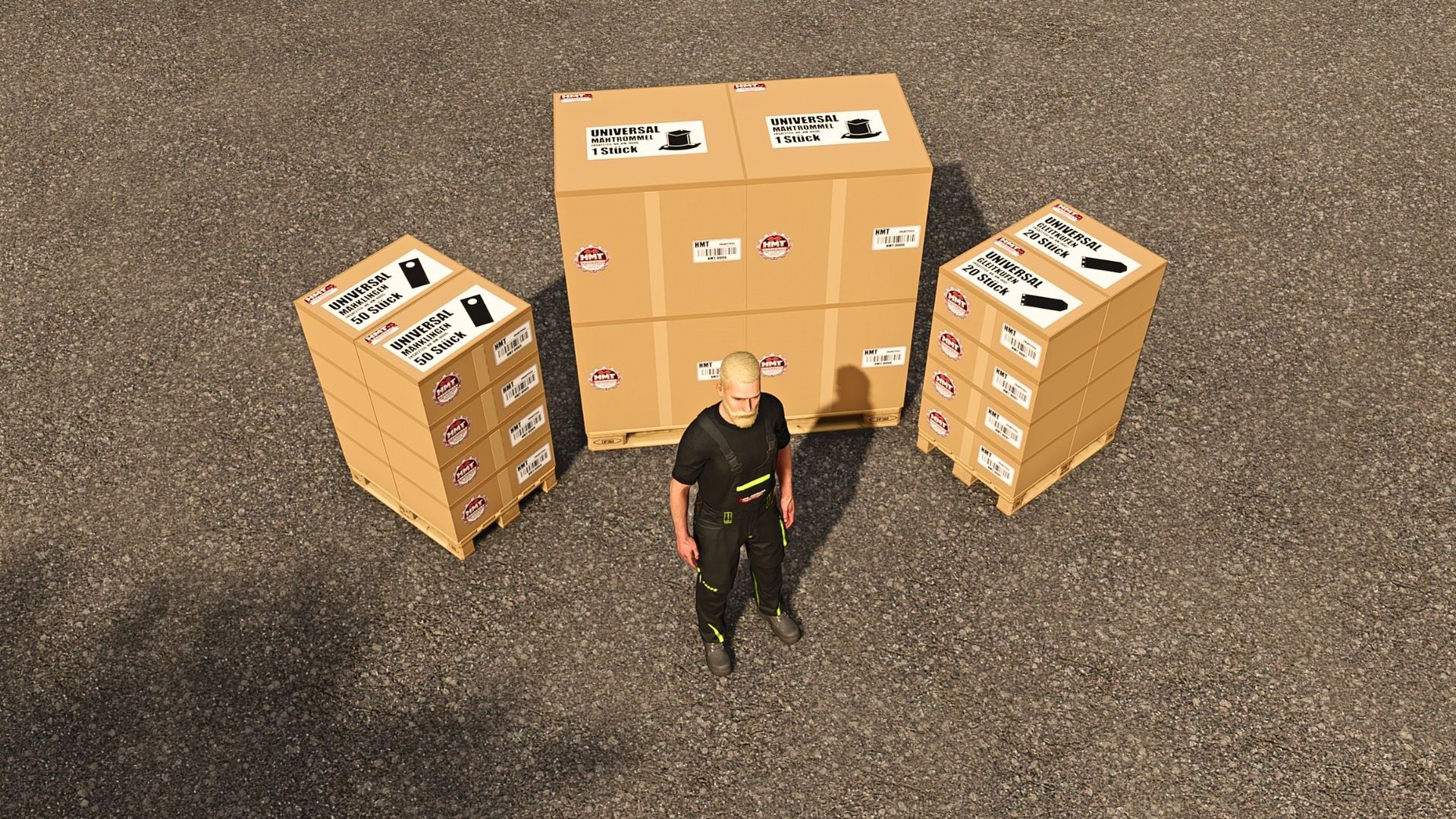
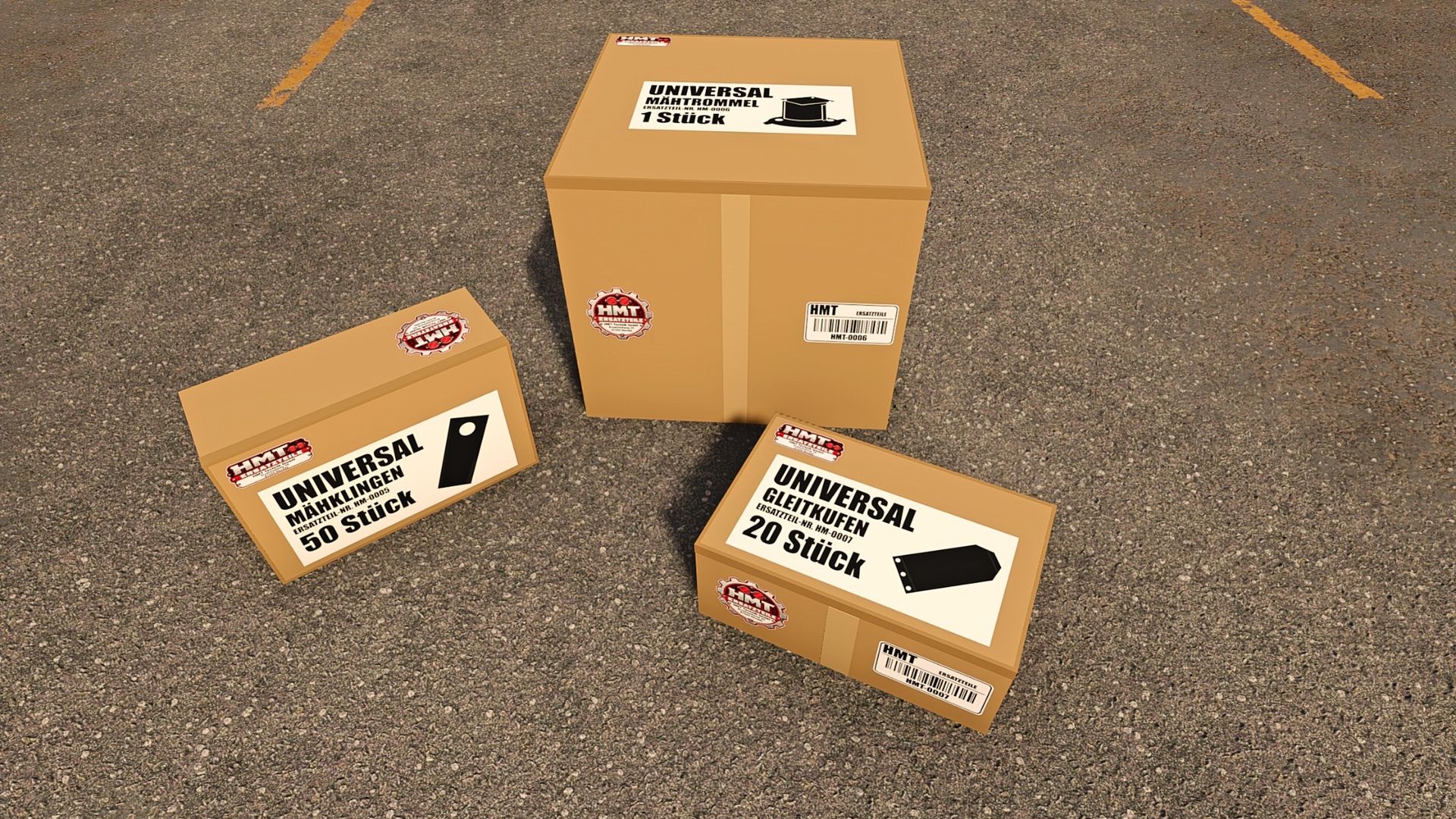
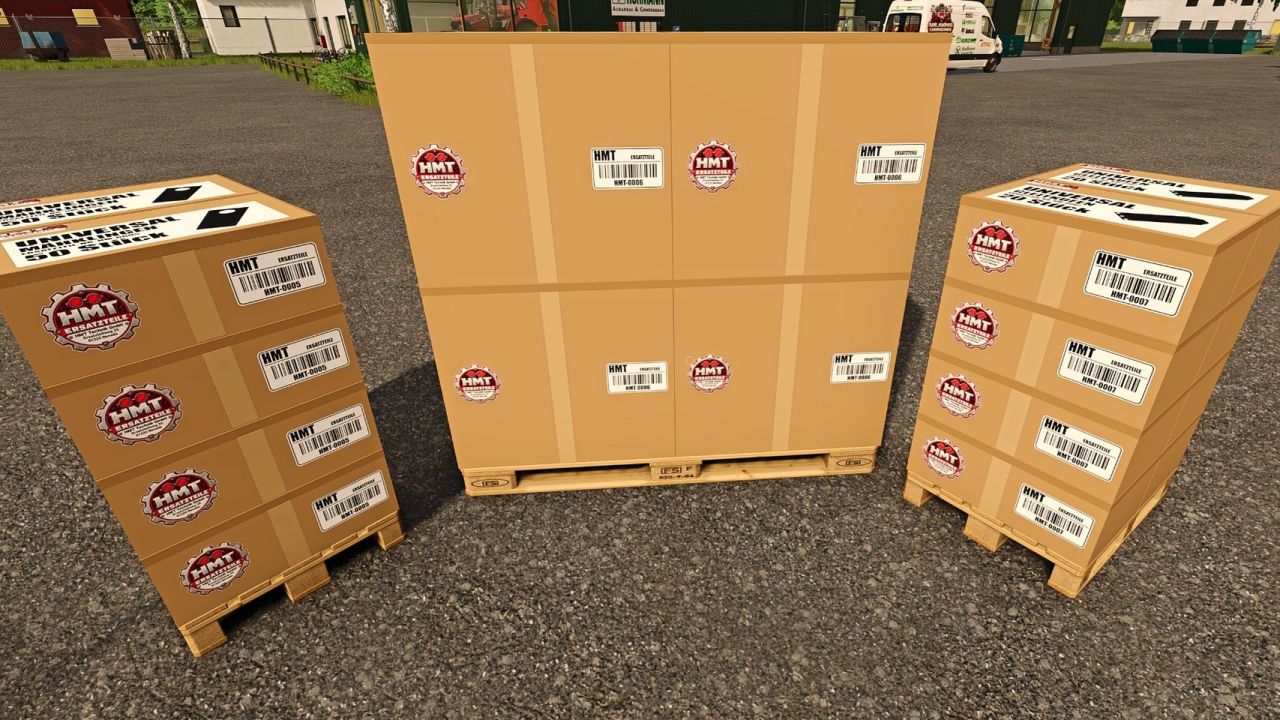
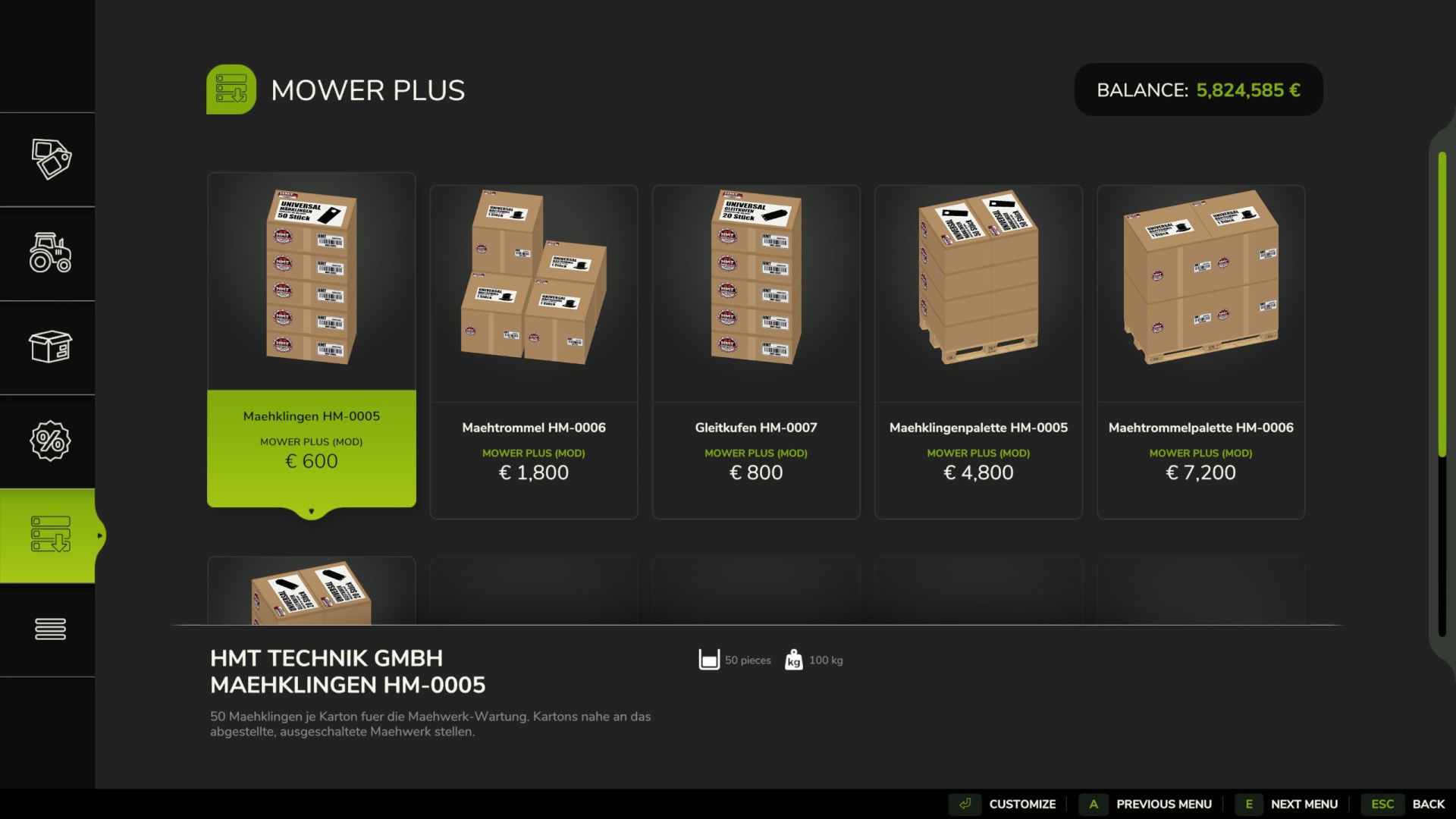
You can find the appropriate spare parts under HMT Spare Parts. Individual crates contain 50 blades, one drum or 20 skids. You can buy several crates at once. Pallets are available for larger quantities.
Stop the mower and switch it off. By default, place crates or pallets from your farm within five metres. Partial maintenance begins as soon as a suitable spare part is available. If ten parts are required and five are available, five will be installed. The final message shows the parts still required.
Emptying the pallet takes eight seconds and does not consume any spare parts. Changing the parts takes 20 seconds. The parts are consumed after successful completion. Partially used boxes and pallets retain their remaining contents.
HUD and controls
The HUD displays workload and component status. You can adjust the font size (large or small) for your personal HUD.
Left Ctrl + left Alt + 3 toggles the HUD on or off.
Left Ctrl + left Alt + 4 toggles move mode on or off. Drag the HUD while holding the left mouse button. Camera and zoom inputs are locked during this time.
Left Ctrl + left Alt + 5 switches the HUD size between 50, 25, 20 and 75% of the speedometer’s width.
Ctrl + Alt + Caps Lock starts or ends maintenance, provided no custom maintenance key has been saved.
Under Options → Controls, the HUD actions and maintenance functions can be freely assigned. A saved keyboard or controller binding for maintenance replaces the default Caps Lock key.
Author: hank_madness_


