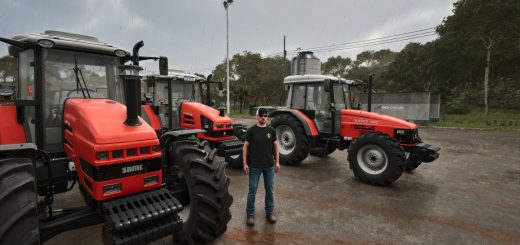
Auto Camera Steering Pro V1.0
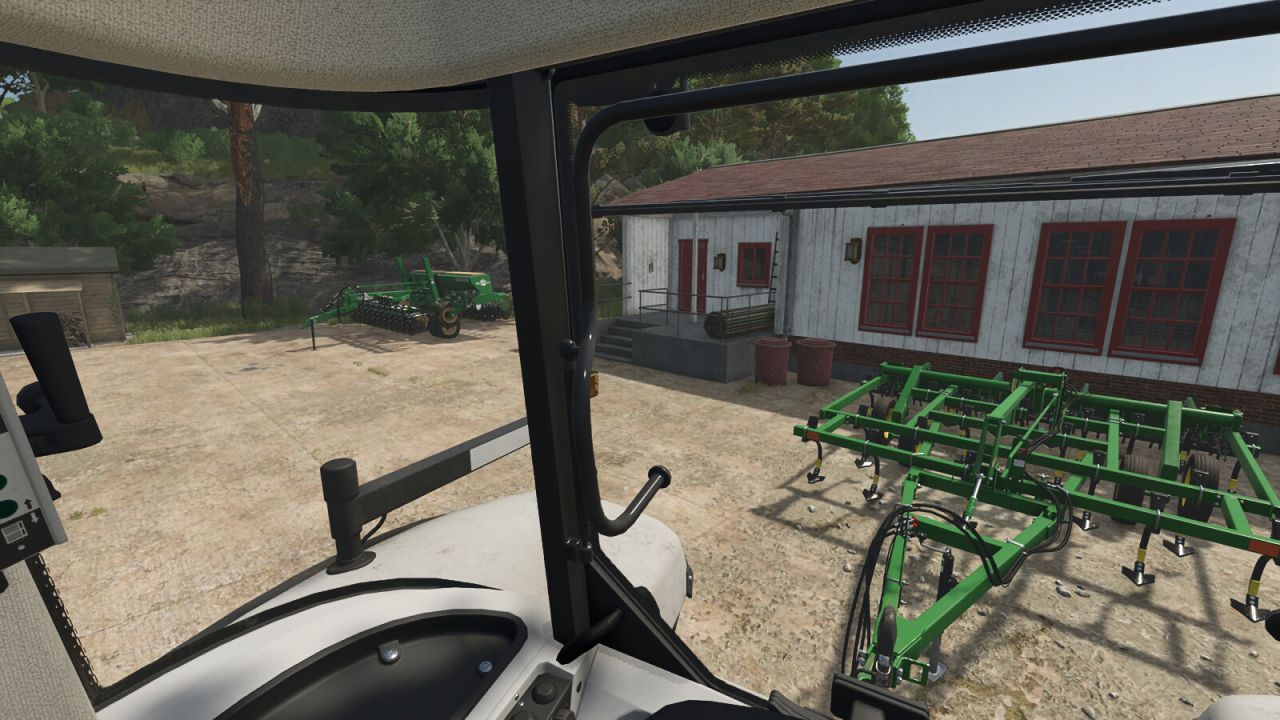
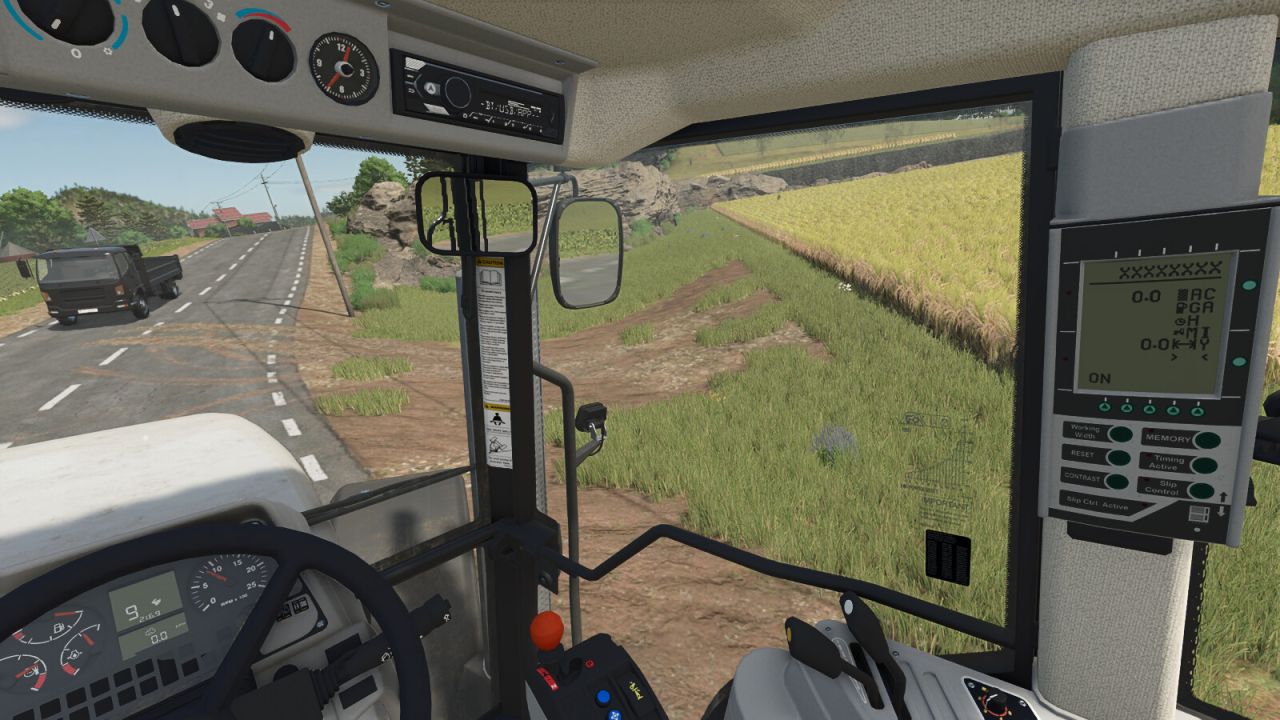
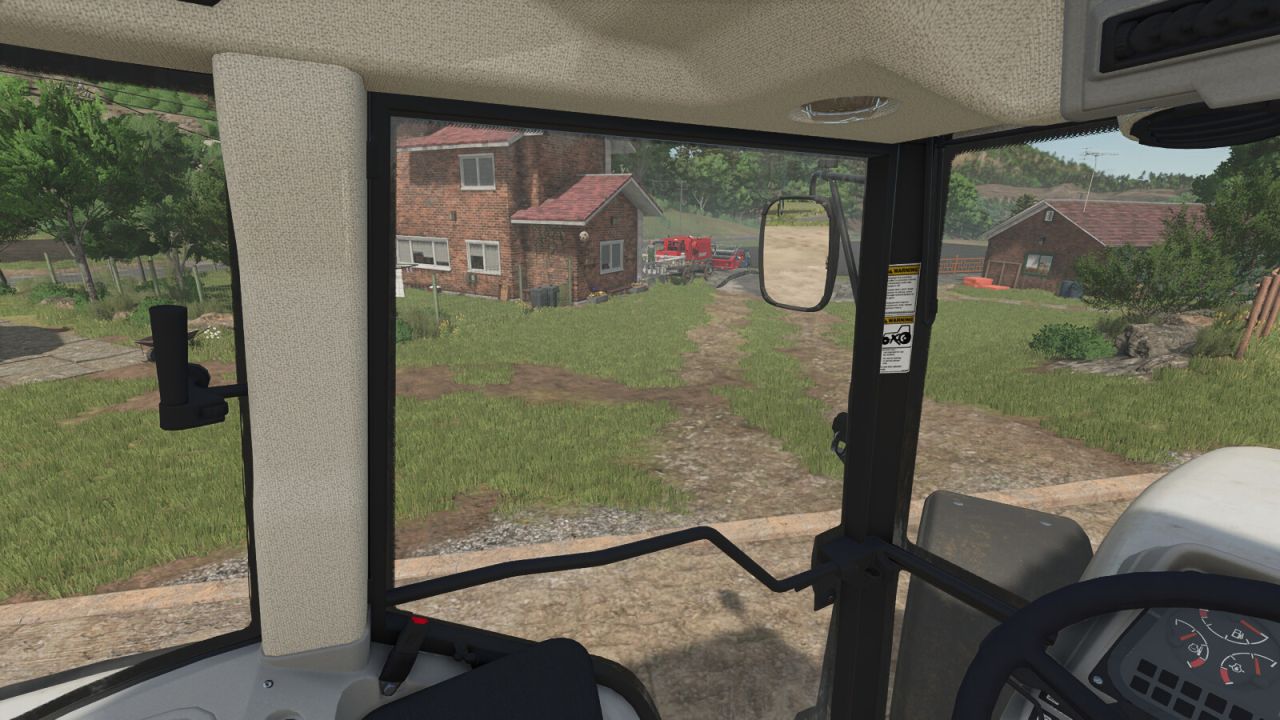
Auto Camera Steering Pro V1.0
The mod is made for comfortable play from the cabin with any device: wheel, gamepad or keyboard. Auto Camera Steering turns the interior camera into the turn as you steer, like the head movement of a real driver.
FEATURES
Camera follows the steering: the interior view turns smoothly in the direction you steer. It works standing still and at any speed.
Input profiles: Wheel, Gamepad or Keyboard. Each has its own dead zone and smoothing, so the camera is precise on a wheel and calm on the A/D keys.
Adjustable sensitivity (7 levels) and maximum turn angle (25°, 45°, 90° or 120°).
Reverse flip: when the vehicle really starts driving backwards, the camera turns to look behind and the steering direction is mirrored. Selecting reverse gear or a light nudge does not trigger it; the vehicle has to move backwards (about 2 km/h for a short moment). The same rule applies when you drive forward again.
Auto-centering: after you look around with the mouse, the camera smoothly returns to the front while you drive forward. Adjustable delay (1-5 s), return speed and movement threshold. Looking around manually is never interrupted.
Straight ahead on entry: the camera always looks in the real driving direction, even in vehicles whose default camera looks to the side.
Quick glance: hold a key to look back, left or right; the camera returns smoothly when you release it. Works driving forward and in reverse.
Interior camera zoom with the mouse wheel and its own reset key. The zoom can be switched off in the settings.
Hotkeys (can be changed in the controls menu): Right Ctrl + / enables or disables the mod. Right Ctrl + , pauses or resumes auto-centering for free look.
Look back, look left, look right and reset zoom are not assigned by default: choose your own keys in the controls menu, Auto Camera section.
All options are in the game settings menu and are saved automatically.
Multiplayer: purely visual and client-side. It only affects your own camera.
NOTES
Works with interior (cabin) cameras. Mouse look always has priority over the automatic movement.
Author: Partisan