Grain Handling and Dryer For Moisture System v1.0
Grain Handling and Dryer For Moisture System v1.0
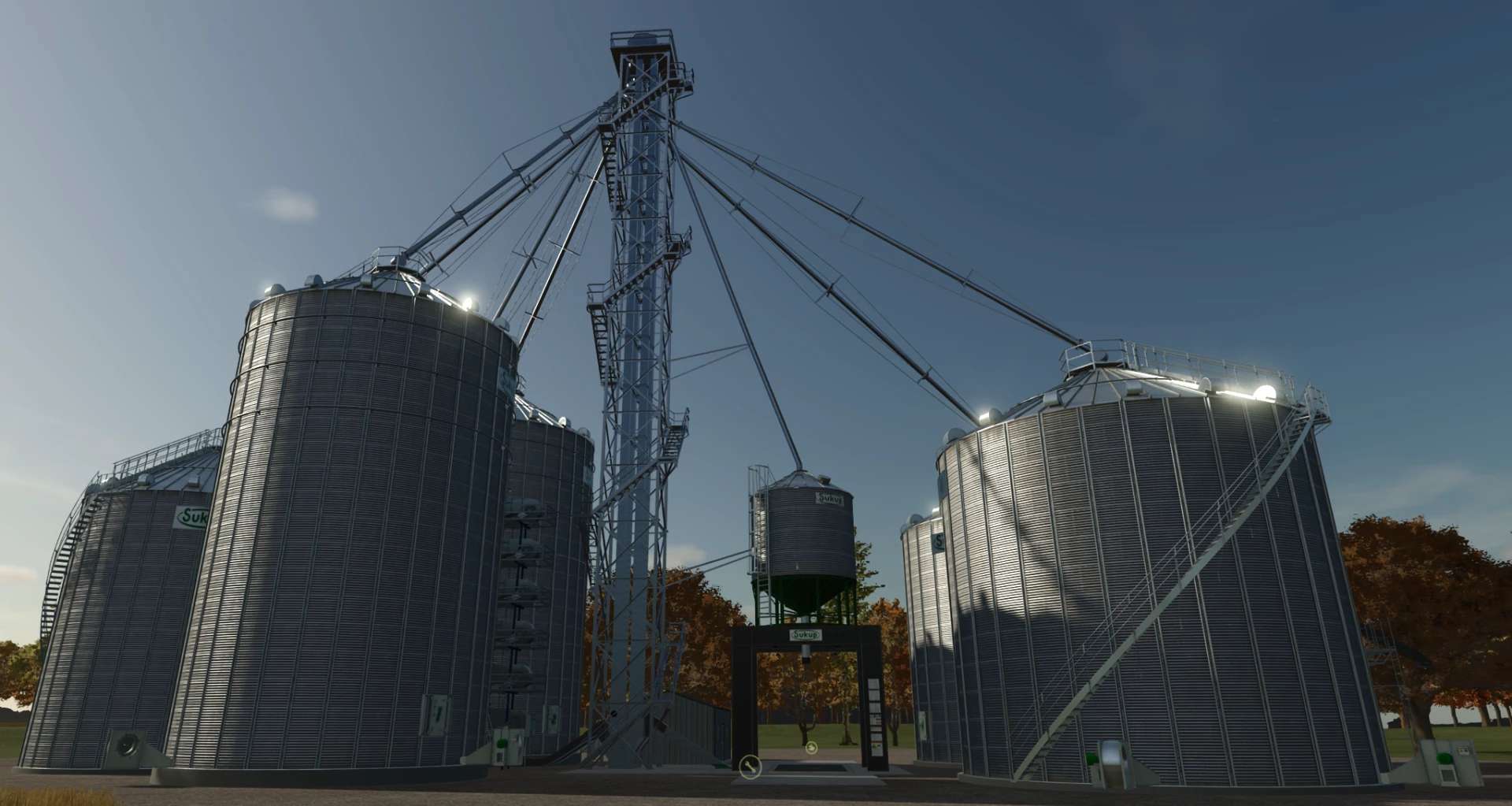
The Sukup bin site, now tracking grain moisture bin by bin. It works with Ozz’s Moisture System, and it’s built for Farming Simulator 25 and multiplayer.
Every load you dump keeps its moisture. Wet corn blends in the wet bin, moves through the dryer, and comes out as dry corn ready for market, and trucks leaving the site carry the true moisture and quality of the bin they loaded from.
Moisture features
Moisture is tracked for each bin. Every bin and the dryer keep their own moisture and quality for each crop.
Dumping reads the truck’s moisture. When a truck unloads, its moisture and quality come from the Moisture System and blend into the bin the grain lands in.
Blending works like real grain. Mixed loads are blended by volume, with a small dice roll so the result lands near the average, not exactly on it. Dump 20% corn on top of 17% corn in equal amounts, and you’ll get something between about 18.1% and 18.9%.
Moisture moves with the grain. Transfers between bins carry their moisture and quality with them.
Dried corn comes out at 15.0–15.8%. Each batch from the dryer gets a moisture in that range, blended into what’s already there.
Trucks get honest grain. Loading from a spout gives the truck the bin’s real moisture and quality, so wet corn can’t come back out as perfect grain.
Moisture shows on screen. The bin info shows a moisture line under each crop, for both the input and output bins.
Saved and multiplayer-ready. Bin moisture saves with your game and is shared with every player.
Author: NEOFarms