Admin Shop Prices V1.1
Admin Shop Prices V1.1
Your rules. Your prices.
Want to change the cost of machinery, make land more expensive, adjust crop prices or create your own economic balance?
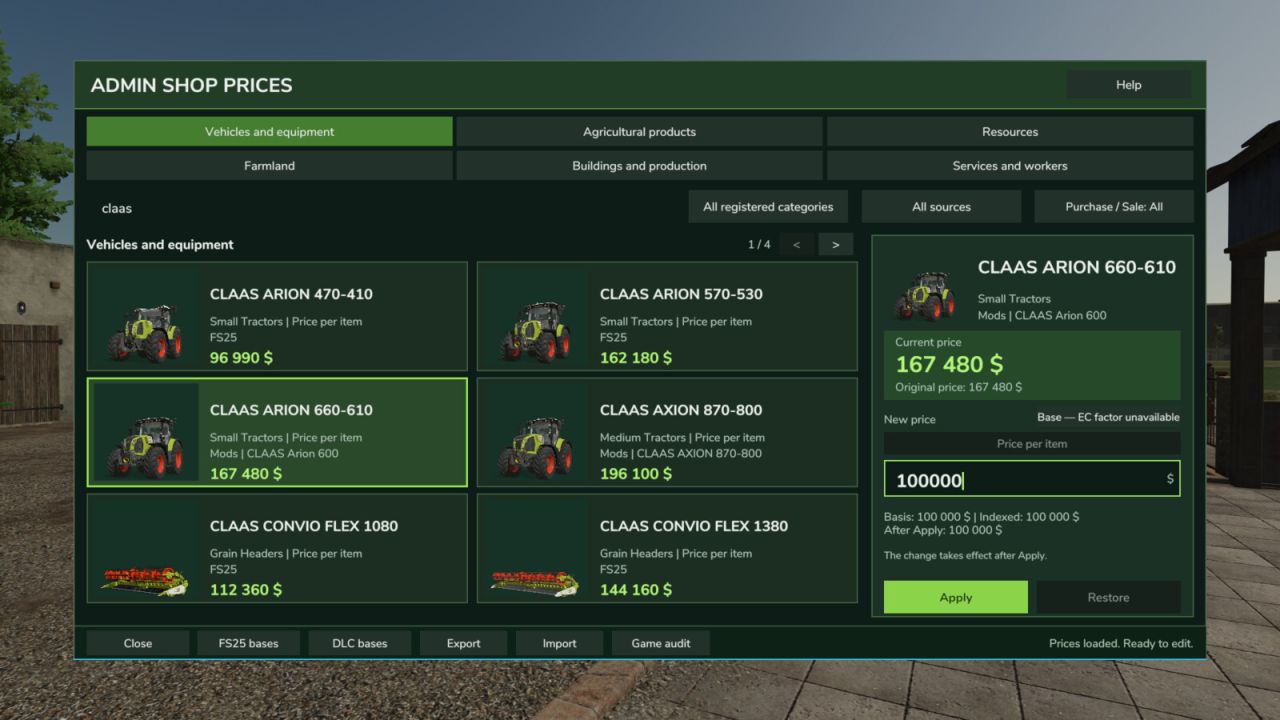
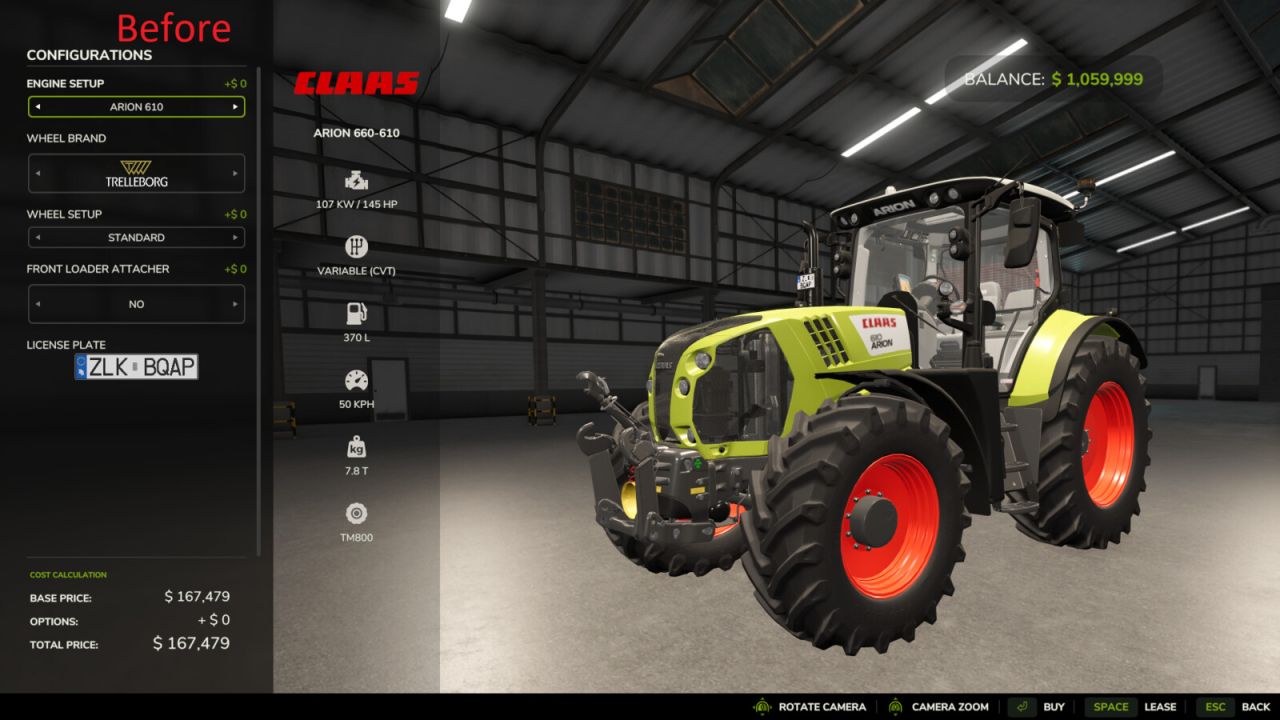
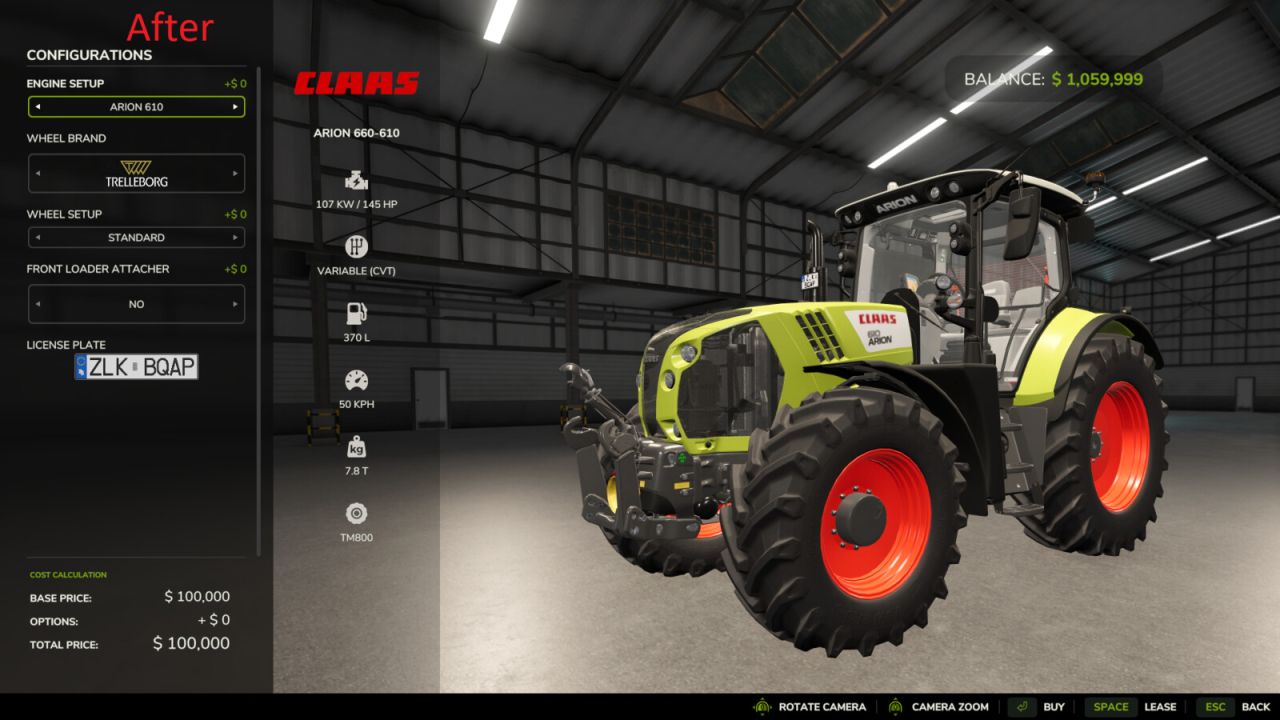
Admin Shop Prices lets you manage supported Farming Simulator 25 prices directly in the game, using a convenient editor with search, filters and individual settings.
From a small adjustment to a complete rethink of your farm’s economy, the choice is yours.
Six price categories
– Vehicles and equipment.
– Agricultural products.
– Resources.
– Farmland.
– Buildings and production.
– Services and workers.
Find the item you need, check its current price, set your own price or restore the original.
Independent settings are available for operations where the game provides separate purchase and sale mechanisms.
Flexible control
The editor lets you work with manual prices, use presets, search for the products you need and move quickly between categories.
Compatible operations offer Follow Sale mode, which can link the purchase price to the sale price.
You can choose a display currency without changing the game’s internal payment system.
Two price modes
BASE: the price can change along with the relevant economic indices when Economy Control is installed.
FIXED: the price you set stays fixed and is not indexed by Economy Control.
This lets you combine manual adjustments with economic changes, or take full control of individual prices.
A standalone mod or part of a wider economy
Admin Shop Prices works fully without Economy Control.
When both mods are installed, they can work together, combining a historical economy with manual price editing.
In multiplayer, price changes are governed by server permissions.
Support for individual operations in third-party mods depends on how those mods implement their own prices and payments.
What’s new in version 1.1.0.0
– Expanded the editor from machinery prices to six economic categories.
– Added support for separate purchase and sale operations.
– Expanded manual settings with BASE, FIXED, Follow Sale and presets.
– Improved search, filters, price displays and editor operation.
– Added optional integration with Economy Control.
– Refined supported resource, production and service operations.
Author: MarksuVII