AgraGPS V1.2
AgraGPS V1.2
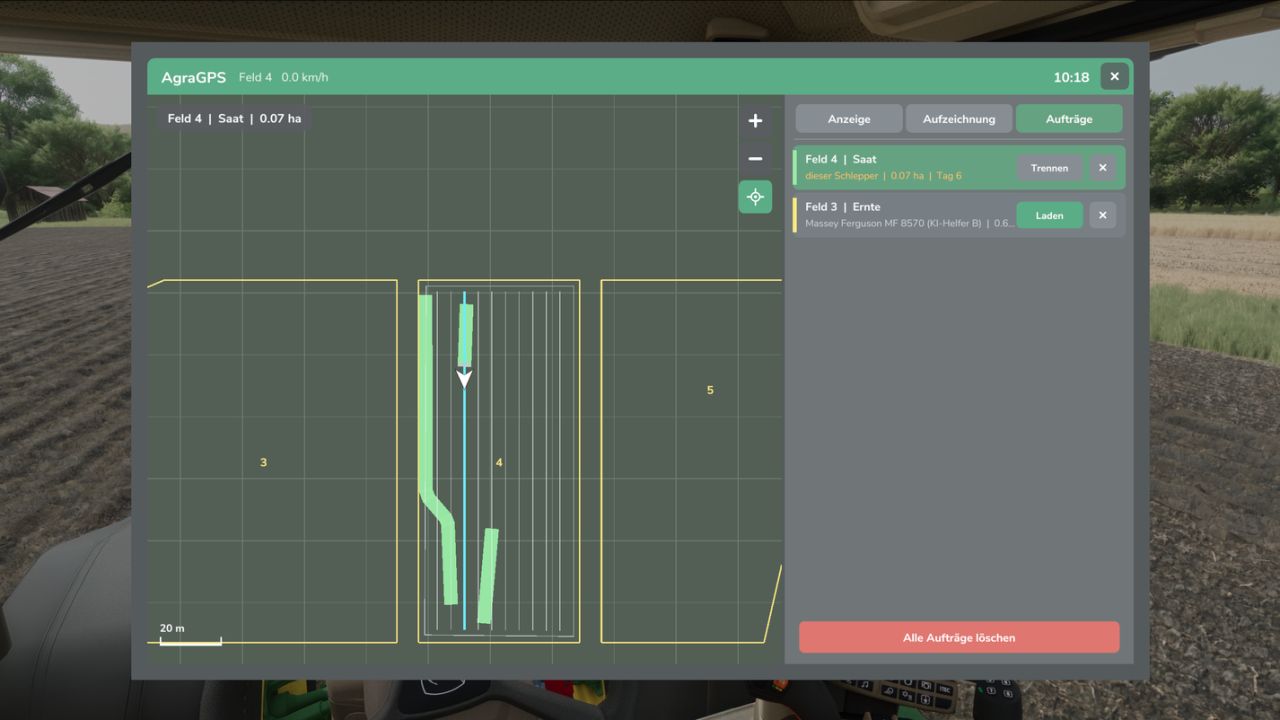
AgraGPS expands Farming Simulator 2025 with an optional GPS screen and a user interface for managing courses.
What does AgraGPS offer for pre-configured vehicles?
A full lane guidance screen that displays the lane guidance lines completely.
The area worked by the attached device is displayed and recorded, so that the area worked can still be seen even after saving or leaving the field when work is resumed.
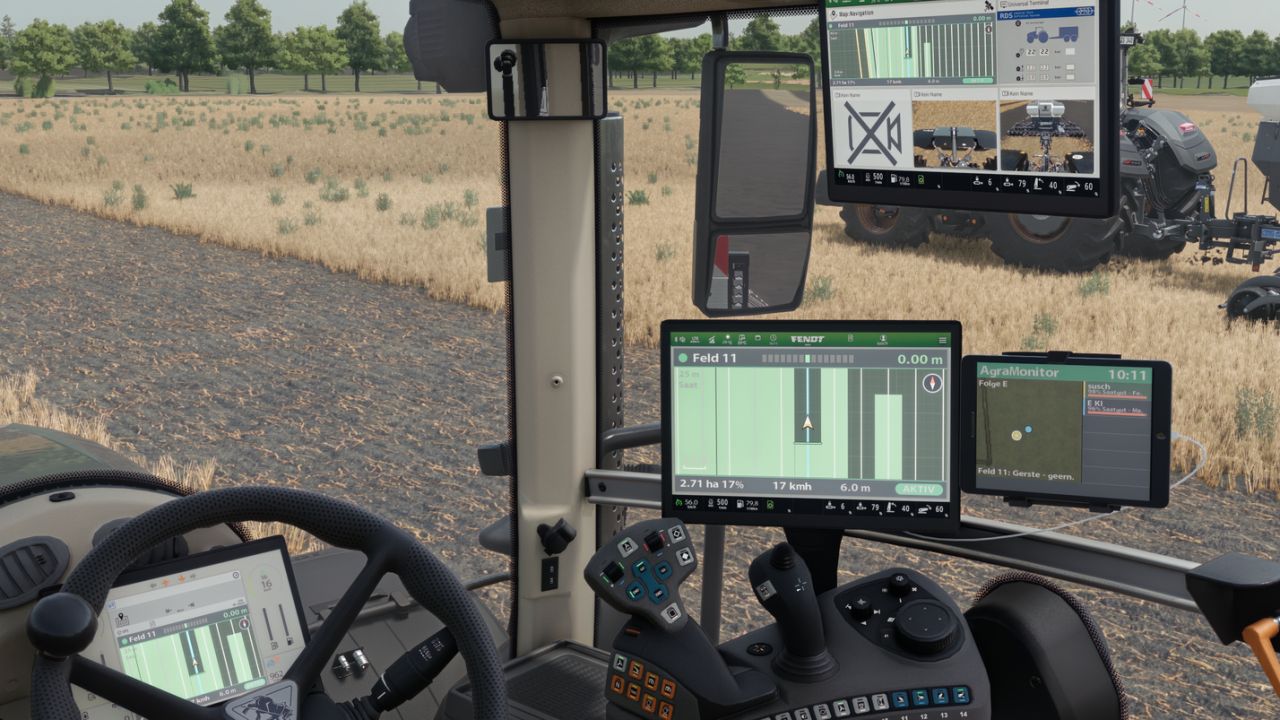
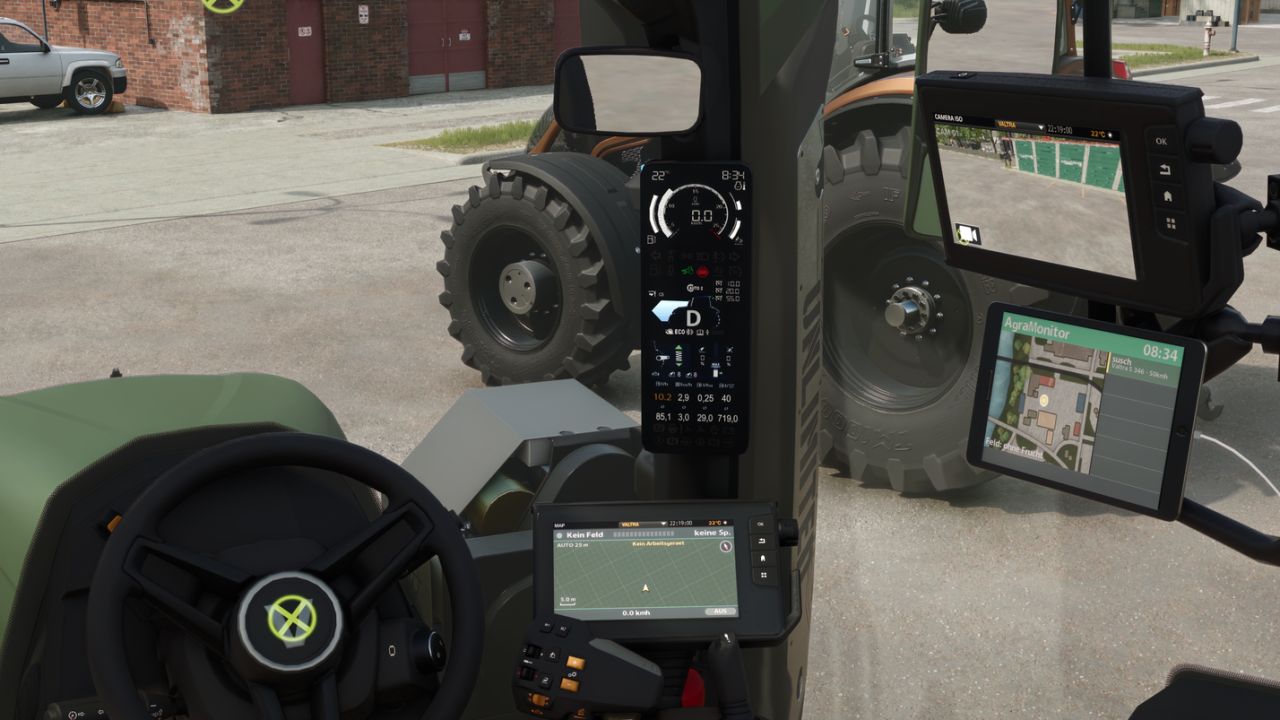
Optional GPS terminal screen for the cabin.
Multiple screens are possible and can be operated separately.
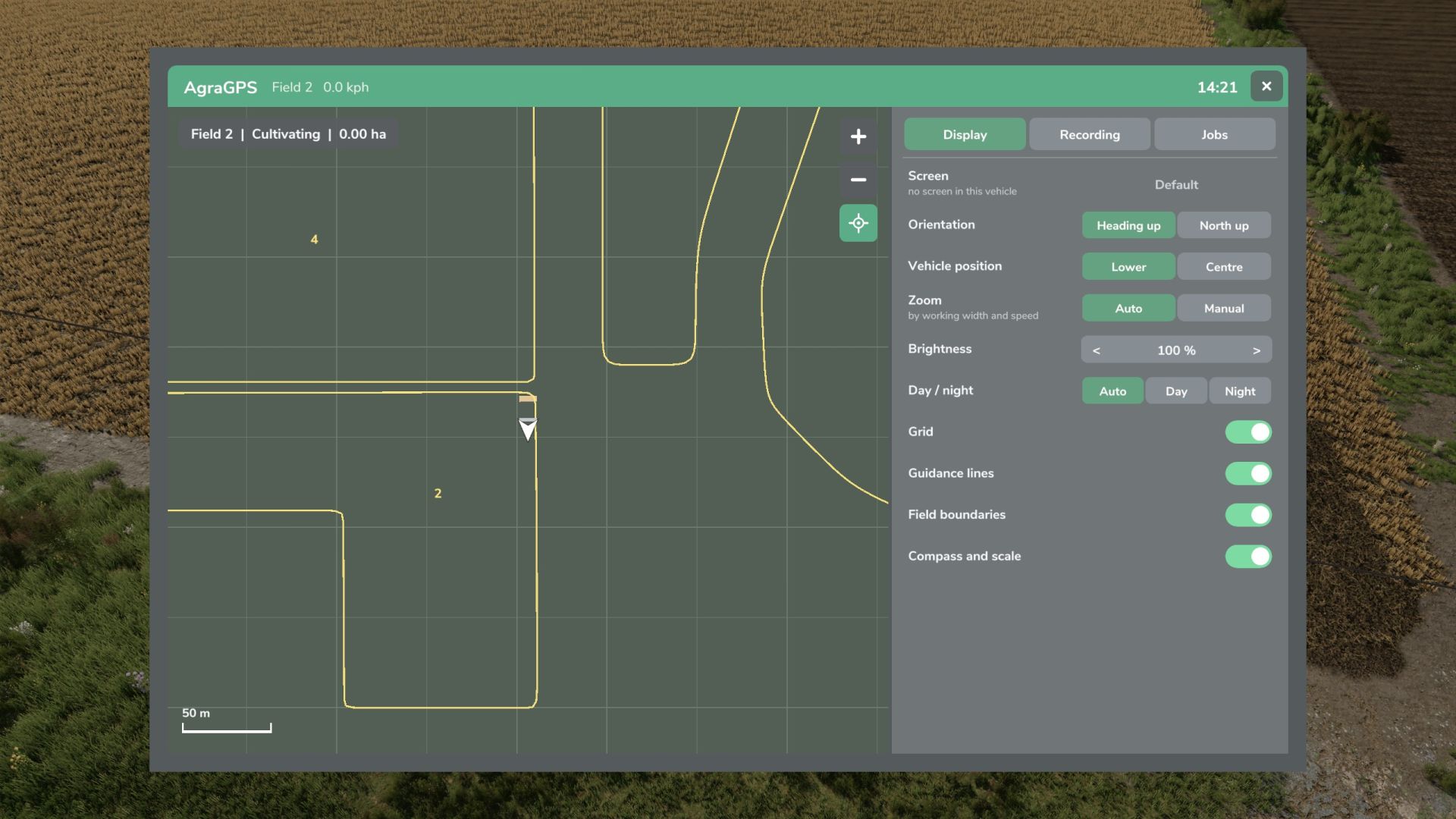
The display shows the worked area, field boundaries, and the steering assist lines.
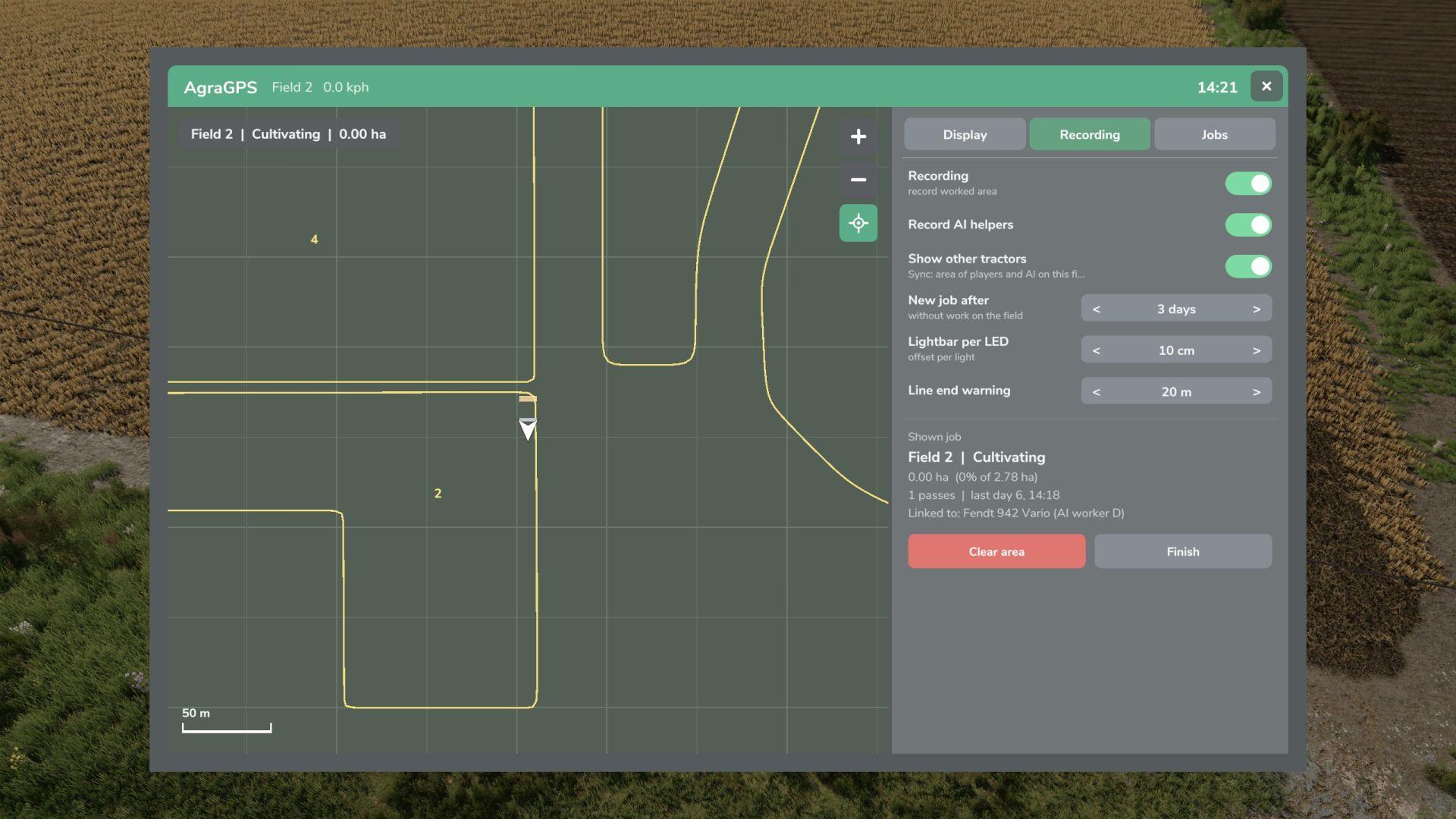
Recording of the worked area.
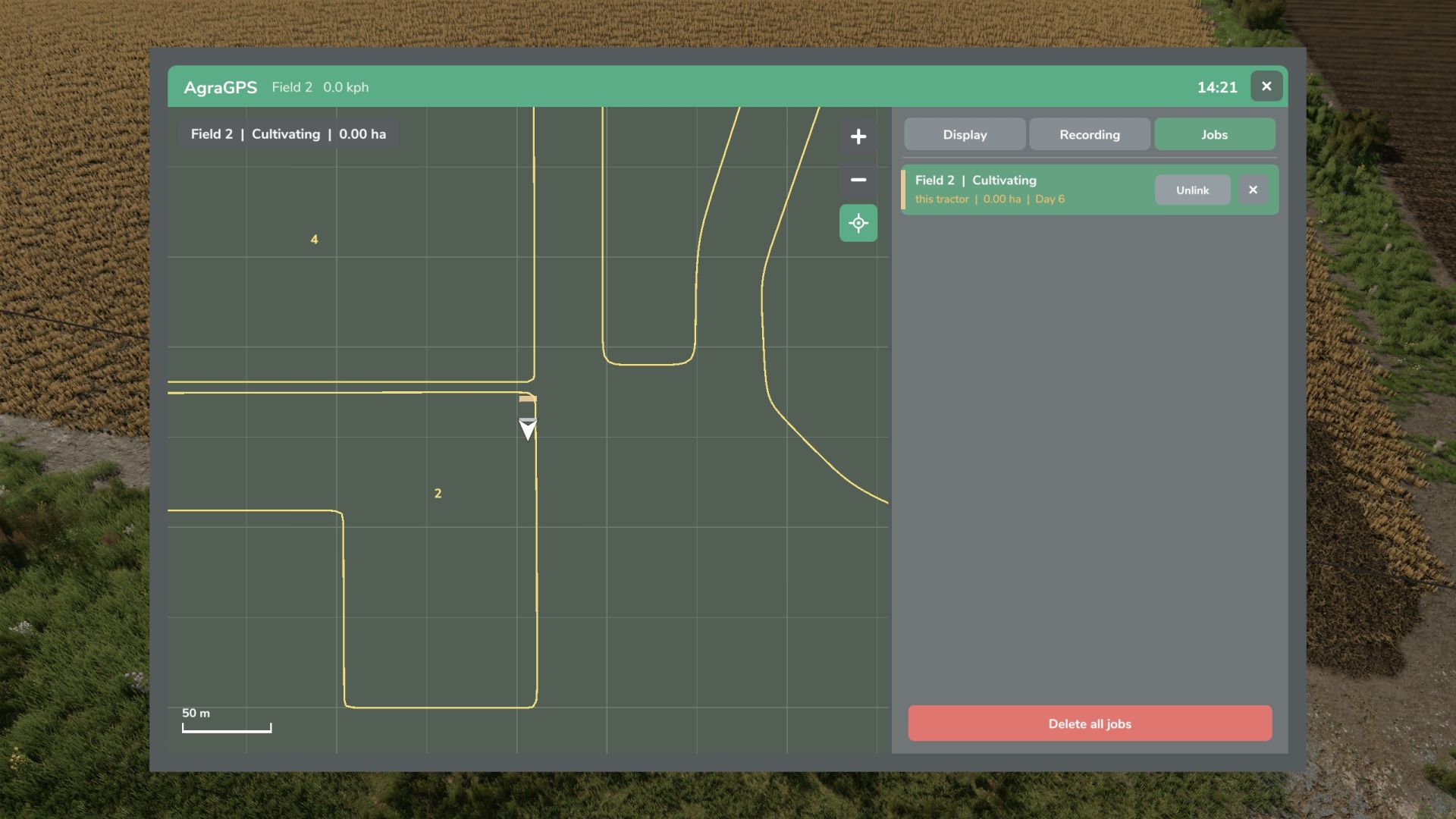
Recording per field and work type, linked to the tractor and loadable for other tractors, also for AI helpers and players in multiplayer.
Terminal with overview map and extensive settings: Opens with “Alt left + G” (can be changed in the control menu)
V1.2.0.0
Fixes:
The editing area was not cleanly separated at the edge of the window.
The entire mod was manually cleaned up.
Performance optimization.
New:
Courseplay integration added (Courseplay and the Courseplay GPS extension are required; thanks to ItsLuggas for the suggestion).
The Courseplay course is used if a CP course is connected to the vehicle; otherwise, the standard lane guidance can be used.
When CP is active, this is indicated in the bottom-right corner of the screen by the Off/Ready/Active icon, with the addition of “CP” to Off/Ready/Active.
3D view added for the cockpit screens (configurable in the GPS menu).
A small sun with clouds in daytime mode and a moon with stars in nighttime mode have been added to the 3D view.
Author: Guner348