Realistic biogas plants V1.0
Realistic biogas plants V1.0
BGA Realism – realistic biogas plants
BGA Realism turns the biogas plants in FS25 into real facilities with process biology. Instead of fixed recipes, the substrates are broken down in the digester over around 45 days and produce methane. How much gas is generated depends on temperature, fill level, stirring and substrate mixture.
Features
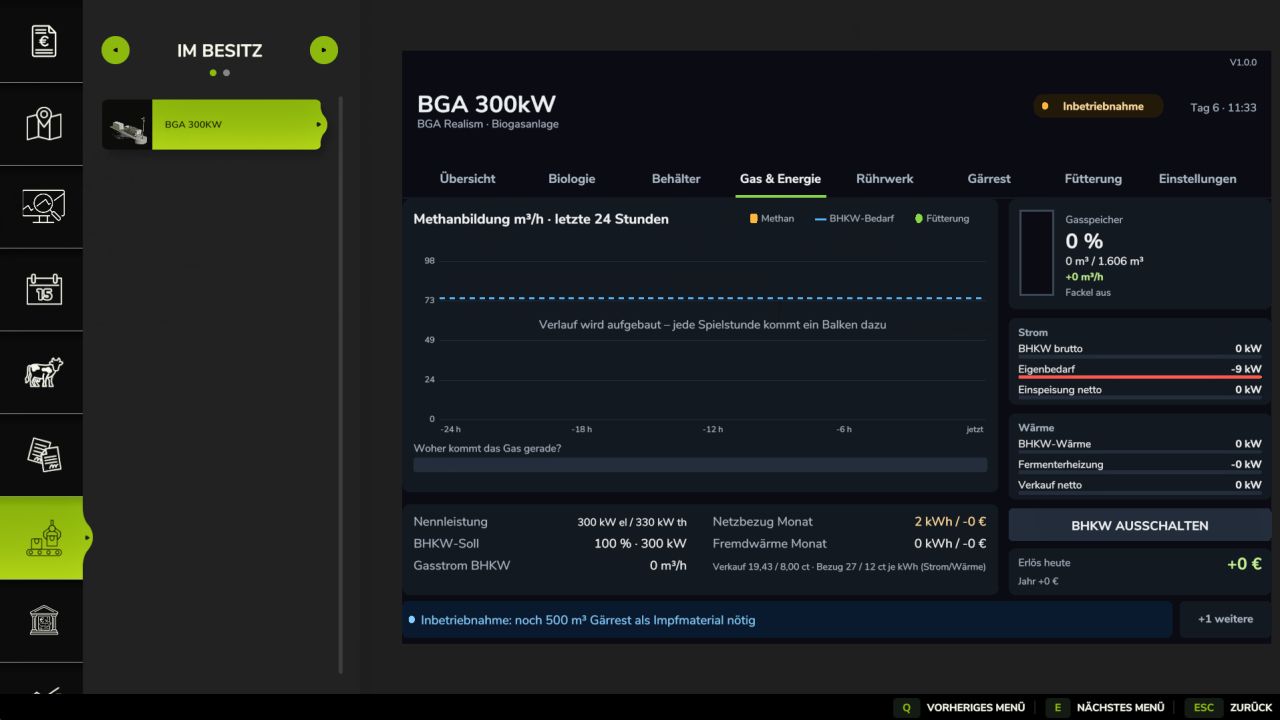
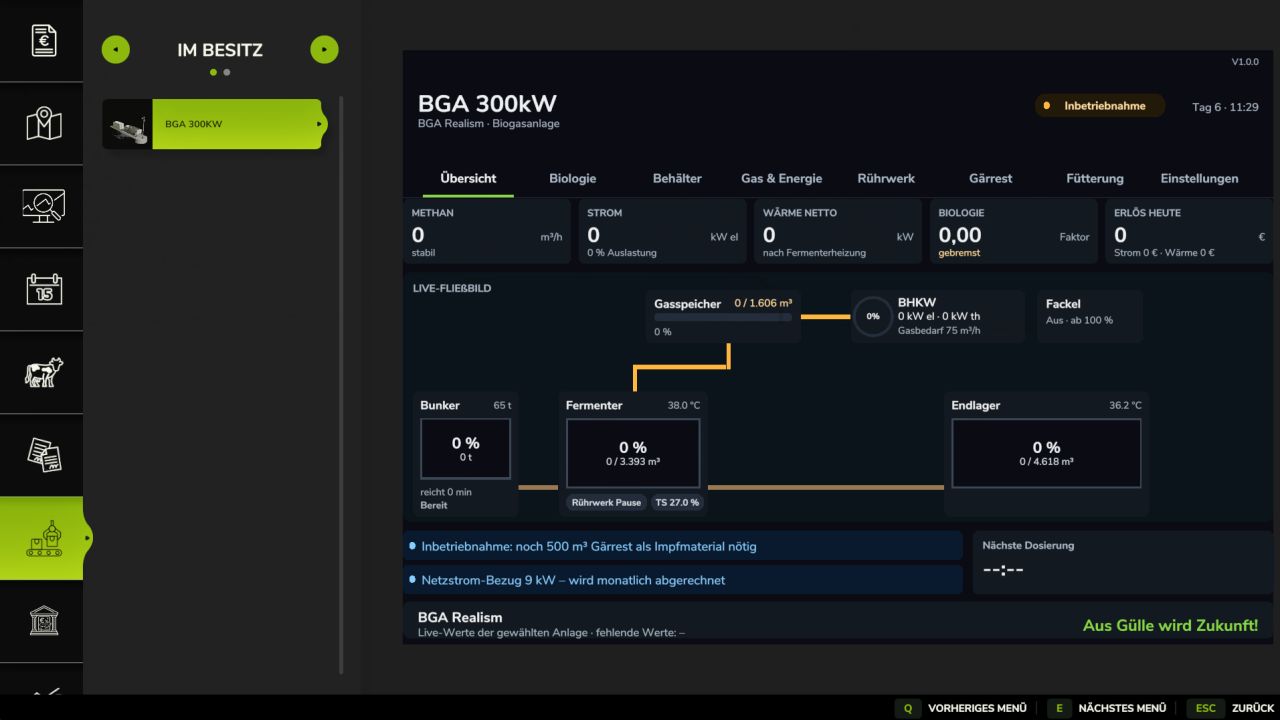
Custom dashboard (Ctrl + B or ESC → Productions) with an overview of digesters, tanks, gas/CHP, agitator, digestate, analysis and settings
Commissioning with 500 m³ of starter digestate
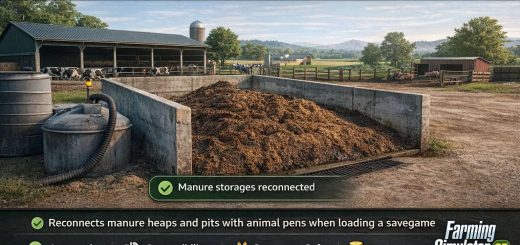
Dosage via the input bunker, slurry directly into the digester
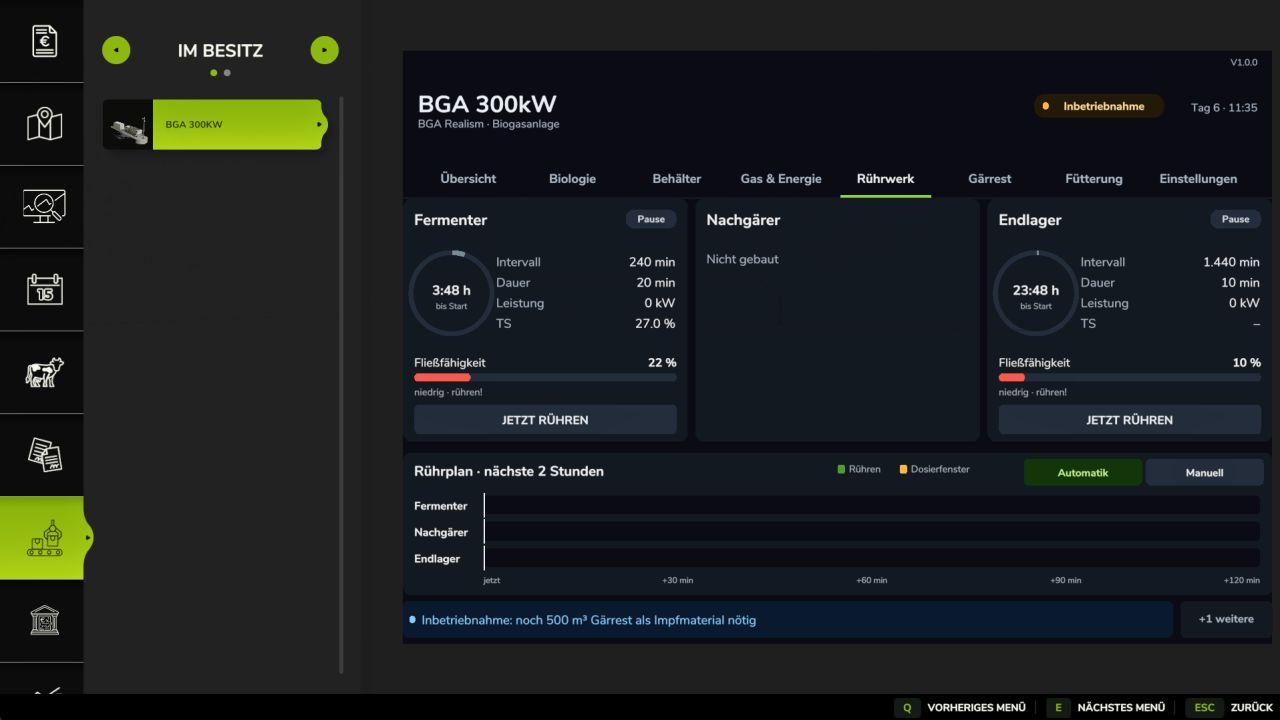
Agitators for digesters, secondary digesters and storage tanks, automatically or manually
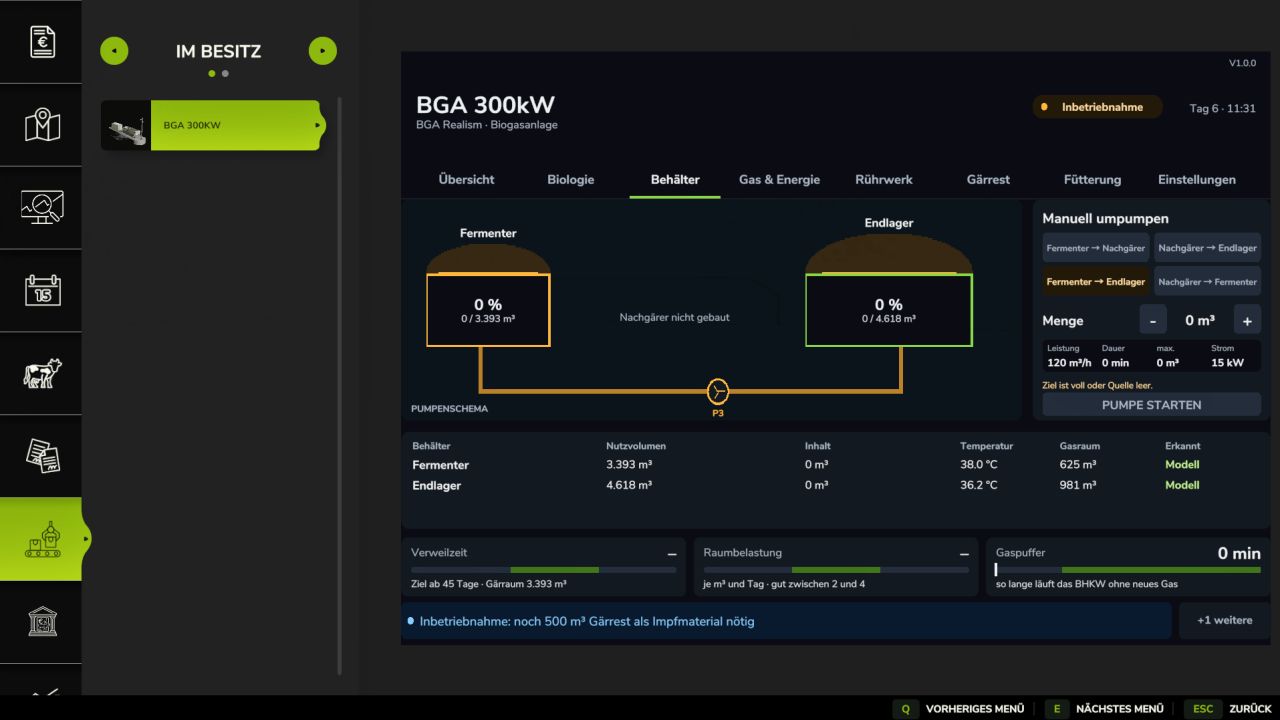
Digestate cascade: digester → secondary digester → storage tank, plus manual pumping routes
Gas storage, CHP unit with adjustable output and gas flare for surplus gas
Electricity and heat sales; own consumption is deducted. Grid electricity and external heat are billed monthly
Laboratory analysis of digestate (N/P/K) with transfer to Precision Farming
Base-game biogas plants (99 kW, 250 kW, 500 kW, 1 MW) as complete facilities, with tank capacities measured from the models
Savegame file bgaRealism.xml with editable fill levels and substrate mixture
In-game help with images under ESC → Help
Multiplayer-compatible
Compatible mods (all optional)
Pumps N’ Hoses Pack (DLC): modular facilities with digester, secondary digester, storage tank, V-BIO/DOB bunker, 2G CHP unit and gas flare
FS25_AdvancedSilageTypes: maize, grass, clover and alfalfa silage tracked separately
FS25_MediumBiogasPlantPackage: 400 kW and 750 kW biogas plants as complete facilities
FS25_BGA_Construction_Kit: bunker facilities from 150 kW to 1.5 MW as complete facilities
Precision Farming: nitrogen value from the laboratory analysis
V1.0.0.0
New Dashboard
All pages use the new dark control room design.
The overview shows a live flow diagram: bunker → fermenter → post-digester → storage, along with the gas storage, CHP unit and flare.
New pages:
Biology with traffic-light scales
Gas & Energy with a 24-hour history and marked feeding times
Agitator with an agitation schedule
Digestate with a 14-day forecast for the storage
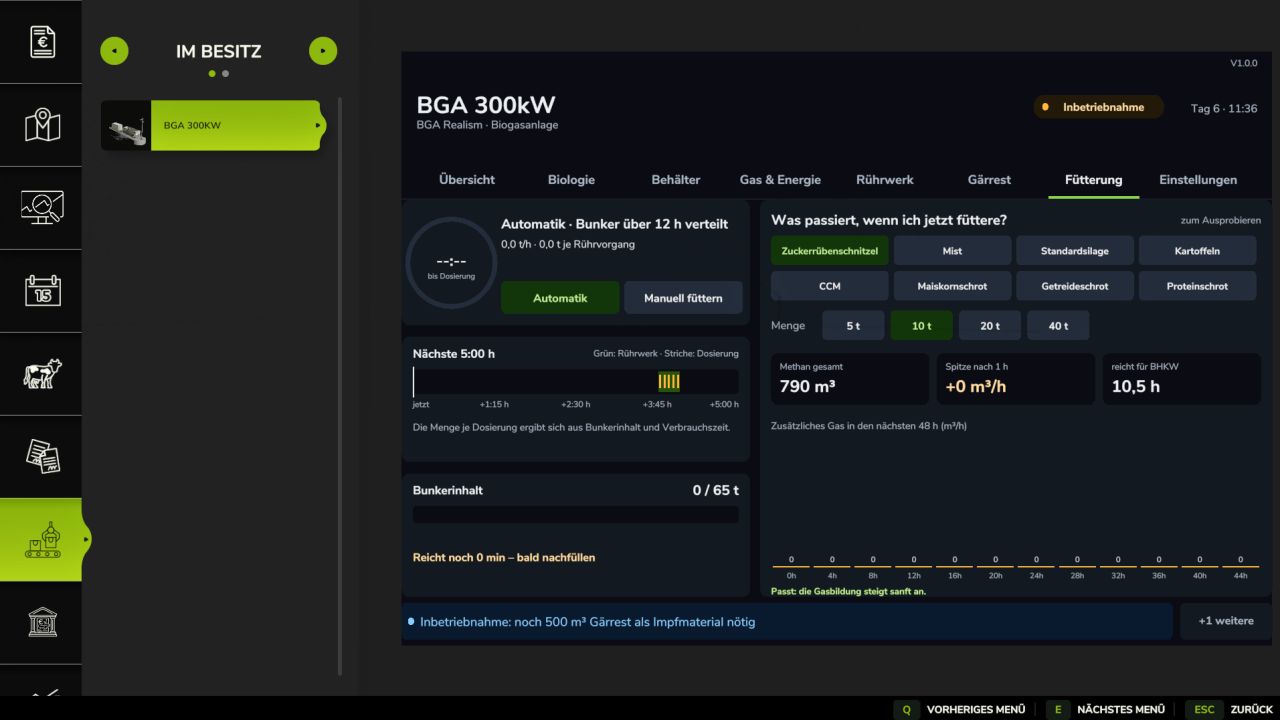
Feeding with a what-if calculator
A message bar alerts you, for example, when the storage is almost full, the bunker is empty or the gas storage is nearly full.
Feeding
The amount is calculated automatically based on the bunker contents and consumption period.
Manual feeding: up to 8 t at once. Afterwards, the plant switches back to automatic mode and dispenses only half as much for 2 hours.
CCM, corn meal, grain meal and protein meal from the CCM Production Pack can be used as substrates.
Gas Production
Each substrate now has a fast and a slow fraction. After feeding, gas production increases immediately and then gradually decreases.
Tanks & Pumps
The pumping diagram allows manual pumping with a specified quantity, independently of the 95% cascade.
New route: post-digester → fermenter as recirculation.
There are always 500 m³ of inoculant material left in the fermenter.
Multiple tanks of the same type are combined and displayed individually.
Tanks built later are detected.
The agitation interval and duration can be set individually for each tank.
Precision Farming
Each plant has its own laboratory analysis.
Each tanker remembers at which plant it was filled. The PF display and fertilization use the nitrogen value of that plant.
Digestate from multiple plants in one tanker is averaged by quantity.
If several tankers are operating at the same time, each one calculates using its own value.
Author: CHuCKY232