Road Lane Assist v1.0


Road Lane Assist v1.0
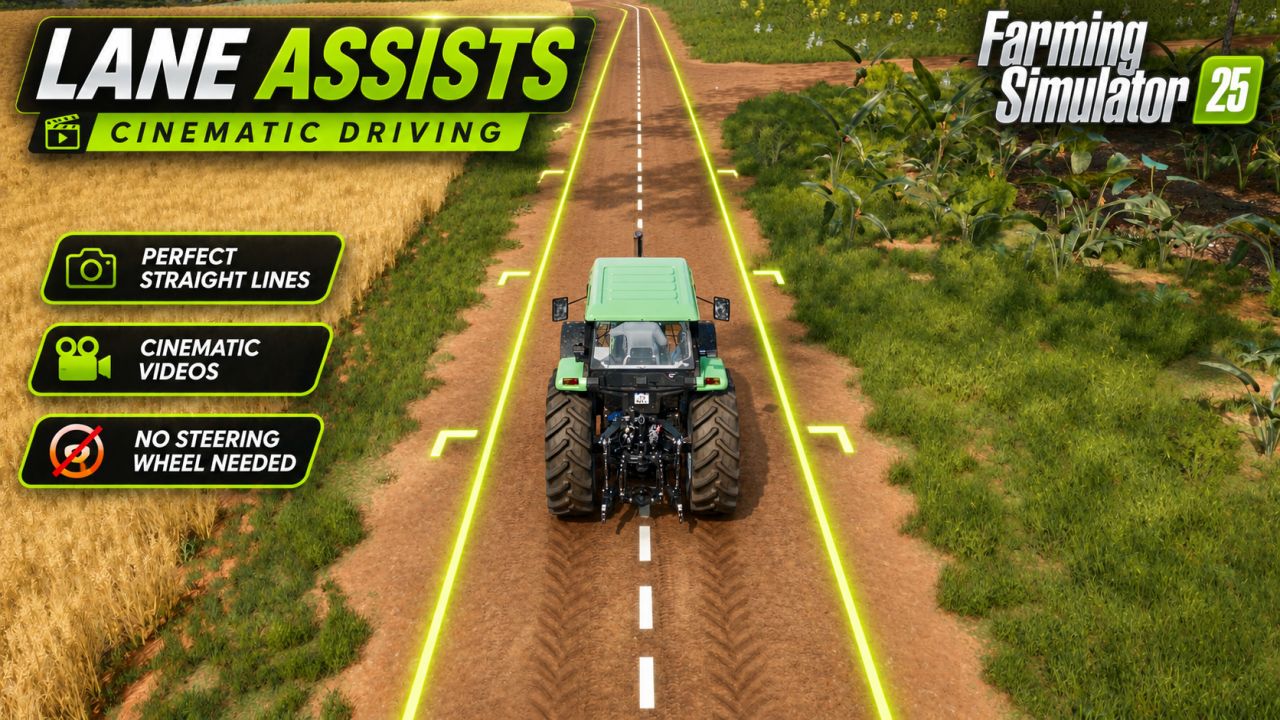

ROAD LANE ASSIST – ALPHA / WORK IN PROGRESS
Lane-keeping assist for public roads. Press one key and your vehicle follows the road by itself, so you can focus on speed and traffic.

FEATURES
Follows the road automatically (centre line by default, adjustable lane offset)
Works with normal and articulated tractors
Turn signal turning: switch on the left (1) or right (3) indicator before a junction or roundabout and the vehicle takes that turn by itself
Steering wheel icon built into the speedometer (orange = off, green = on)
Take over any time by steering manually

CONTROLS
Insert (or Left Alt + W): Lane Assist on / off
Left Alt + Up / Down: lane offset
Left Alt + PgUp / PgDn: steering sensitivity
Left Alt + K: switch lane side
Left Alt + H: show the path

HOW TO USE
Drive onto a road at 5 km/h or more and press Insert. The wheel icon turns green. Before a junction or roundabout, use the indicator for the direction you want. Steer manually to take control back.

NOTE
It only works on roads that exist as AI road splines on the map.

THIS IS AN ALPHA
It works, but it is not finished. Known issues:
Lane choice after some junctions can still be wrong
Tight curves at high speed can cut the corner
Maps with unusual road data may not work

Please report bugs in the comments with the map name, vehicle and speed.
Multiplayer: enabled, not tested extensively.


Author: OGFSMODDING

Report bugs in the comments and help modders improve this mod. Always check the comments, you can find a solution.


Helpful Information: How to install FS25 mods | FS25 System Requiremnts | FS25 Modding Tutorial | Giants Editor for FS25 | How to Convert mods | FS25 Cheats

More Misc mods


About Farming Simulator 25 mods
Farming Simulator 25 supports game modding for PC, Xbox, or PS5. FS25 Mod may change your game from small to complete changes. You can create a Farming Simulator 25 mod file and share it with our community. When is a good time to try Farming Simulator 25 mods? We recommend playing a game with these FS25 mods after you finish the Farming Simulator 25 starting pack and are bored with the game basics. So it's time to try new machines, such as harvesters or tractors, which are not included in the basic game version.
As you already know, Farming Simulator 25 developers support mods installation, which will add more vehicles or lands to your game. Check our Best FS25 mods lists for PC, Mac, PS5 or Xbox Series. Just follow these simple steps: choose the LS25 mods category, download the mod for the Farming Simulator 2025 version, and install it into the mod folder. Remember, all Farming Simulator 25 Mods are free, and download as many as you want with no limits. We want to create one of the biggest Farming Simulator 25 Community and invite you to share FS25 mods with everyone.

Leave a Reply

Do you need help or to say thanks to the mod author? Just leave a comment below!