Cotton Pack V1.1.2.1
Cotton Pack V1.1.2.1
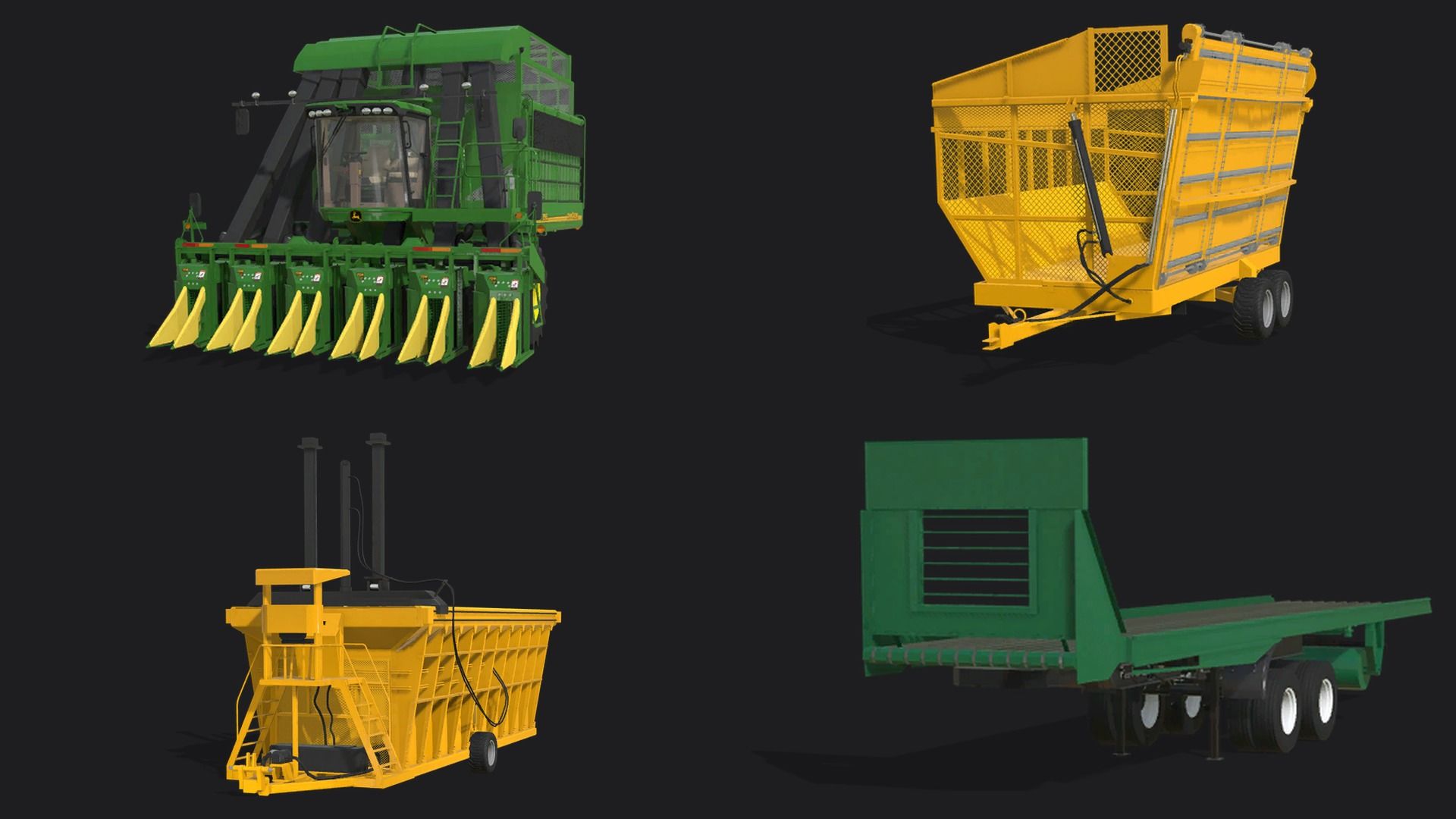
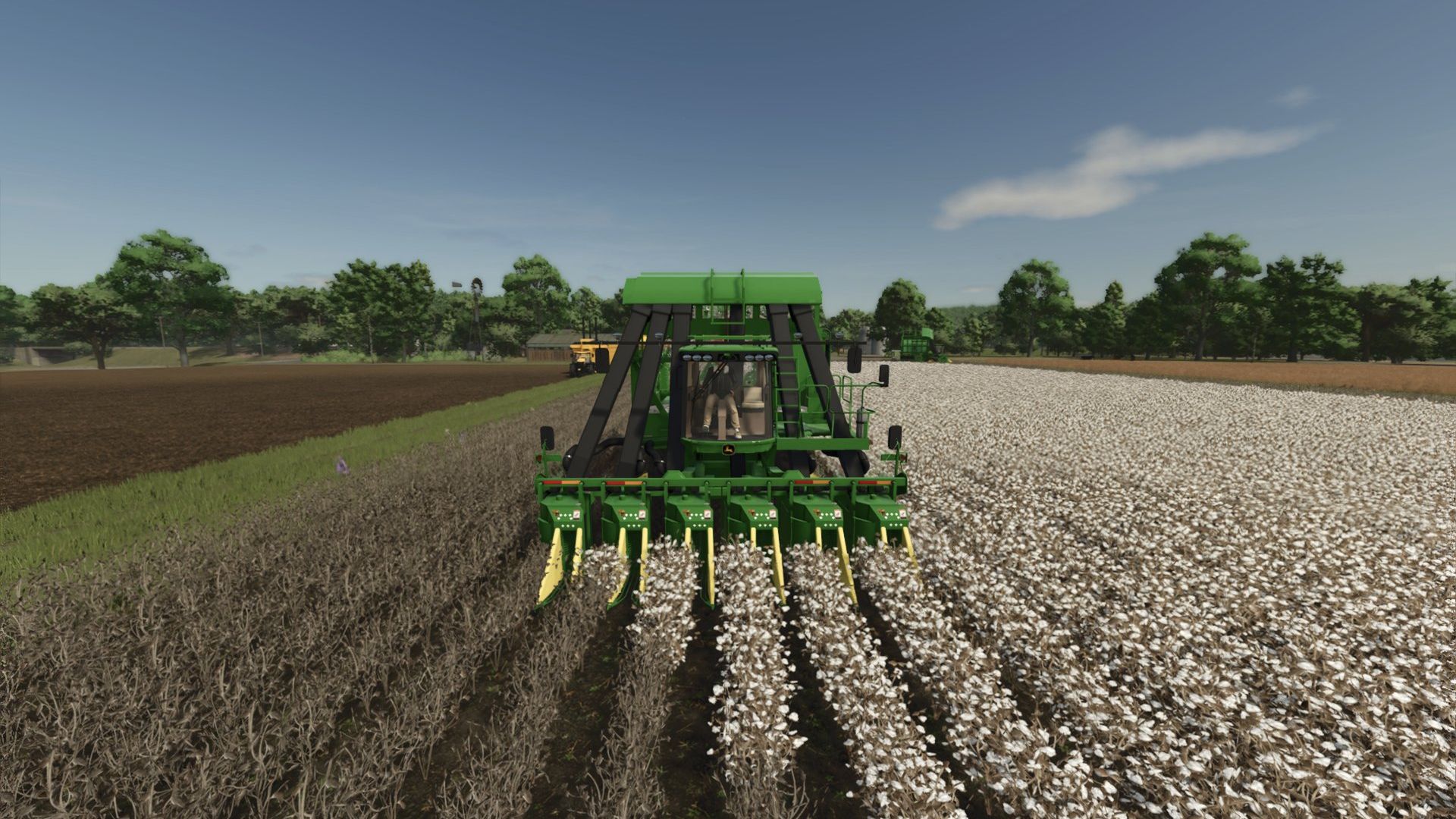
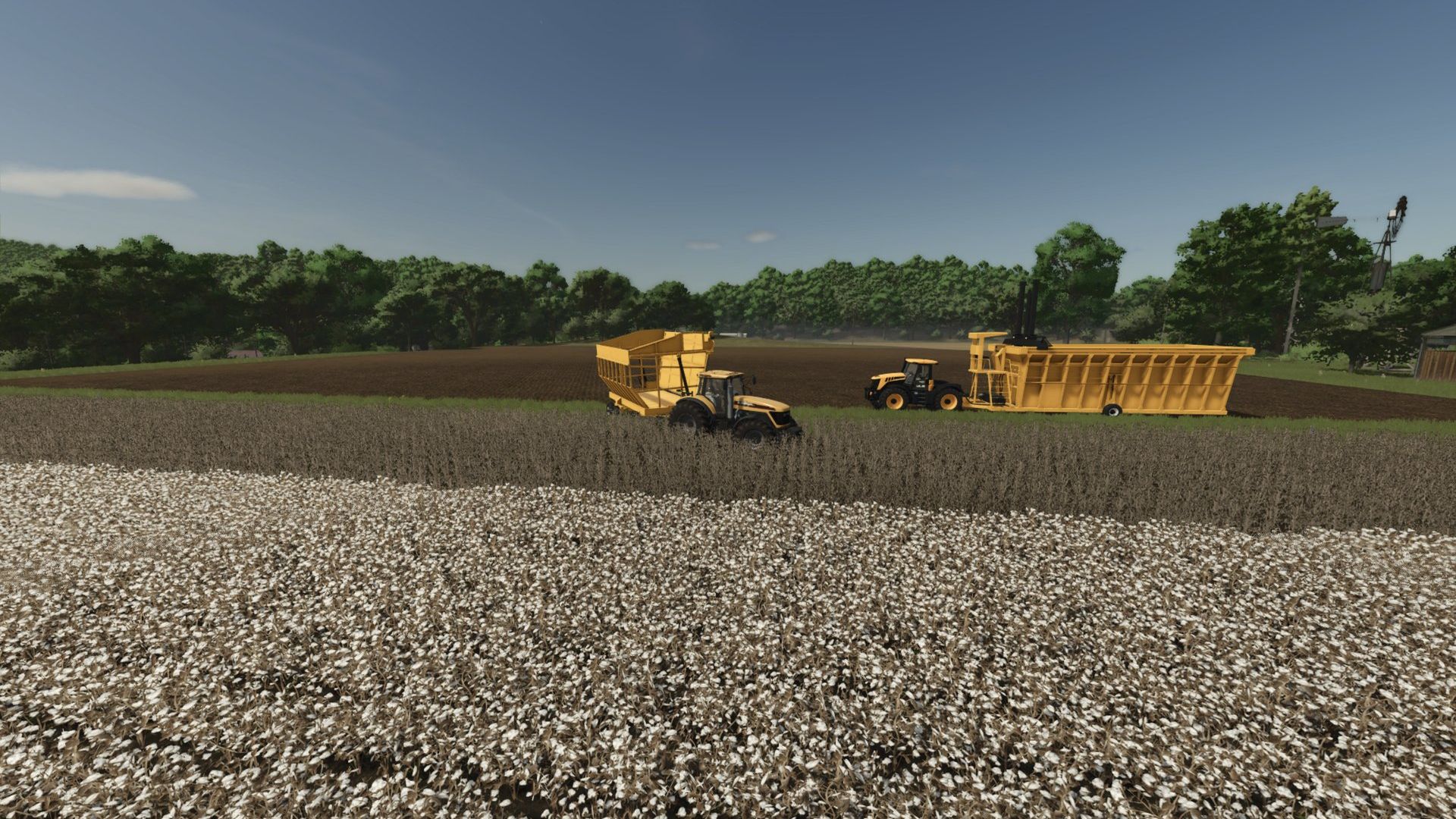
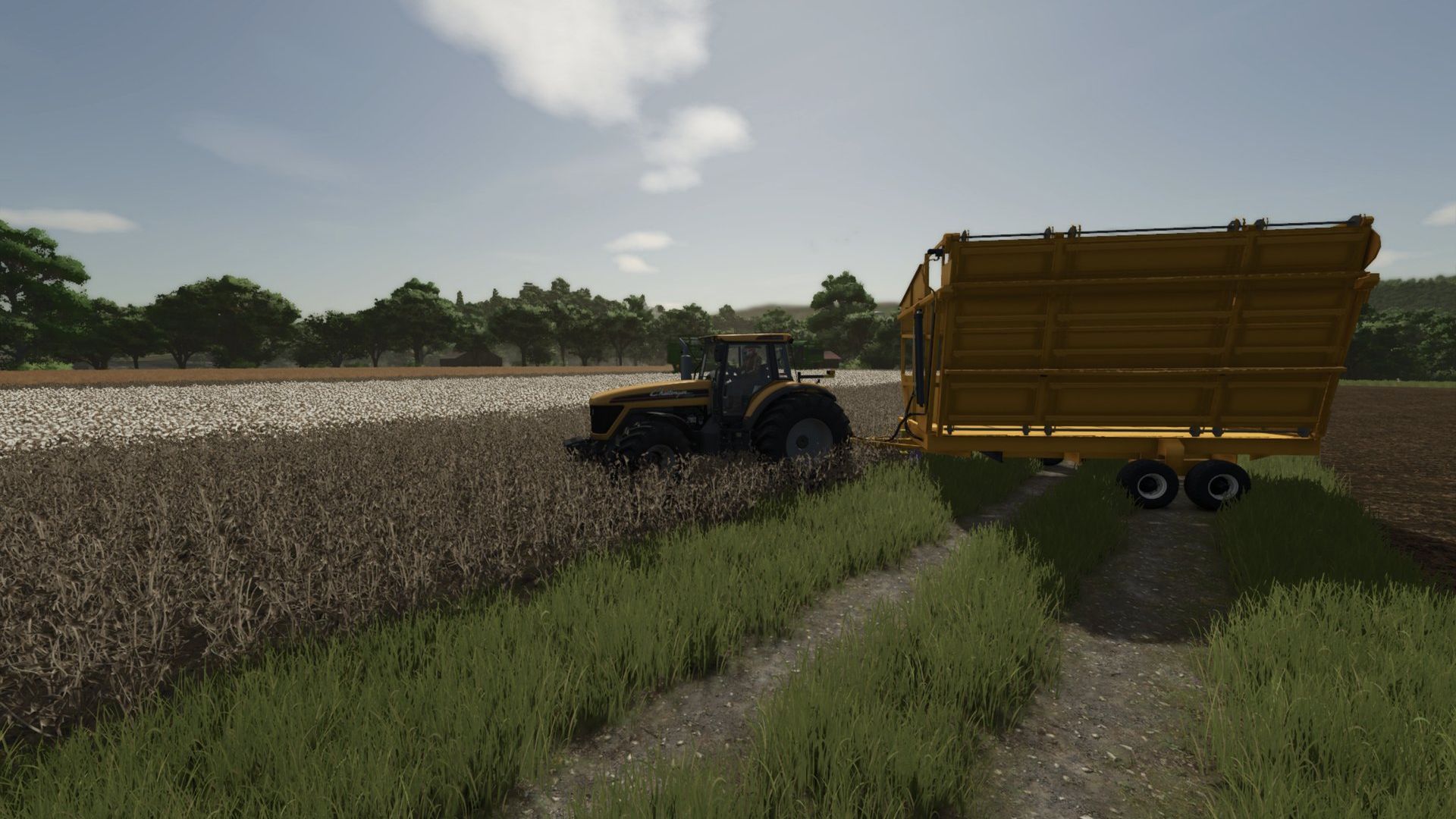
A complete cotton harvest chain for Farming Simulator 25: a 6-row John Deere 9996 cotton picker, a high-sided cotton cart, a towed baler that builds cotton modules, and a module transport trailer.
What is in the pack
John Deere 9996 cotton picker (250,000). 6-row header, 4,000 L basket, 225 hp, up to 45 km/h. Shop options: standard or dual front wheels, and an optional
Starfire GPS antenna.
Bass cotton cart (6,800). Holds 8,000 L. The picker unloads into it, and it dumps into the baler or a trailer.
Baler EB11 (6,000). Towed module builder. Dump cotton into the top, run it from a tractor PTO, then unload the finished module.
Transmodulo (5,000). Trailer for moving the finished modules.
What was fixed for FS25
The baler now makes a standard-size Farming Simulator 25 square module (2.44 m x 2.44 m x 4.88 m, 20,000 L) that fits normal trailers and bale handlers.
Before, it made a 4 m x 6 m x 8 m bale that nothing could carry.
The 9996 now has a working fuel fill point at the back, so the refuel prompt shows at fuel pumps.
The 9996 engine and cabin sound setup was rebuilt, so it no longer asks for parts the model does not have.
Added the settings the AI helper needs for the 9996. [FILL IN: confirm the helper works before keeping this line]
The 9996 handling was made less tippy (lower centre of mass, stiffer suspension, shorter rear axle swing). [FILL IN: confirm after your handling test]
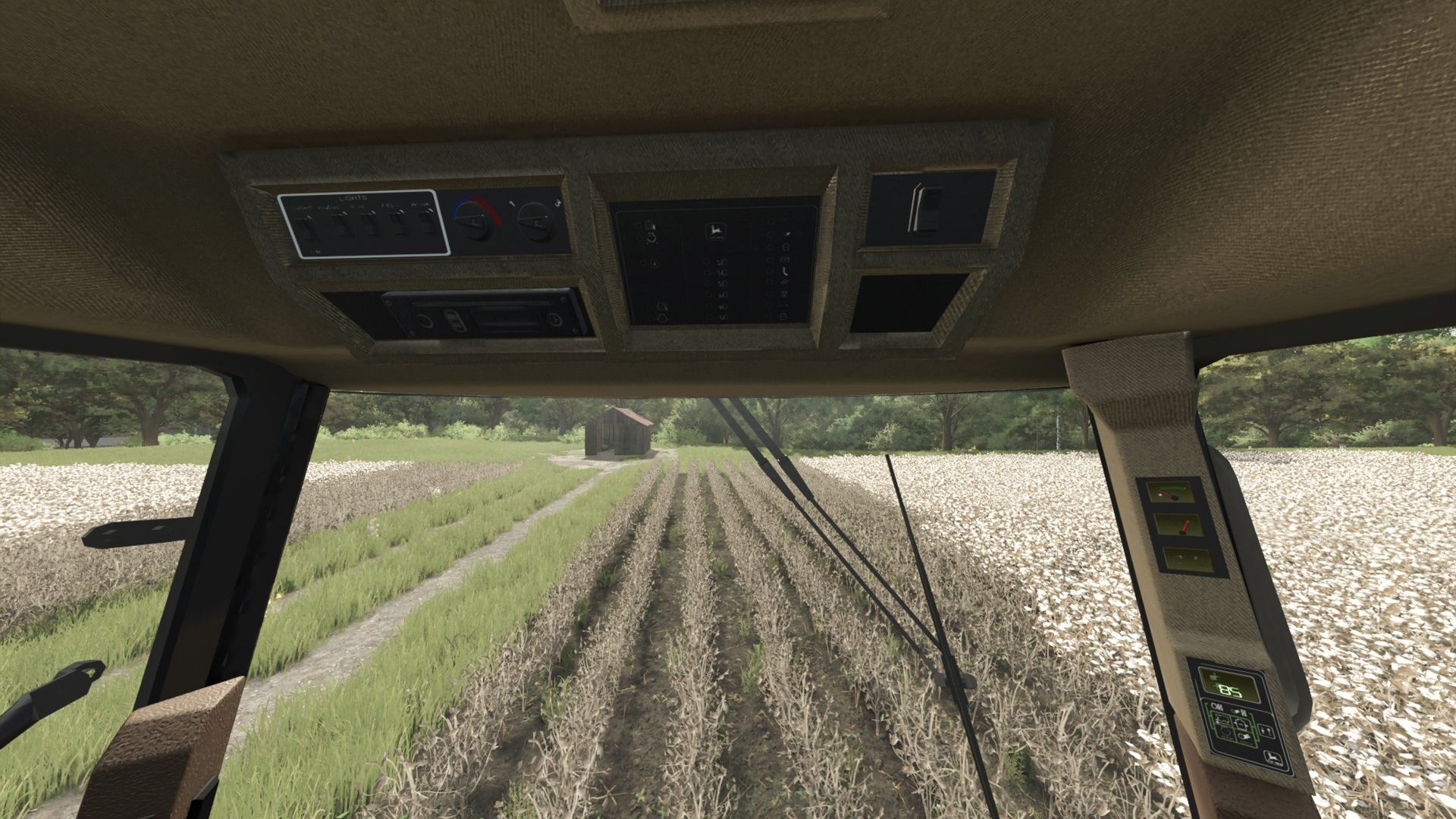
The cab console panels no longer flicker.
The game’s file errors from the original pack were cleaned up: the vehicle type, missing sounds, the old colour settings and several wrong file references.
Known issues
The colour options for the cart, baler and Transmodulo were removed, because the game no longer supports that setting. They use their default colours.
The Transmodulo shows in the Misc shop category.
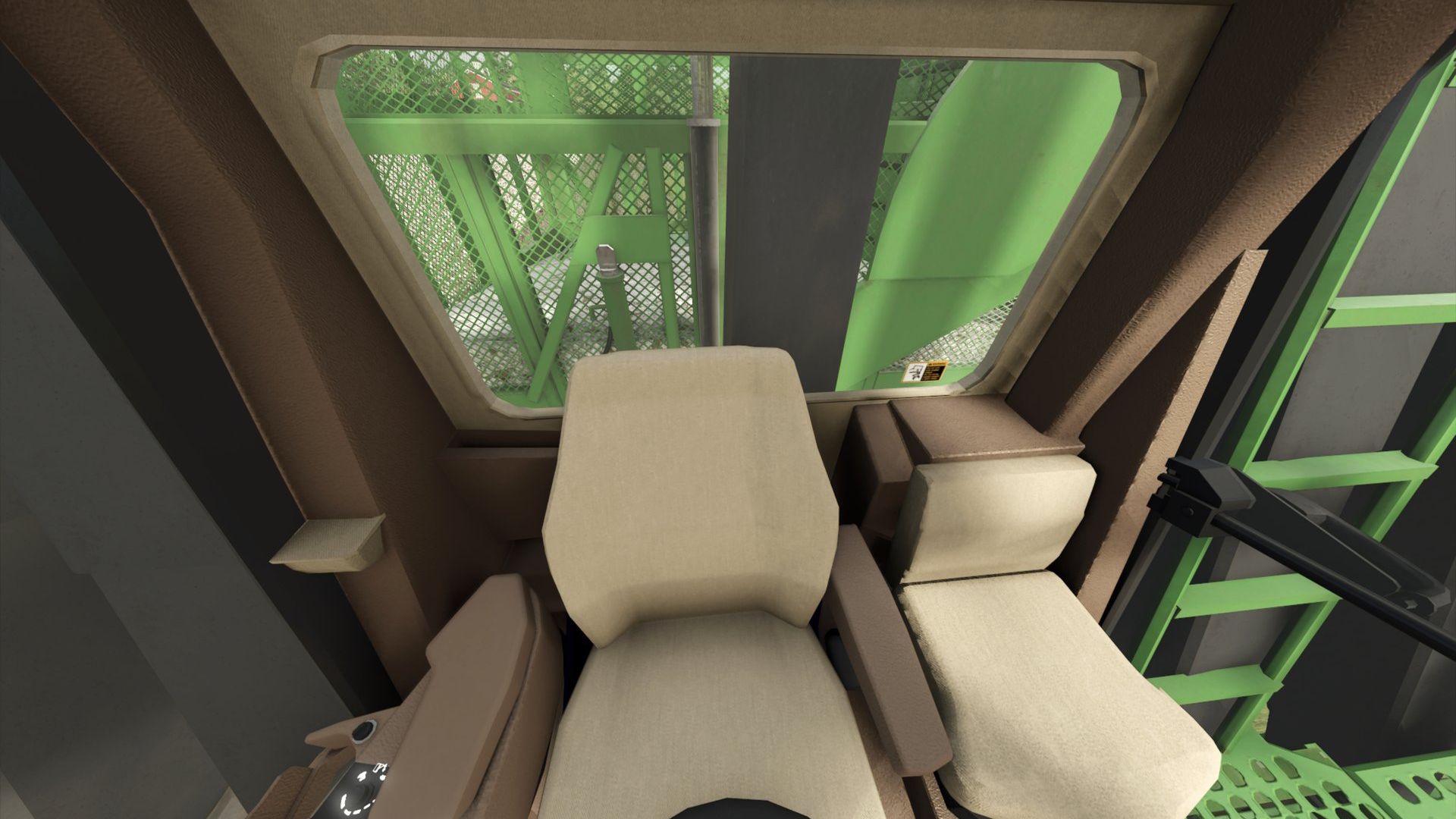
Some cab details are textures, so they may look flat up close.
Install
1 Download the zip. Do not unzip it.
2 Put it in your Farming Simulator 25 mods folder.
3 Enable the mod in the game. The machines are in the shop under their names (9996, Bass, Baler EB11, Transmodulo).
4 If you have another copy of this pack, or the earlier standalone 9996, Cotton Cart or Module Builder mods, disable them. They define the same machines.
Credits and permissions
Original pack: Cotton Pack Brazil by CONNECT MODDING (John Deere 9996, Bass, Baler EB11, Transmodulo). All credit for the models, textures and original setup goes to them.
FS25 fixes: KariHatake Modding.
If you are the original author or the rights holder and want this removed, tell me and I will take it down right away.
Author: KariHatake, Connect Modding