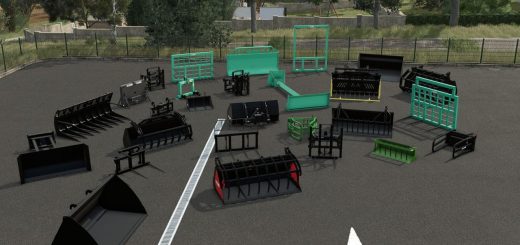
Wolffys RBX2 V1.0
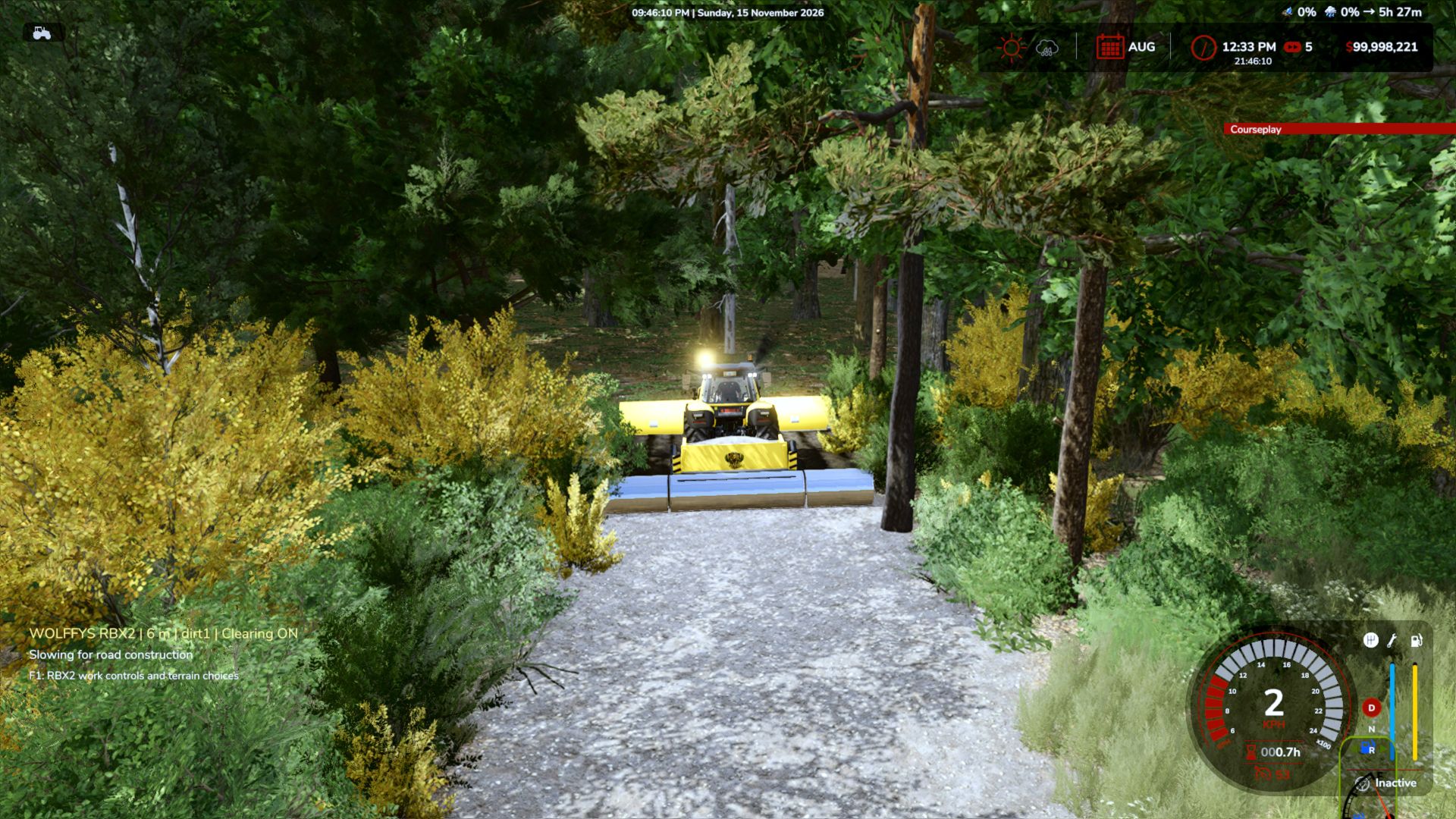
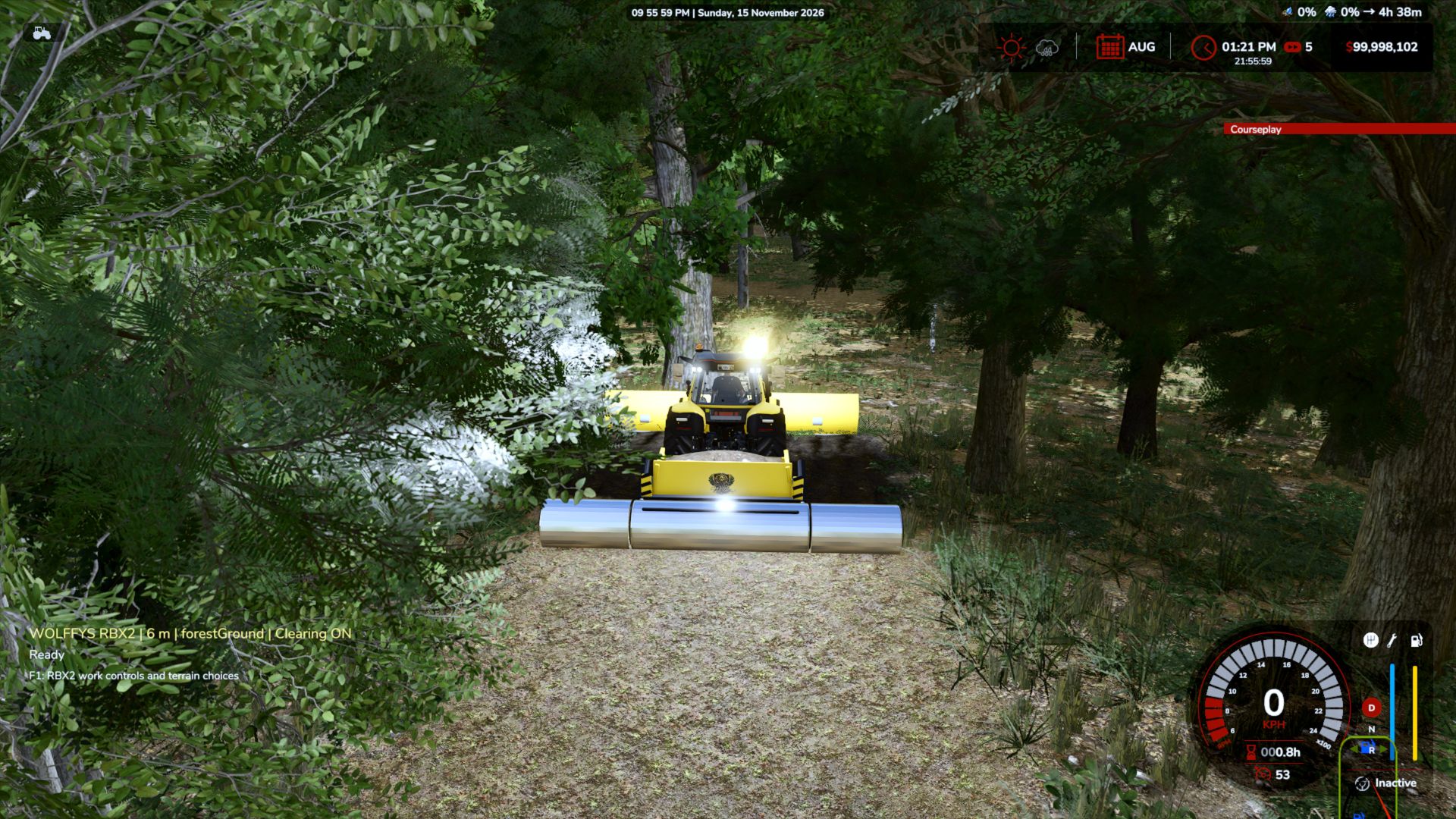
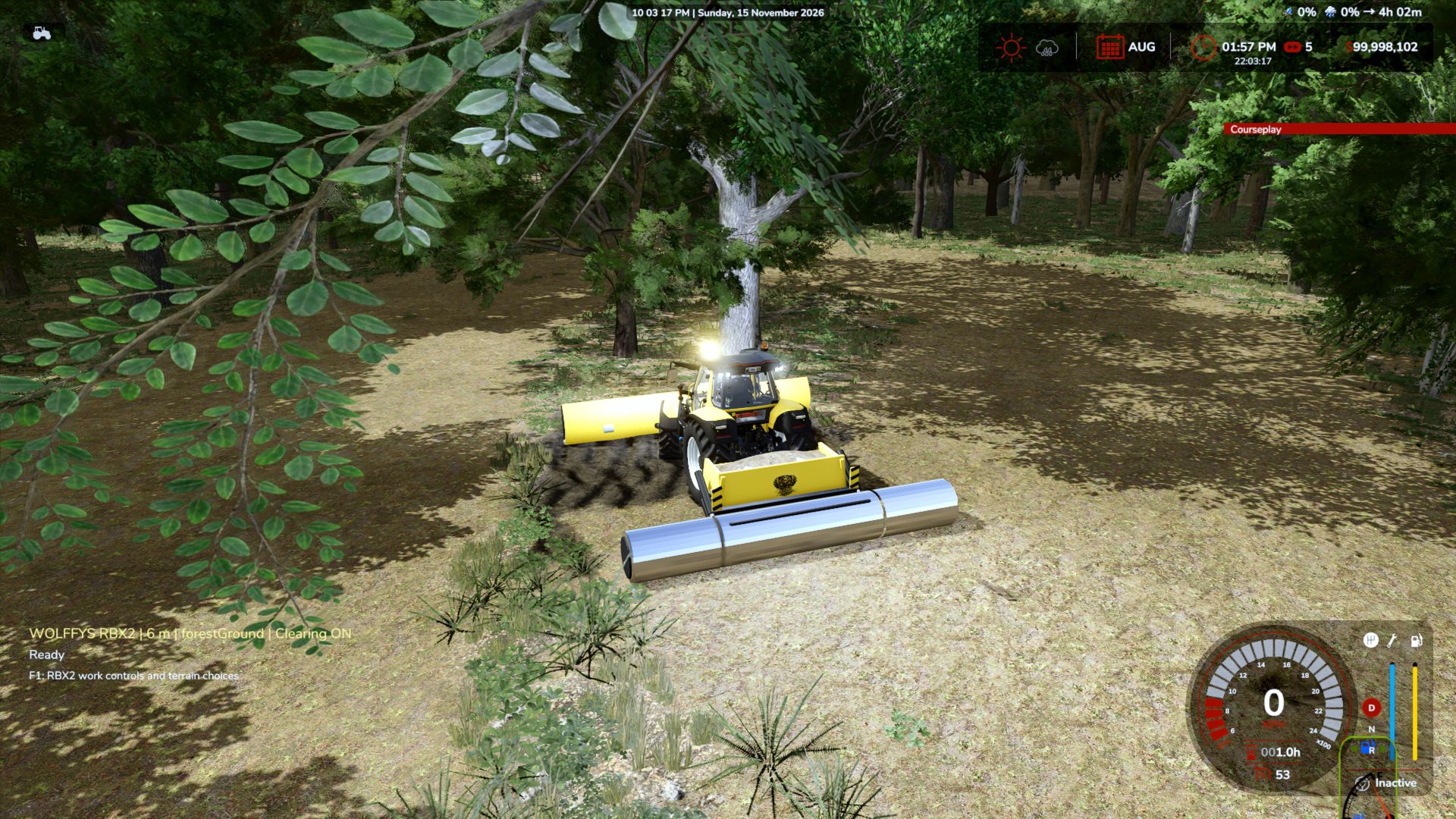
Wolffys RBX2 V1.0
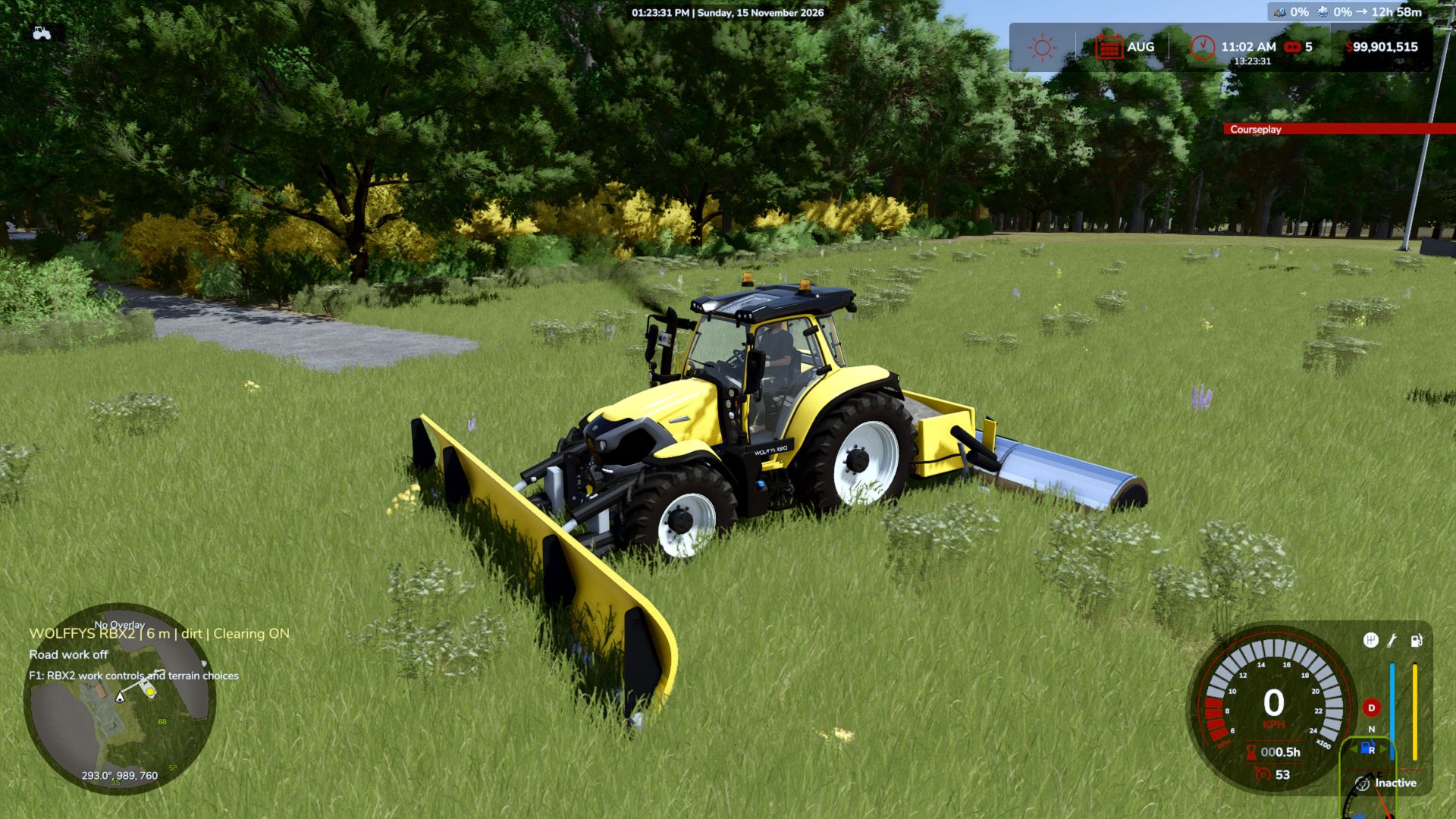
Turn an overgrown forest into an accessible worksite, create a road across your farm, or divide a large field into smaller sections. The WOLFFYS RBX2 combines a front clearing blade, rear surface hopper and finishing roller in one compact machine—with independent clearing and terrain-painting controls.
This machine opens up possibilities wherever you want to build your own way.
TWO WAYS TO WORK
Clear and build
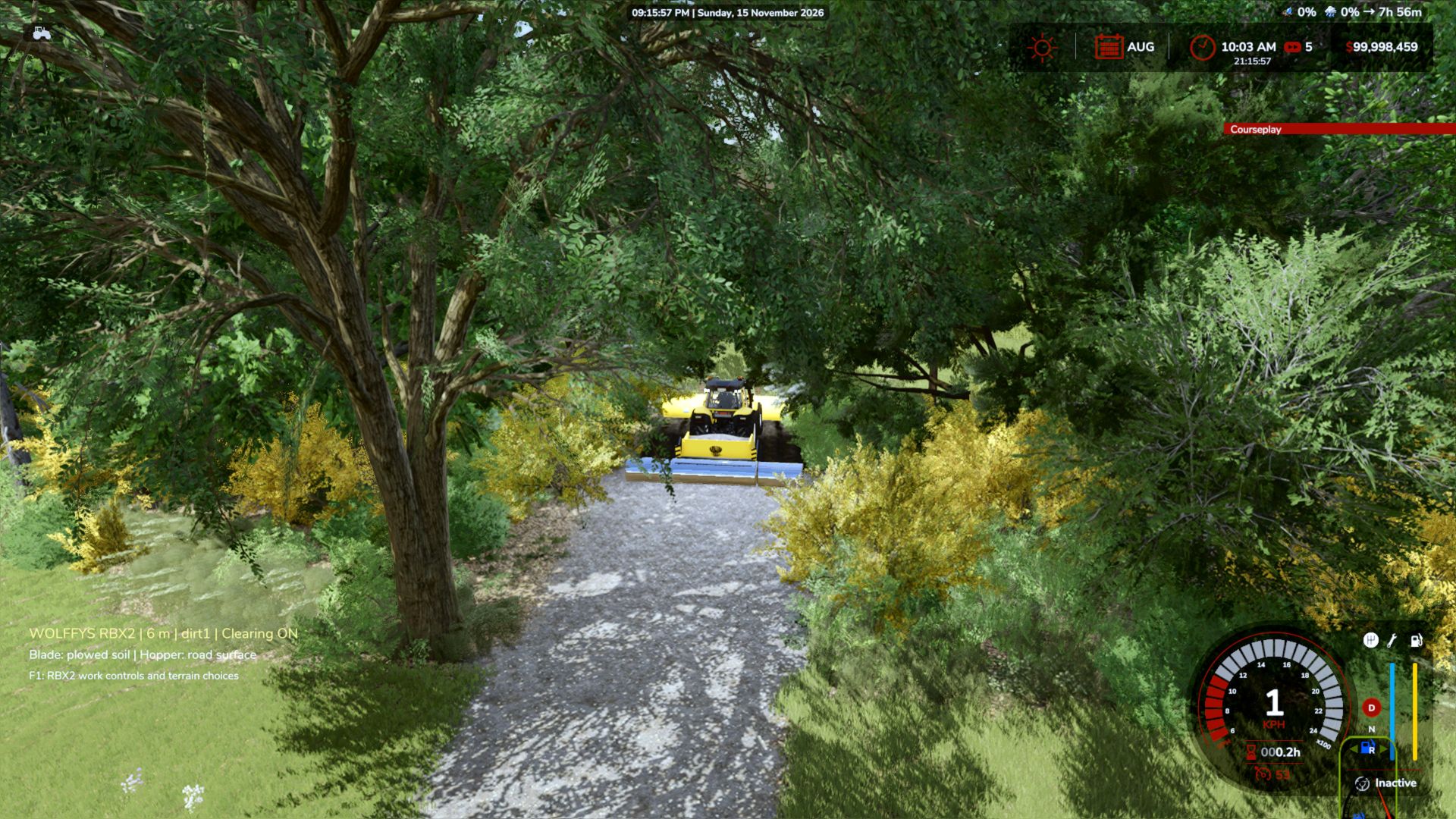
With Clear land enabled, the front blade removes trees, brush, shrubs, rocks, grass and weeds from the working corridor, leaving dark brown plowed soil. The rear hopper then applies your selected terrain surface as it passes over the cleared ground.
Cut an access road into the forest, open a logging route, or clear a plot for a farmhouse, cottage or new farmyard.
Paint only
Switch Clear land off and keep the hopper enabled to apply your chosen surface without the blade clearing or plowing.
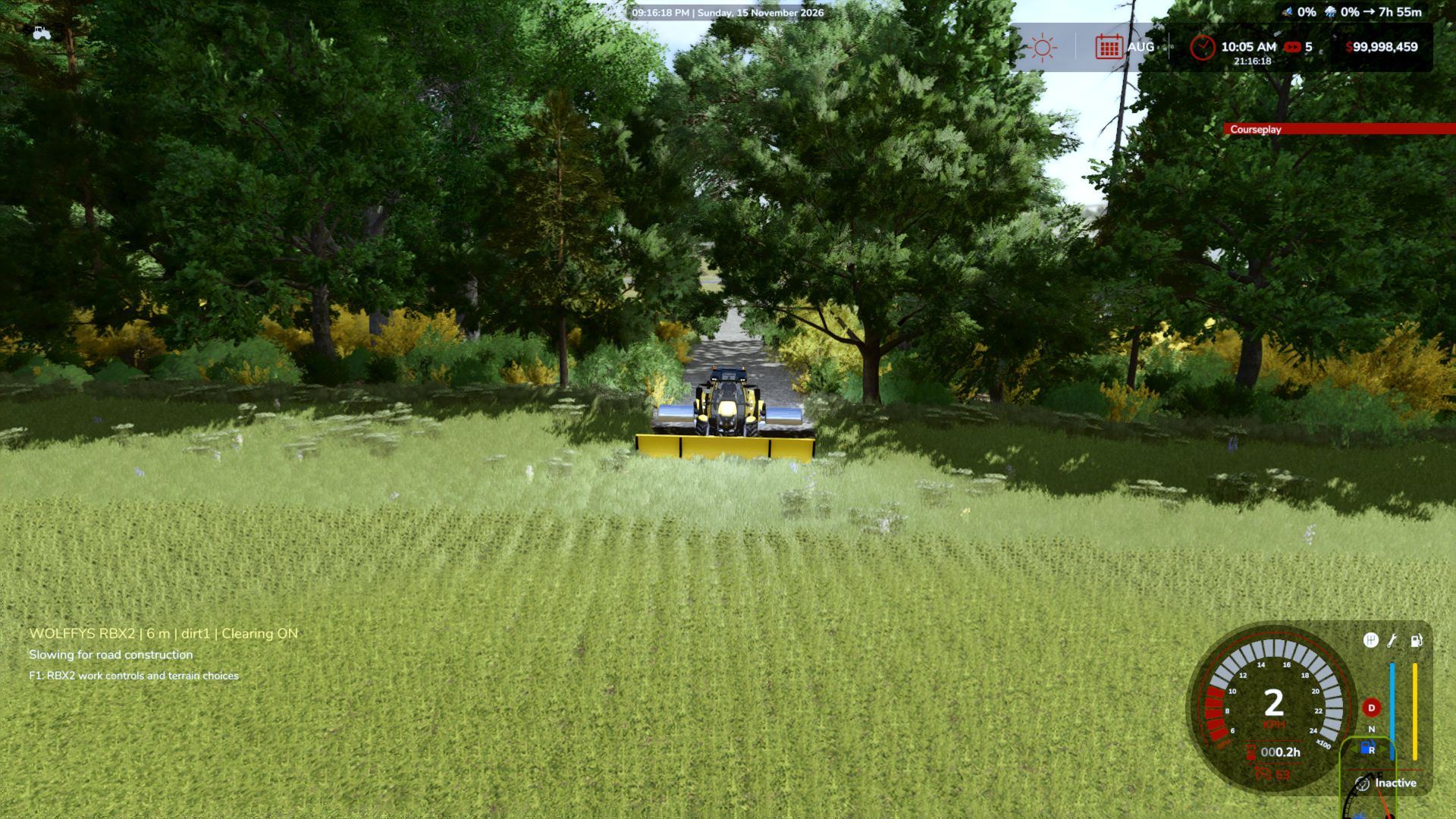
Paint roads directly through fields, finish the edges of a building plot, cover exposed dirt, or return over missed patches. Paint mode allows faster travel than full clearing mode, with speed managed to suit the terrain-work load.
The blade and hopper operate independently, giving you control over how you prepare and finish your land.
CLEAR YOUR OWN PATH
The RBX2 is designed to push a working corridor through dense vegetation and forest, removing supported trees and natural obstacles along its route. Tree detection includes native forestry shapes and supported whole map-tree objects, helping it handle a wide range of map vegetation.
It works on both owned and unowned land. Mission protections and tree-cutting permissions still apply.
Fences, buildings and other constructed objects are outside its intended clearing function. Unusual custom map objects may also require separate support.
CHOOSE YOUR FINISH
Open the settings window to choose your working width and terrain surface.
– Select 3 m, 5 m or 6 m working widths.
– Enable or disable land clearing.
– Enable or disable the hopper’s surface application.
– Enable or disable automatic wood-chip sales.
– Browse the terrain surfaces available on your current map.
– Use picture samples beside the surface variants to help choose your finish, where previews are available.
Surface choices depend on the map and can include gravel, asphalt, dirt, concrete, grass, forest ground and other map-supported finishes.
AUTOMATIC WOOD-CHIP SALES
Earn money from trees removed during clearing without collecting chips or arranging a following trailer.
Native wood uses its available volume and chip-yield information. Whole map trees without usable forestry-volume data use a conservative estimated yield based on growth stage. Payments use the average of available wood-chip buying prices on the current map.
Litres sold and session earnings appear beneath the RBX2 status display. Estimated map-tree yields are identified on screen. Rocks, shrubs, grass and weeds do not generate wood-chip income.
Automatic sales can be switched off in the settings window.
SEE YOUR ROUTES ON THE MAP
Roads and paths created by the RBX2 appear on both the mini map and full-size map. A muted gray-brown overlay helps your routes stand out without the harsh bright-white appearance.
BUILT FOR MORE THAN ROAD BUILDING
– Logging: Cut access routes into woodland and reach the middle of a forest so you can work from the inside out.
– Field layouts: Divide large fields into two, three or more sections with useful access lanes.
– New building plots: Clear space for a farmhouse, cottage, sheds or a new farmyard.
– Farm access: Connect yards, fields, storage areas and forestry sites.
– Finishing and repairs: Use paint mode to tidy cleared areas and cover missed surface patches.
SLOW CLEARING BY DESIGN
Full clearing mode deliberately works slowly. The machine coordinates three stages: removing obstacles, preparing the dark plowed ground, and applying the selected surface from the hopper.
Processing these stages in controlled amounts helps reduce sudden workload spikes and the risk of lag or stuttering, particularly in dense woodland. Working speed adapts to conditions; performance will still depend on your computer, map and other active mods.
For open-ground surface work, switch clearing off and use the faster paint-only mode.
LIGHTING AND EQUIPMENT
The RBX2 includes front, rear and surrounding work lighting, wider-reaching front headlights, beacons, an illuminated dashboard, working gauges, indicators and hazard lights for working after dark.
CONTROLS
Control | Function
Ctrl + Alt + Numpad 2 | Open the RBX2 settings window
Ctrl + Alt + Numpad 9 | Toggle work mode on or off using your selected settings
F1 | Display the in-game help controls
Stop the machine before applying changes in the settings window. Standard vehicle controls operate driving, lights, indicators and hazards. Key assignments can be changed through the game’s control settings.
WHERE TO FIND IT
Find WOLFFYS RBX2 in the vehicle shop under Wheel Loaders, or browse the WOLFFYS brand.
Purchase price: 1,000 in your game’s currency.
Compatibility: Farming Simulator 25, PC/Mac, single player.
A PERSONAL NOTE FROM WOLFFY
“This mod took many, many hours to produce, refine and test, but it was a labour of love.
I have been playing Farming Simulator for eight years, and I have wished for a machine like this since I started. I wanted something that could cut a path into the forest, clear land for a new home or farm, and create roads without having to tackle every part of the job separately.
Being able to use the paver independently made it even more useful. You can paint a route through a field, then turn the blade on when you reach the brush and trees.
After all the work and testing, it has become one of the most complete and useful mods I have personally used. The final version passed my in-game testing, the wood-chip sales worked, and my final log check was error-free.
I hope you enjoy using it as much as I enjoyed helping bring it to life.”
Author: wolffy12ca