
Schäffer 9660 T2 v1.0
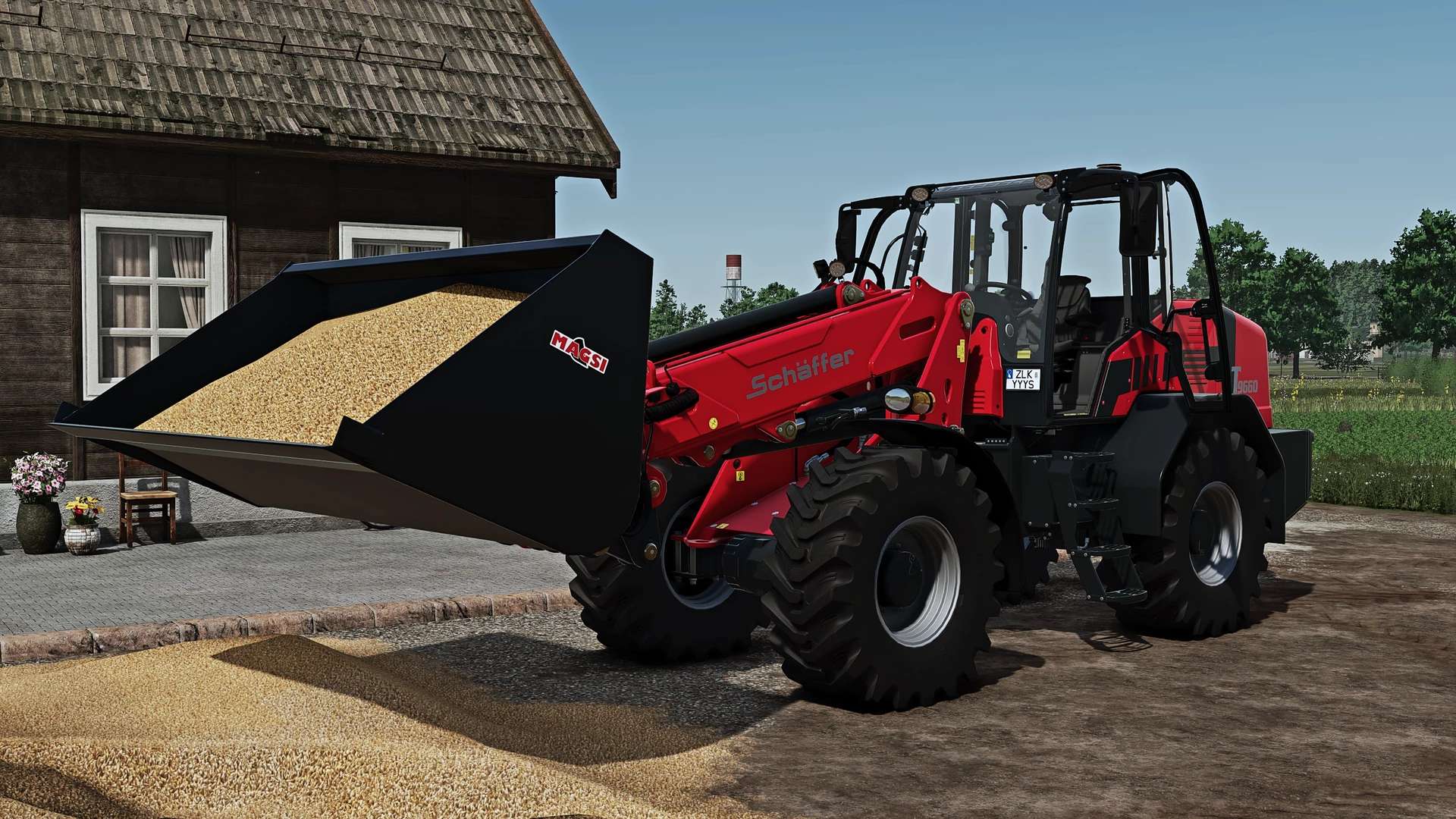
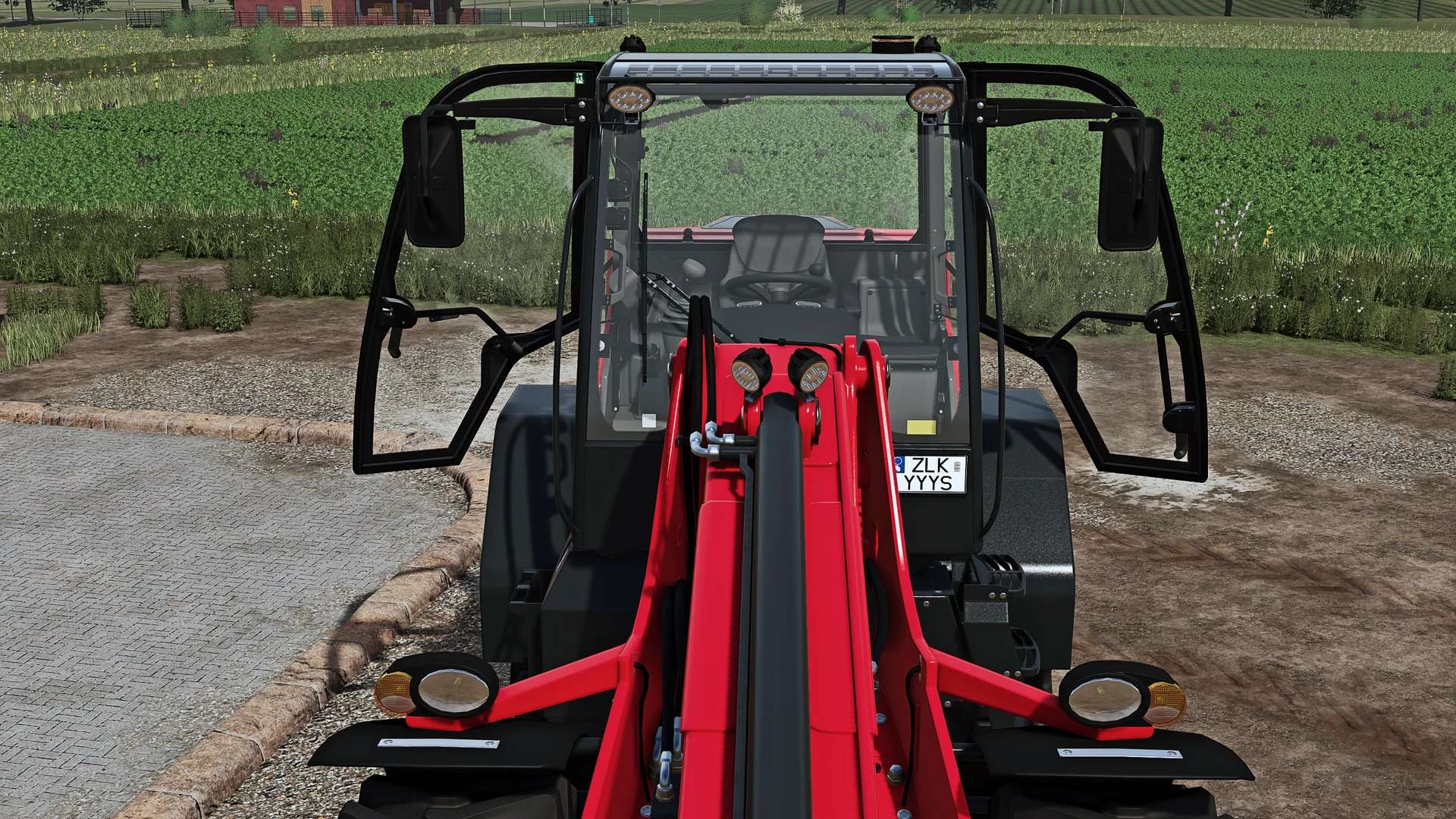
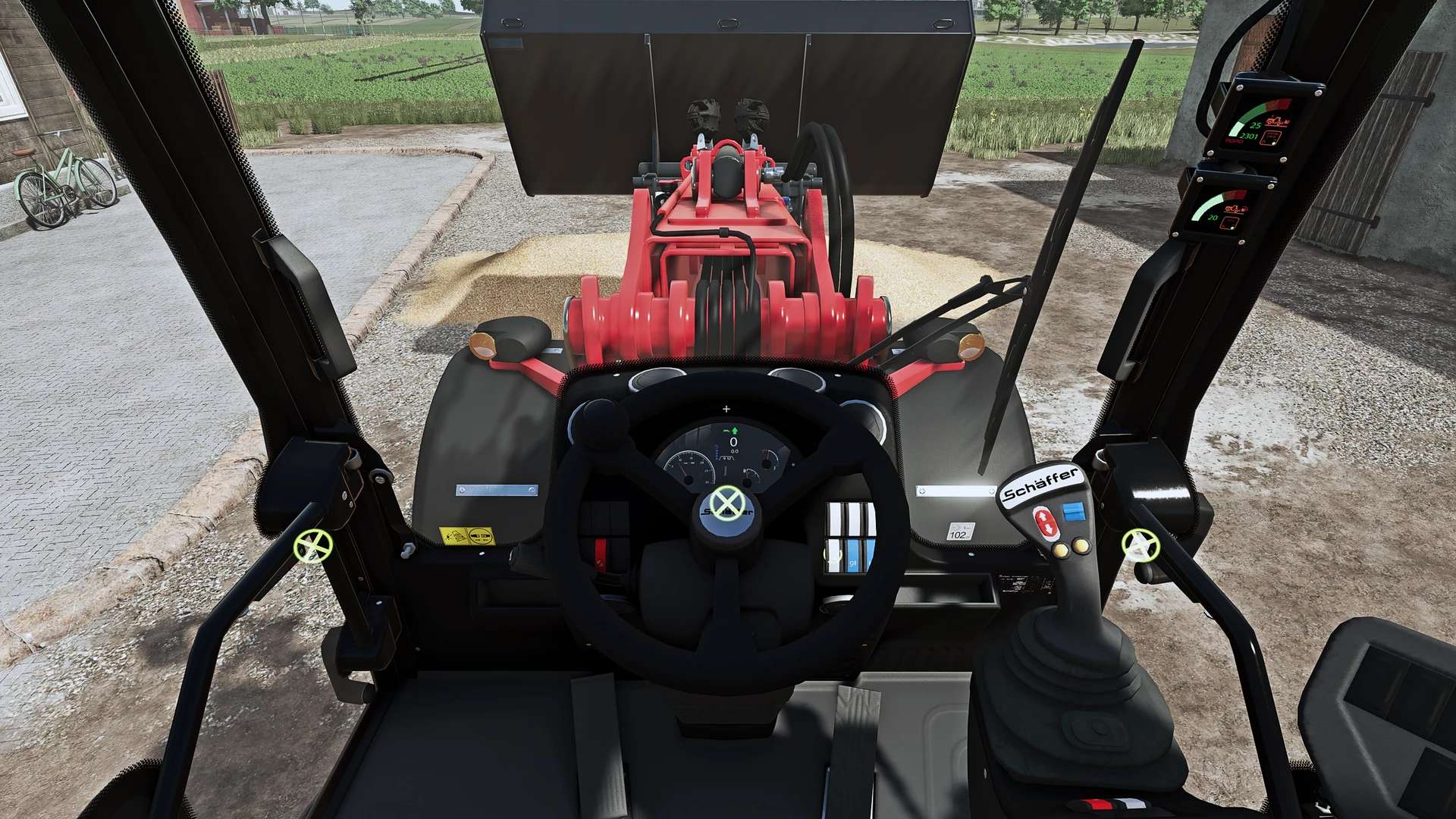
Schäffer 9660 T2 v1.0
Interactive Control:
Both cab doors can be opened (gas struts move accordingly)
Both rear side windows can be tilted open (the handle turns first, then the window swings open at the rear)
Tiltable steering column with a flexible bellows cover that moves with it
Displays on the A-pillar:
Upper display: Shows boom height as a continuous quarter-circle; displays “ROAD” when the boom is lowered
Lower display (new): Shows the attachment tilt angle as a continuous quarter-circle
With DashboardLive (optional): Displays boom height (percentage), bucket fill level (liters), tilt angle (degrees), and a “TOOL” indicator light when an implement is attached
Shop configurations:
Engine: 177 hp or 204 hp, with a choice of 30 km/h or 40 km/h top speed
Tires: 500/70R24 (various brands), 460/70R24, 540/70R24; municipal/industrial tread patterns available
Hydraulics: Standard (196 l/min) or Power (230 l/min, providing faster boom and tilt movements)
Rear counterweight: None, +300 kg, or +600 kg (visible weight plates)
Rotating beacon (operated via a switch in the cockpit or through Interactive Control)
Two versions available in the shop:
Schäffer 9660 T-2: Specifications as per the base game
Schäffer 9660 T-2 Realistic: Approx. 12 t weight with realistic weight distribution, firmer tire suspension, realistic diesel consumption, AdBlue tank and consumption, and a 40 km/h top speed
Notes:
Interactive Control and DashboardLive are optional
Multiplayer-compatible
Author: Waffle


