Staff Control v1.0
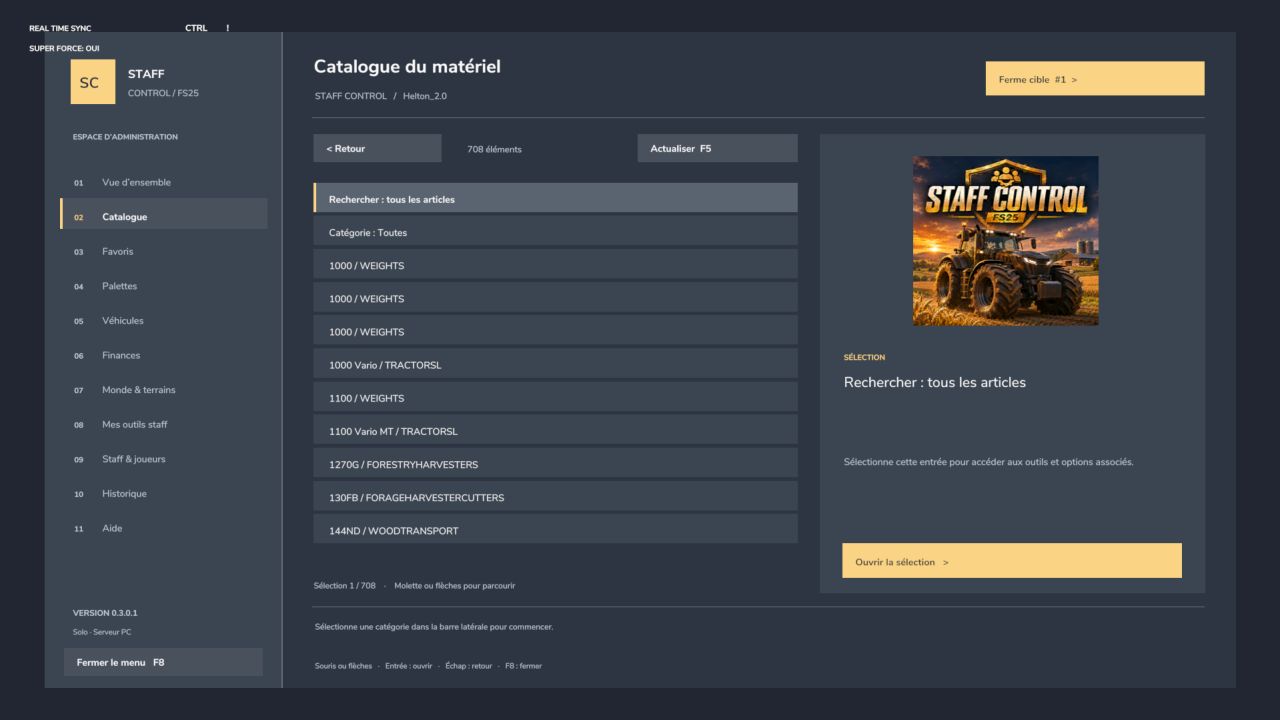
Staff Control v1.0
STAFF CONTROL — Take control of your game!
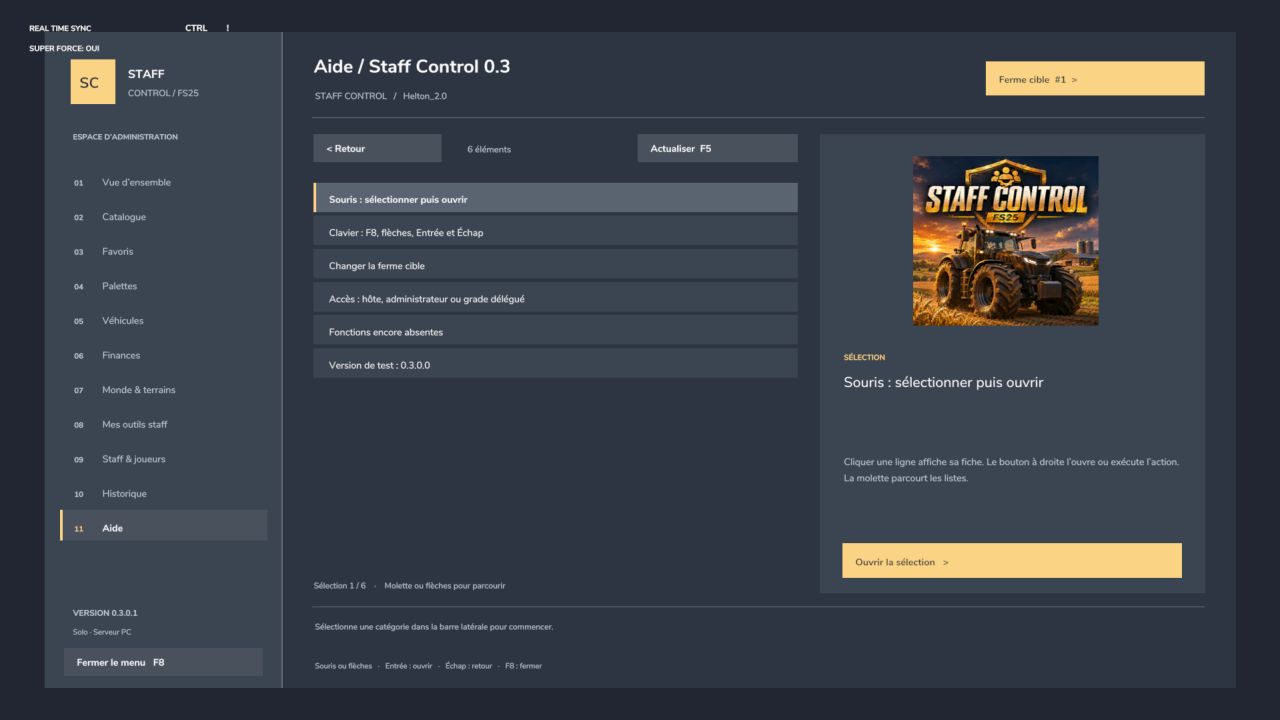
Developed by Helton_2.0, Staff Control brings together administration tools for Farming Simulator 25 in a French-language interface, usable with both mouse and keyboard.
Open the menu with F8 and access the various categories from the dashboard.
PERSONAL TOOLS
Individual super strength for handling compatible heavy objects.
Character flight.
Movement speed x1, x2, x4 or x8.
Three personal positions that can be saved during the session.
Return to the position occupied before the last teleportation.
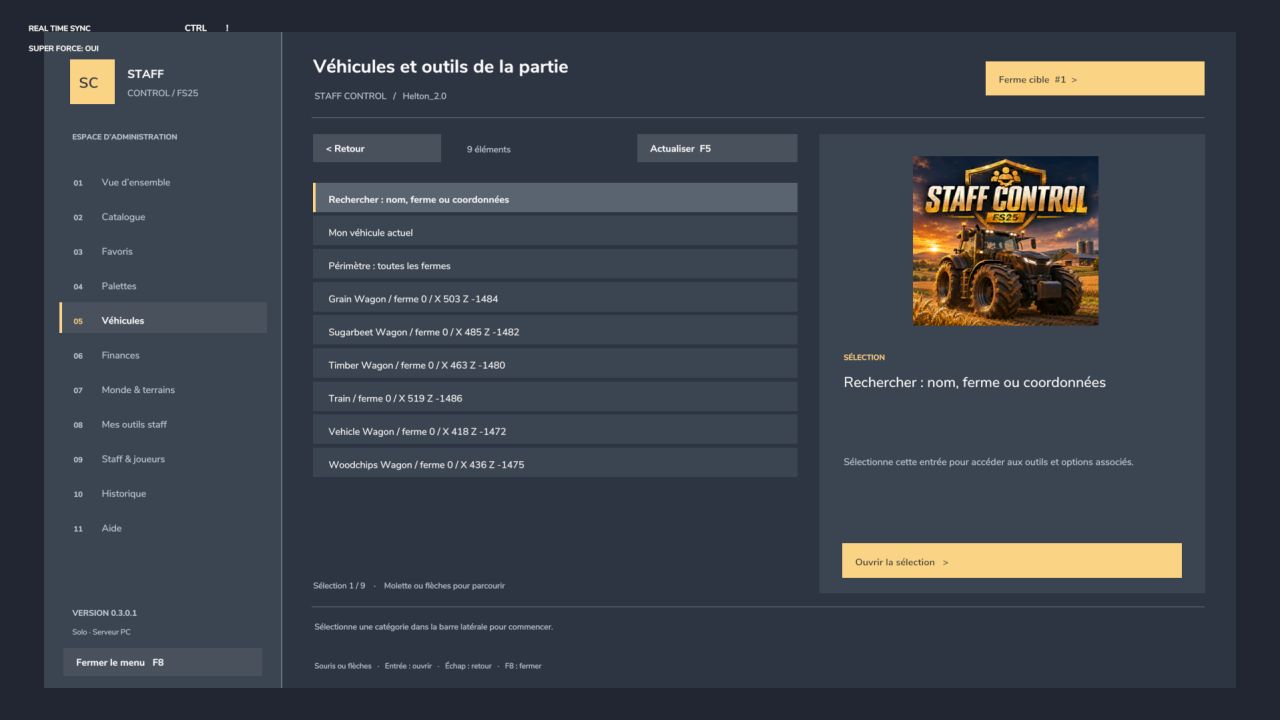
VEHICLES AND EQUIPMENT
Free creation of vehicles and tools from the loaded catalogue.
Selection of available configurations.
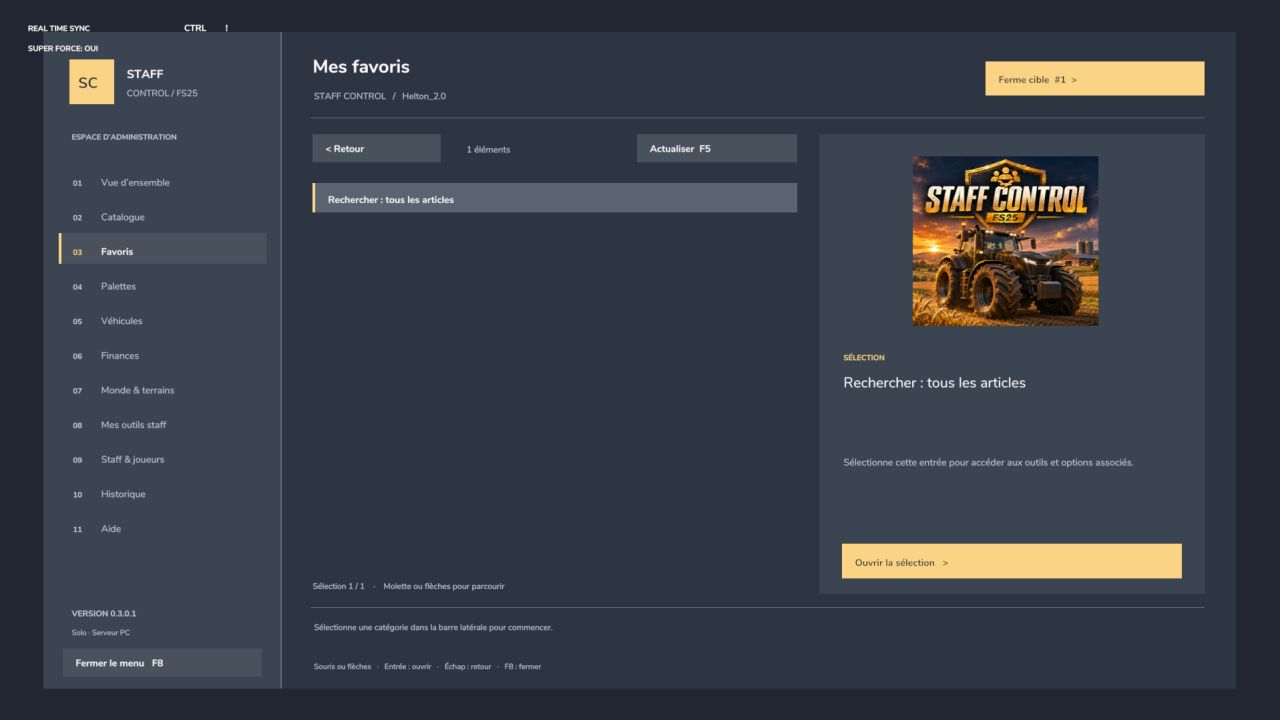
Search, categories and session favourites.
Repair, cleaning, refuelling and paint restoration.
Management of compartments and compatible products.
Transfer of ownership and deletion with confirmation.
FARMS AND WORLD
Adding and removing money.
Setting a balance and transferring money between farms.
Assigning and releasing land.
Adjusting the time speed.
Global maintenance of a farm’s equipment.
Creation of available product pallets.
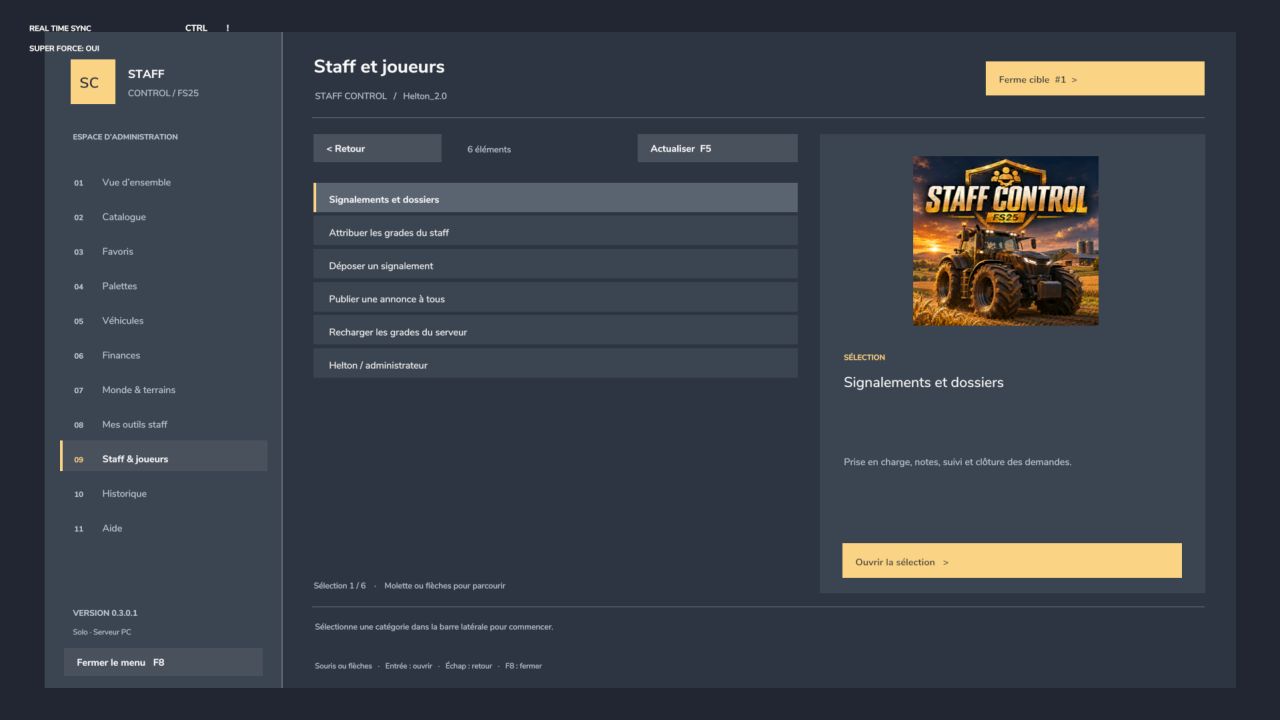
STAFF ADMINISTRATION
Helper, moderator and administrator ranks.
Rank assignment reserved for the host or GIANTS administrator.
Reports with handling, internal notes and closure.
General announcements and private warnings.
Server-side permission checks.
Action log in the server log.
CONTROLS
F8: open or close the menu.
Mouse or arrow keys: navigate.
Enter: select.
Esc: go back.
INSTALLATION
Place FS25_StaffControl.zip in your mods folder, then activate it when loading the game.
In multiplayer, the server and all players must have the same ZIP file.
BETA VERSION — PC
Designed for single-player and multiplayer. Full validation of the new tools in-game and on a dedicated server is still pending.
Some functions depend on the hardware, installed mods and the game patch. Bans, weather and crop editing are not included.
Please report issues with your game version, the steps to reproduce the problem and the errors found in log.txt.
Author: Helton20