
Grain Handling Realism v1.0
Grain Handling Realism v1.0
Your grain doesn’t stop needing care once it’s in the bin. Grain Handling Realism turns the bin sites from US Farm Bin Sites and Co-op Elevators into working bin sites. Every bin has a number, holds one crop, and tracks that grain’s moisture, foreign material (FM) and temperature. Grain stored wet or warm can go bad. Keep it cool and dry with the fans, run it through the dryer, move it, or sell it before it spoils.
Everything is run from one screen: the Grain Handling Dashboard (Ctrl + G).
Made for the bin sites and co-ops that ship with FS25 US Map Builder. Every map the Map Builder makes uses those sites, so this mod works on all of them out of the box. It also works on any other map where you place the USMB bin sites.
Features
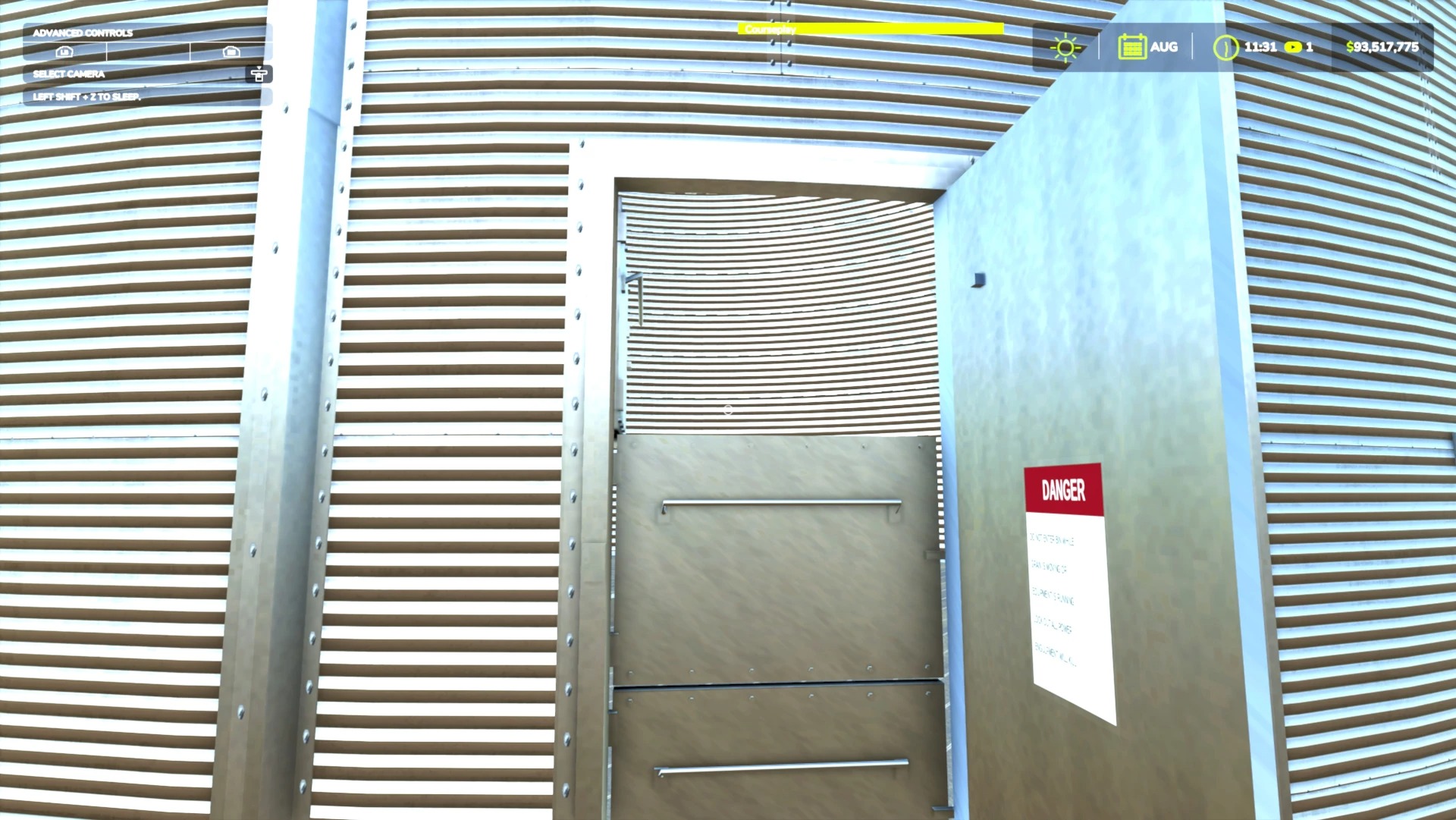
Numbered bins. Every bin has a big yellow number on its door. Each bin holds one crop and must be swept clean before it takes a different one
Pick the bin when you dump. Start unloading at the pit and a list pops up (mouse, keyboard or controller). The pit holds part of the load and its auger moves grain into the bin at the real rate for the site’s size. Watch it pour in through the bin door
Grain Handling Dashboard (Ctrl + G, rebindable, controller supported): every bin’s crop, fill, moisture, FM and grain temperature, with a plain-words line telling you what to do
Storage lights: Good, Watch, At risk and Hot spot, based on real storage-time charts. Wet or warm grain spoils sooner
Fans cool the grain when the air is cooler and dry it up to 2 points in dry weather. Electricity is charged while they run
Transfer, Sweep and Load out: move grain between bins (it mixes and shows you the new moisture first), sweep the last 7% out, and load trucks from the bin you choose. The load keeps that bin’s grade at the co-op
A real dryer: fill it from the WET bin, pick the bin for the dried grain and start it. It warms up, feeds wet grain in at the top and augers dry grain out of the bottom at the dryer’s real rate. Wetter grain burns more propane, with about 1.2% shrink per point taken out
Order propane from the Dryer page (25%, 50%, 75% or fill it). A truck delivers it about 2 in-game hours later
Trucks & co-op: send a bin to any selling point that buys the crop. See the distance, today’s price, the trucking fee and the grade docks before you choose. Two semis shuttle the grain at real speed
Store at the co-op: at USMB co-ops you can store grain instead of selling it. Wet grain is dried there, stored grain never spoils, and you sell 25%, 50% or all of it later when the price is right
GMS (Grain Management System): buy it for a site and it runs the fans, warns you about problem bins, runs the dryer and orders propane for you
Guided mode walks you through every job step by step, and a short walkthrough shows you around the first time
Sounds and sights: humming fans, roaring dryer, rattling augers, grain pouring and dust clouds
Follows your days-per-month setting, so timing feels right on any month length
Author: KLCreations


