More Flours – Grains (Rye, Spelt, Triticale) V1.0


More Flours – Grains (Rye, Spelt, Triticale) V1.0
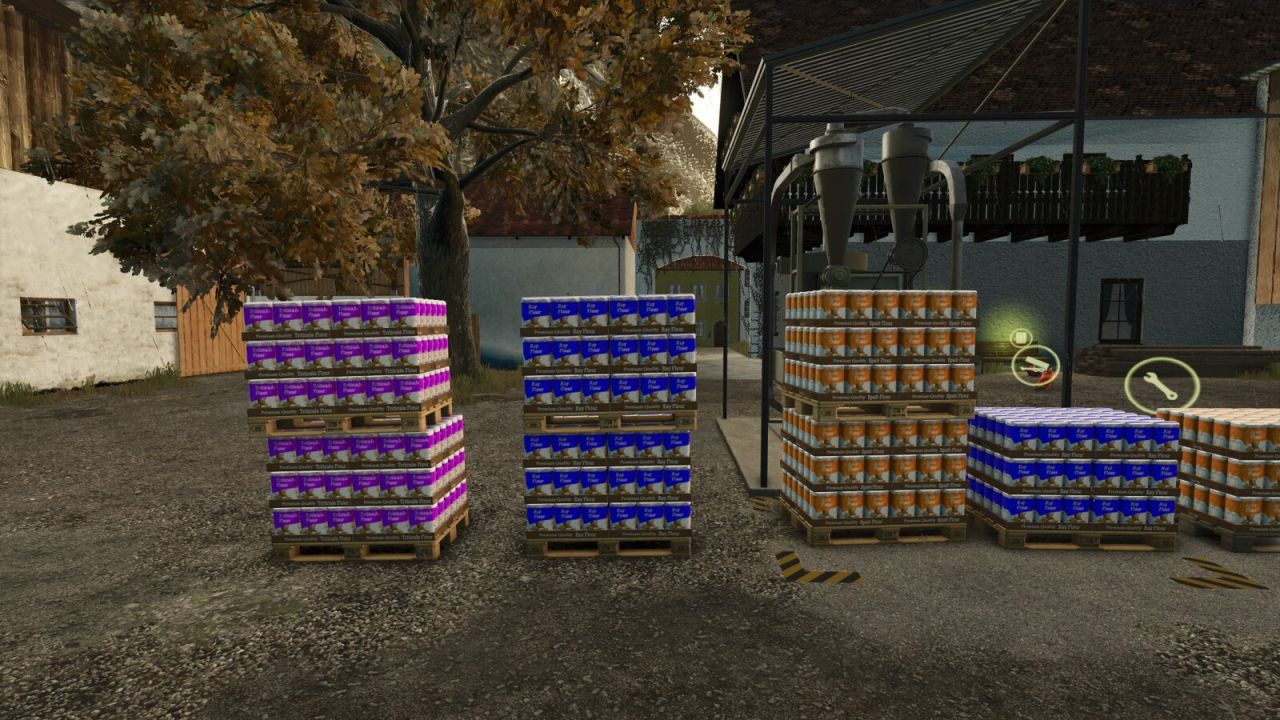
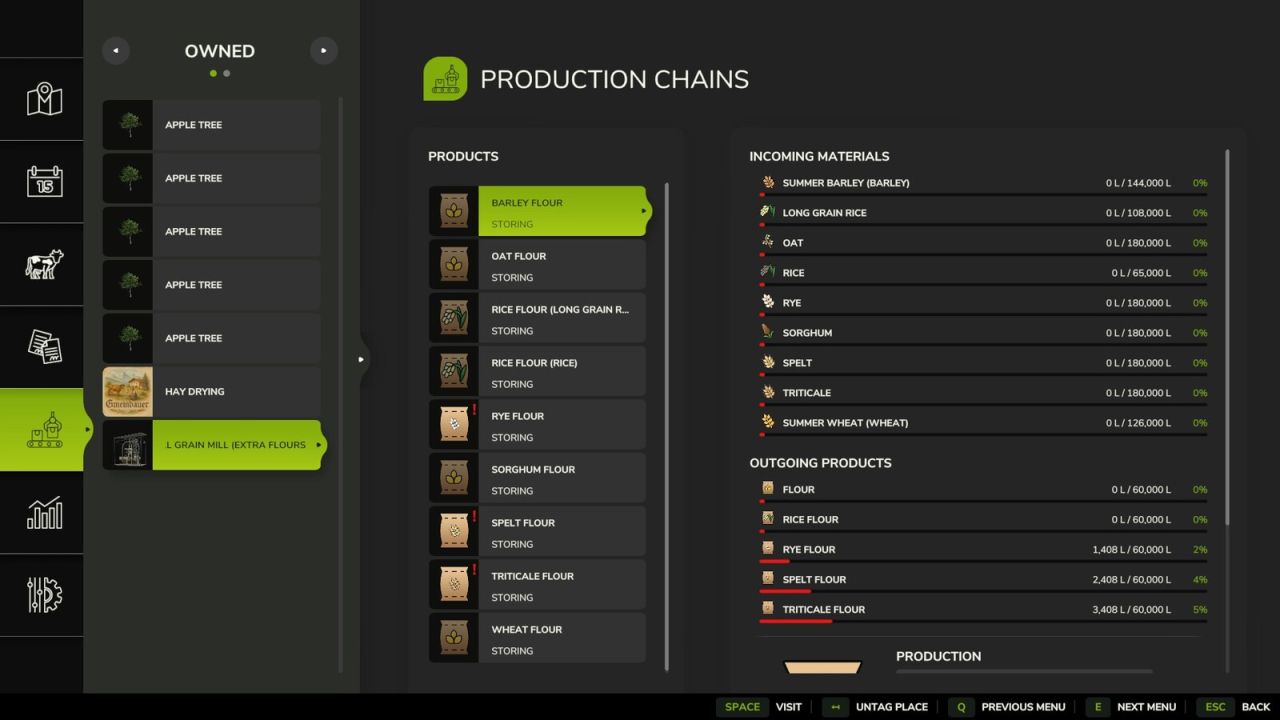
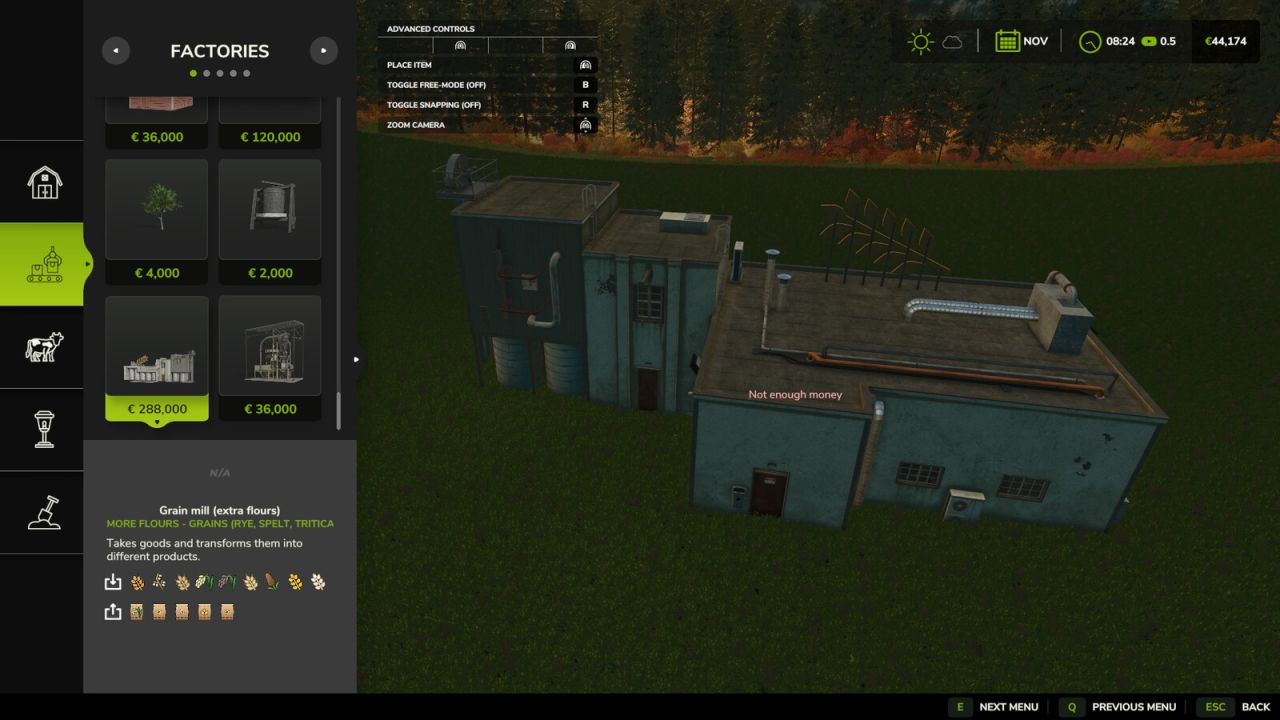
Required: a map with MultiFruit (rye, spelt, triticale).
Have you ever wondered how grain actually turns into flour?
It works like this: you take some grain – rye, spelt or triticale, for example – and tip it into a mill. Inside, it gets ground up, finer and finer, and out the other end comes: flour. Sounds simple, and it is rather handy.
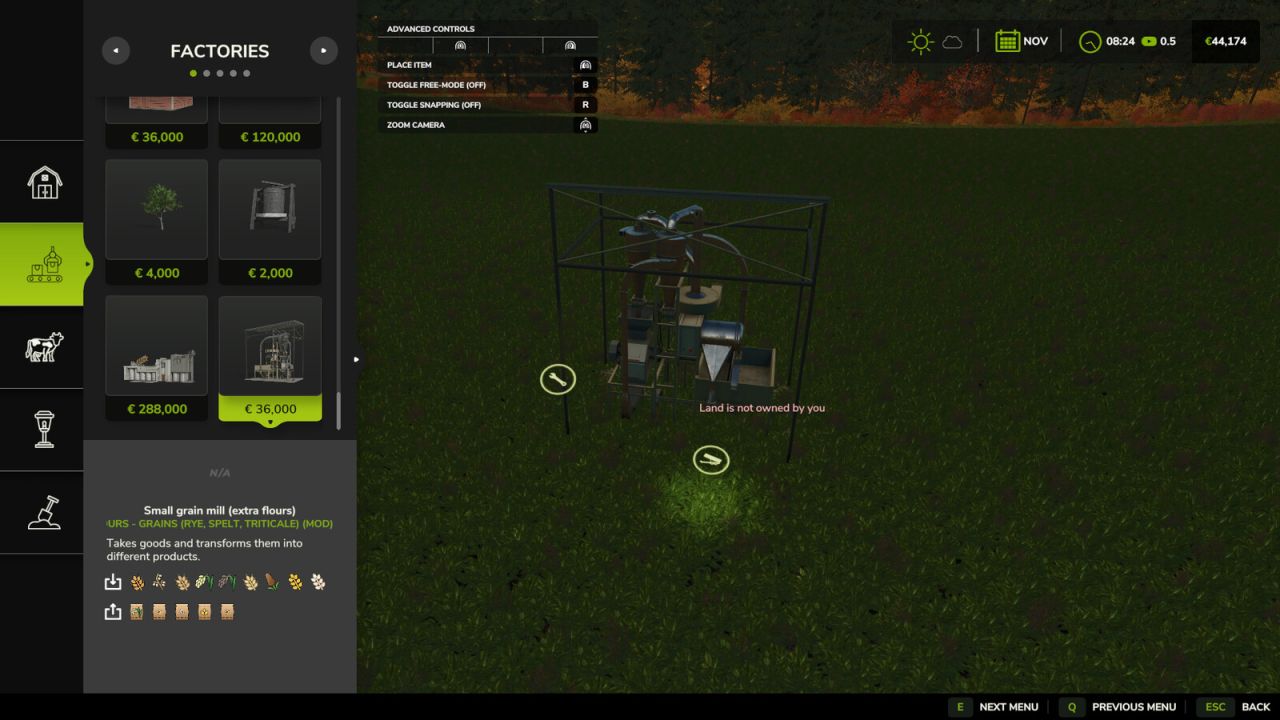
That is exactly what this mod does. It brings you two mills, a big one and a small one. You pour your grain into either of them, wait a little while, and there you have it: rye flour, spelt flour or triticale flour. You can then sell the flour. And if you like, you can pick up the finished flour pallets by hand.

A few things are good to know:
– For this to work, you need a map where rye, spelt and triticale actually grow. Those come from the MultiFruit pack. No grain, no flour – it is that simple.
– There is not a single script in this mod. And because of that, it also works on consoles.
– The little icons and the packaging are only borrowed for now and do not look very pretty yet. You can easily swap them for your own later on.

And that is all there is to it. Happy milling!


Author: Shin_Jin_Jin


Report bugs in the comments and help modders improve this mod. Always check the comments, you can find a solution.


Helpful Information: How to install FS25 mods | FS25 System Requiremnts | FS25 Modding Tutorial | Giants Editor for FS25 | How to Convert mods | FS25 Cheats

More Misc mods


About Farming Simulator 25 mods
Farming Simulator 25 supports game modding for PC, Xbox, or PS5. FS25 Mod may change your game from small to complete changes. You can create a Farming Simulator 25 mod file and share it with our community. When is a good time to try Farming Simulator 25 mods? We recommend playing a game with these FS25 mods after you finish the Farming Simulator 25 starting pack and are bored with the game basics. So it's time to try new machines, such as harvesters or tractors, which are not included in the basic game version.
As you already know, Farming Simulator 25 developers support mods installation, which will add more vehicles or lands to your game. Check our Best FS25 mods lists for PC, Mac, PS5 or Xbox Series. Just follow these simple steps: choose the LS25 mods category, download the mod for the Farming Simulator 2025 version, and install it into the mod folder. Remember, all Farming Simulator 25 Mods are free, and download as many as you want with no limits. We want to create one of the biggest Farming Simulator 25 Community and invite you to share FS25 mods with everyone.

Leave a Reply

Do you need help or to say thanks to the mod author? Just leave a comment below!