Car Play (Prefab) v1.0


Car Play (Prefab) v1.0
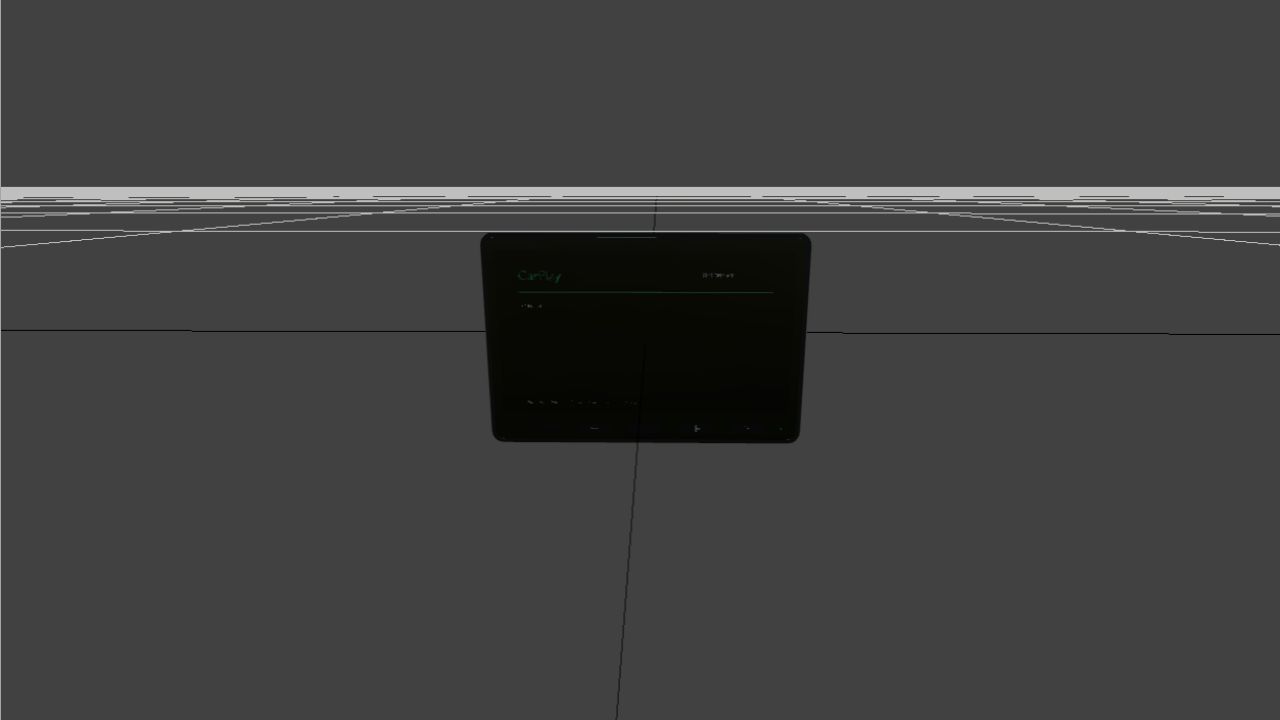
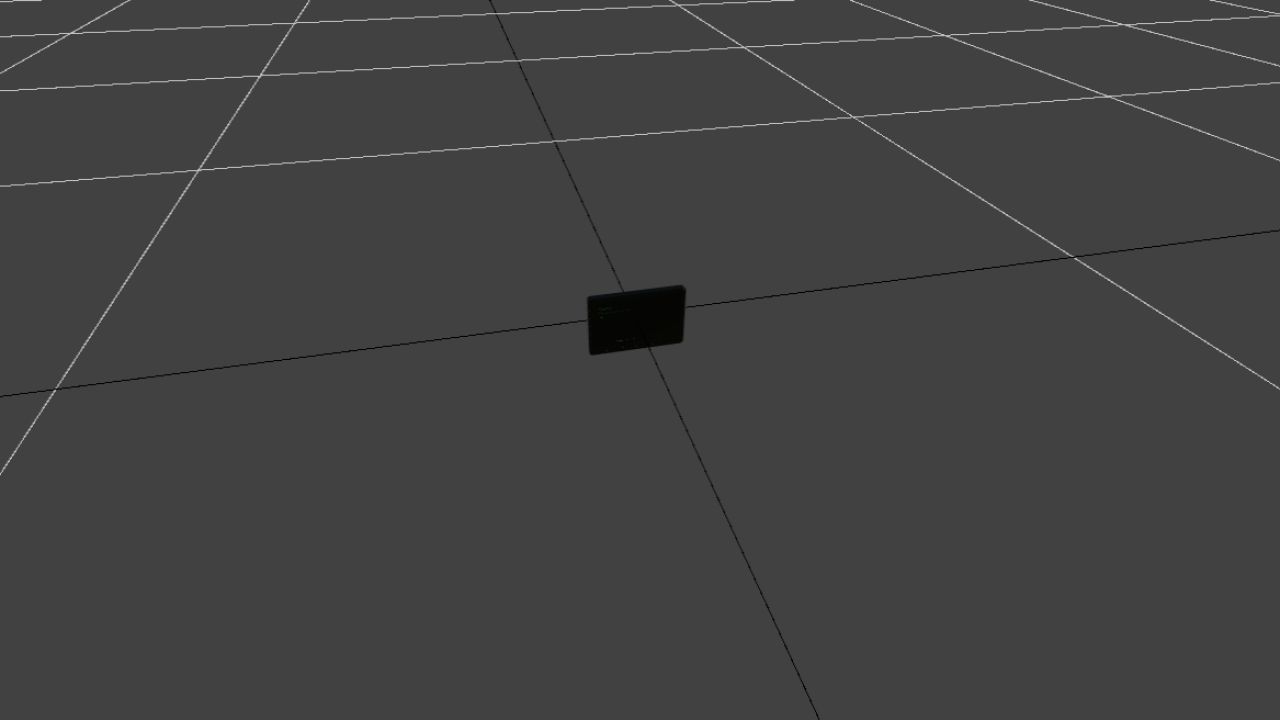
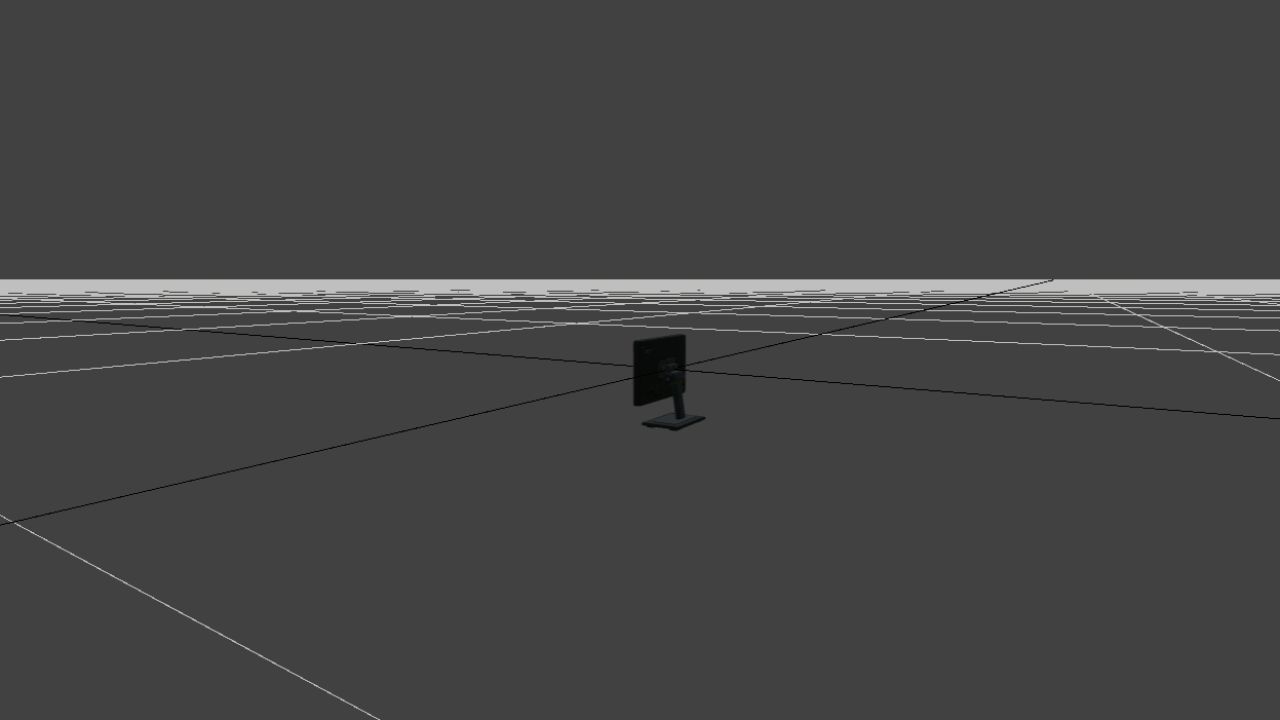
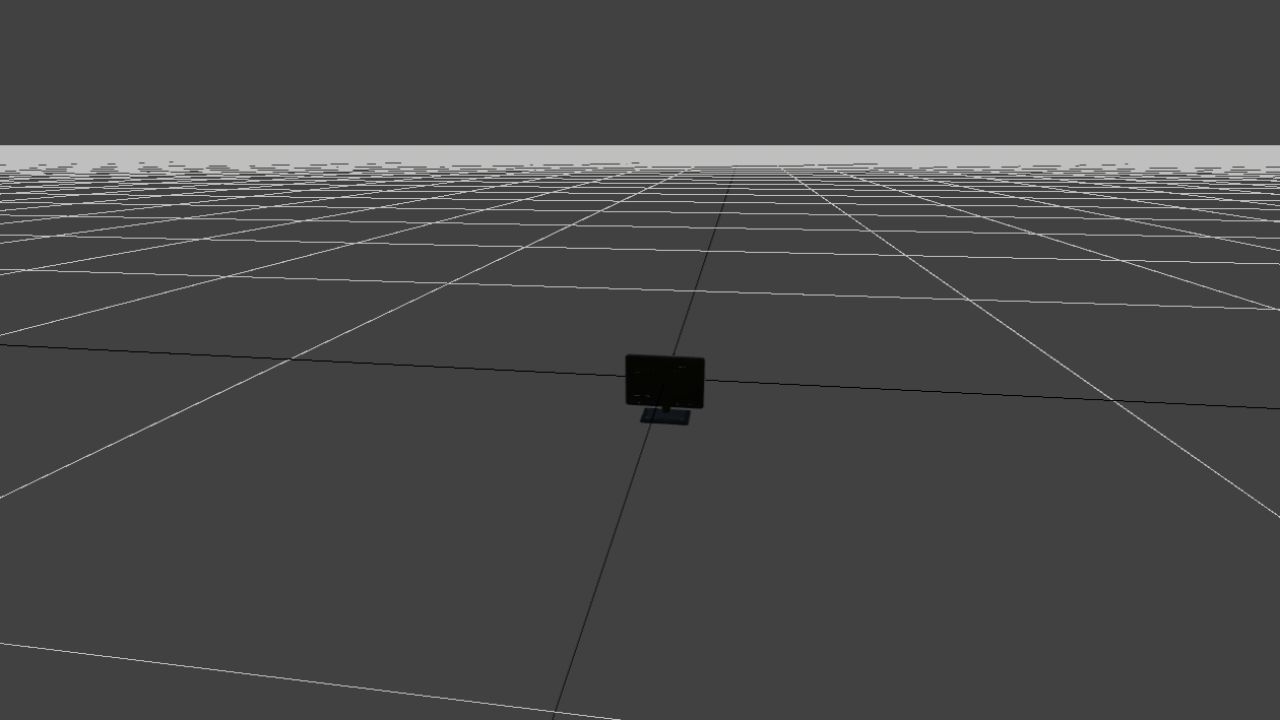
Car Play — Beta, by AurelienVk.
CarPlay screen prefab, Apple brand, to be integrated into Farming Simulator 25 vehicles with GIANTS Editor. Unofficial prefab. Two models: standard and dashboard mount.
Five Interactive Control points: previous, volume –, play/pause, volume + and next. The Windows Car Play program displays AurelienVk. Portable Python runtime and libraries included: no separate Python installation required.
The ZIP includes the I3D/SHAPES models, scripts, XML examples, the Windows controller, the capture bridge and French documentation. Extract the ZIP and open Programme/Lancer_CarPlay.cmd. Do not place the complete ZIP in the mods folder. Spotify for Windows and Interactive Control are required.
Fix: video rotation at 0/90/180/270° is handled through automatic alignment without moving the model or the IC points. Automatic creation of the connection folder and atomic status writing. Windows PC only; native capture is not compatible with consoles or multiplayer.

Beta: scripts, files and local communication tested; full capture is partly functional, while actual audio playback is still to be confirmed.

Required mods:
Interactive Control


Author: aurelienvk

Report bugs in the comments and help modders improve this mod. Always check the comments, you can find a solution.


Helpful Information: How to install FS25 mods | FS25 System Requiremnts | FS25 Modding Tutorial | Giants Editor for FS25 | How to Convert mods | FS25 Cheats

More Misc mods


About Farming Simulator 25 mods
Farming Simulator 25 supports game modding for PC, Xbox, or PS5. FS25 Mod may change your game from small to complete changes. You can create a Farming Simulator 25 mod file and share it with our community. When is a good time to try Farming Simulator 25 mods? We recommend playing a game with these FS25 mods after you finish the Farming Simulator 25 starting pack and are bored with the game basics. So it's time to try new machines, such as harvesters or tractors, which are not included in the basic game version.
As you already know, Farming Simulator 25 developers support mods installation, which will add more vehicles or lands to your game. Check our Best FS25 mods lists for PC, Mac, PS5 or Xbox Series. Just follow these simple steps: choose the LS25 mods category, download the mod for the Farming Simulator 2025 version, and install it into the mod folder. Remember, all Farming Simulator 25 Mods are free, and download as many as you want with no limits. We want to create one of the biggest Farming Simulator 25 Community and invite you to share FS25 mods with everyone.

Leave a Reply

Do you need help or to say thanks to the mod author? Just leave a comment below!