Truss Delivery Contracts v1.0
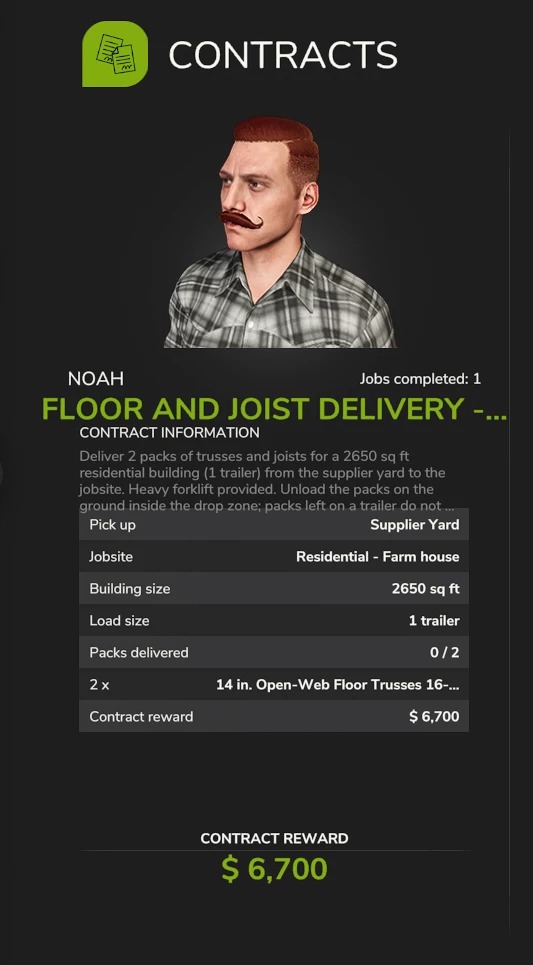
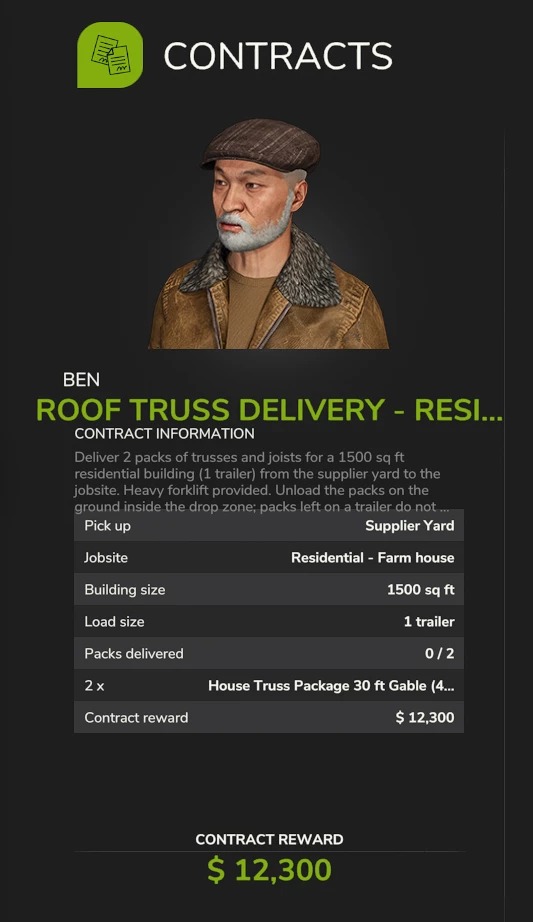
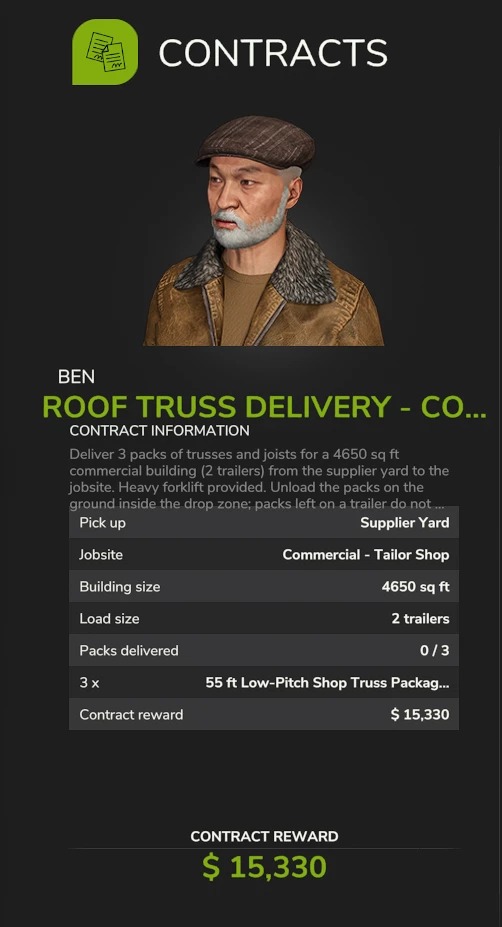
Truss Delivery Contracts v1.0
Game: Farming Simulator 25
Author: FJMods
Version: 1.0.0.24
Multiplayer: Yes
Truss and joist delivery contracts: wood trusses for houses and shops, steel joists and trusses for commercial buildings.
DESCRIPTION
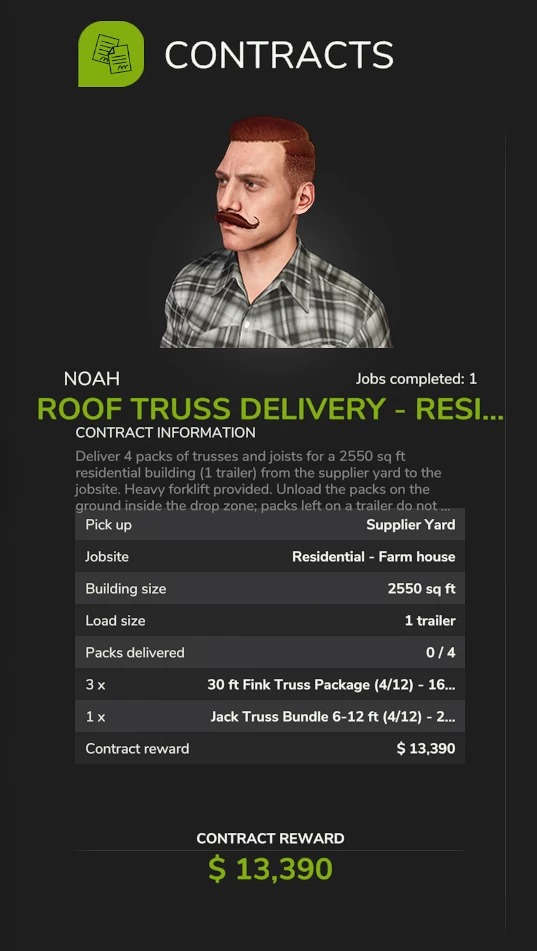
Adds truss delivery contracts to the Contracts tab, using the FJMods Wood Truss and Steel Truss packs. The jobsite sets the job type: residential jobsites (houses) get wood trusses for buildings of roughly 1,200 to 3,200 sq ft; commercial jobsites get steel for buildings of roughly 8,000 to 30,000 sq ft, and post-frame shops and barns get long-span wood trusses. The trusses are counted from the building size at their normal spacing, and every order fits on one or two truss trailers.
Start a contract and the packs appear on the outfeed stacker bunks of the FJ Truss Plant when one is placed, with a forklift on its office lot. Without a plant they appear at the supplier yard (the vehicle shop lot) with a heavy forklift. Load them, haul them to the jobsite on the map and unload them on the ground inside the drop zone. The contract pays what the packs cost in the vehicle shop.
FEATURES
Roof Truss Delivery: Fink, king post and scissor packages, hip sets, full house packages, long-span 36-55 ft trusses, jack and valley bundles, or steel roof trusses
Floor and Joist Delivery: 14 in. open-web wood floor trusses, or 18K, 24K and long-span LH steel joists with joist girders
Picks up from the FJ Truss Plant when one is placed, otherwise from the vehicle shop lot
Uses the Lizard CF210 heavy forklift mod when installed (enables the heaviest steel packs), otherwise a telehandler with pallet forks.
Drop zone with site foreman and cones at the jobsite
REQUIREMENTS
FJ25_WoodTrusses (FJMods) for residential and wood-framed shop jobs
FJ25_MetalTrusses (FJMods) for steel commercial jobs
Optional: FJ25_FJTrussPlant (FJ Truss Plant) as pickup yard; FS25_CF210 (Lizard CF210) heavy forklift
WHERE TO FIND IT IN GAME
Contracts tab.
INSTALLATION
1. Download the .zip file. Do not unzip it.
2. Put the .zip in your mods folder:
Windows: Documents/My Games/FarmingSimulator2025/mods
Mac: ~/Library/Application Support/FarmingSimulator2025/mods
3. Start the game, load or create a savegame and tick the mod in the mod list.
Author: FJMods