Autodrive Hof Bergmann 1.4.0.0 V1.0.0.1
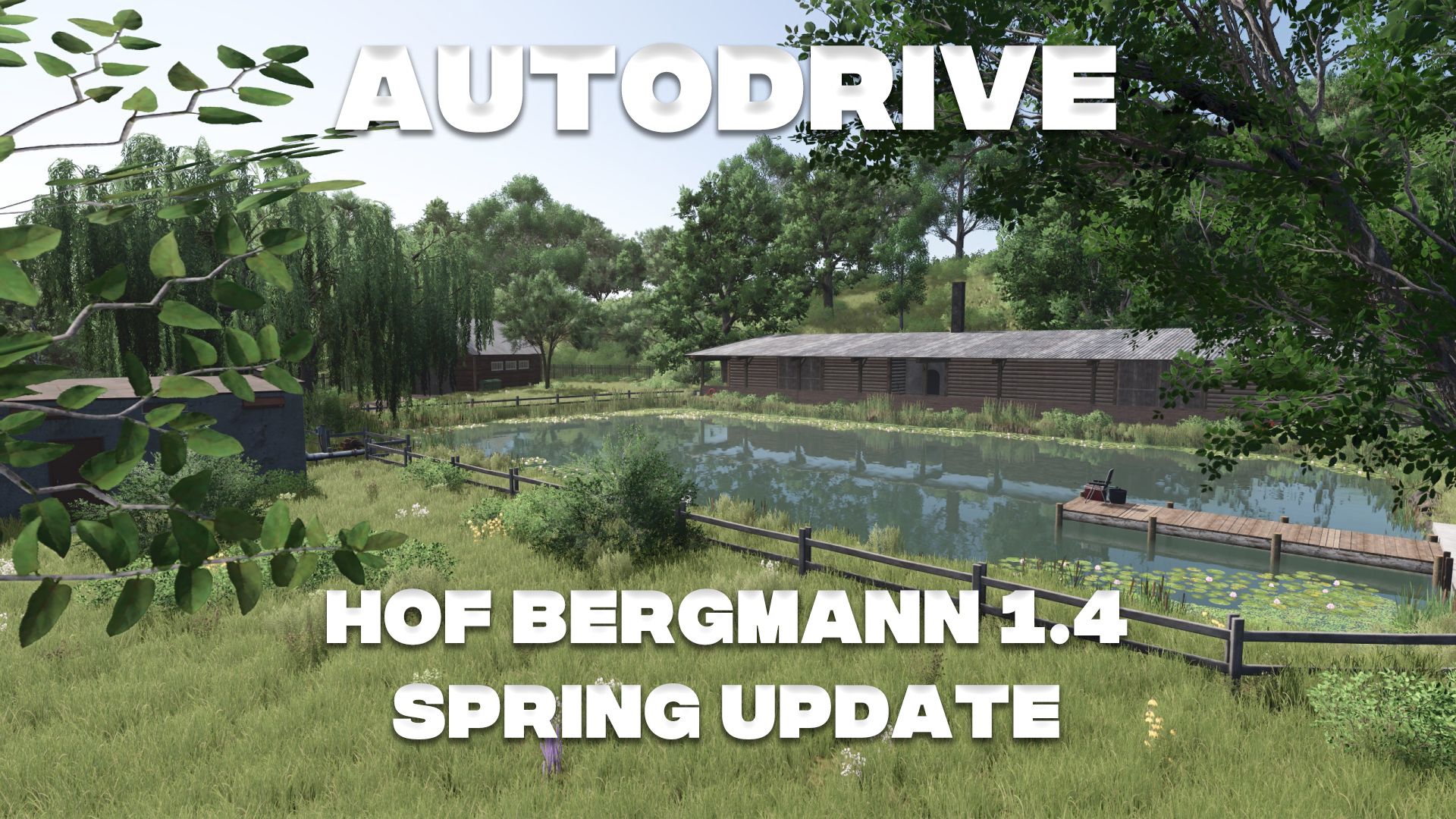
Autodrive Hof Bergmann 1.4.0.0 V1.0.0.1
AutoDrive Course – Hof Bergmann 1.4.0.0
Spring Update
Introduction
The AutoDrive course for Hof Bergmann 1.4.0.0 (Spring Update) has been fully adapted to the current map conditions.
The goal was a stable and practical course that optimally utilizes the strengths of AutoDrive – without making false promises regarding full automation .
🚧 Course scope
🛣️ Main and side streets fully integrated
🚜 All relevant farms connected
🌾 Fields neatly integrated
🏭 Large productions networked
🏪 Sales outlets integrated
⛽ Supply points included
🐄 Animal areas connected
⚙️ Features
🔄 Clean route planning
→ Smooth flow
→ Minimized turning maneuvers
🧠 Clear target structure
→ Clearly named
→ Quick to use
🤖 AutoDrive priority logic used
→ No manual intersection manipulation
→ Stable traffic flow
🚛 Multiplayer compatible
→ Works reliably even with multiple vehicles
⚠️ Important note regarding automation
The Hof Bergmann Map is intentionally not fully automatable.
Many micro-productions are not practically or technically feasible to access with AutoDrive.
The map specifically relies on manual work and gameplay.
AutoDrive primarily covers logistics (transport & supply).
In concrete terms, this means:
AutoDrive provides massive support – but does not replace the player .
Changes in the Spring Update (1.4.0.0)
🌱 New content included
🔧 Routes adjusted
🏭 Large productions integrated
🚜 Courtyard areas updated
⚡ Network-wide optimizations
Notes
Delete old courses (not compatible)
Use the latest AutoDrive version
Multiplayer: same course for everyone
Focus is on logistics, not full automation
V1.0.0.1
Thanks for the feedback!
Field 10 has been included! (I simply overlooked it!)
Field 56, field point, has been created! (It was forgotten)
Sorry about that!
Required mods:
Autodrive
Hof Bergmann
Author: elMatador