AutoDrive placeable field point v1.0
AutoDrive placeable field point v1.0
Placeable field points (separate mod)
Clockwise.
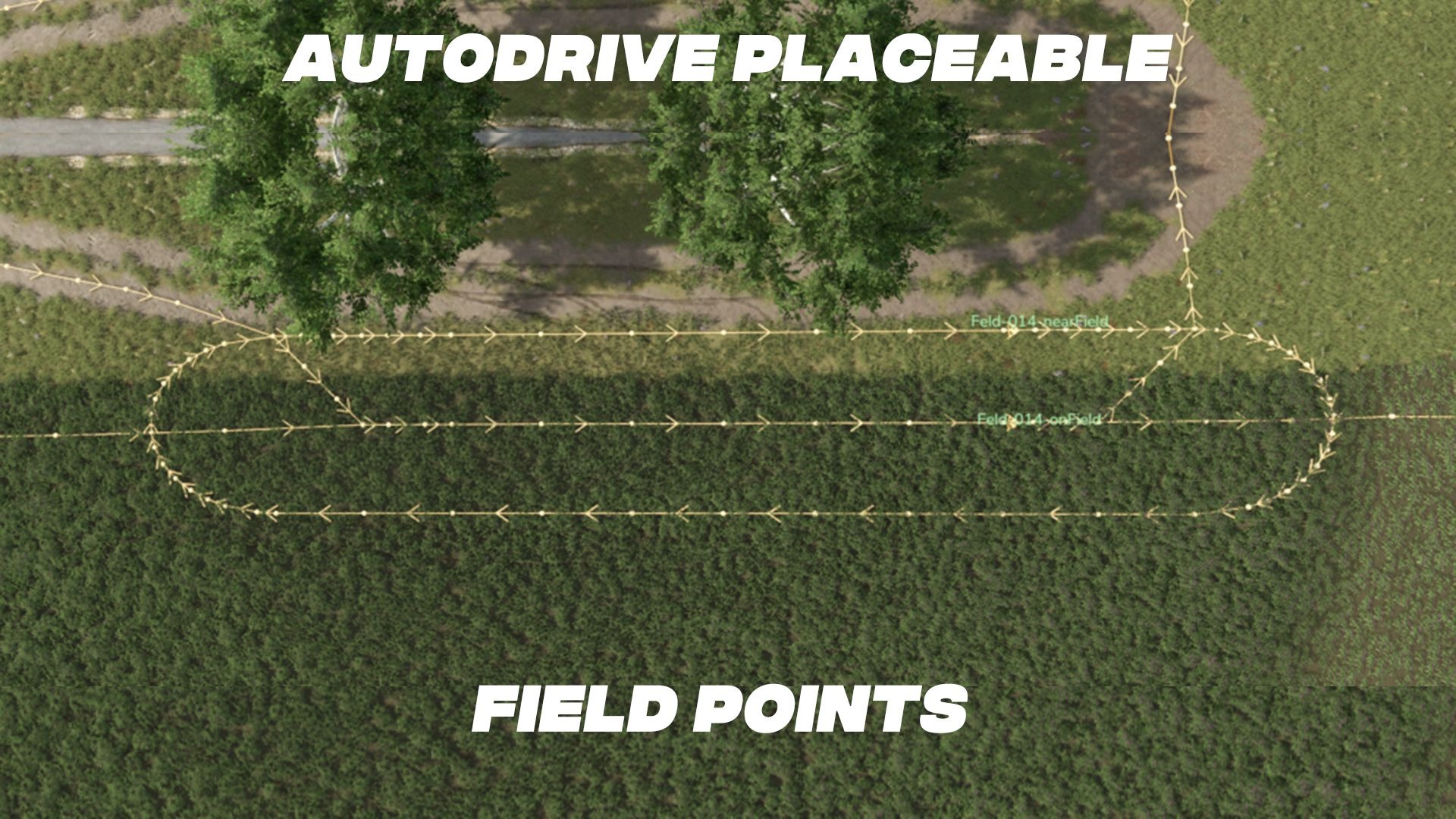
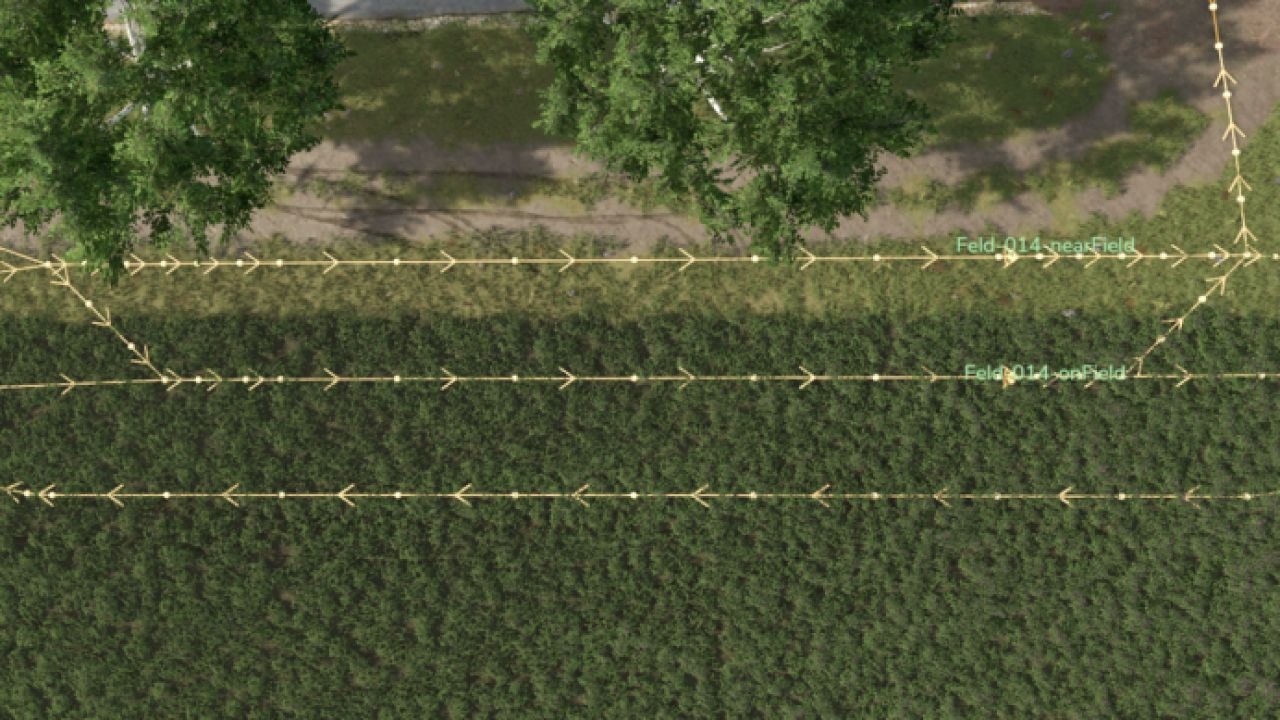
With this mod, you can build a ready-made AD field point on the map. You’ll find two versions of the field points in the build menu under Decorations – Miscellaneous. These field points have a positioning aid to help you align them. One point (onField) should be on the field, and the other (nearField) should be next to the field. onField is for the Giants Helper, but can also be helpful with Courseplay.
Wrapping bales
Collecting bales: For this to work, the vehicle must be in the field at the start. The AD (Automatic Vehicle) also calculates the route to the harvester faster and more accurately when using the point on the field. After placing the bales, if you exit the build menu, the AD field points will be created with two destination points. You can then connect these to your road network. The yellow positioning aid can be resold via the build menu. You need a mod that allows placement on land you don’t own.
Placeable field points (separate mod)
Counterclockwise.
With this mod, you can build a ready-made AD field point on the map. You’ll find two versions of the field points in the build menu under Decorations – Miscellaneous. These field points have a positioning aid to help you align them. One point (onField) should be on the field, and the other (nearField) should be next to the field. onField is for the Giants Helper, but can also be helpful with Courseplay.
Wrapping bales
Collecting bales: For this to work, the vehicle must be in the field at the start. The AD (Automatic Vehicle) also calculates the route to the harvester faster and more accurately when using the point on the field. After placing the bales, if you exit the build menu, the AD field points will be created with two destination points. You can then connect these to your road network. The yellow positioning aid can be resold via the build menu. You need a mod that allows placement on land you don’t own.
Required mods
Autodrive
Author: Hof Hirschfeld