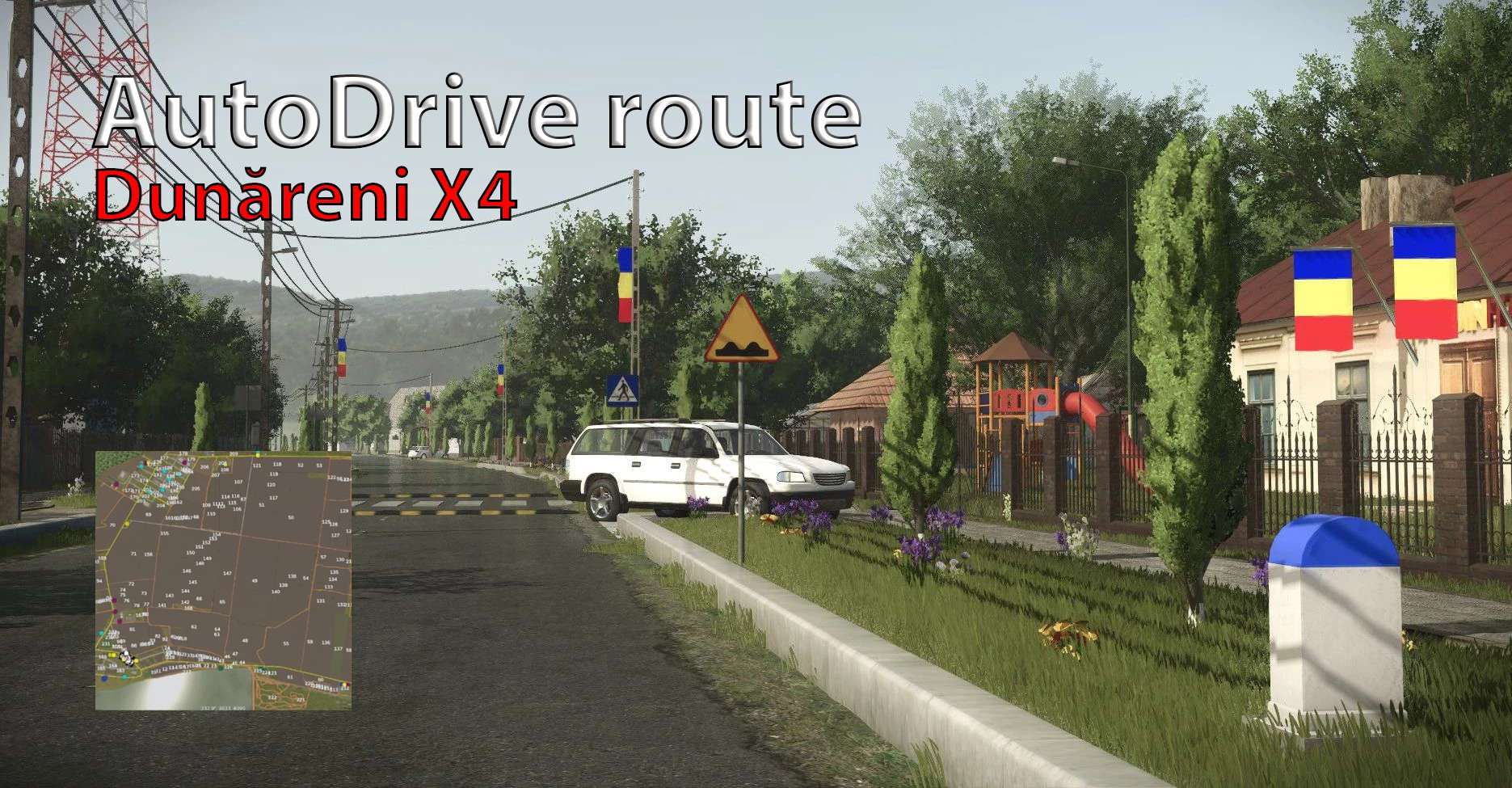
Autodrive route for Dunareni X4 FS25 v1.0
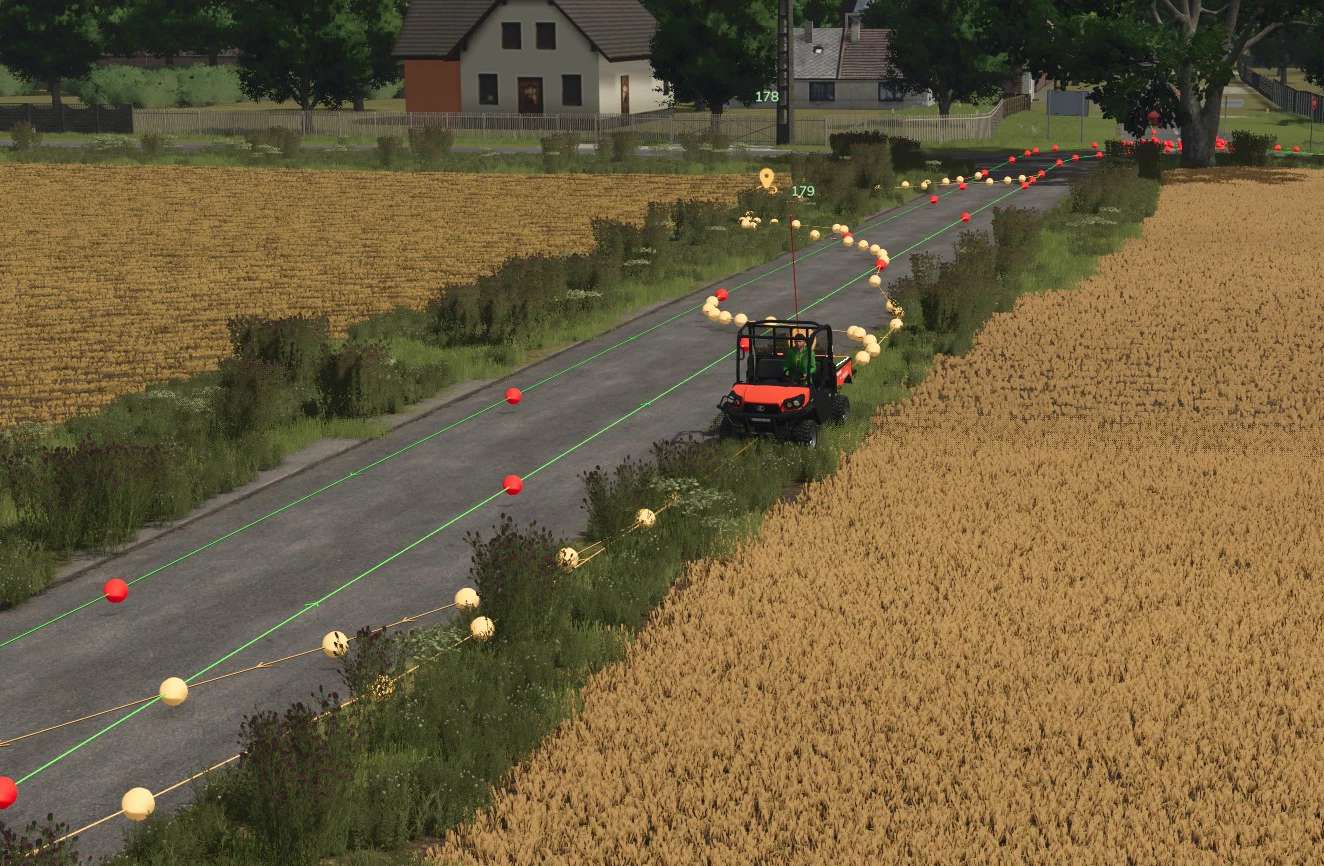
Autodrive route for Dunareni X4 FS25 v1.0
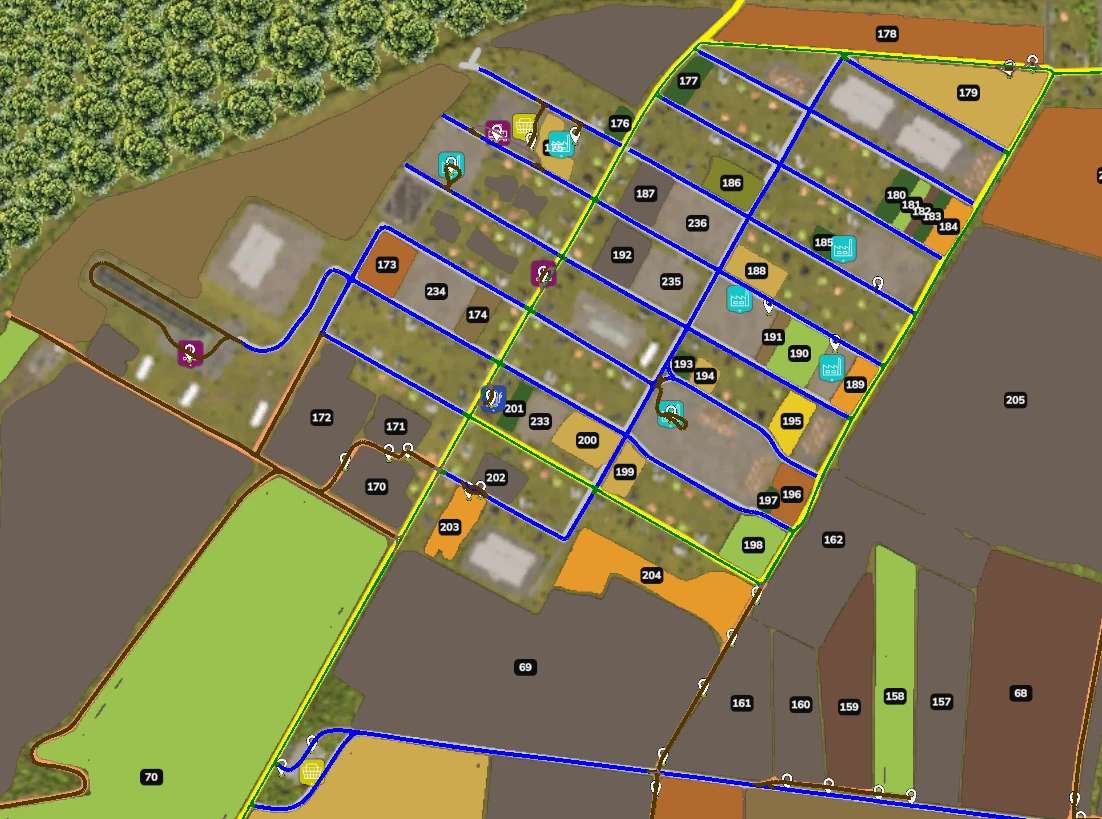
Fully working autodrive route for this awesome map!
Route Information:
– All routes are manually drawn and recorded
– No auto-generated paths
– Designed specifically for Dunareni x4
– Covers main roads, farm access points and working areas
Required Mods:
– AutoDrive (FS25 compatible version) – Dunareni x4 map
This AutoDrive network only works with the Dunareni x4 map If the routes do not appear: Make sure AutoDrive is enabled Verify the file is in the correct savegame folder Existing AutoDrive routes in the savegame may be overwritten → Backup recommended
Installation:
1. Create new save / Use existing save (Make sure you backup your original settings!)
2. Copy AutoDrive_config.xml to: C:/Users/<username>/Documents/My Games/FarmingSimulator2025\savegameXX (xx means your savegame number)
After install set the turning speed to 60-70% inside the AutoDrive!
Currently in English language, but i would like to translate it into other languages.
Future development list:
– translate to German, Romanian, French, Hungarian. ( suggest other language if you want!)
– make parking positions near the field
About the map:
“This is a special map featuring lots of mud and challenging dirt roads. It’s based on a real location in Dolj, Romania and is perfect for all farming styles and sizes !”
Download link for the map: Dunăreni X4 by Andrey1
If any problem occurs, or you find a bug, please write me a message!
Author: raidonsix