AutoDrive V3.0.0.8
AutoDrive V3.0.0.8
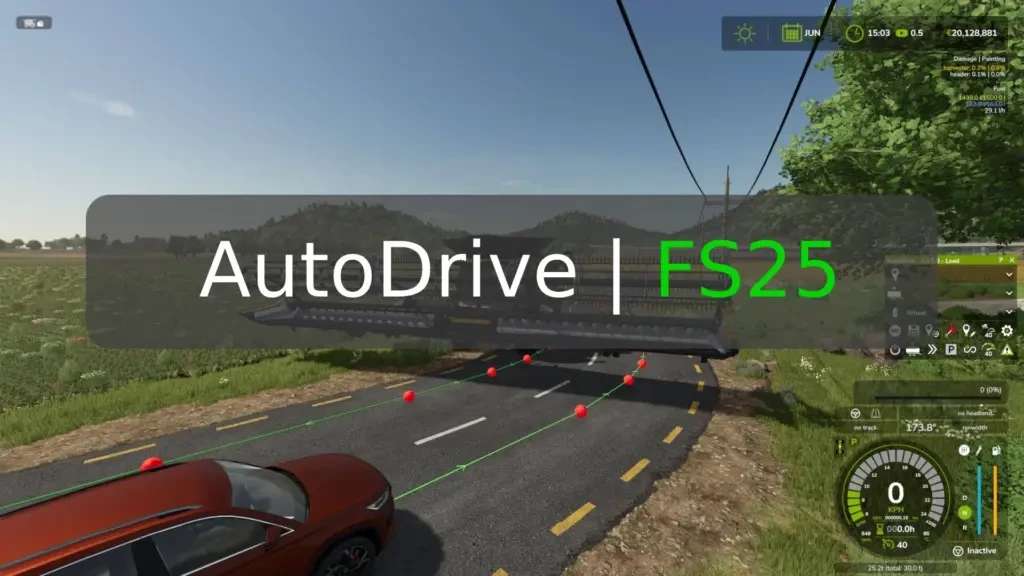
This mod can be used to create a network of routes for vehicles to drive autonomously. Once setup you can tell a tractor that is standing anywhere close to the network to drive to any point, such as the shop, field 1 or to a sell point.
Release 3.0.0.8 (03.12.2025):
Bugfixes and improvements:
Disable mouse pointer when a player leaves a vehicle #143
AD drivers now ignore the FS automatic engine start setting #280
UAL does not unload when the destination points for unloading are rotated
using trains with AD leads to LUA errors #262
refueling via key combination fills trailers (diesel) #320
synchronization issue in MP #347
tailgating AI traffic #398
issue with unknown “specialization” #405
bales are not unloaded before AD departs #291
optimization of combine unloader with regard to leaving fruit
saving vehicle settings and restoring them in another vehicle does not work #412
less messages from AD in MP:
if a player is in the vehicle, they are displayed with ‘X’ but not for all other players
if no player is in the vehicle, they are displayed with ‘->’ and ‘X’ for all players in the same farm
notifications for vehicles in which no player is seated but which belong to another farm are not displayed at all
optimization of steering behavior and collision detection:
“Look ahead distance (turn)” removed, now determined by the vehicle
collision detection now follows the steering better
curves are driven more smoothly (course adjustments may be necessary)
New features:
AD target point display #243
users can choose whether AD target points should be displayed on the helper map in the main menu, on the mini-map in the game, on both maps, or on none of them
Editing the route network is now possible in the “Landscaping” construction menu #101:
player must be seated in a vehicle
the HUD will not be displayed
editing is only possible using mouse and keyboard shortcuts
unload side adjustable in harvesters (only applies to harvesters with movable unloading pipes, such as choppers) #313
UAL fill types can be selected in AD (see wiki entry) #249 #316
Consecutive drive-through silos:
two or more drive-through silos in a row are treated as a single silo
the unloading speed is calculated accordingly to ensure that unloading takes place over the entire length of two or more separate drive-through silos
drive-through silos in a row must have the same width, but the length may vary
The areas of drive-through silos can be displayed using an assigned key combination (FS key assignment “AD: developer action”)
First release for FS25:
based on the latest FS22 version
it may still contain errors as Giants has changed a lot in the background
if error or problemes occur please report them as issue on github
Course Editor
The course editor is now maintained by @KillBait if needed, delete the version numbers from the filename.
Author: Stephan (Founder), Iwan1803 (Community Manager, Supporter & Tester), Axel & Tommo (Modder) Willi (Supporter & Tester)