Farm Tablet V2.1.2.1
Farm Tablet V2.1.2.1
V2.1.2.1
Hey farmers, With this update, FarmTablet has gone through another round of polish. What we have now feels much closer to an actual tablet experience than what we built before.
If you would like to see a custom app or have ideas for new features — like an invoice system for example — please open an issue on GitHub with your suggestions. And of course, if you run into any bugs or problems, report those there too.
Changes in this update:
– Improved app name translation keys in AppRegistry
– Removed broken texture atlas causing overlay warnings on every tablet open
– Improved mod detection to correctly read cross-mod globals in autoDetect()
– Updated the Updates app with the latest changelogs
FarmTablet — A compact, all-in-one farm management tablet for Farming Simulator 25.
Originally inspired by a tablet mod for FS17, built from scratch for FS22 and now fully converted and rewritten for FS25. The goal is simple: useful farm info at a glance, without getting in the way of gameplay.
The mod has been rebuilt with a clean, modular structure — every app lives in its own file, making it easy to expand, fix and improve over time. It’s actively developed and shaped by community feedback.
What’s in it right now:
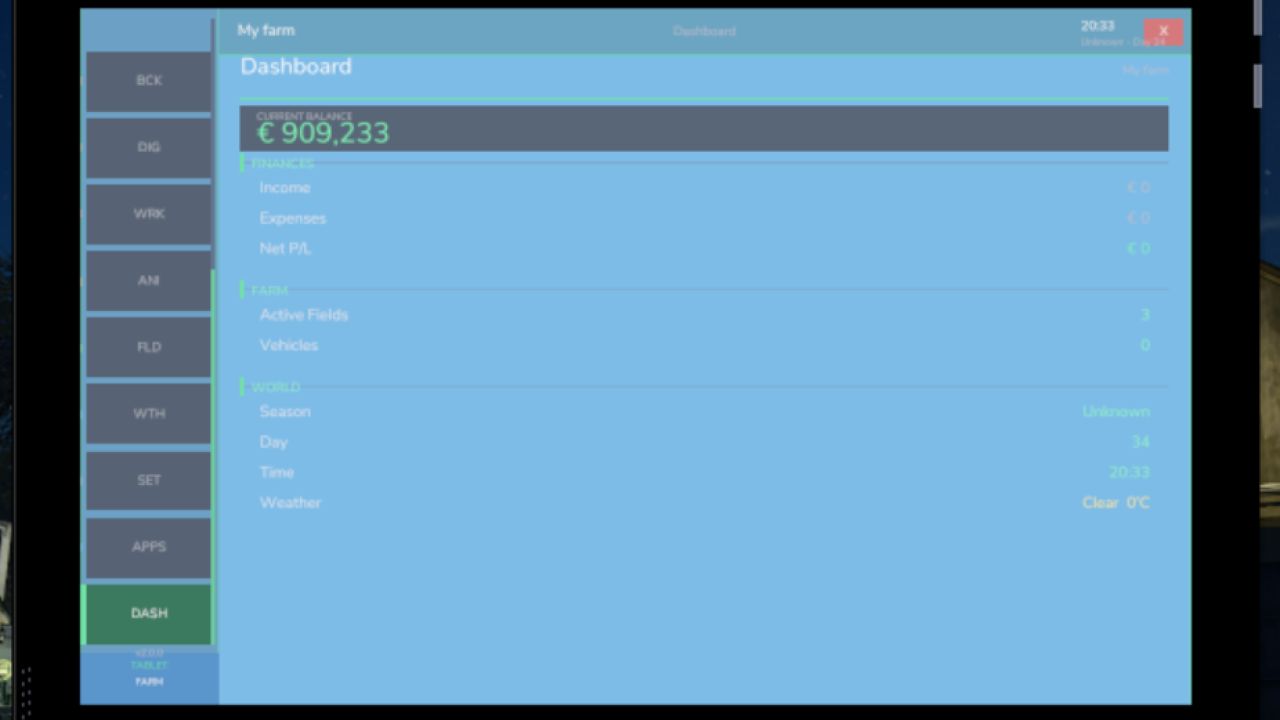
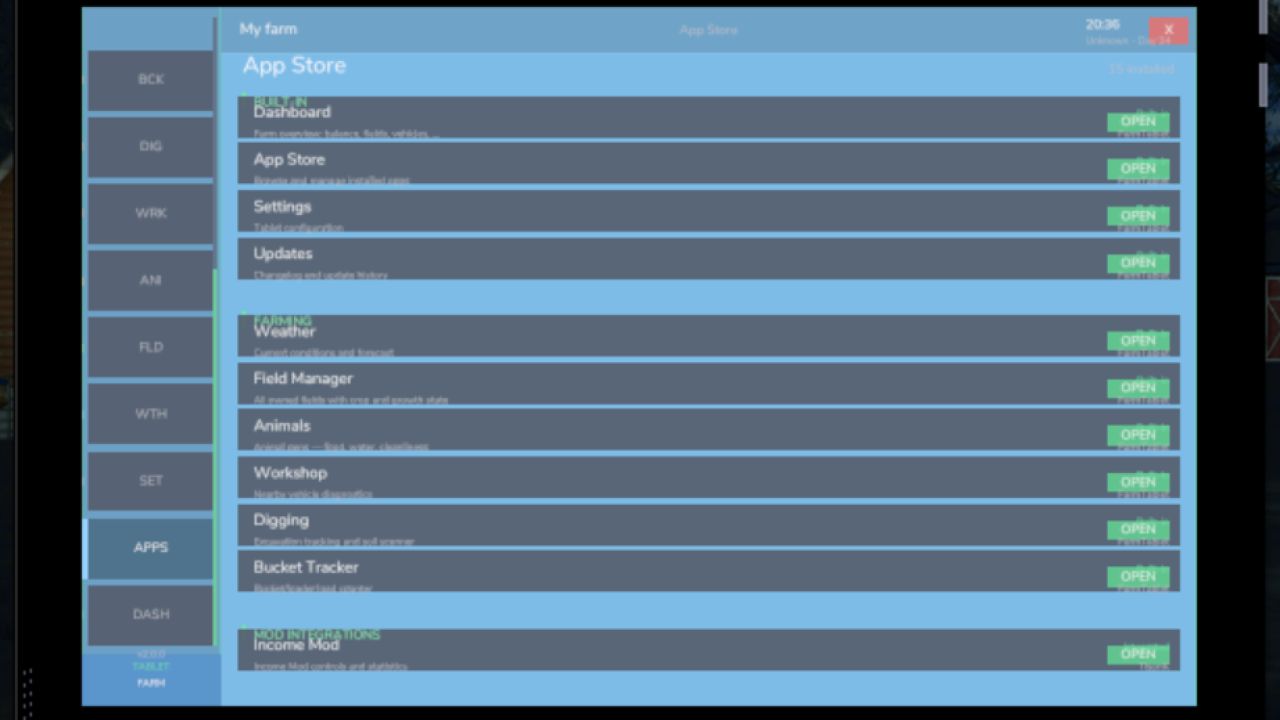
Dashboard — farm overview with balance, fields, vehicles and world state
Weather — current conditions, temperature, wind, cloud cover and forecast
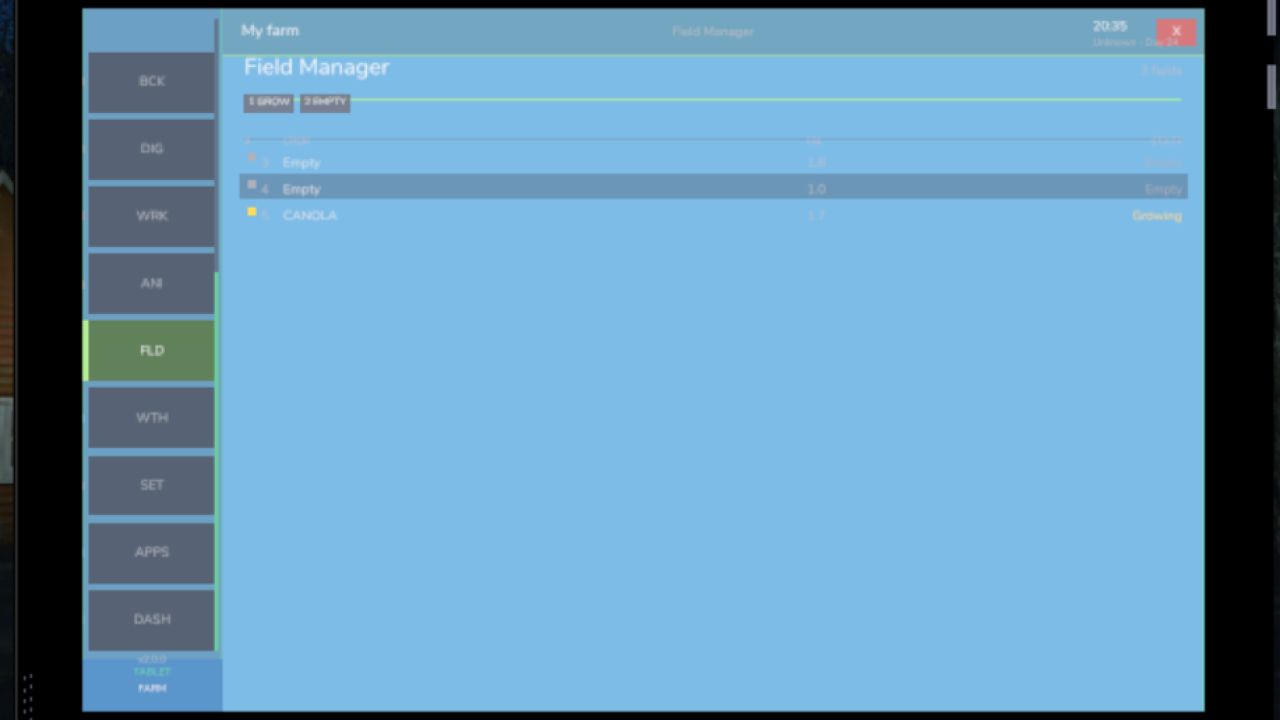
Fields — all owned fields with crop type and growth stage
Animals — pen status with food, water and cleanliness levels
Workshop — nearby vehicle diagnostics with fuel, wear and operating hours
Bucket Tracker — load counter for wheel loaders and excavators
Digging — excavation tracking and soil scanner
App Store — browse and manage installed apps
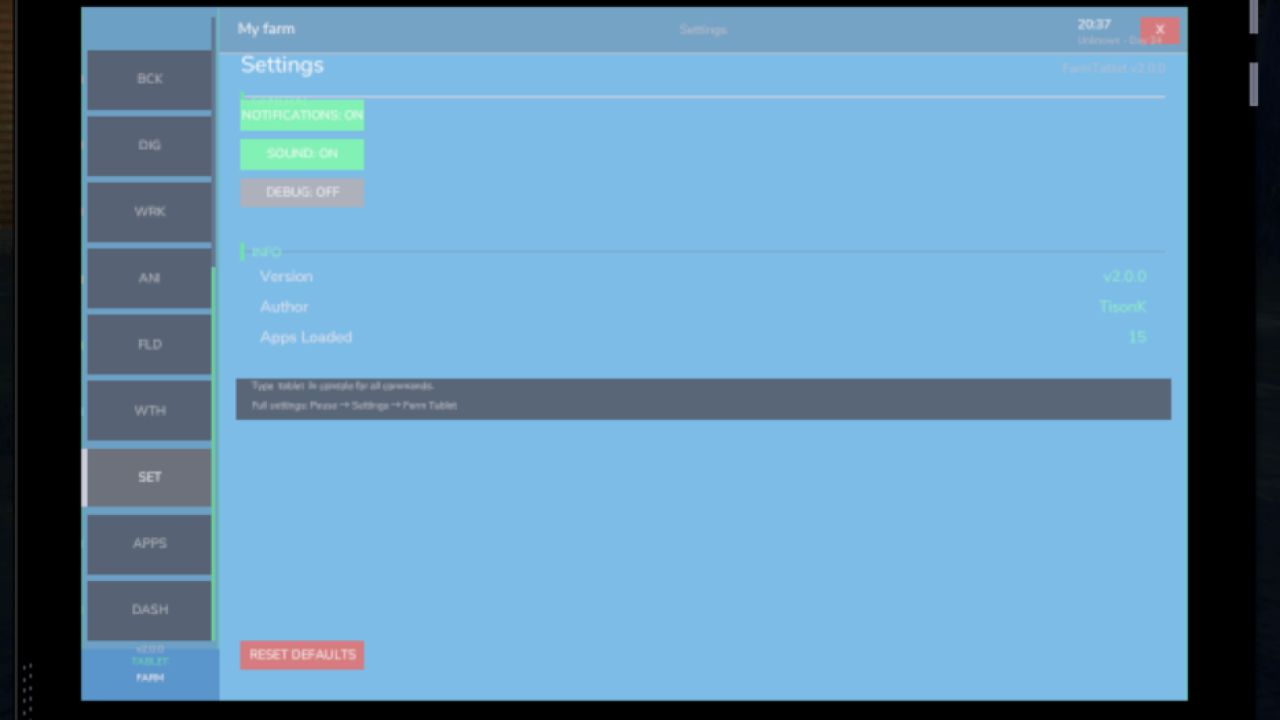
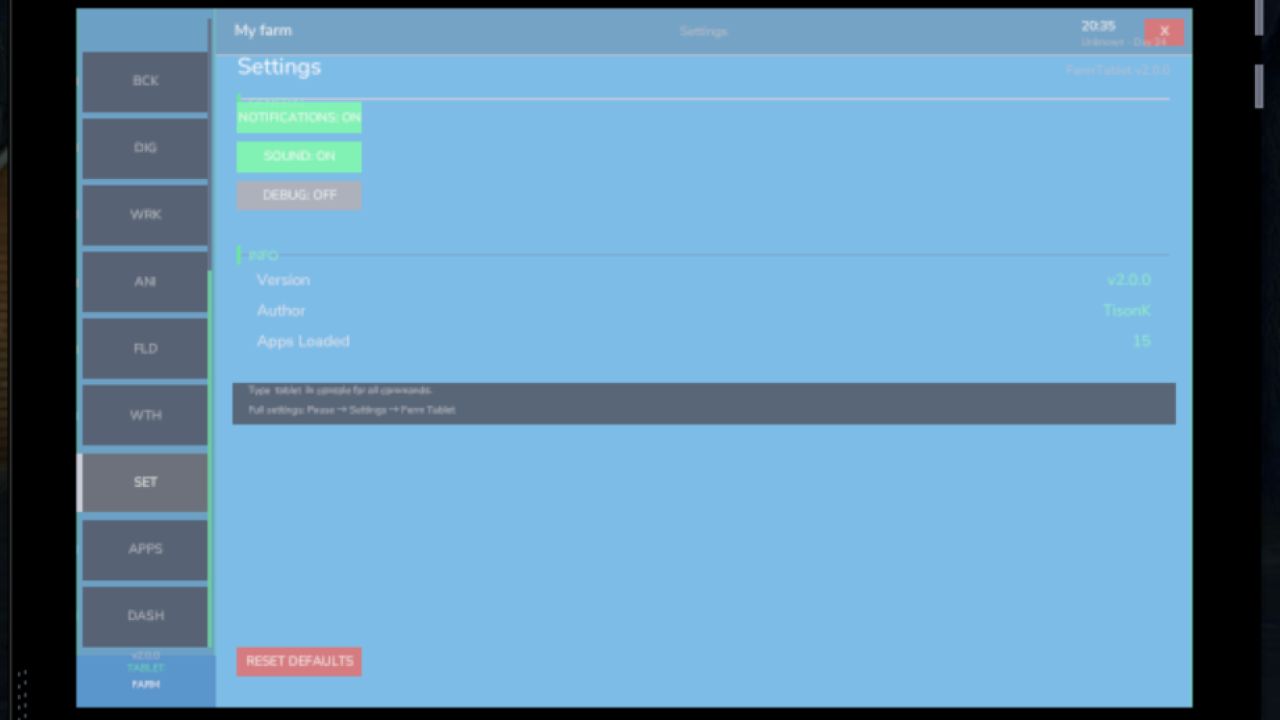
Settings — configure the tablet from the pause menu
Updates — changelog and version history
Mod integrations (auto-detected at runtime, safe to run without them):
NPC Favor, Soil Fertilizer, Seasonal Crop Stress, Income Mod, Tax Mod
What’s coming next:
Better tablet visuals and frame design
Icons instead of text labels
Sounds, color tweaks and UI polish
More apps and deeper interactions based on feedback
Multiplayer improvements
The mod is in active development. Bug reports, ideas and suggestions are always welcome — this is a community project and your feedback directly shapes what gets built next.
V2.1.1.0
– Fixed: All UI sounds were silently broken due to an internal field name mismatch. App-select clicks, help panel sounds, and other audio interactions now work correctly.
– Fixed: Opening and closing the tablet produced no sound. The tablet now plays an audio cue when opened and when closed.
– New: Tablet open and close sounds can be toggled on or off independently in Settings under Sound.
– New: The Settings page is now scrollable. Use the mouse wheel while hovering over the content area to scroll through all settings sections. A scroll bar shows your current position.
– Improved: Items that scroll outside the visible content zone are now properly hidden and do not bleed past the content border.
Requires:
Income Mod
Tax Mod
NPC Favor
Realistic Soil & Fertilizer
Seasonal Crop Stress
Author: tisonK