FrechDachs Map 4x V1.3.0.3
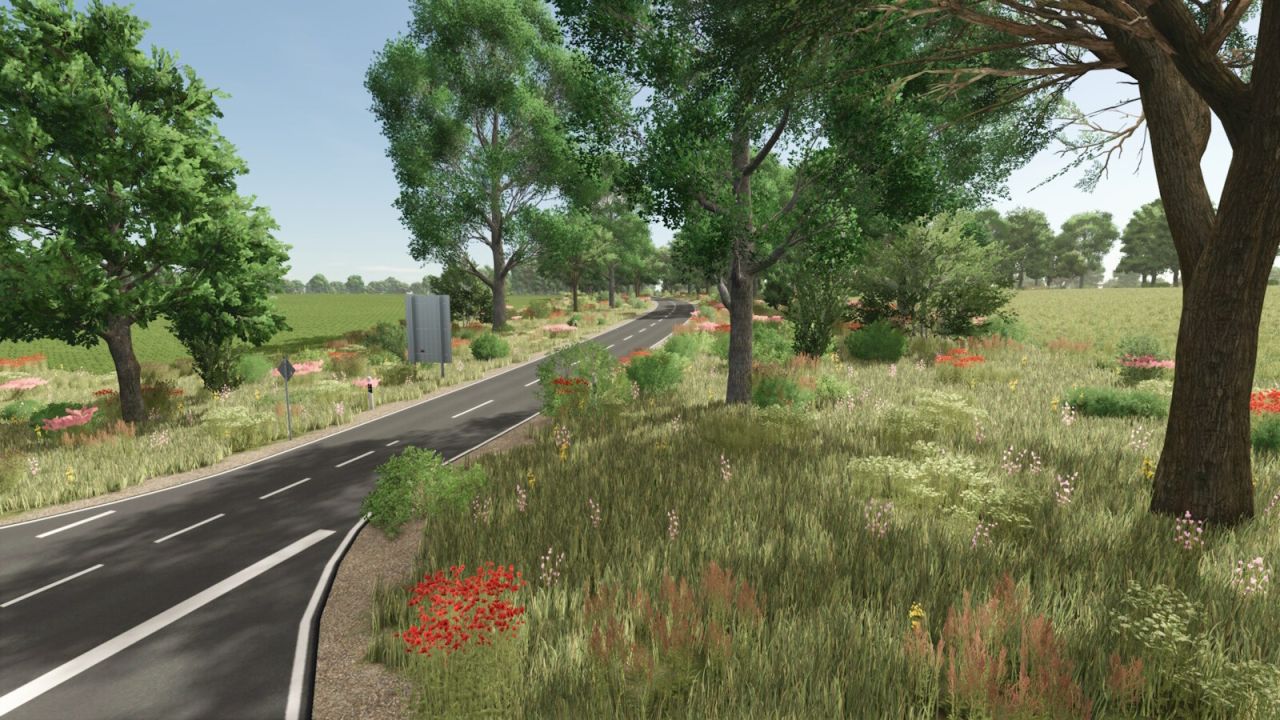
FrechDachs Map 4x V1.3.0.3
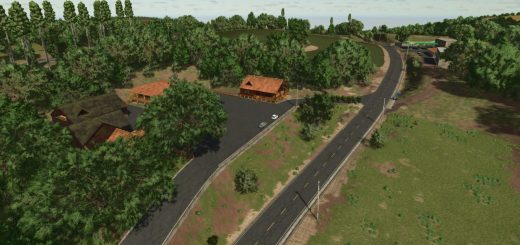
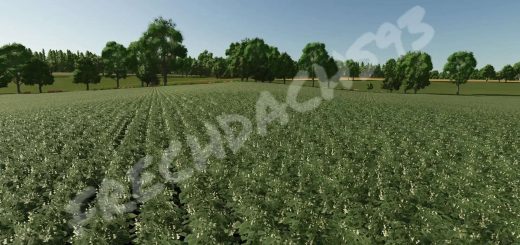
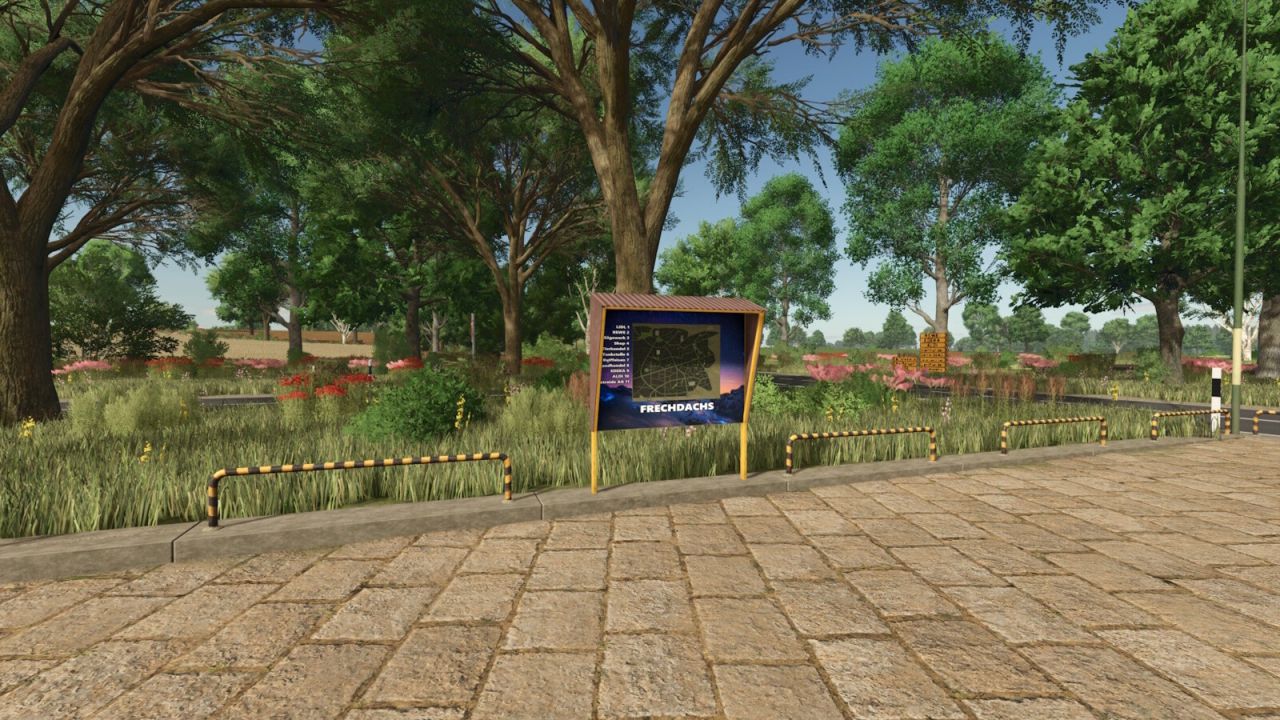
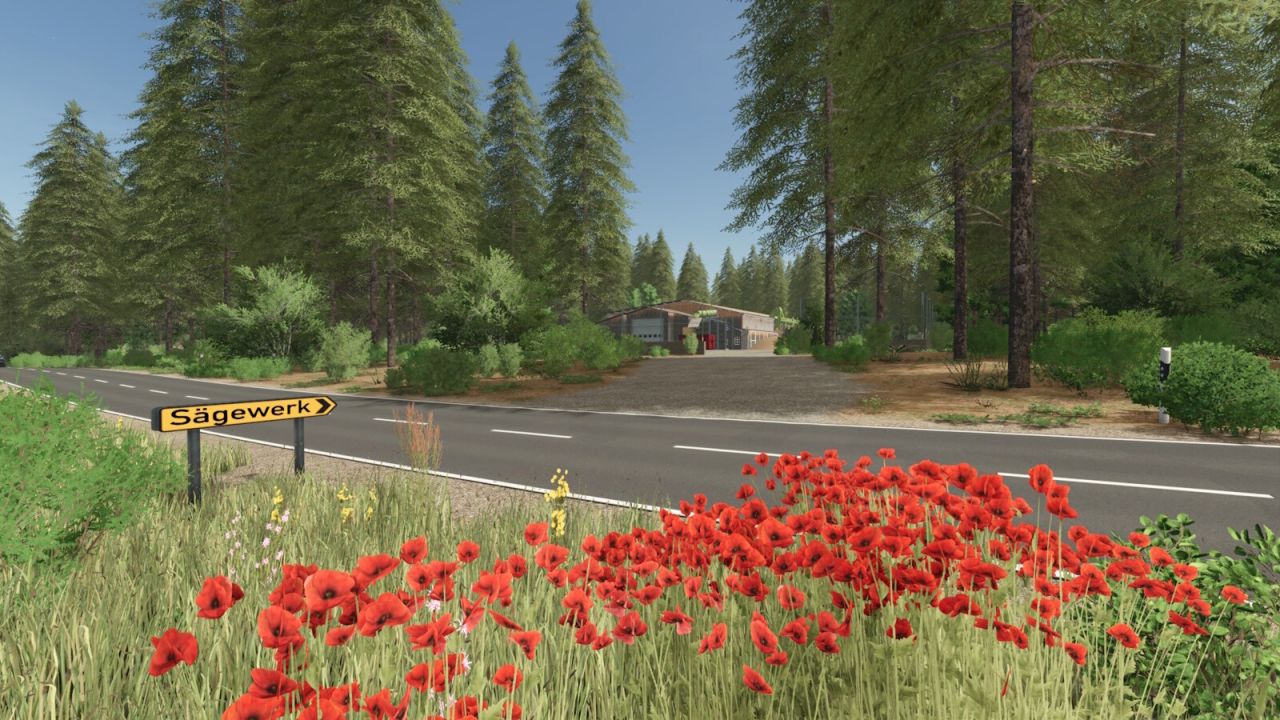
Fictitious 4x map with 200 fields and enough forests for every budding forester.
Here I provide you with my fictitious 4x map for playing on.
I already started creating it in the 22 series. Even before I was finished with it, the LS25 came out and I immediately set to work incorporating the innovations into my map.
This turned into an almost complete rebuild of the map. So the map is completely up to LS25 standard.
It has everything a farmer and forester among you need.
Key data:
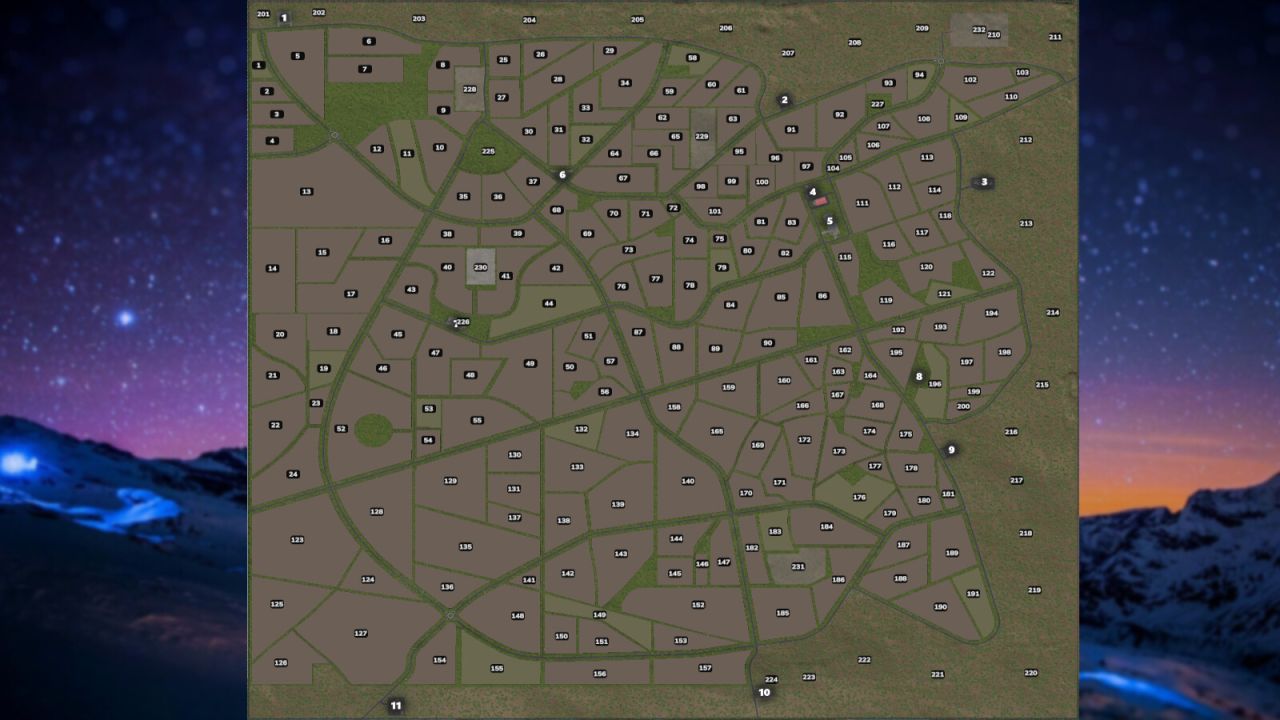
200 fields, including 18 meadows
27 forest areas with approx. 38,424 trees
5 open spaces for cultivation
Realistic soil deformation
Precision Farming 3.0 compatible
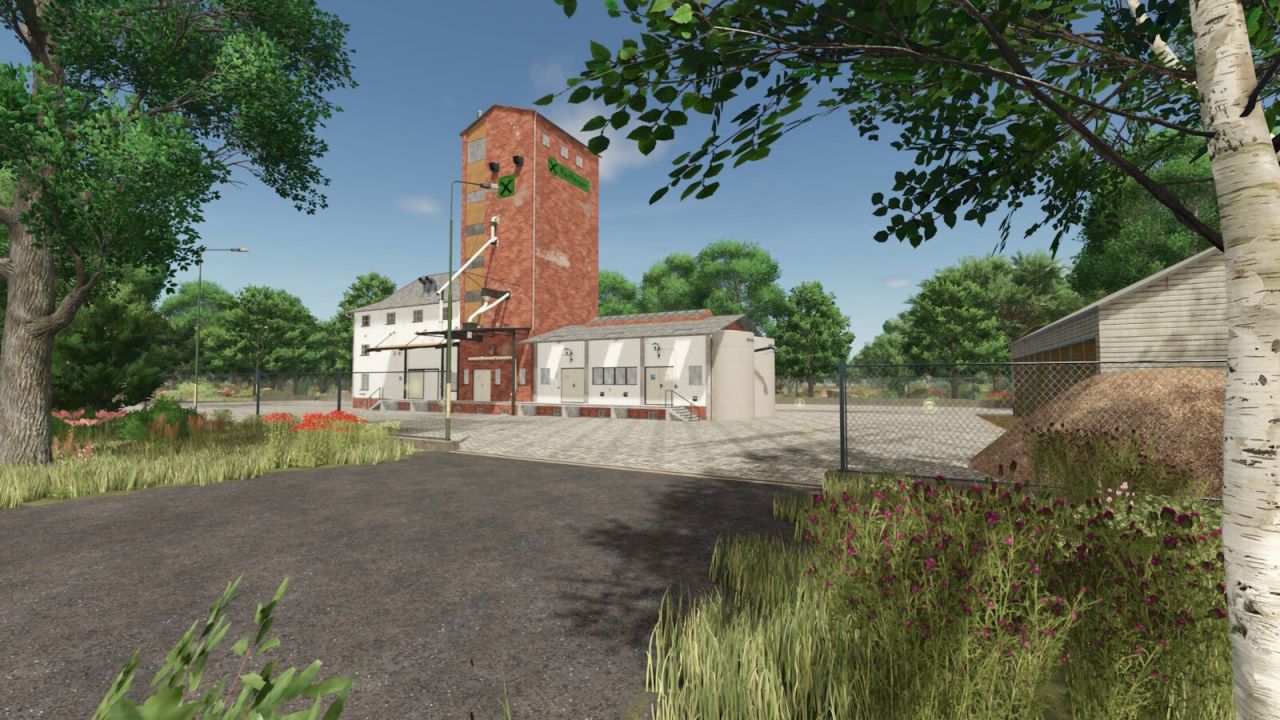
Permanently integrated production: seed, fertilizer, lime, and feed production, composter, separator, and water disposal
A small starter farm is located on open space 230
13 purchase and 17 sales points
Free water at Raiffeisen, agricultural supply store, and animal supply store
50 collectibles
Stubble destruction for: barley, rapeseed, corn, oats, sorghum, soybeans, sunflowers, wheat, rye, triticale, spelt, green rye, and rye-oat mixture.
9 additional crops: rye, triticale, spelt, green rye, rye-oat mixture, field grass, silage corn, humus activator, and mustard.
84 soil textures and 77 trees are available for design.
Stone mission available
Mission vehicles optimized
Info:
The 5 open spaces 228–232 can be built on individually, and minor earthworks are possible.
Additional productions can be placed freely.
Decorative grass (meadow) can be painted and switched on/off via ESC → Crops.
The Basic Production Pack is not required, as all relevant productions are already integrated.
Compost can be used as fertilizer.
Manure spreaders support manure and compost, including correct spreading pattern for compost.
The functions are fully compatible with Precision Farming.
Go to Settings → Help to find basic information about the map.
Use the arrows next to Basic Game to scroll through additional tips.
Tree limit 8 million trees (no extra MOD required due to tree limit)
If you are already using version 1.3.0.0, you do not need a new save game.
V1.3.0.3
Fixed: The cotton cultivator is working again
Updated the environment
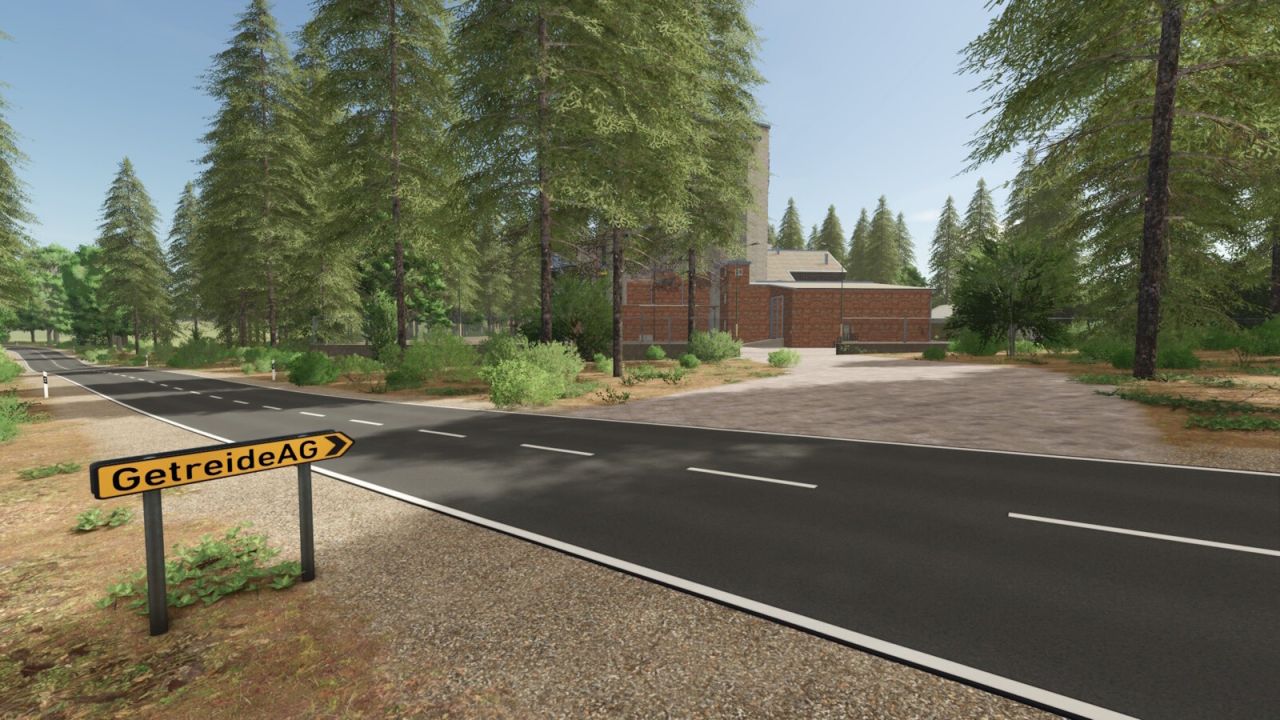
Revised signposts and guideposts
Fixed: The chicken coop now spawns grass when expanded
Fixed: Compost pallet collision
Detailed in-game help for animals
Author: FrechDachs93