GE10 Script – Powerline Generator (Prefab) V1.0


GE10 Script – Powerline Generator (Prefab) V1.0
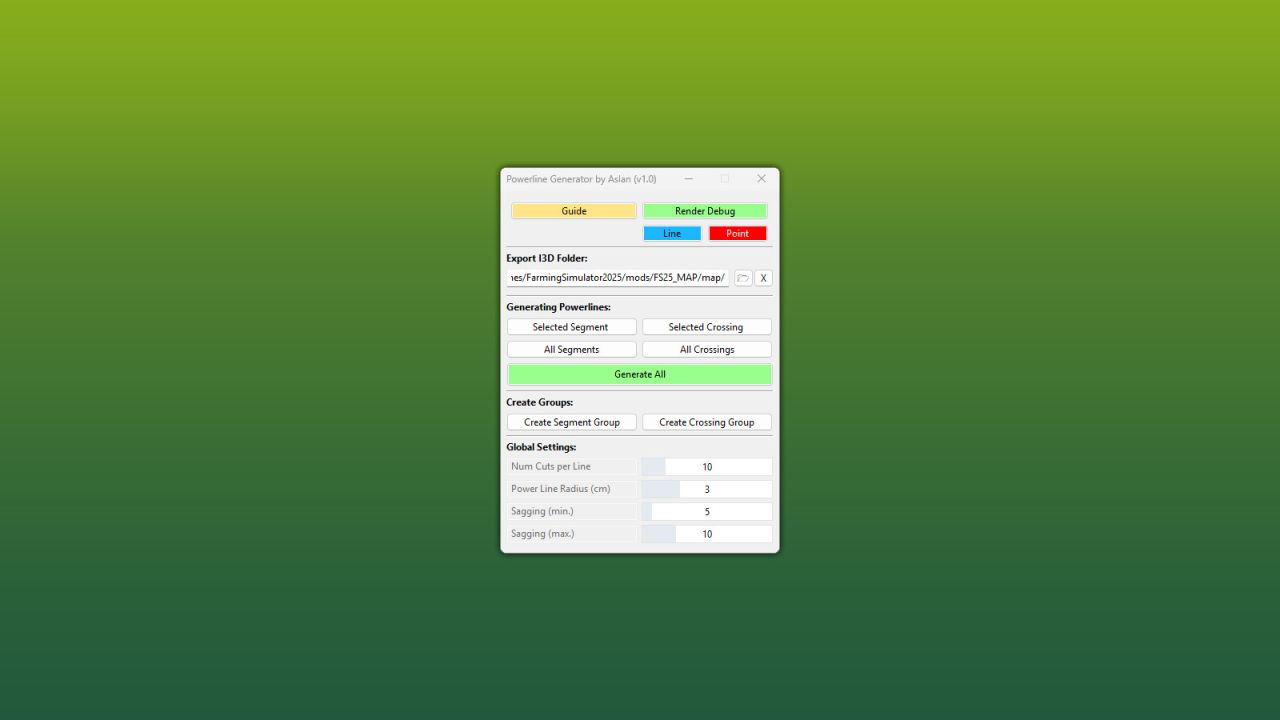
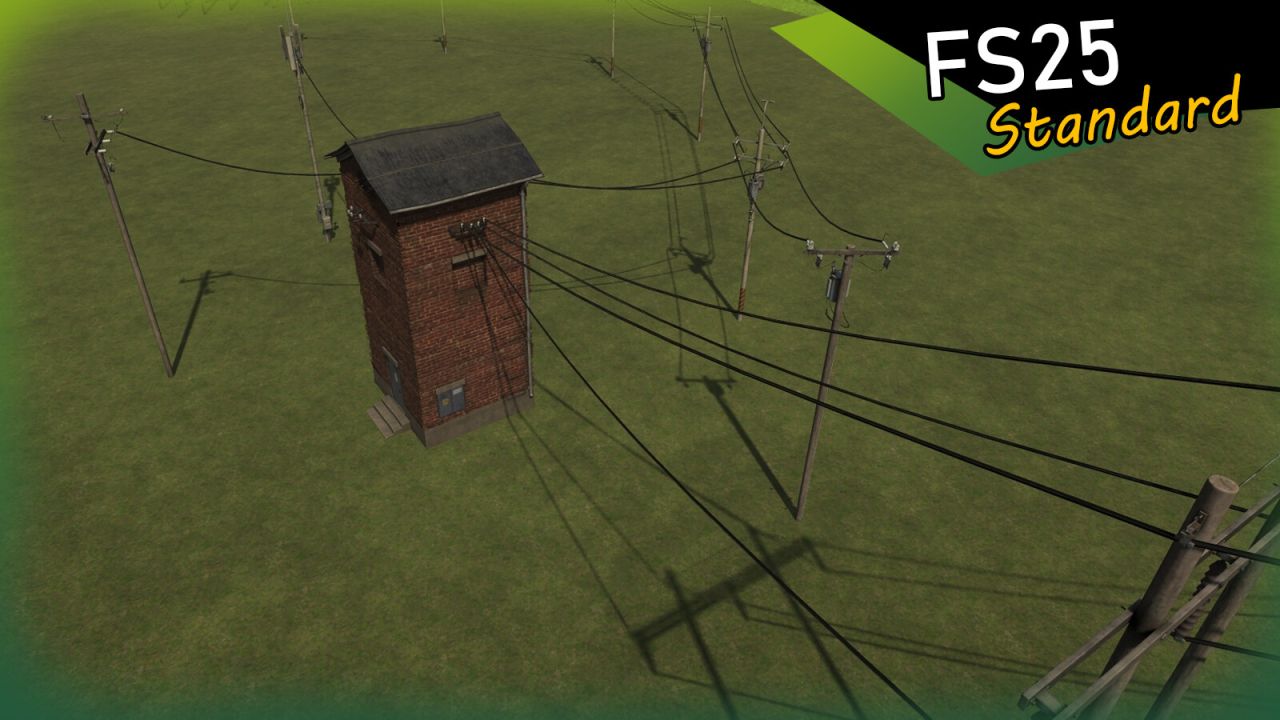
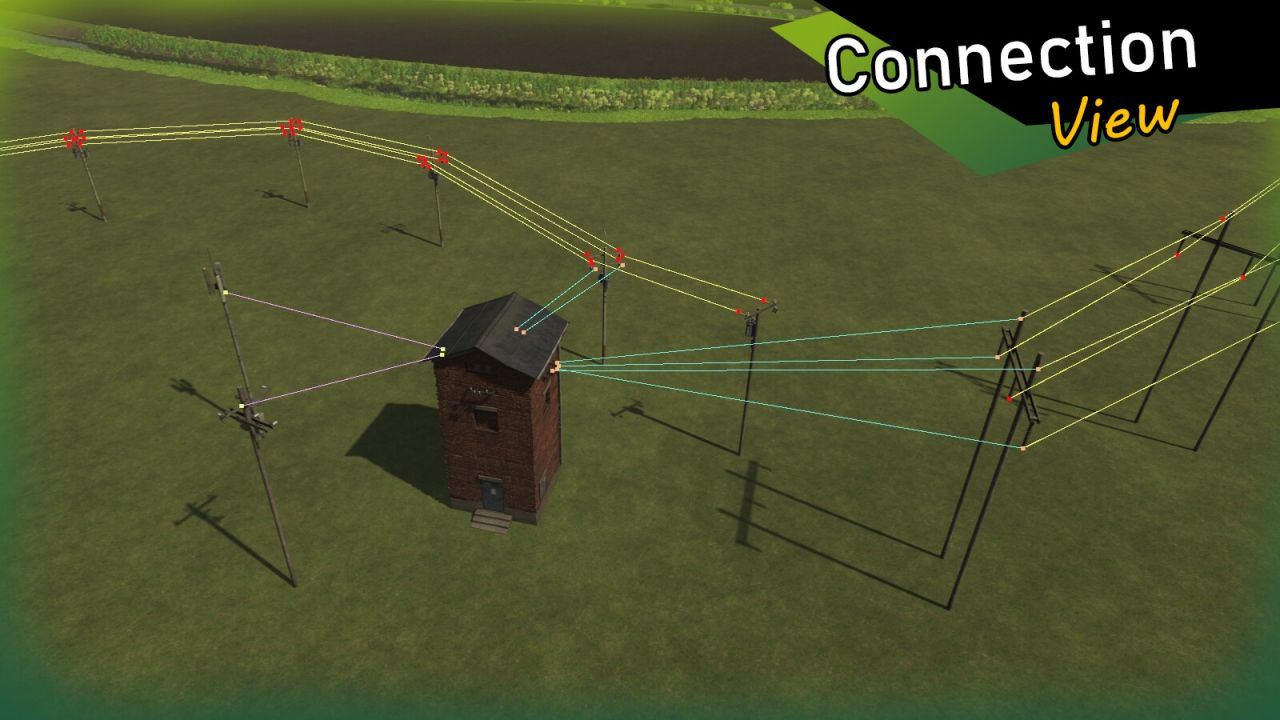
With this powerful GIANTS Editor script, a complete powerline network can be created in a short amount of time – from simple line segments to complex branches and crossings.
Power poles are connected via defined connection points in the Scenegraph, and the cables are automatically generated as meshes and properly organized within the project structure. The hierarchy remains clean and easy to manage at all times.

The generated powerlines use the official LS25 standard (including wind reaction), ensuring realistic in-game movement and seamless integration into existing maps.
A detailed, multilingual guide (DE / EN / PL / FR) is included directly within the tool.

Installation:
1.) Navigate to your GIANTS Editor installation directory. Default path: “C:/Program Files/GIANTS Software/GIANTS_Editor_10.X.X/”
2.) Copy the file “SplineToolkit.lua” and the folder “fenceImages” from the prefab into the GIANTS Editor script folder.
3.) The script will then be available in the GIANTS Editor via the menu bar under “Scripts”.


Author: Aslan

Report bugs in the comments and help modders improve this mod. Always check the comments, you can find a solution.


Helpful Information: How to install FS25 mods | FS25 System Requiremnts | FS25 Modding Tutorial | Giants Editor for FS25 | How to Convert mods | FS25 Cheats

More Misc mods


About Farming Simulator 25 mods
Farming Simulator 25 supports game modding for PC, Xbox, or PS5. FS25 Mod may change your game from small to complete changes. You can create a Farming Simulator 25 mod file and share it with our community. When is a good time to try Farming Simulator 25 mods? We recommend playing a game with these FS25 mods after you finish the Farming Simulator 25 starting pack and are bored with the game basics. So it's time to try new machines, such as harvesters or tractors, which are not included in the basic game version.
As you already know, Farming Simulator 25 developers support mods installation, which will add more vehicles or lands to your game. Check our Best FS25 mods lists for PC, Mac, PS5 or Xbox Series. Just follow these simple steps: choose the LS25 mods category, download the mod for the Farming Simulator 2025 version, and install it into the mod folder. Remember, all Farming Simulator 25 Mods are free, and download as many as you want with no limits. We want to create one of the biggest Farming Simulator 25 Community and invite you to share FS25 mods with everyone.

Leave a Reply

Do you need help or to say thanks to the mod author? Just leave a comment below!