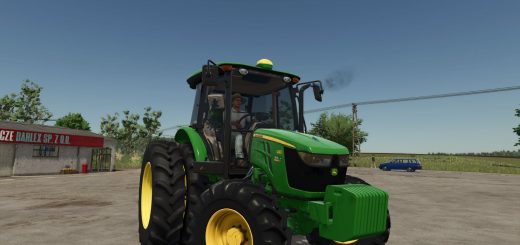
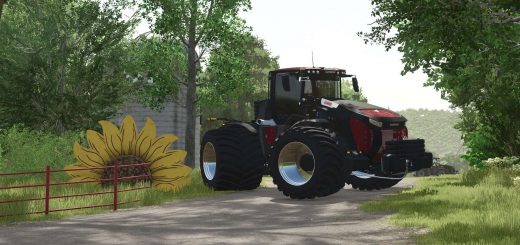
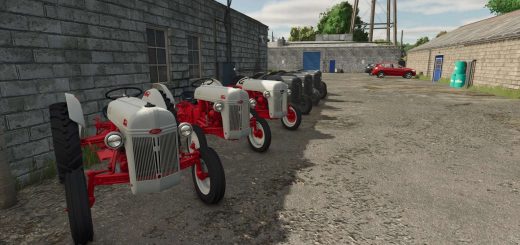
John Deere 7810 FR12 v1.5.1.4
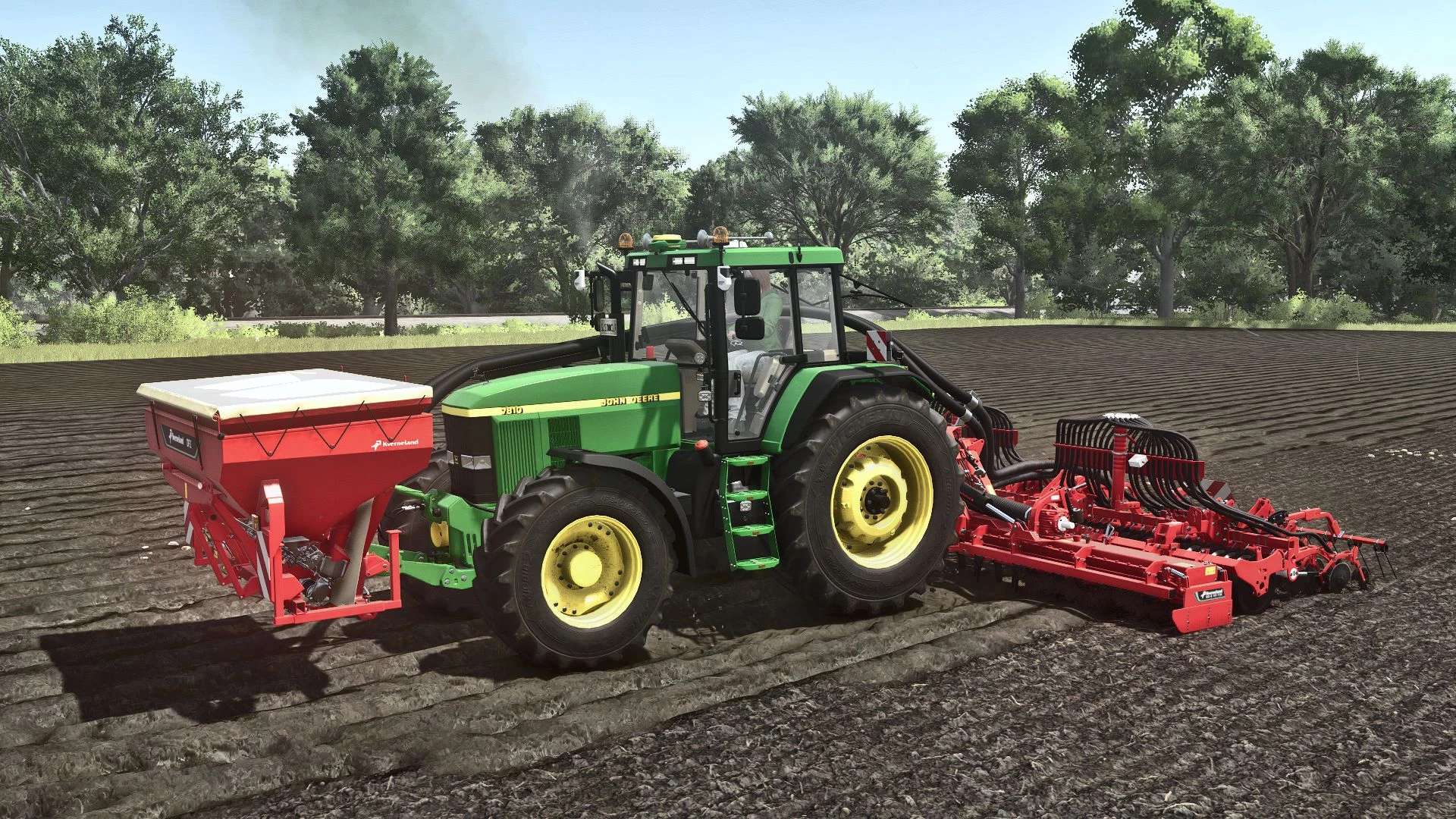
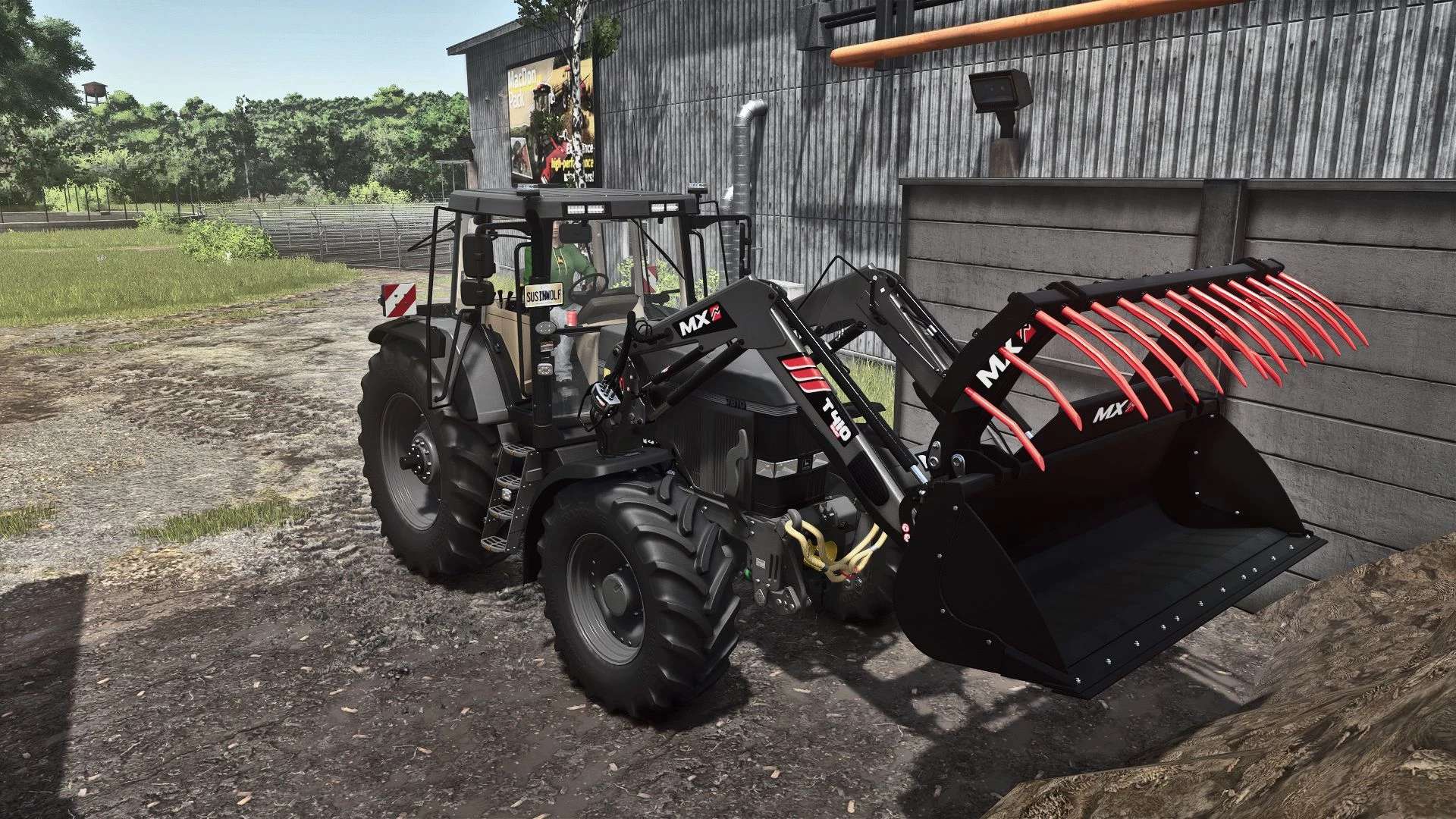
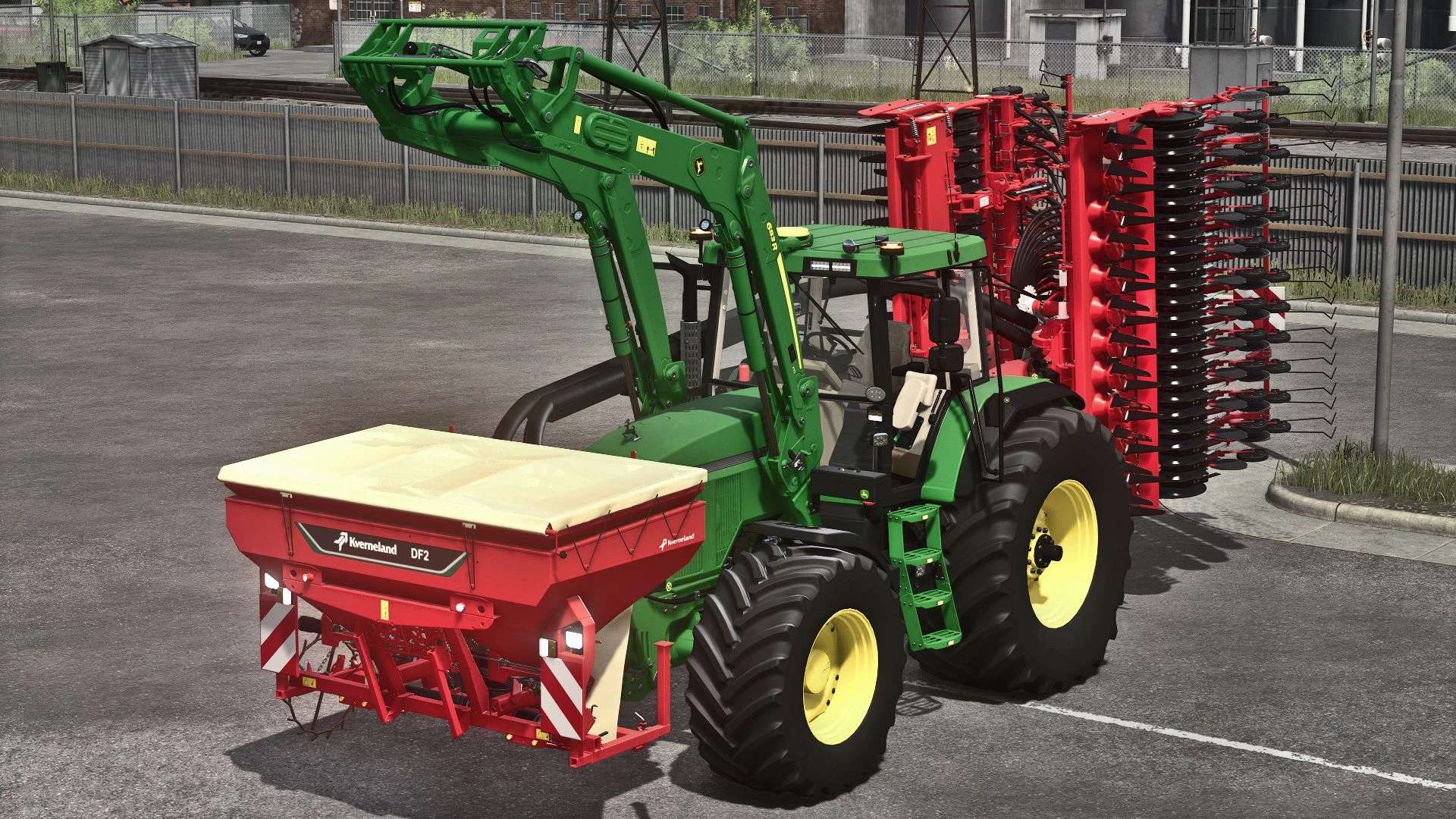
John Deere 7810 FR12 v1.5.1.4
Shop category: Medium tractors
Price: €68,000
Power: 160 – 485 HP
Maximum speed: 40 – 45 km/h
V1.5.1.4
– Several small fixes
– Exhaust material configuration added
– Fixed warning “Missing MX brand” when MX package is not installed
– Interactive controls
– Custom engine sound
– Different engine variants
7010 engine 119 kW/160 HP
7810 Motorization 130 kW/175 HP
Chip tuning of the 1st generation 186 kW/250 HP
Chip tuning of the 2nd generation 362 kW/485 HP
– Twin tires
– Narrow tires (1.5 m)
– Added wheelbase
– Extra wide tires from Michelin, Continental, Mitas, BKT and Vredestein
– Headlights, hood and fenders revised
– New mirrors
– New roof lights
– New rear license plate holder
– Front license plate position adjustable
– Radiator ornaments (lizard and deer)
– 3 different air horns
– Side warning signs
– Step lighting
– John Deere R6 front loader console
– MX front loading console
– Adjustable rotating beacon
– Exhaust grille adjustable
– Kaweco terminal
– Starfire and Matrix430
– Replaced wear shaders with Puszkap rust shaders
Those who have a version 1.3.9.0 and older must do this here in order to avoid losing hours and km in the savegame vehicles.xml at <vehicle modName=”FS25_johnDeereSeries7810FR12″ filename=”$moddir$FS25_johnDeereSeries7810FR12/series7810.xml” ….. to “……/series7810fr12.xml” can be changed.
This is my first mod that uses elements and inspiration from other mods.
Recommended mods:
Interactive Control
Precision Farming
MX Pack
Author: Franklen12 Hard-Modding Kalderone BlvckRaven silance