Multiple Silage Types V1.0.0.1
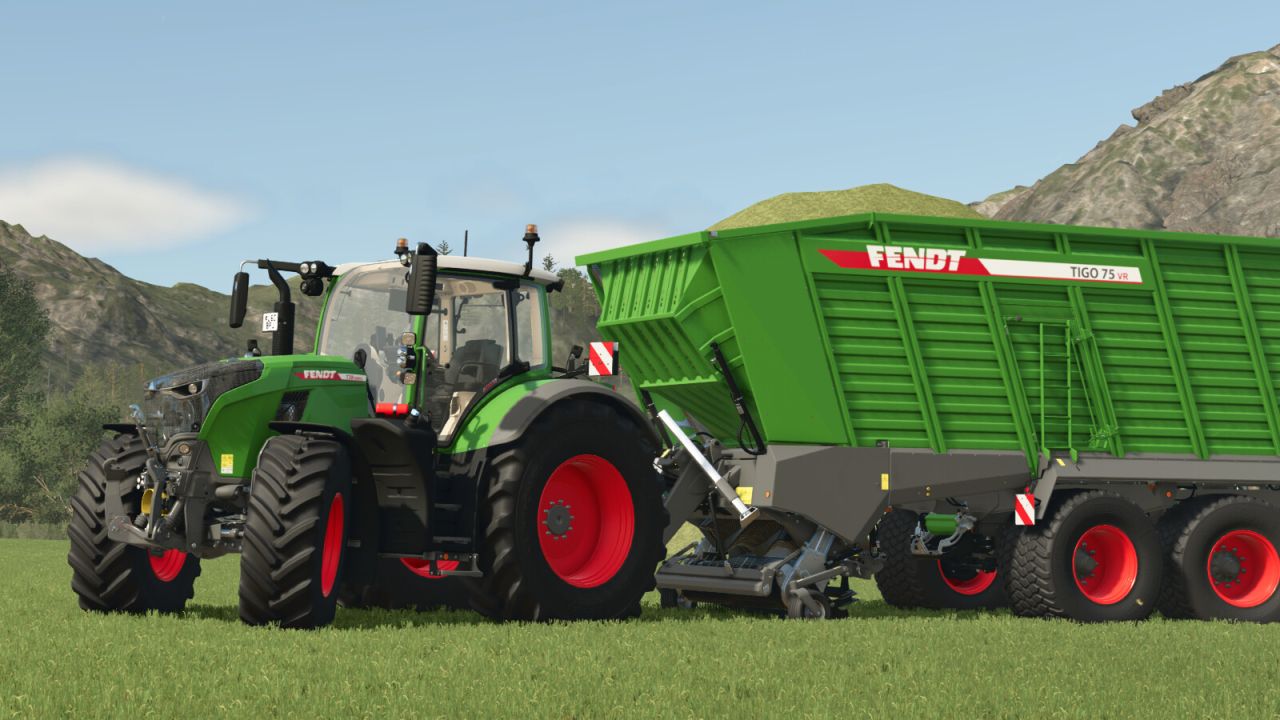
Multiple Silage Types V1.0.0.1
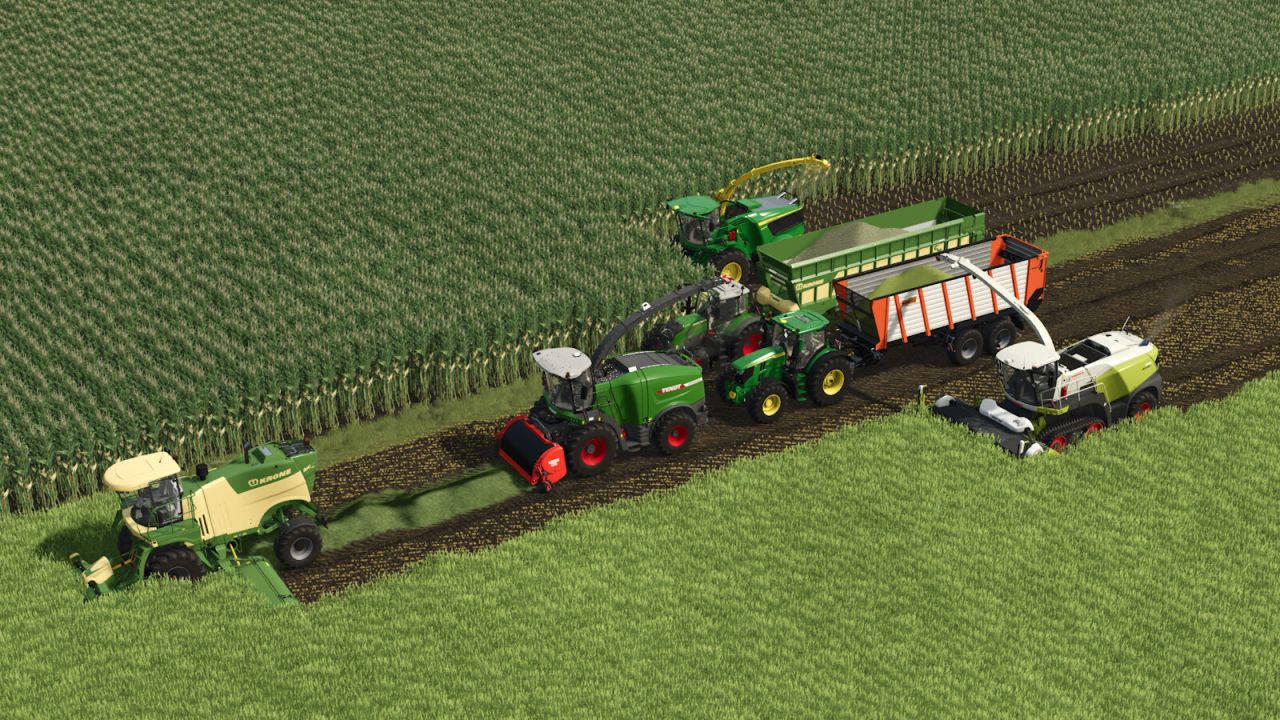
Multiple Silage Types splits silage production into crop-specific variants and adds new harvest mechanics.
NEW FILL TYPES
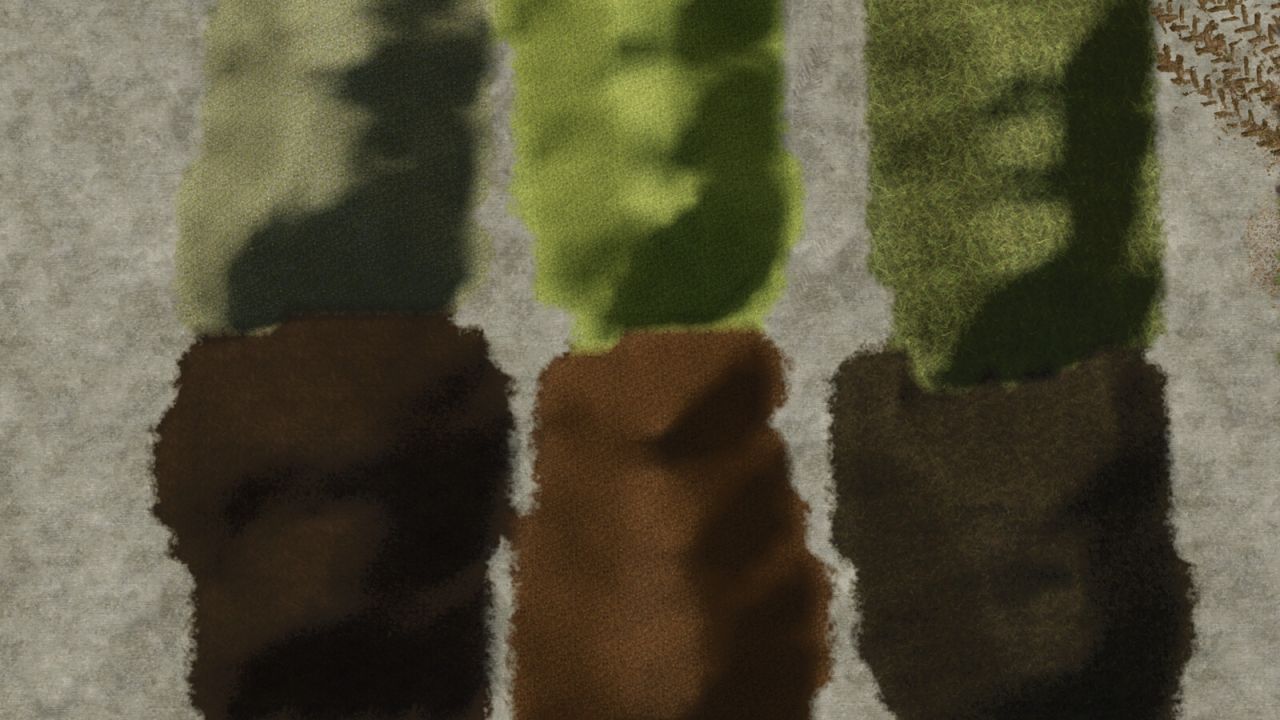
– Grass Chaff – produced by the forage harvester from grass, field grass and alfalfa
– GPS Chaff – produced from grain windrows (whole crop silage route)
– Grass Silage – fermented from Grass Chaff in bunker silos or wrapped bales
– Whole Crop Silage (GPS) – fermented from GPS Chaff
– Grain Windrow – produced by mowing wheat, barley, oat, triticale, rye or sorghum in the last growth stage
– Vanilla maize chaff → silage path remains completely untouched
GPS HARVEST CHAIN
Wheat, barley, oat, triticale, rye and sorghum can be mowed in their final growth stage. The mower produces grain windrows which are then picked up by a forage harvester with pickup header and turned into GPS Chaff.
FORAGE WAGON – KNIFE FUNCTION
Forage wagons gain a toggleable knife mode. When the knives are extended, picked-up grass is chopped into Grass Chaff instead of being loaded as loose grass. The knives slightly reduce driving speed and increase power consumption, but provide a small yield bonus (doubled with silage additives). A HUD overlay shows the current knife state.
FORAGE WAGON – COMPRESSION
When a forage wagon is turned on (pickup active), material in the loading area is compressed. This increases the effective capacity by 60 %. A second fill bar on the HUD shows the compressed fill level.
BALER SUPPORT
Balers can produce Grass Chaff and GPS Chaff bales with unique textures. Wrapped bales ferment into the corresponding silage type. Grass silage and GPS silage bales are available as buyable objects in the shop.
FULL INTEGRATION
– Mixer wagons: all fermented types are accepted as silage ingredients for TMR
– Animal feeding: fermented types are injected into the appropriate food groups
– BGA / selling stations: all new types are accepted by biogas plants and selling points
– Fill type categories: new types inherit all relevant vanilla categories (CHAFF, SILAGE, WINDROW, SHOVEL, FORK, etc.)
COMPATIBILITY
– Works on every map – including mid-save installation
– Multiplayer compatible with full network synchronisation
– Vanilla maize silage chain is not modified
V1.0.0.1
– Complete code rewrite: monolithic script (4300+ lines) split into 18 modular sub-modules
– New XML-based configuration (mstConfig.xml) – add new silage types without Lua changes
– Forage wagon: knife function to chop grass into Grass Chaff
– Forage wagon: compression change
– Forage wagon: HUD overlay for knife status and second fill bar for compression
Author: Beustertal_Modding