
Oberthal V1.1
Oberthal V1.1
V1.1.0.0
– Onion placement corrected
– Decorative grass (meadow) can be mowed and plowed again
– Stables can be placed with renewable pasture again
– Trigger for chicken coop delivery enlarged
– Script for disabling the time limit for missions revised, can now be enabled/disabled in the settings
– Sale of decorations for all farms corrected
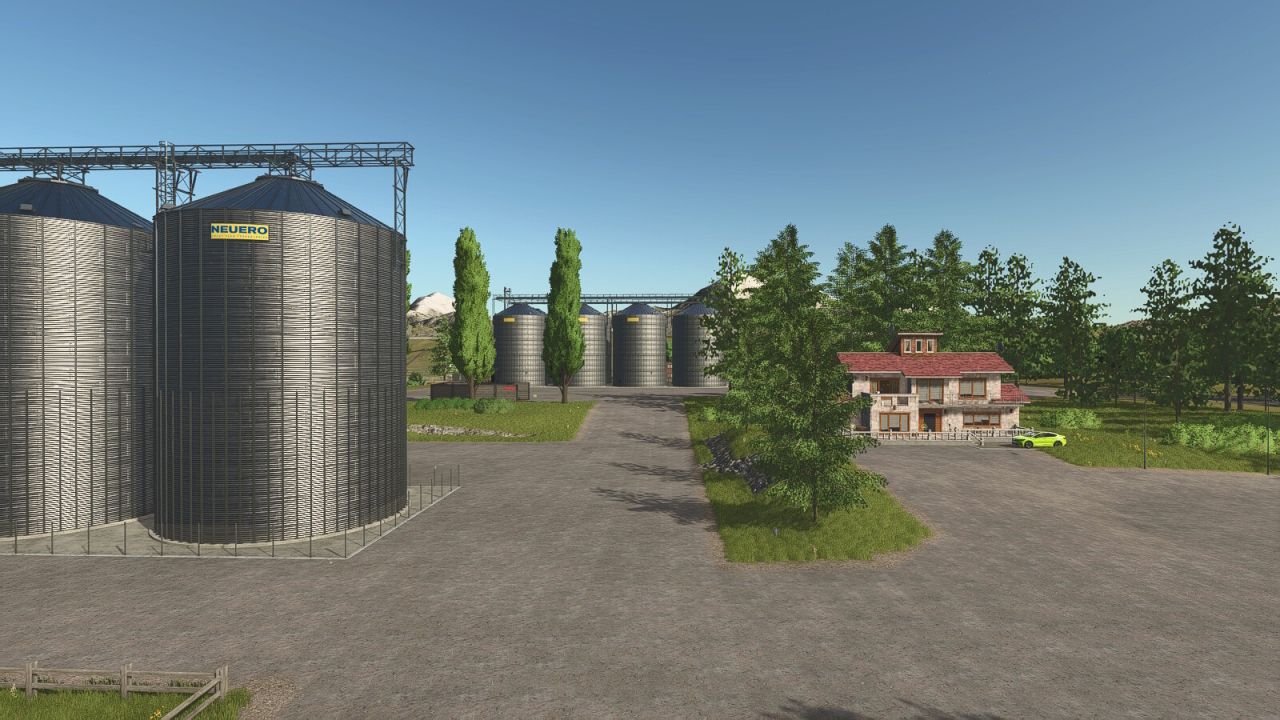
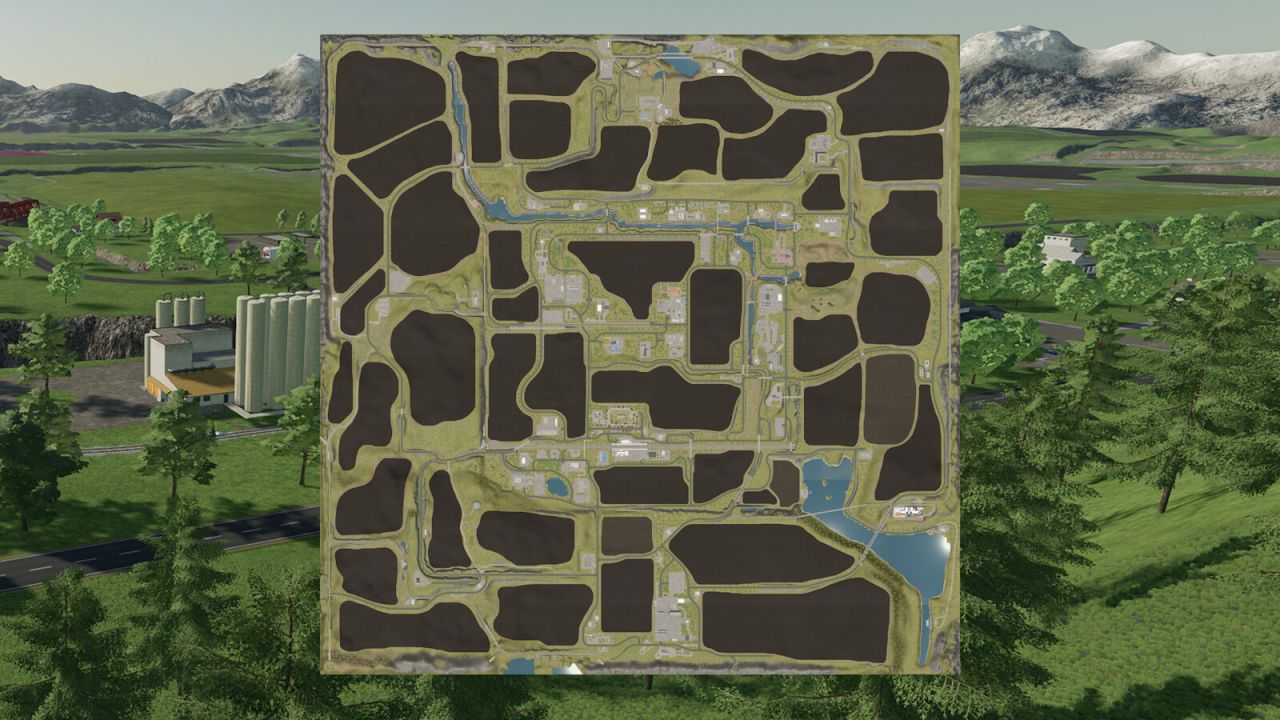
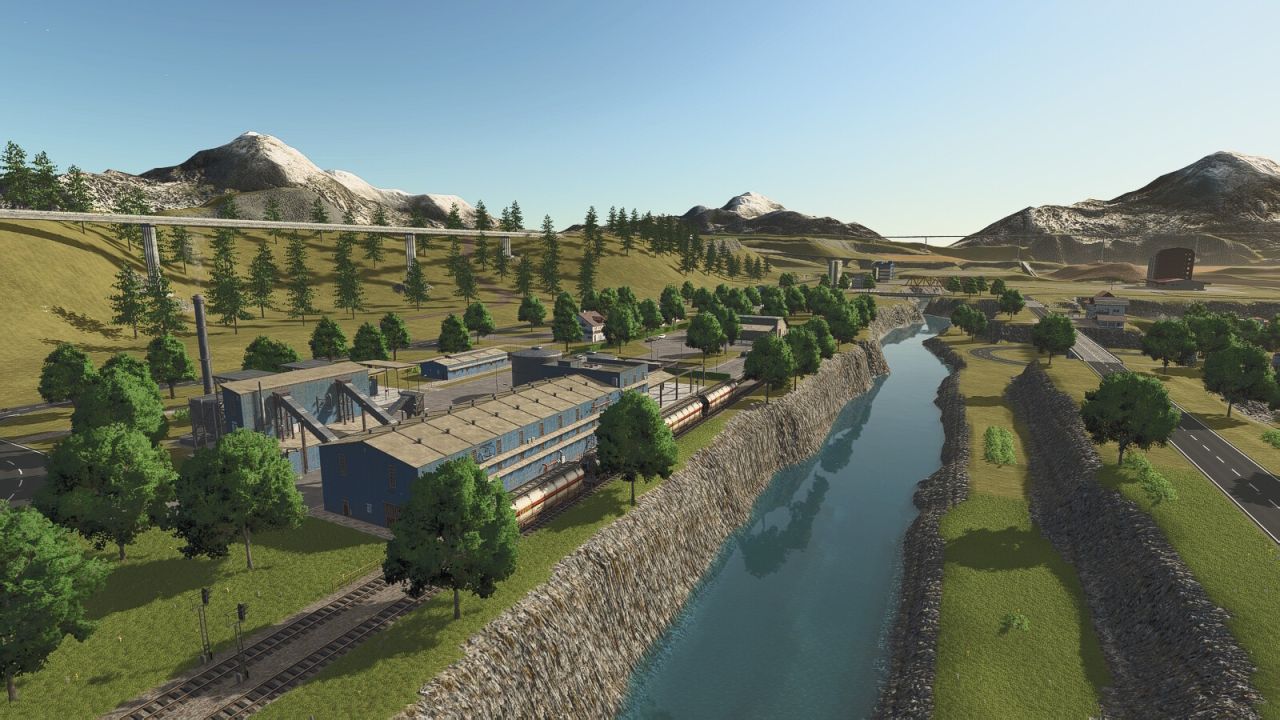
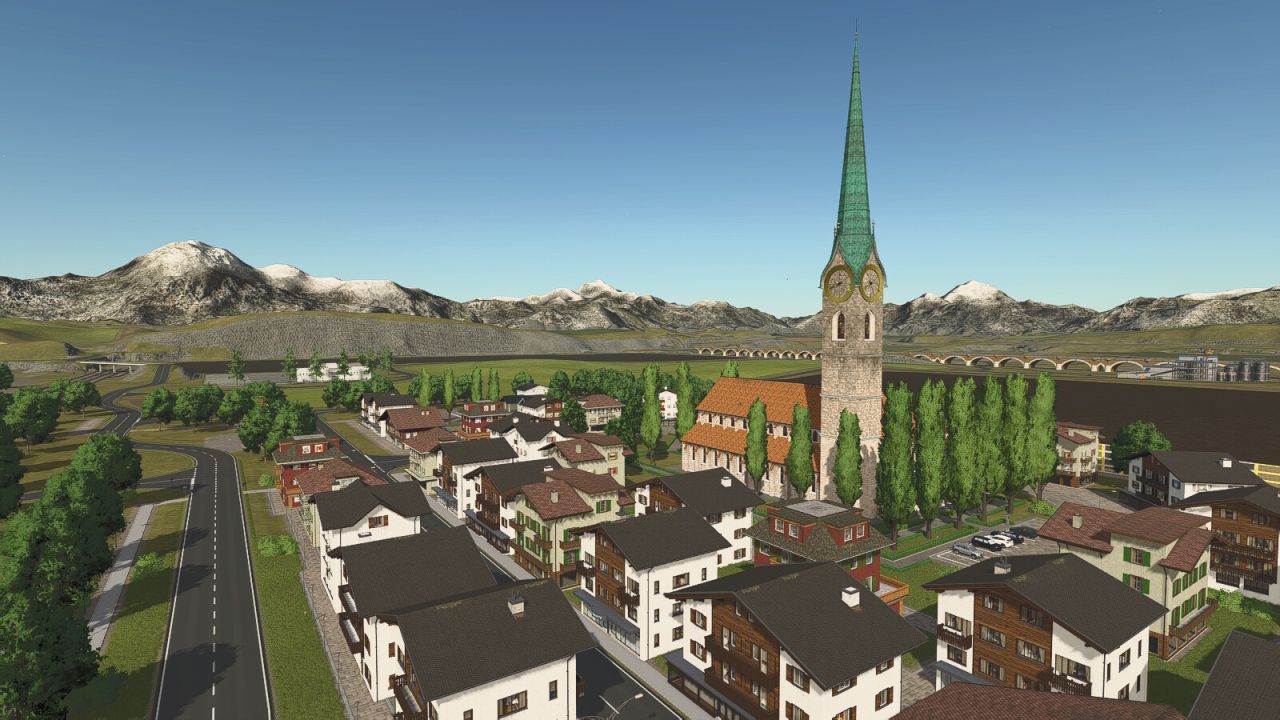
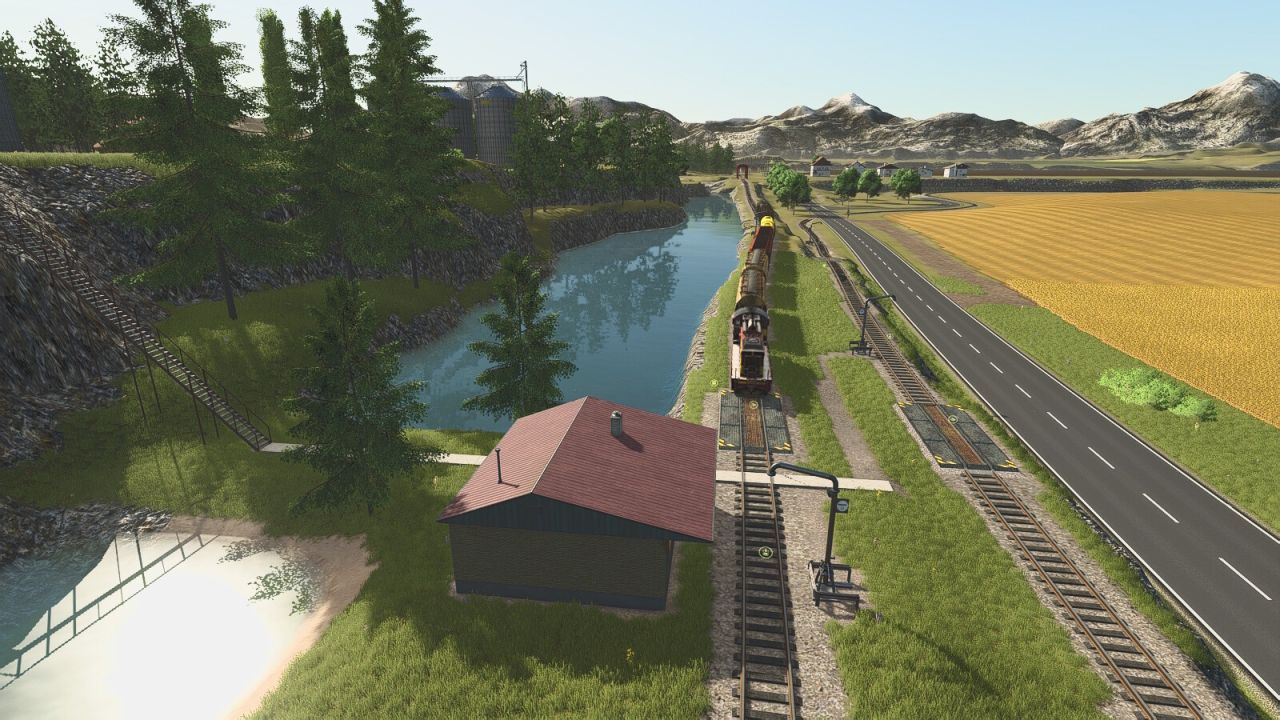
Welcome to the Oberthal. The terrain was freely invented and is not based on any real existing landscape in Germany. It is partly flat, partly very mountainous and demands a lot of technique and driving skills.
– Size: 4-fold
– There are a total of 47 fields ranging in size from approx. 1.7 ha to approx. 51 ha.
– Four prepared farms are available.
– A total of 60 pre-built production facilities; with a few exceptions, all production facilities require electrical energy to operate. Numerous energy suppliers are available for this purpose.
– All available fruits can be further processed.
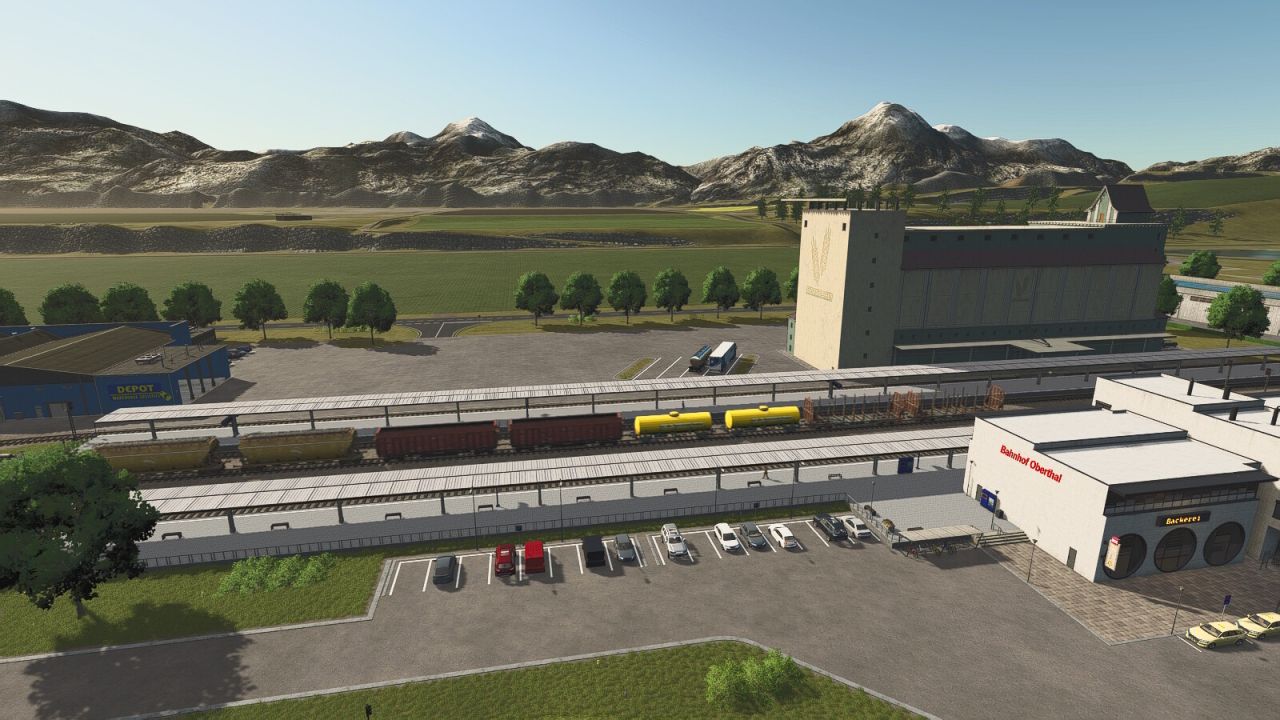
– 28 sales outlets.
– 88 areas available for purchase.
– One forest area is located near the sawmill, with additional forests scattered across the map.
– All standard products and the products on the map can be sold.
– Water extraction points are located on all farms, at the pond near the hardware store (free extraction only here), and at the greenhouses.
– Large stables with expanded capacities.
– Customized vehicles
– 5 open spaces for your own development.
To play the map, the FS25_MapsSupplementaryPackage mod from V 1.1.0.0 is required. This mod pack contains all productions and sales outlets for this map. If an older version of FS25_MapsSupplementaryPackage is used, the map will not start.
Required mods:
Digital Display
Wide Garage
Vehicle Workshop
Sugar Beetchopper
Maps Supplementary Package
Author: [LSMT] FalPos


Great map! Absolutely love it! One problem is when planting grass. It will mow with AI helper and Tedder with AI helper but it will not Windrow with AI. It makes you do it. Message says field has been worked. Another problem is when Honey pallets spawn the front loader goes through the pallet. You can’t pick them up to load.
Bonjours. La carte est magnifique déjà des heures jouer dessus. Bravos à l’auteur. Juste un soucis impossible de vider les betteraves a la sucrerie.
CORDIALLEMENT:
Très belle carte, beaucoup de travail. *****