Object Storage Extension V1.0
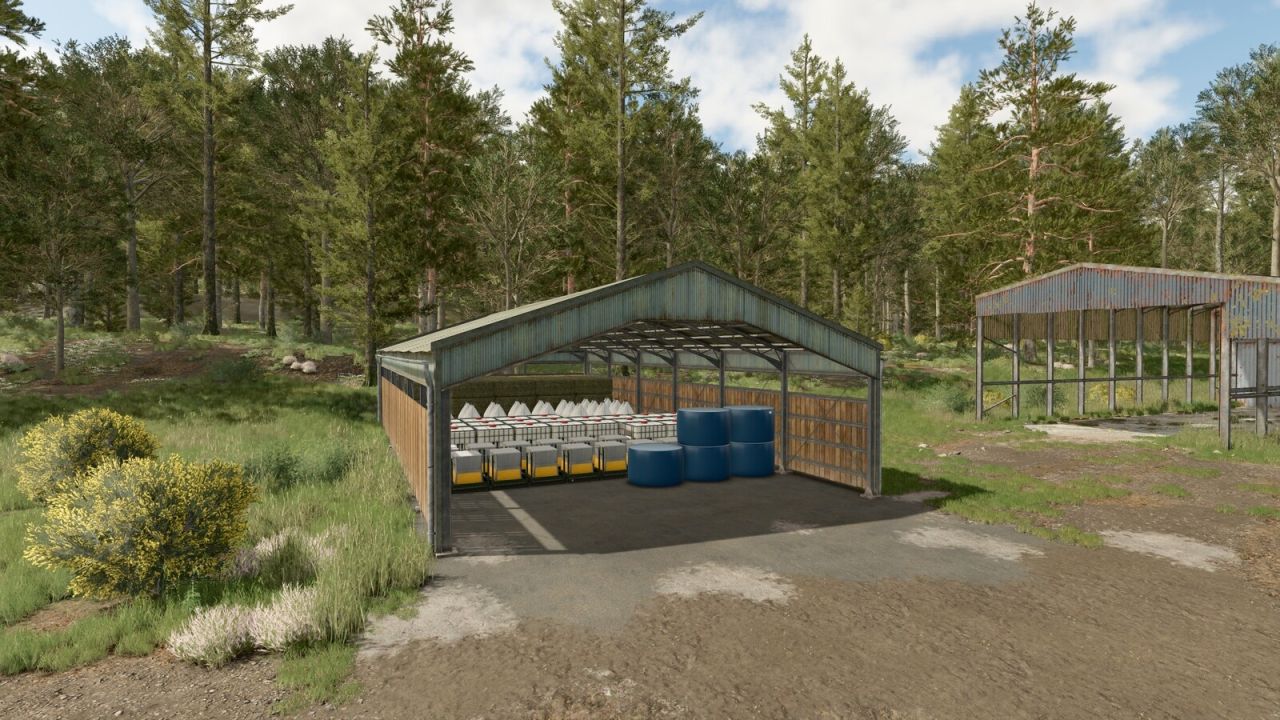
Object Storage Extension V1.0
An extension for the base game ‘Object Storage’ system that brings back some of the features found in the original ‘Object Storage’ mod (FS17 – FS22).
Along with improving some existing features it is also now possible for users to adjust building configurations so you can play your way.
Global Menu:
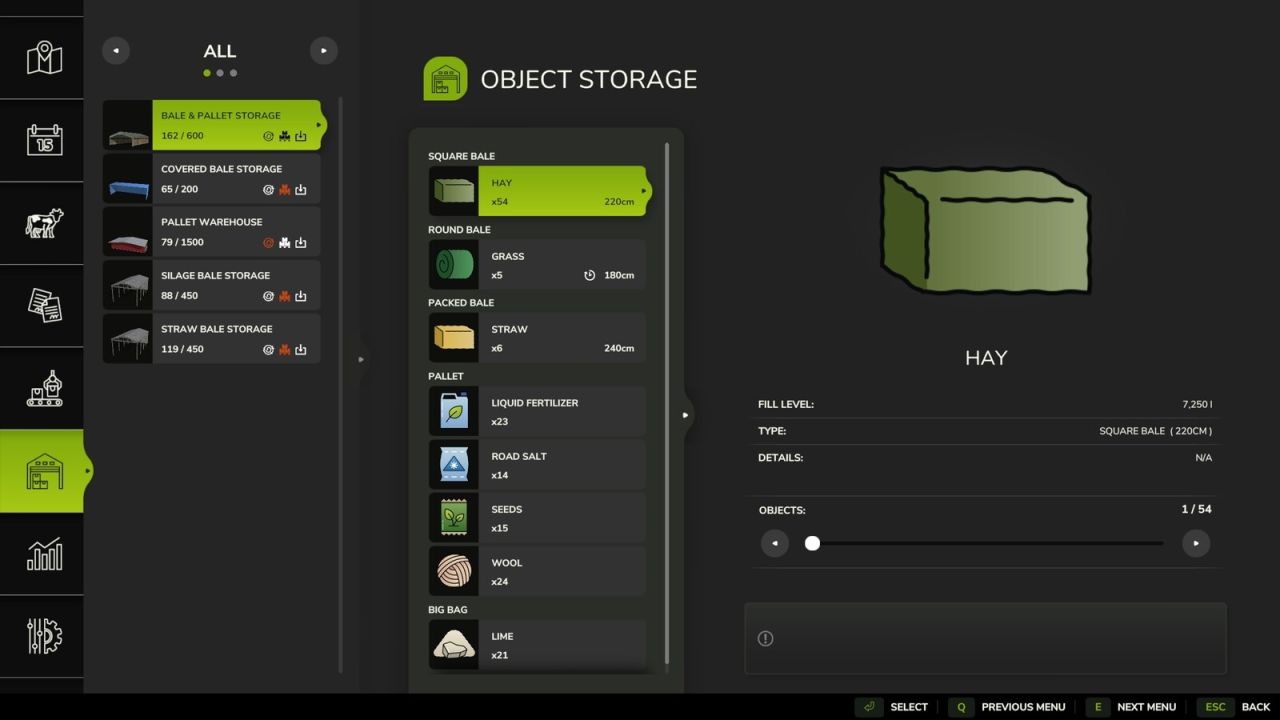
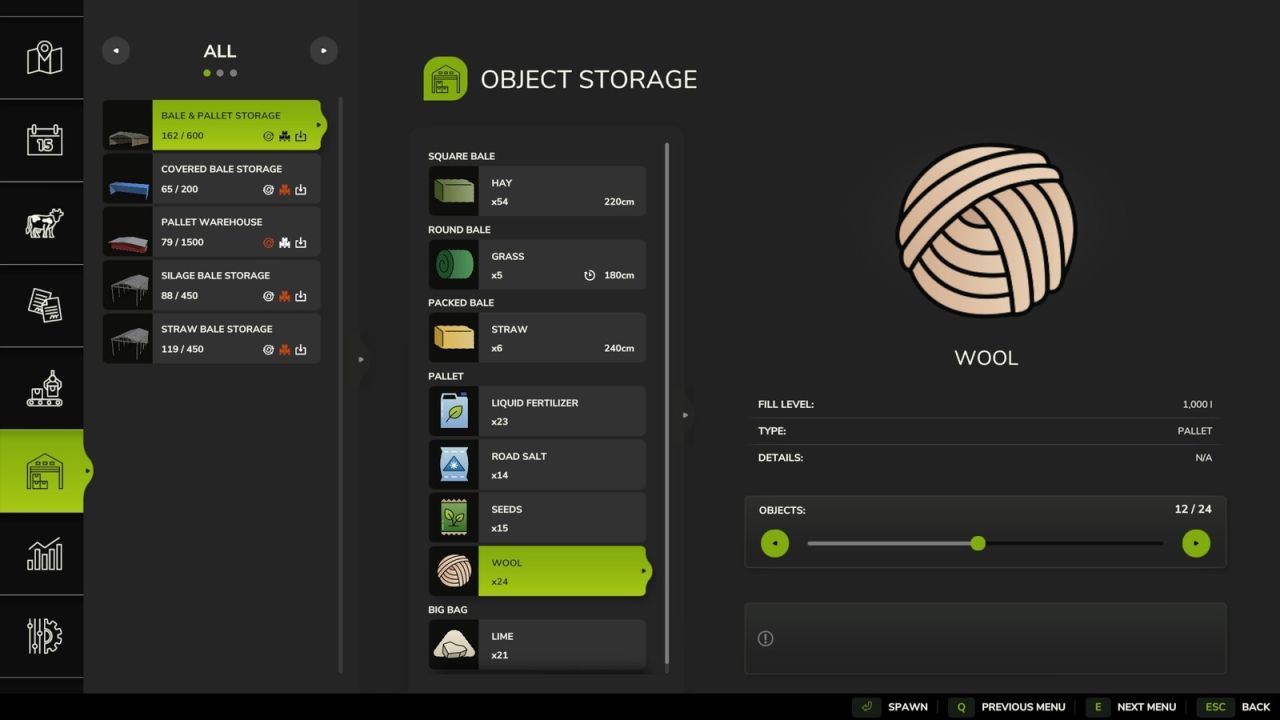
A new tab is now included as part of the In-Game Menu allowing easy viewing and spawning of all stored objects.
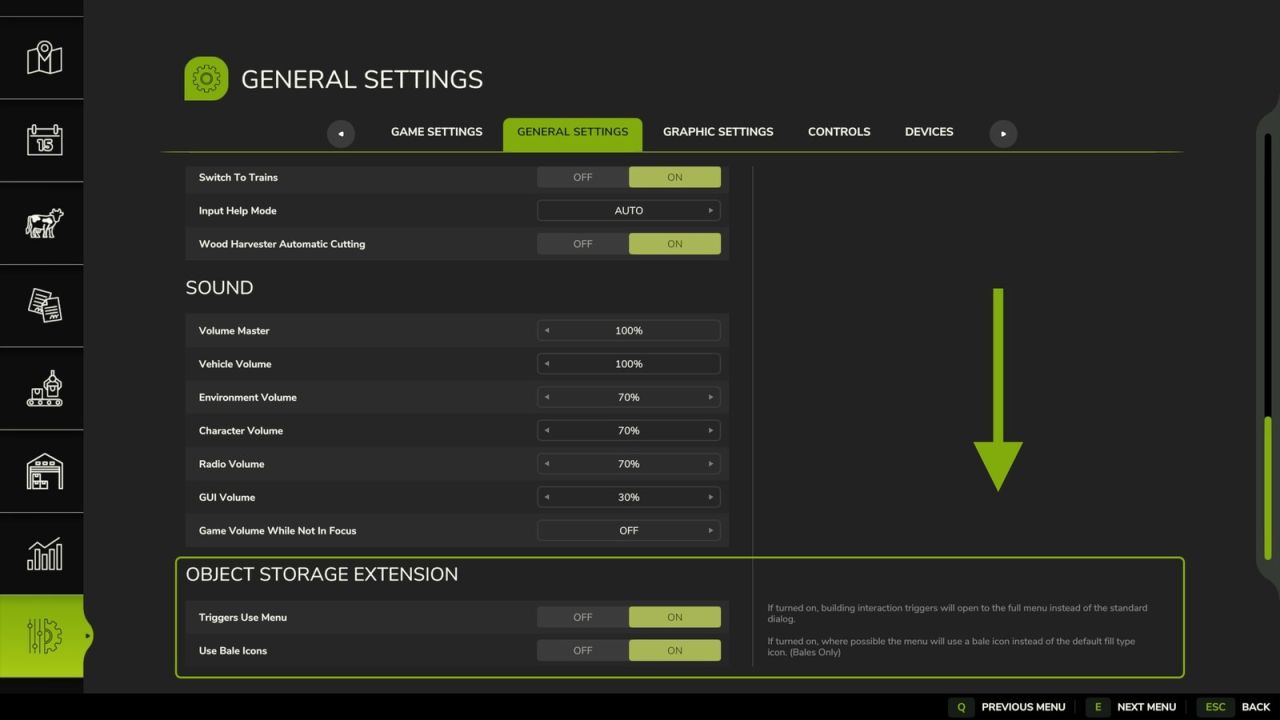
It is possible to adjust some menu options from the ‘General Settings’ screen.
Configuration – Input Trigger:
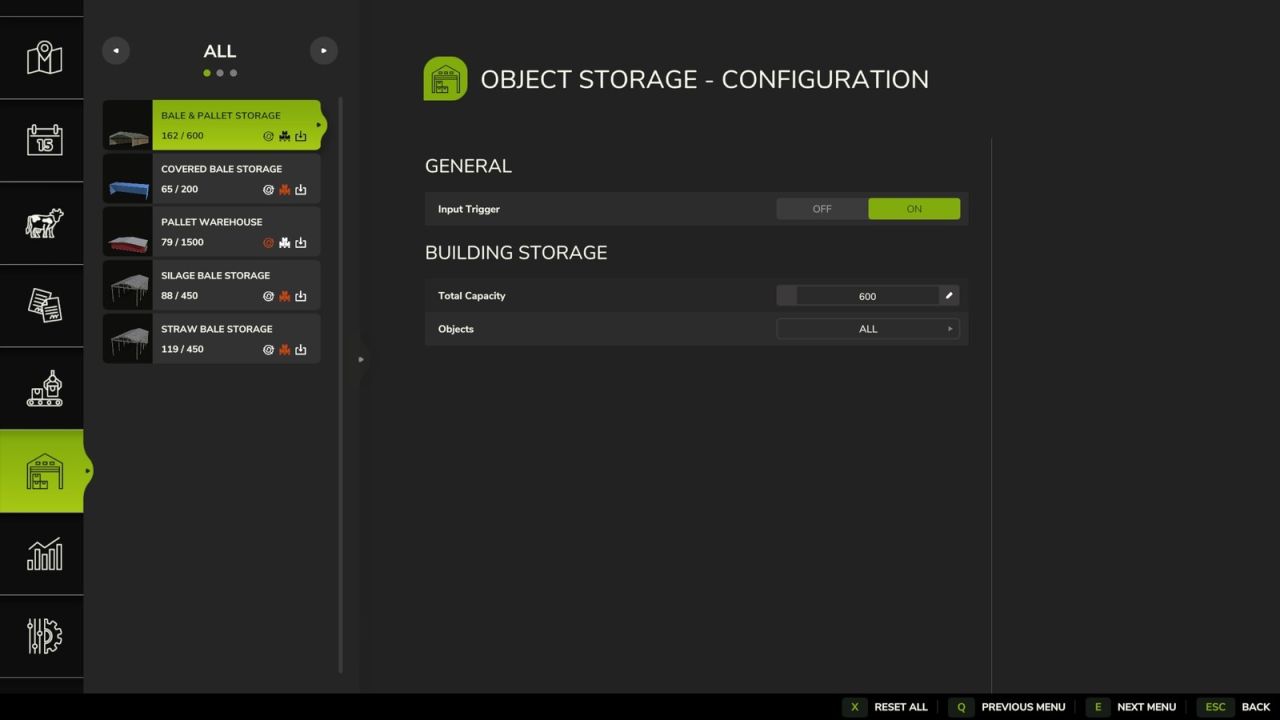
It is now possible to disable each buildings input trigger, helping you avoid unwanted delivery of objects.
Configuration – Capacity:
Do you have a building that stores too many objects for your realistic gameplay or would you love just a little more space? Now you can easily adjust the capacity of your storage buildings to a number you are happy with.
Configuration – Object Types:
Wishing you could limit a building to bales or pallets only? This is no longer a problem, simply select the object type you wish to store.
Improvement – Packed Bales:
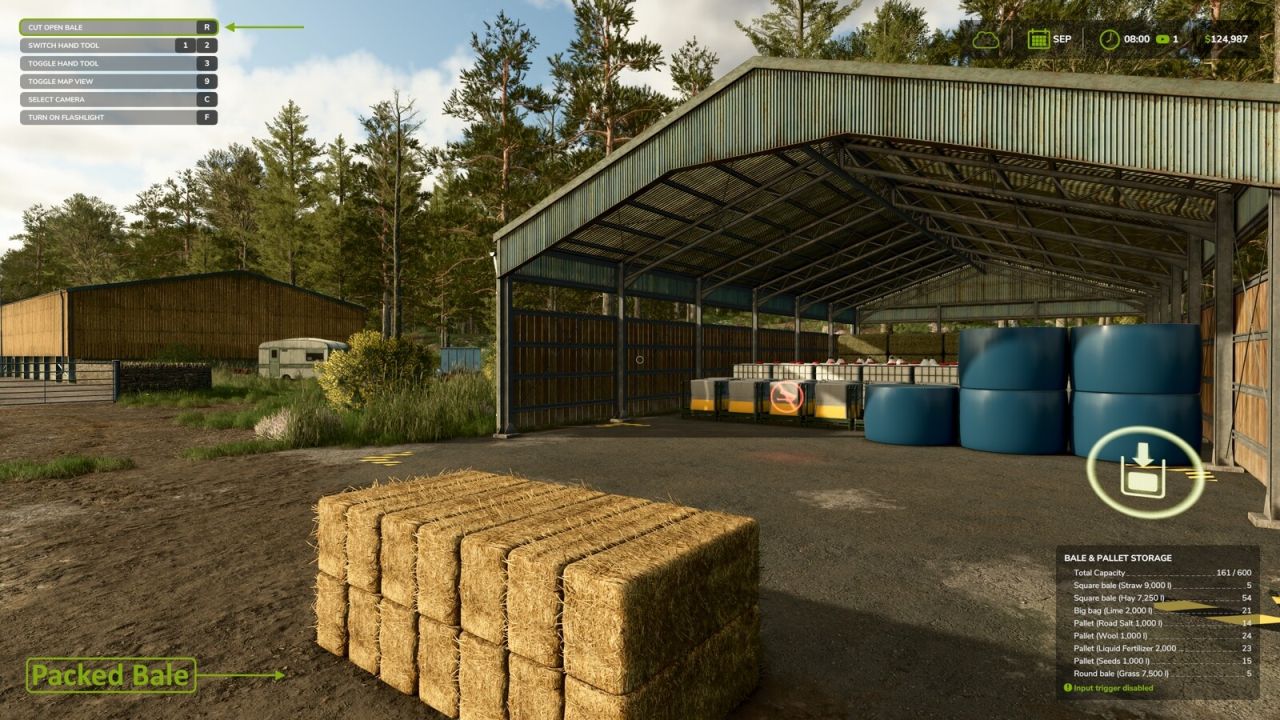
Object storage buildings now fully support packed bales, allowing them to be cut open once removed from storage.
Improvement – Fermenting Bales:
Fermenting bales are now correctly grouped in the menu, dialog and info pop-up once fermenting is complete without requiring a game restart.
Improvement – Multiplayer Bale Colours:
Bale colours are now synced in multiplayer games instead of the default white. To reduce unnecessary network bandwidth bales of the same fill type and size will use the colour of the first bale added to storage similar to a single-player game.
NOTE:
There are more updates planned to include extra modding options, these will be released as they are completed.
Author: GtX