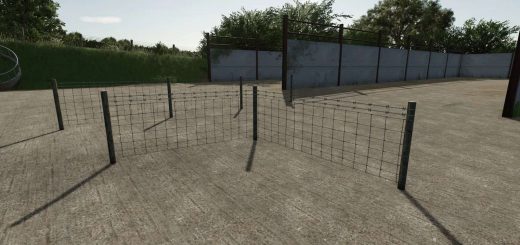
Placeable Design Kit V1.1.0.2
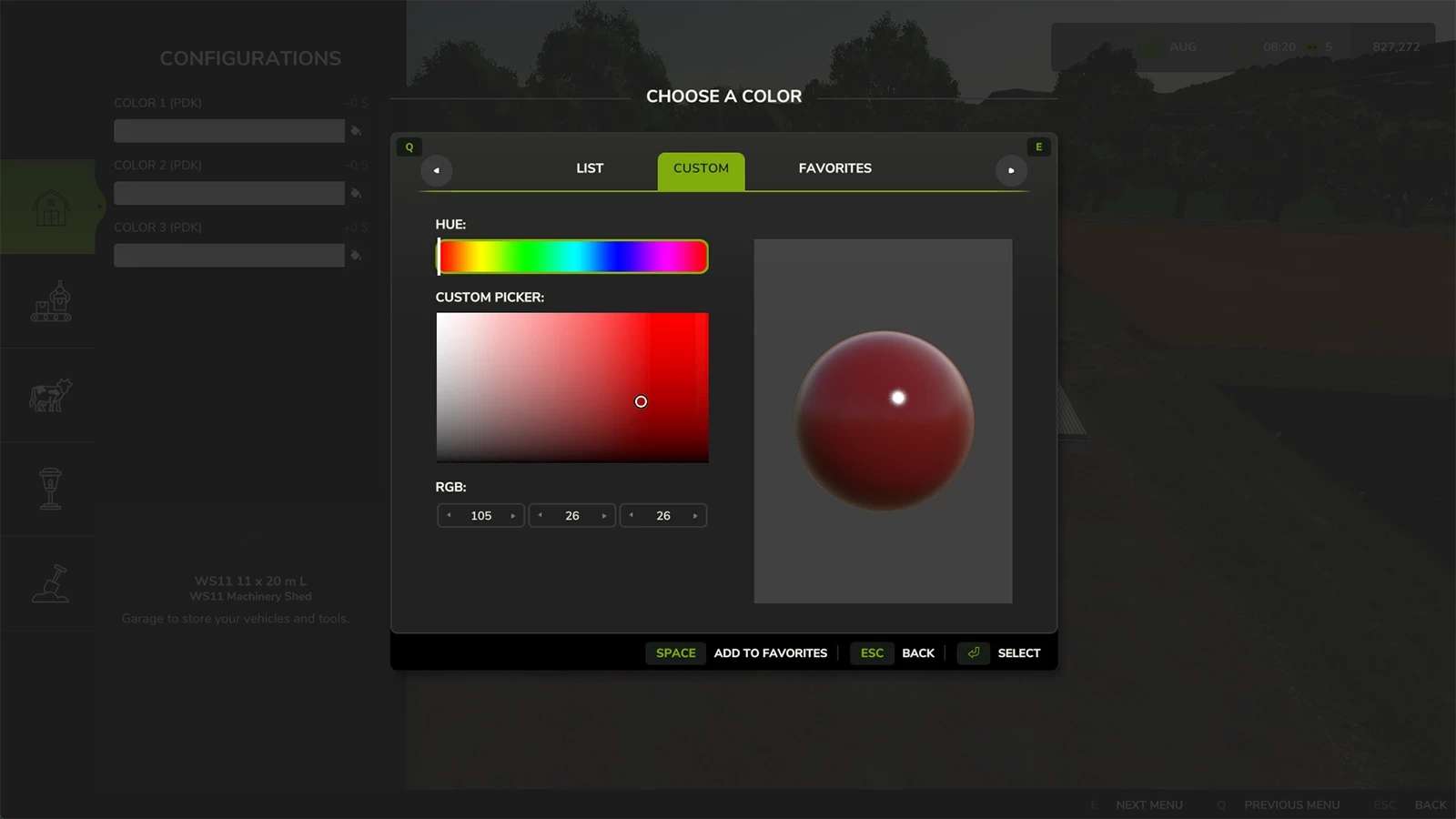
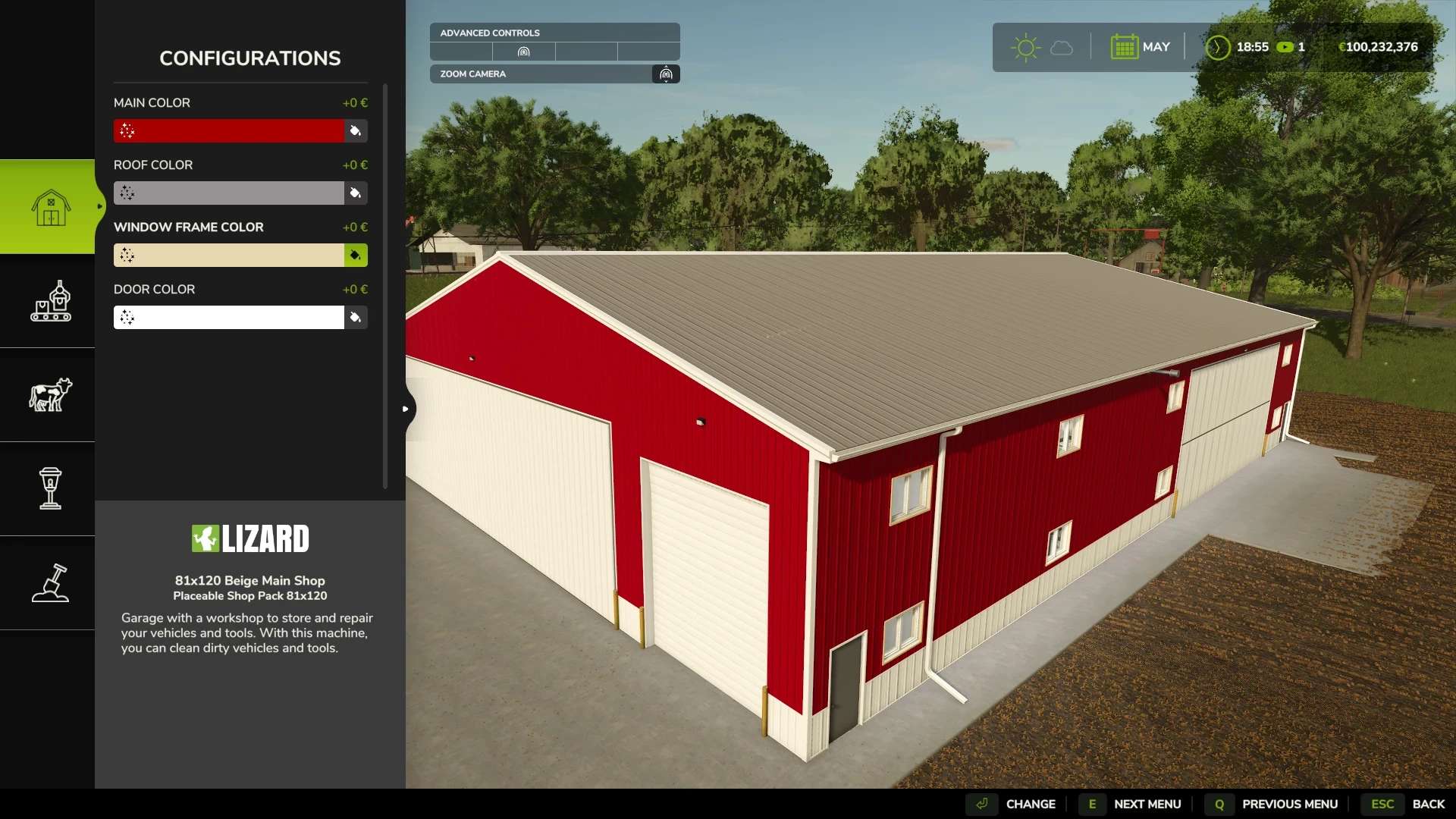
Placeable Design Kit V1.1.0.2
Changes: 1.1.0.2
Fixed an issue with placeables that have a shader parameter other than colorScale0 listed in the <nodeParams> section. These should start working again.
Changes 1.1.0.1:
Filename change to maximize compatibility with other mods.
Important Notes:
There has been a filename change. The script itself remains the same. The change is in an effort to maximize compatibility with other mods. DO NOT run the old filename version and this one at the same time!
It is advisable to use the vanilla color configuration section for the first selectable color and only use the design kit for additional color and design options. This way, the placeable will continue to work without this mod, and will be usable on console. The Design Kit xml entries will just be ignored by the game if this mod is not loaded.
There are some placeables floating around using the old Placeable Design Kit configuration that was discontinued and replaced by this one January 2025. Those old keys were only left in temporarily to give people time to update to the new Design Kit keys. Placeables that were not updated during that time will no longer work with this version and need to be updated.
This script is NOT compatible with the Placeable Design Kit. Again, that script was discontinued January 2025. Running both scripts at the same time will cause conflicts and/or prevent both from functioning correctly.
Features:
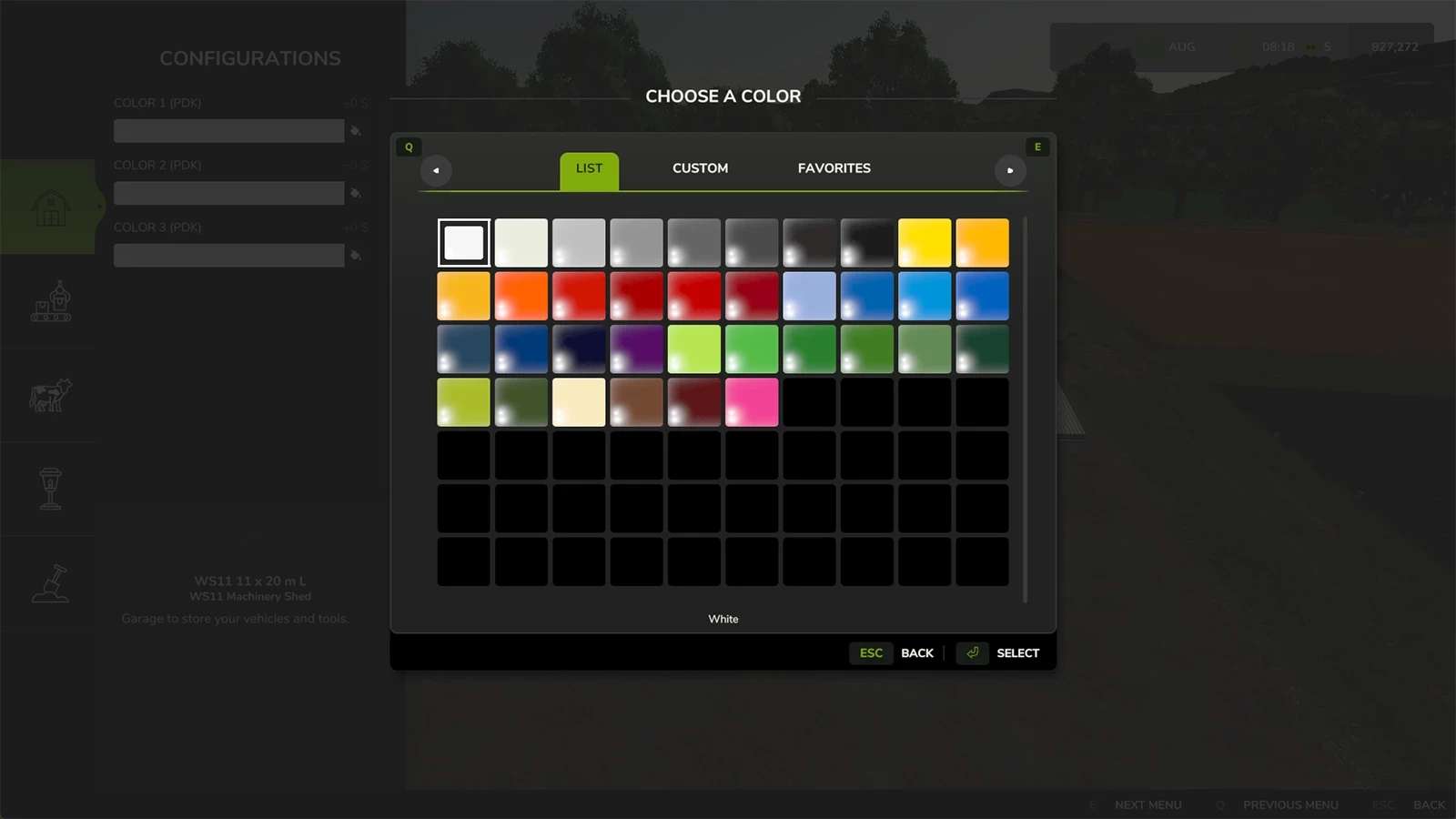
Up to 50 pre-registered color configurations for placeables
<thColor1Configurations> – <thColor49Configurations>
<thColorConfigurations> may also be used
Up to 50 pre-registered design configurations for placeables
<thDesign1Configurations> – <thDesign49Configurations>
<thDesignConfigurations> may also be used
Vehicle color configurations increased to 50
<designColor1> – <designColor49> (also simply <designColor>)
Vehicle design configurations increased to 50
<design1> – <design49> (also simply <design>)
Placeables can be reconfigured after placement, with some game limitations.
Configurations are usually set when a placeable first loads, meaning a game restart may be required for certain configuration-dependent features to activate. The only other alternative would be to force reload the placeable, which would lose all of its contents since last save.
Visual changes (i.e. color, translation, rotation, scale) are unaffected by this limitation.
This only applies to placeables that are configured after being placed.
Precision mode can be toggled while in the construction menu, which makes some fundamental camera changes
Movement and zoom is slowed, allowing for more precise placement.
Minimum zoom increased, allowing better view of objects at close range.
Camera collision disabled, useful for redesigning interiors and placing objects inside of other objects.
Edge scrolling is disabled while the configurations (i.e. color/design) menu is open to prevent the camera from moving away from the object being configured when selecting colors, etc.
Configurations limit has been increased from 127 to 65535, so essentially removed.
Shader parameters other than colorScale0 can be used with the color system.
Game always uses colorScale0 by default
Building shader can use “colorScale1” – “colorScale7”
Vehicle shader simply uses “colorScale”.
Keybinds are right shift + ? for reconfiguring existing placeables and right shift + P to toggle precision mode. These can be changed inside of the in-game menu controls section.
Author: ThundRFS