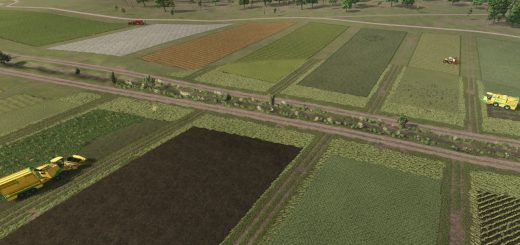
Realistic Soil & Fertilizer V1.1.5

Realistic Soil & Fertilizer V1.1.5
Realistic Soil & Fertilizer Mod for Farming Simulator 25
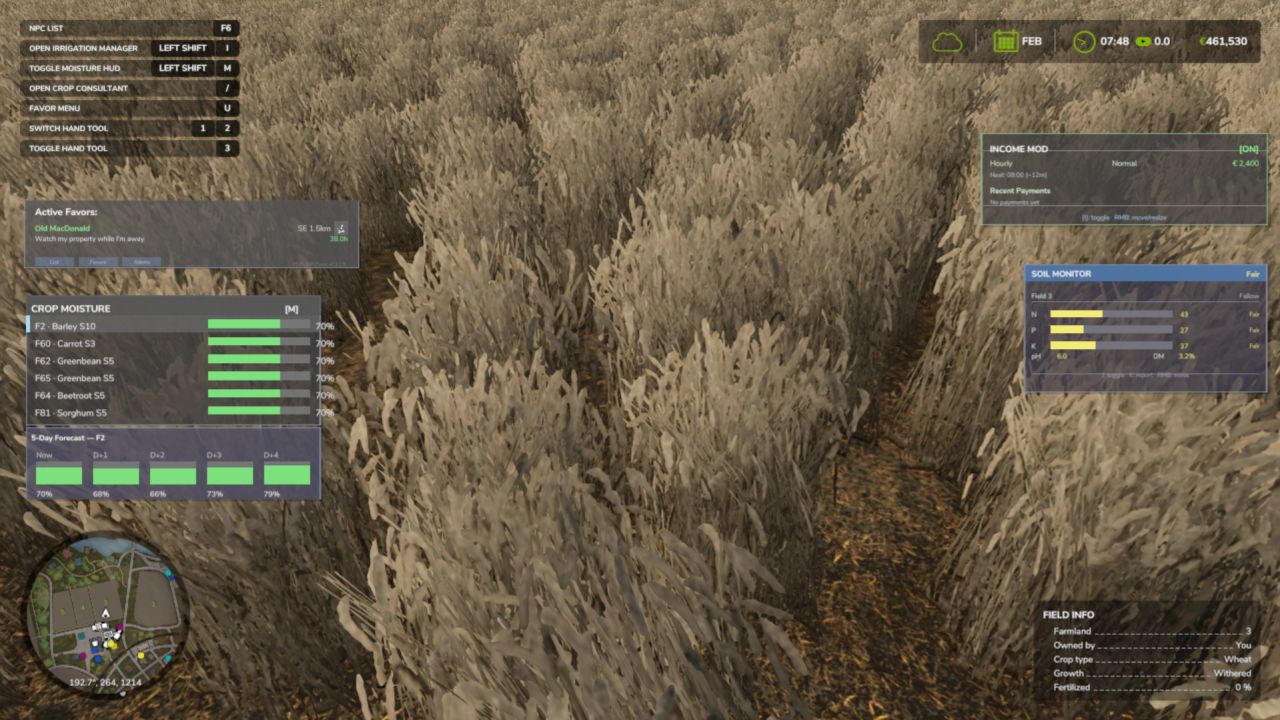
Adds meaningful depth to farming without overwhelming complexity. Every field has its own soil health — nitrogen, phosphorus, potassium, organic matter, and pH — that changes based on what you grow, what you apply, and what the weather does. Ignore your soil and yields will suffer. Manage it well and your farm runs more efficiently.
SOIL NUTRIENTS
Each field independently tracks five values:
– Nitrogen (N) — depletes heavily from most crops, especially corn and wheat
– Phosphorus (P) — depletes more slowly, matters most for root crops
– Potassium (K) — lost in large quantities with high-yield harvests
– Organic Matter (OM) — improves long-term fertility; manure and compost build it up
– pH — affects how well nutrients are absorbed; lime and gypsum adjust it
Crops extract different amounts of each nutrient. Fallow fields slowly recover on their own.
FERTILIZER TYPES
The mod recognizes all major fertilizer types used in the base game and common mods:
Synthetic:
– Liquid Fertilizer — balanced N/P/K, quick uptake
– Solid Fertilizer — higher phosphorus, standard cost
– Digestate — biogas byproduct, strong nitrogen and potassium
Organic:
– Manure — slow-release, builds organic matter
– Slurry — liquid organic, high in potassium
– Compost — excellent organic matter boost
– Biosolids — good all-around organic option
– Chicken Manure — concentrated nutrients, builds organic matter
– Pelletized Manure — processed for easier application
pH Management:
– Lime — raises pH significantly
– Liquid Lime — slightly gentler than dry lime
– Gypsum — stabilizes pH, improves soil structure
Each type has realistic nutrient profiles with appropriate application rates in metric or imperial units.
SPRAYER RATE CONTROL
Control exactly how much fertilizer you apply per pass:
– Rate Up / Rate Down keybindings let you adjust on the fly while in the cab
– Auto-Rate mode automatically sets the application rate based on how depleted the field is — heavy deficits get more, healthy soil gets less
– Rate persists per vehicle so you don’t lose your setting when you get out
HUD
A real-time soil panel shows the current field’s nutrient levels at a glance:
– 6 position presets (top right, top left, bottom right, bottom left, center right, or custom)
– Custom position is draggable — put it exactly where you want it
– 4 color themes: Green, Blue, Amber, Mono
– 3 font sizes
– 5 transparency levels
– Compact mode for smaller displays
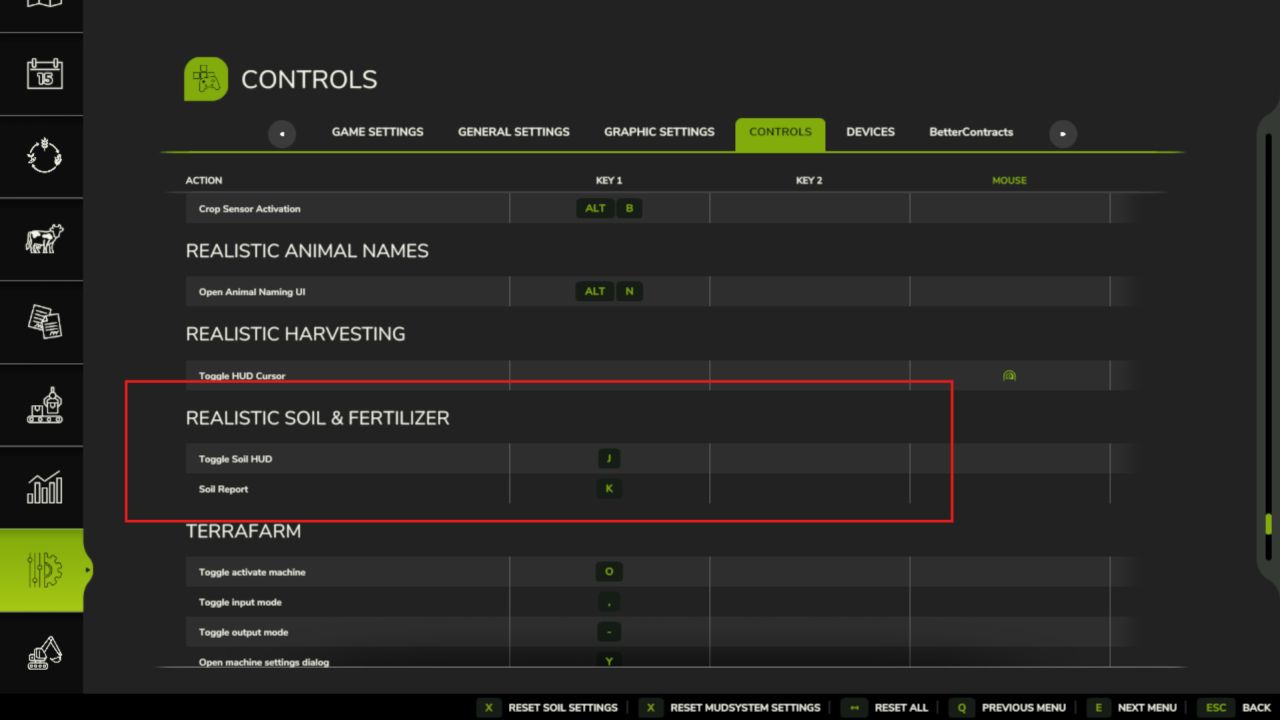
– Toggle the HUD on/off with a keybinding
– All HUD settings are per-player and don’t affect other players in multiplayer
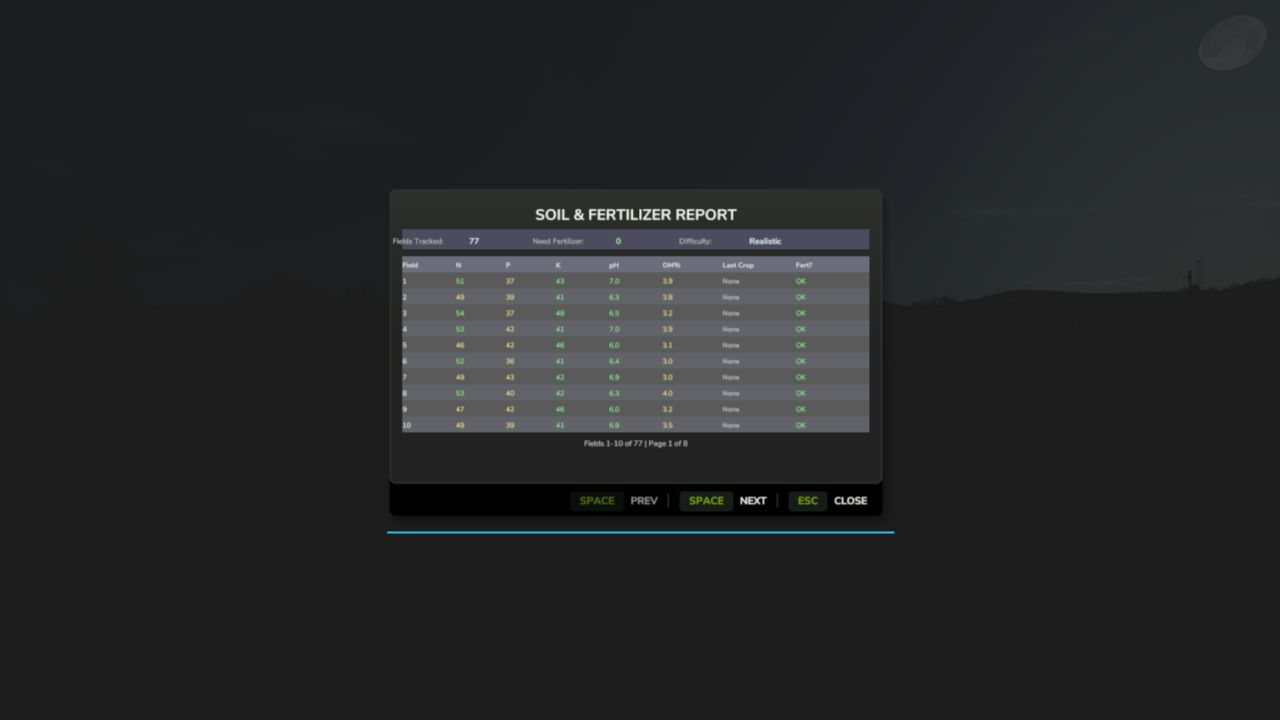
A full Soil Report is also available via keybinding, showing a detailed breakdown for the current field.
SETTINGS
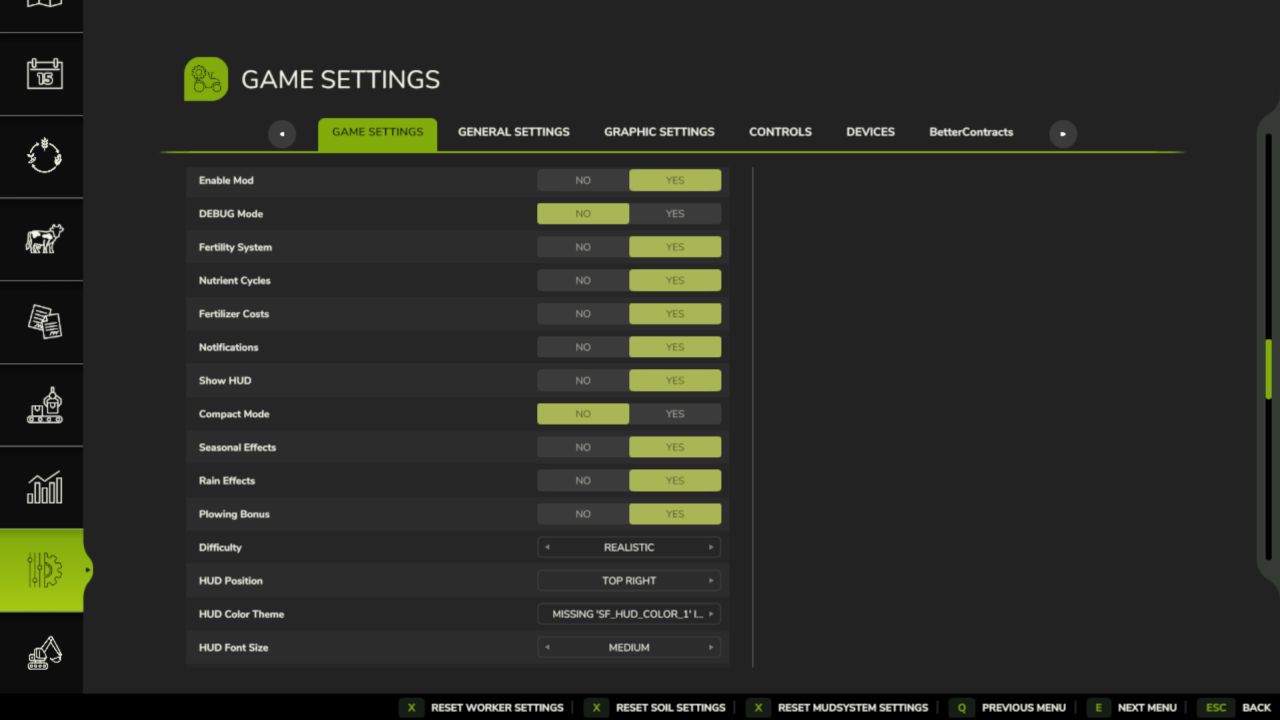
All settings are in-game under Soil & Fertilizer in the game menu. In multiplayer, gameplay settings are admin-controlled. HUD/display settings are always per-player.
Toggleable systems:
– Fertility system (enable/disable the whole mod)
– Nutrient cycles
– Fertilizer costs
– Seasonal effects (nitrogen behavior changes by season)
– Rain effects (rain causes nutrient leaching)
– Plowing bonus (plowing improves soil health)
– Auto-Rate Control
– Notifications (low nutrient warnings)
Difficulty levels:
– Simple — reduced depletion, lower costs, more forgiving
– Realistic — balanced, standard rates (default)
– Hardcore — rapid depletion, higher costs, no room for neglect
Units: Switch between metric (kg/ha) and imperial (lb/ac) per player.
PRECISION FARMING COMPATIBILITY
If the official Precision Farming DLC is active, this mod automatically enters read-only mode. It does not interfere with PF soil data — it just observes. No conflicts.
MULTIPLAYER
Fully supported. The server controls gameplay settings. Each player controls their own HUD preferences. Field soil data is synced to all clients. New players joining mid-session receive a full state sync automatically.
CONSOLE COMMANDS
Type soilfertility in the developer console (tilde key) to see all commands. Key ones:
soilfertility — show all available commands
SoilEnable / SoilDisable — toggle the mod
SoilSetDifficulty 1/2/3 — set difficulty
SoilFieldInfo <fieldId> — show soil data for a specific field
SoilShowSettings — display current settings
SoilResetSettings — reset everything to defaults
SoilSaveData — force save soil data to disk
SoilDebug — toggle debug logging
COMPATIBILITY
– Works with all maps
– Works with all vehicles and sprayers
– Compatible with crop rotation mods
– No known conflicts with other mods
– Save game compatible — existing saves load normally
INSTALLATION
Extract the zip into your mods folder. Configure in-game under Soil & Fertilizer in the settings menu. No additional steps required.
V1.1.5.0
Soil fertility changes were being calculated independently on every machine in multiplayer, causing fields to desync between the host and other players over time. This hotfix ensures only the server runs the calculations.
What’s fixed:
– Harvest, plowing, weather, and field ownership effects now only apply on the server and sync correctly to all players
– No more fertility desync in multiplayer or on dedicated servers
No save migration needed.
Author: tisonK