Silverrun Forest Multifruit Edition v1.2
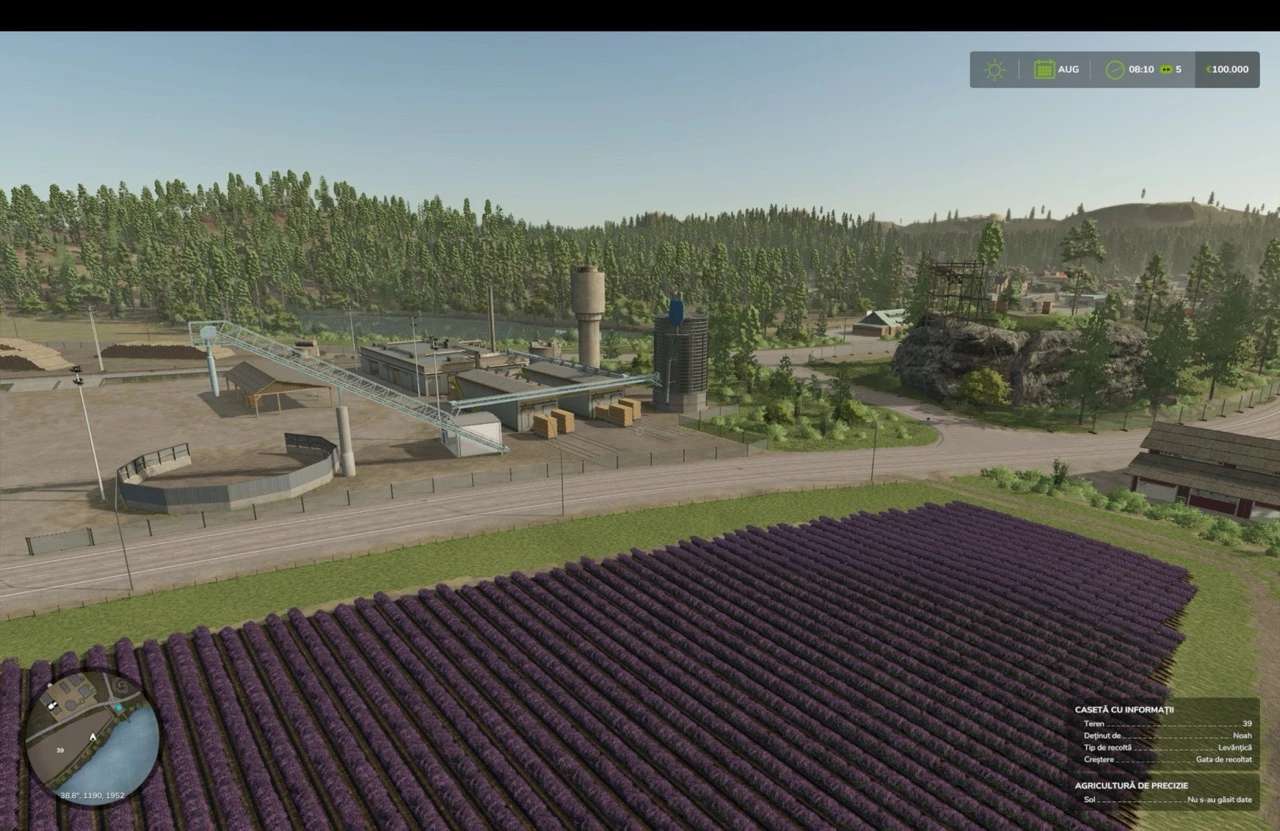
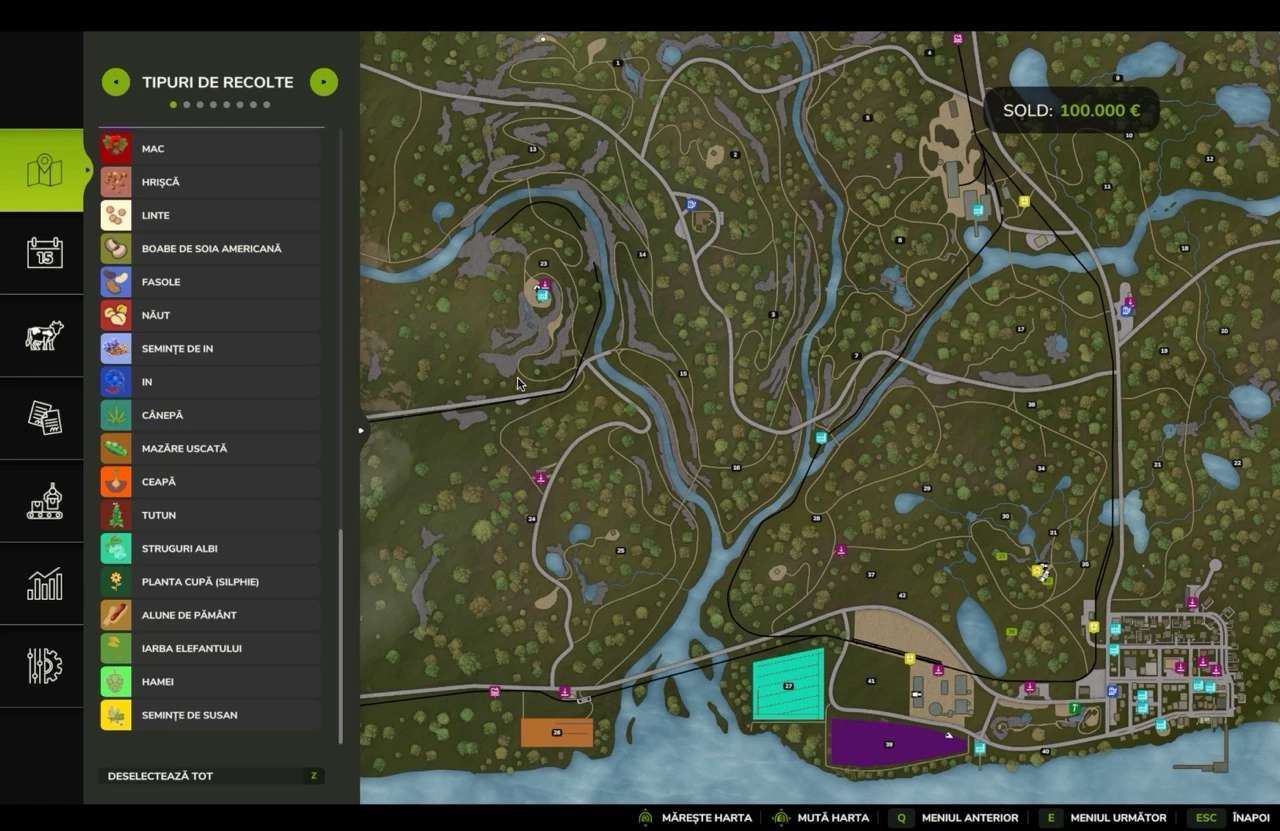
Silverrun Forest Multifruit Edition v1.2
Nothing is changed from the original, all new fillTypes and factories are there (had to add them to my fillTypes.xml and other xml files). Enjoy! Details on what was added you can find on my Riverbend Springs Edit or the Multifruit Prefab.
CROPS ADDED:
– grains – linseed, rye, spelt, triticale, buckwheat, millet, mustard, poppy, sesame, safflower;
– pulses – american soybean, pinto beans, dried peas, chickpeas, lentils;
– grasses – alfalfa, red clover, miscanthus, mint, greenrye;
– roots – taro, peanuts;
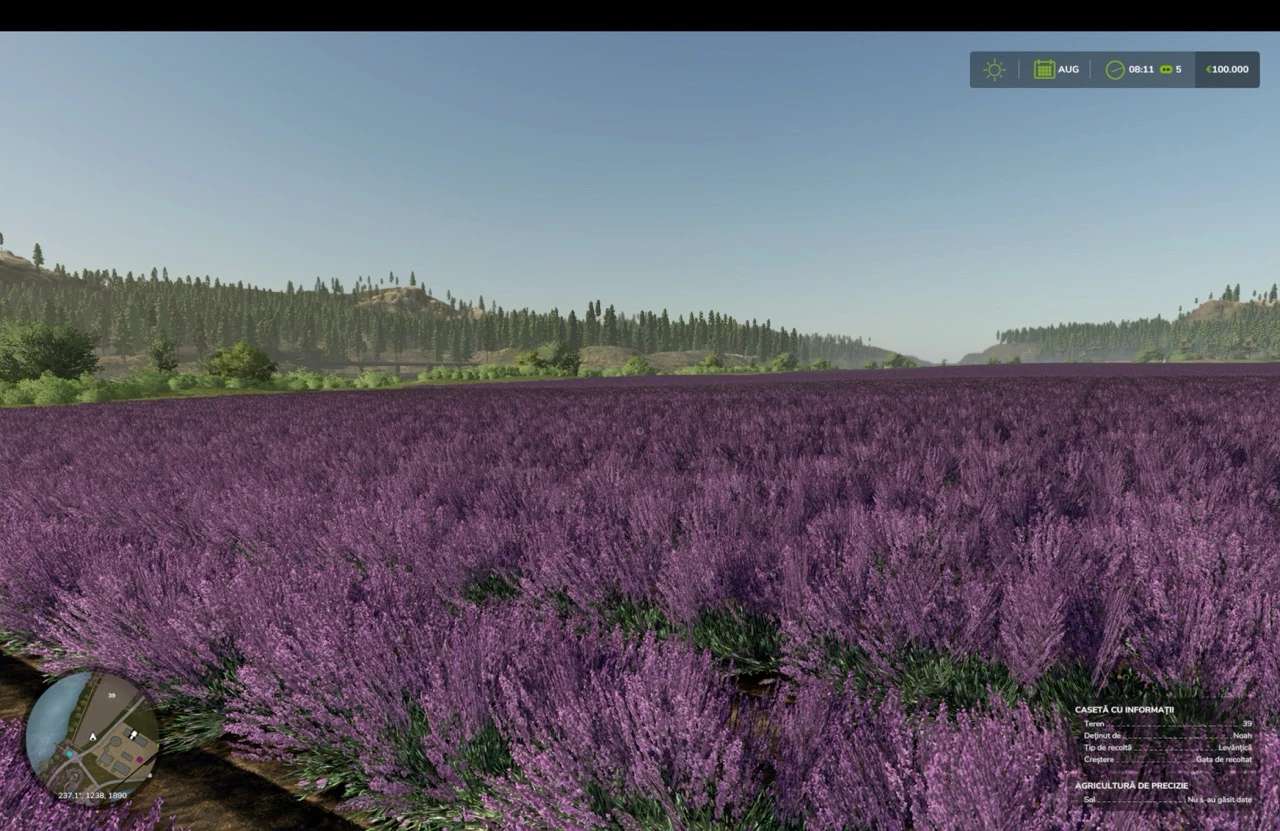
– other – lavender, hemp, tobacco, edamame and okra.
V1.2.0.0
Now just one version, without modded onions. If you have the DLC, onions work. Changelog:
– removed some dependencies that caused problems;
– removed silphie, covercropmix, white clover and white grapes to make room for the new crops;
– added greenrye for WCS;
– added taro as a new root crop, grown on rice paddies; added new products: chopped taro, taro flour, taro chips and taro soup;
– added mint (foliage made by Antler22, fillplane texture by me), harvested with the spinach harvester (regrows); added mint to moisture food for animals, added mint to productions, plus two new products: essential mint oil and mint liqueur;
– split the silage into three: normal silage from chaff (maize, silphie, millet and others), whole crop silage from greenRye (this one gives more than normal grains) or grains (wheat, barley, oat, buckwheat, spelt, triticale, rye);
– added a script to remove special crops from contracts;
– added new silages as alternative to normal silage in BGA;
– added taro cut as alternative to sugarbeet_cut to distillery and BGA.
– added new crops to animal feed; removed fresh alfalfa and clover from chicken moisture feed.
– added converter to make seed with the AGI auger and seed treatment from spelt, triticale, millet, rye etc.
– added safflower and safflower oil, works like canola;
– added edamame (green soybean) and okra (bame), two new crops like greenbean, modified the greenbean harvester to harvest these two also; added jarred edamame and okra;
– added all flowering crops to have increased yield if beehives are nearby, 10% bonus instead of 5%;
– added jam factory;
– added two new bakery products: donuts and muffins;
– lavender now grows like spinach: plant once, harvest twice.
– added new animals and products from them: rabbits, rabbit fur, rabbit meat, ducks, duck eggs, geese;
– added new animals to slaughterhouse and modded transport trailers;
– new output from animals when slaughtered: leather or feathers;
– added fillType converters for duck eggs where eggs are needed, for rabbit meat where other meat is needed.
– added tailor shop that makes new products from feathers and leather.
– updated billboard and made a secondary one for 2026 donors.
New savegame is most likely needed to make use of the all changes, but on my Discord at tutorials there is a video to show you how to make use of an old save.
Required mods:
Max HeightType Limit By Map
Author: Jinkou89 GIANTS Software